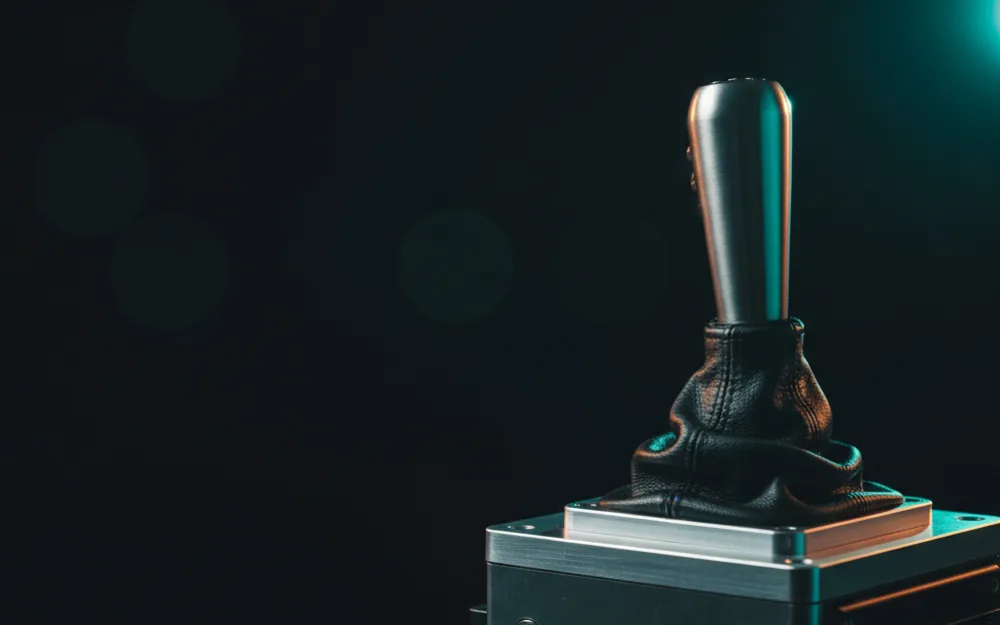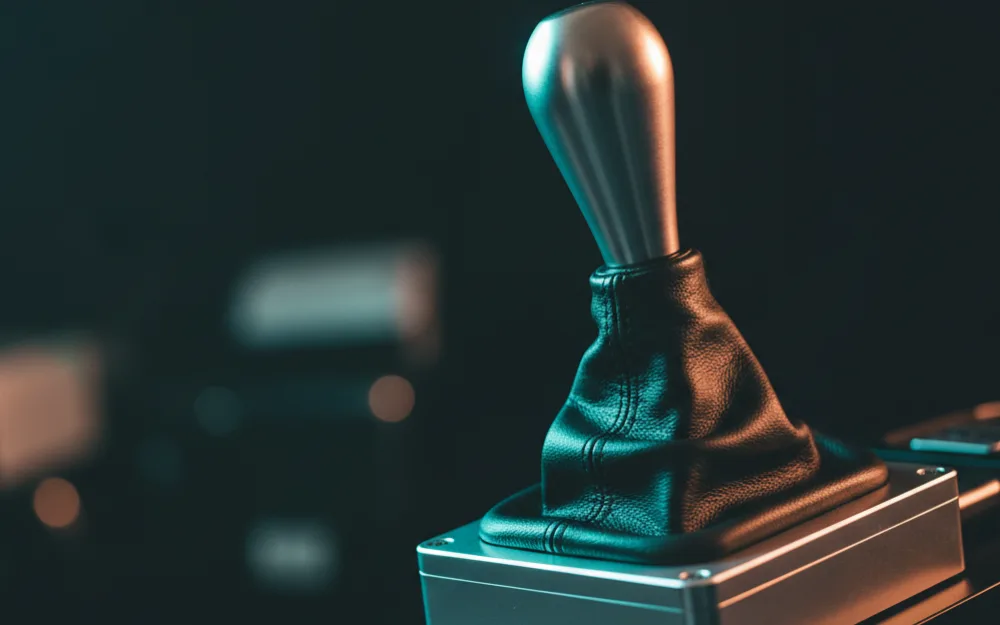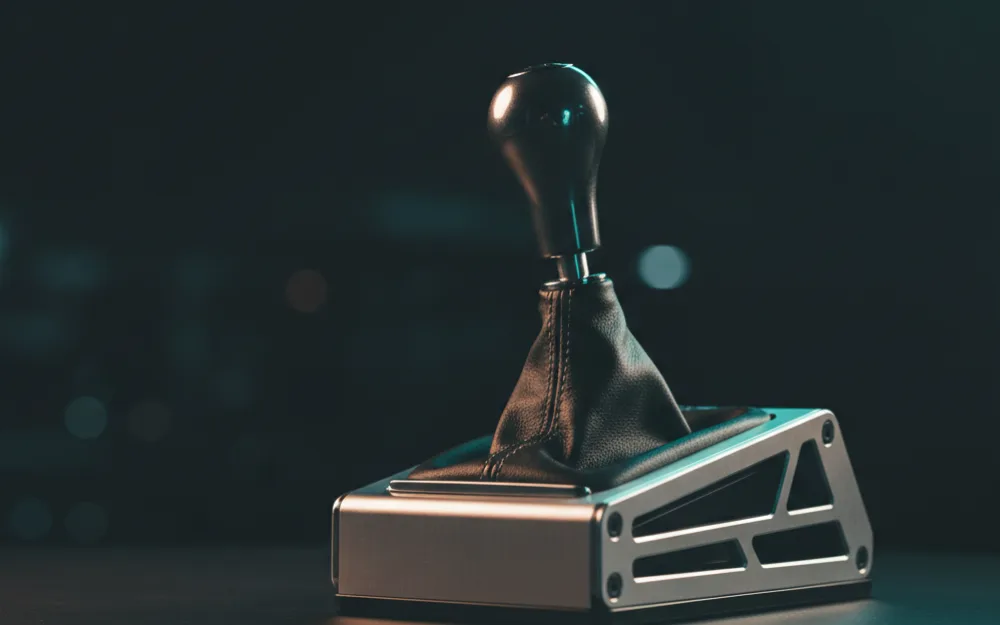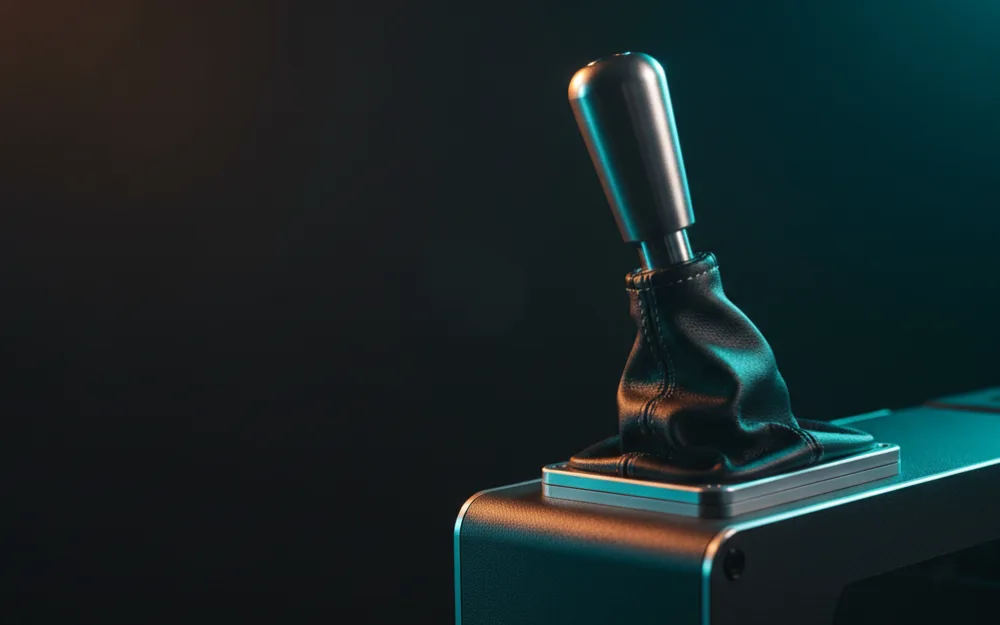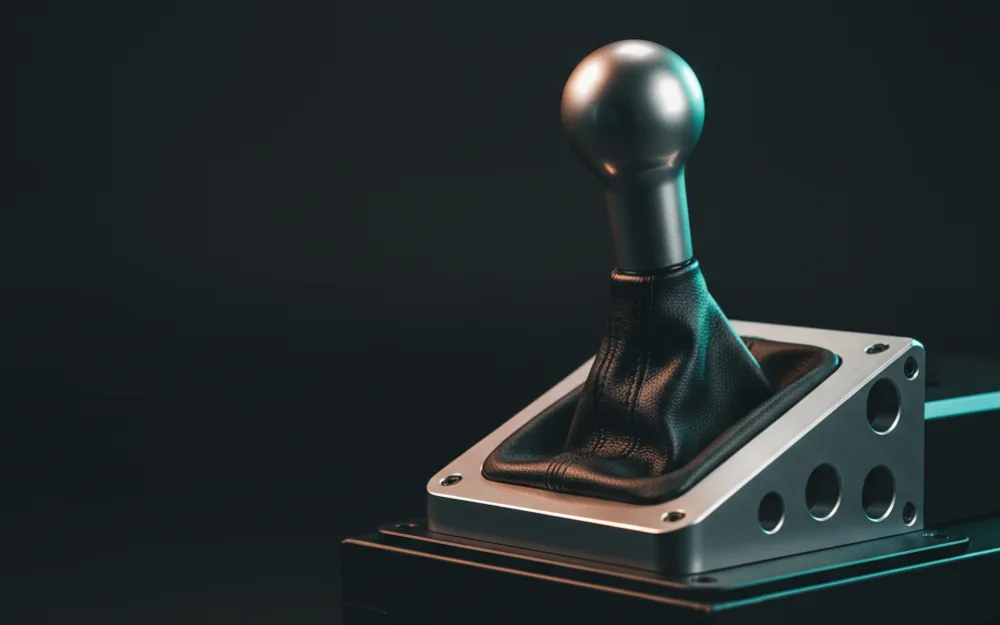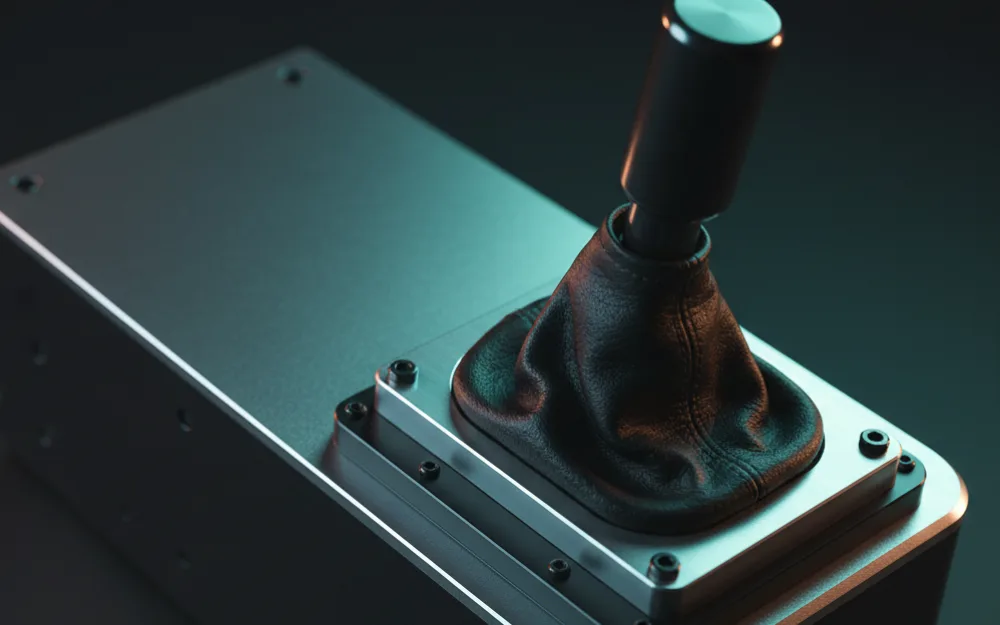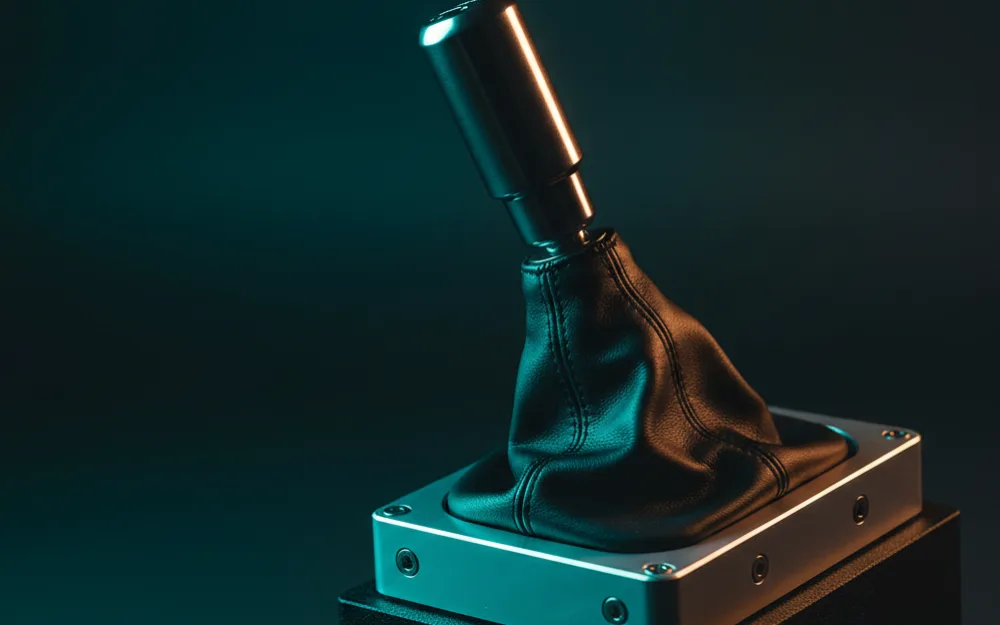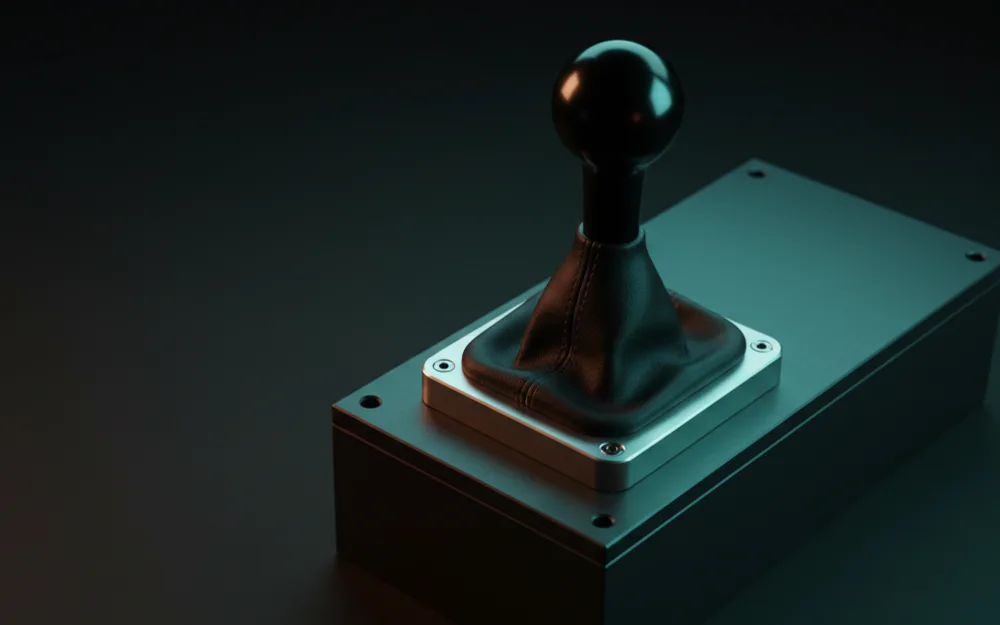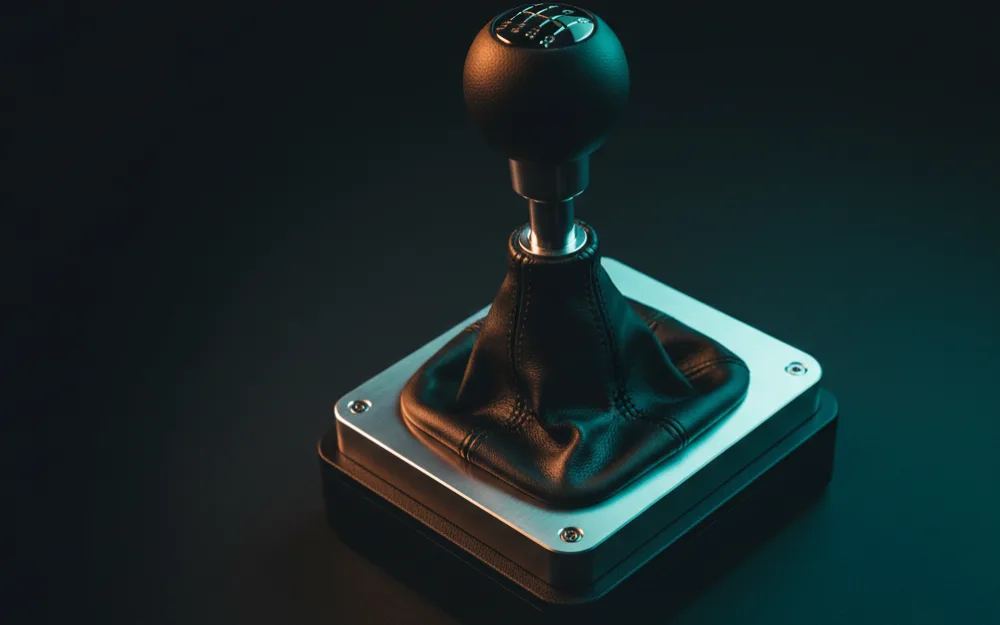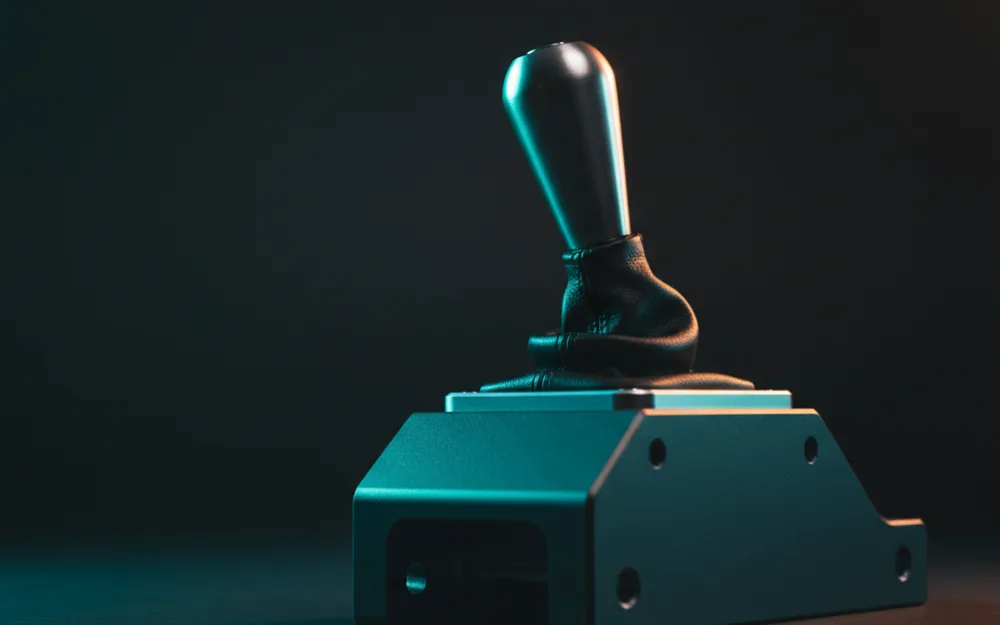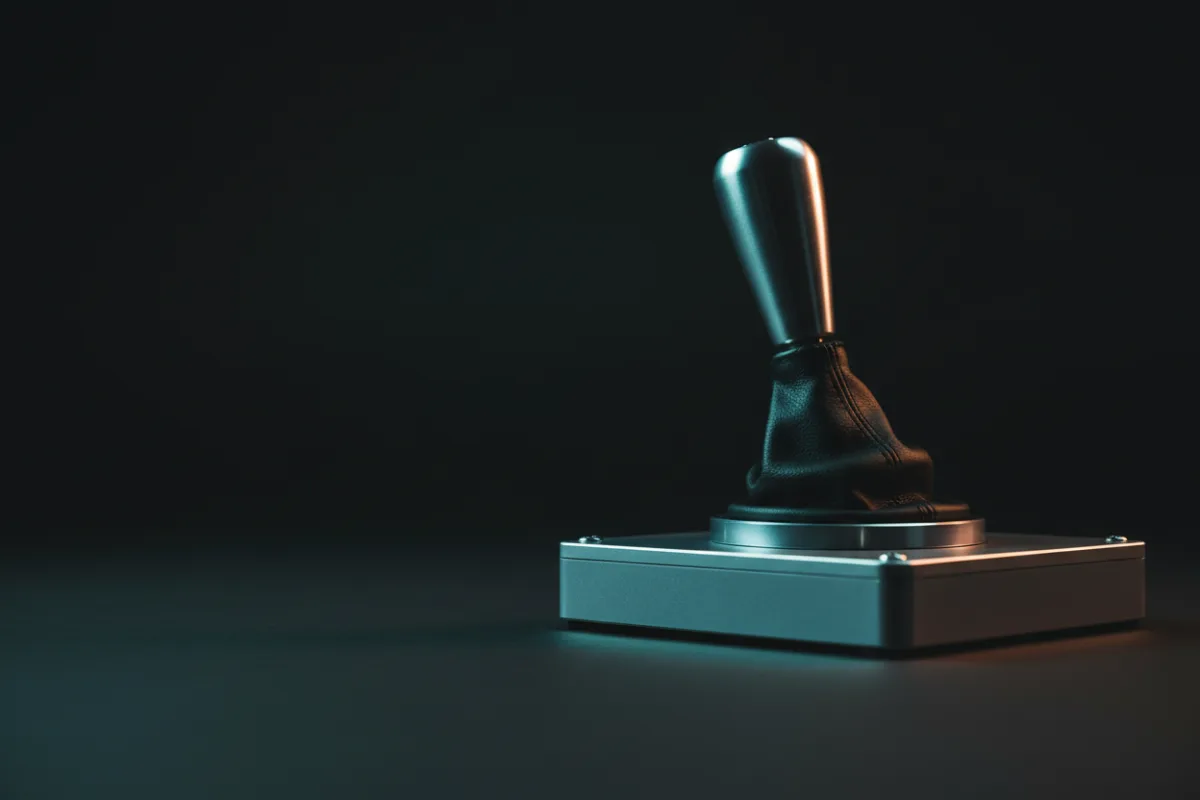

The PXN A7 is a budget H-pattern shifter aimed at drivers who want a real 6+R gate on a PC rig without paying gearbox money for it. It is a clamp mounted, all mechanical stick with a push down reverse lockout and a pair of programmable buttons, and it is built first as a universal USB unit for the PC. If your goal is to learn manual gear changes in a sim without stretching the budget, that is the job this shifter is designed for, and knowing its limits up front matters as much as knowing its strengths.
This review works from PXN’s published specifications rather than a large owner review base, since the A7 is still new enough that verified feedback is thin, and you can read how we review for the method behind that. If shifters are new to you, start with Getting Started.

At a glance
| Spec | PXN A7 |
|---|---|
| Type | H-pattern, 6 speed plus reverse |
| Reverse | Push down lockout in the sixth position |
| Connectivity | USB to PC, RJ11 to compatible PXN wheels |
| Buttons | Two programmable function buttons |
| Mounting | Included clamp |
| Warranty | 12 months |
What it is and how it mounts
The A7 is a straight mechanical H-pattern gate with six forward gears and a reverse that sits behind a push down lockout. Rather than pulling a collar or flicking a switch, you press the lever down in the sixth gear position to drop into reverse, which is a common budget solution that keeps you from accidentally selecting reverse mid corner. It ships with a clamp mount rather than a bolt pattern, so it will grip a desk edge or a rig rail without needing a dedicated plate. That makes it easy to add to an existing setup, though as with any shifter, a clamp holds best on a solid surface and can telegraph flex if it is squeezed onto a thin or bowed edge.
Two programmable buttons sit on the unit, which PXN pitches for jobs like a handbrake input or a high and low range switch. On a shifter that is otherwise single purpose, having a couple of mappable inputs within thumb reach is a practical touch, especially for rally and truck titles where an extra button saves a stretch to the wheel.
Build and feel
This is a mechanical gate at a budget price, so the honest expectation is a shifter that gets you the H-pattern discipline without the machined, damped throw of a gearbox unit several times its price. The gate defines where each gear lives and the lockout keeps reverse out of the way, which is the core of what a learner needs: repeatable shifts, a clear sense of which gate you are in, and no accidental selections under load. Where a premium shifter earns its money is in the density of the throw and how positively each gear seats, and a light clamp mounted stick will not match that. What it will do is teach the timing and the left hand habit of a manual change, and for many drivers that is the entire reason to buy one. Because verified owner feedback is still limited on the A7, we are describing what the design sets out to do rather than a settled long term pattern, and that is worth keeping in mind before you buy.
Compatibility
The compatibility story has two paths, and understanding the split matters. Over USB, the A7 is a universal shifter for the PC, and PXN lists it as working with any steering wheel used on a Windows PC through that connection. The second path is an RJ11 cable that plugs the A7 into PXN’s own wheels, the V9, V10, V99, and V12 Lite, which is how the shifter can ride along on those wheels across PS3, PS4, and Xbox platforms. The distinction to hold onto is that the console reach comes through a PXN wheel, not from the shifter on its own. As a standalone unit connected by USB, treat this as a PC shifter, and if you race on a console with a non PXN wheel, confirm your setup can actually see it before you count on it.
Pros and cons
Pros
- Real 6+R H-pattern gate at a budget entry price for learning manual shifting
- Push down reverse lockout keeps reverse out of the way during a session
- Universal USB connection works with any wheel on a Windows PC
- Two programmable buttons add handy inputs like a handbrake or range switch
Cons
- Clamp mount and budget build will not match the dense, positive throw of a premium gearbox
- Console support depends on pairing with a PXN wheel over RJ11, not the shifter alone
- Verified owner feedback is still thin, so long term durability is not yet a settled picture
Who it suits
PC drivers on a tight budget who want to learn H-pattern shifting are the clearest fit, especially anyone driving classic touring cars, road cars, or trucks where a manual gate is part of the experience. It also suits PXN wheel owners who want a matched shifter that connects directly over RJ11 and rides along to console, and anyone who wants a couple of extra mappable buttons close to the stick.
Who should skip it
If you race mostly single seaters, GT, or anything with paddle or sequential shifting, an H-pattern shifter sits unused and the money is better spent elsewhere. Drivers chasing the dense, machined throw of a high end gearbox should look up the tier rather than expect it here, since a budget clamp mounted stick is a different tool. And console racers who are not on a PXN wheel should confirm the connection works for their platform before buying, because the standalone USB path is built around the PC first. For a firmer, all metal gate at a higher price, our Thrustmaster TH8A review lays out what the extra money buys, and the Logitech Driving Force Shifter review covers the popular budget alternative for Logitech wheel owners. See the wider field in best sim racing shifters and handbrakes, and browse more in shifters.