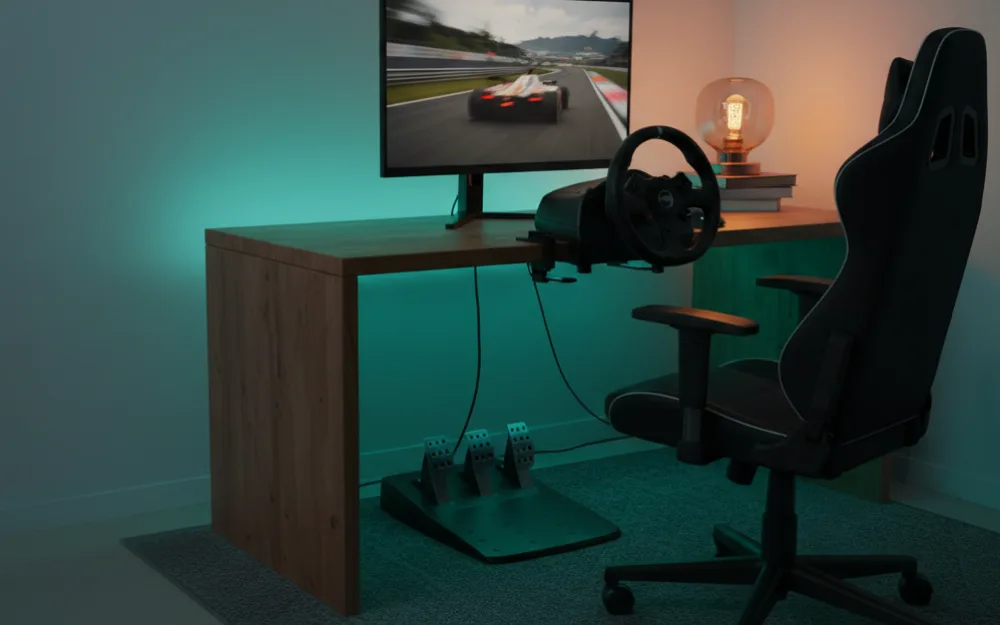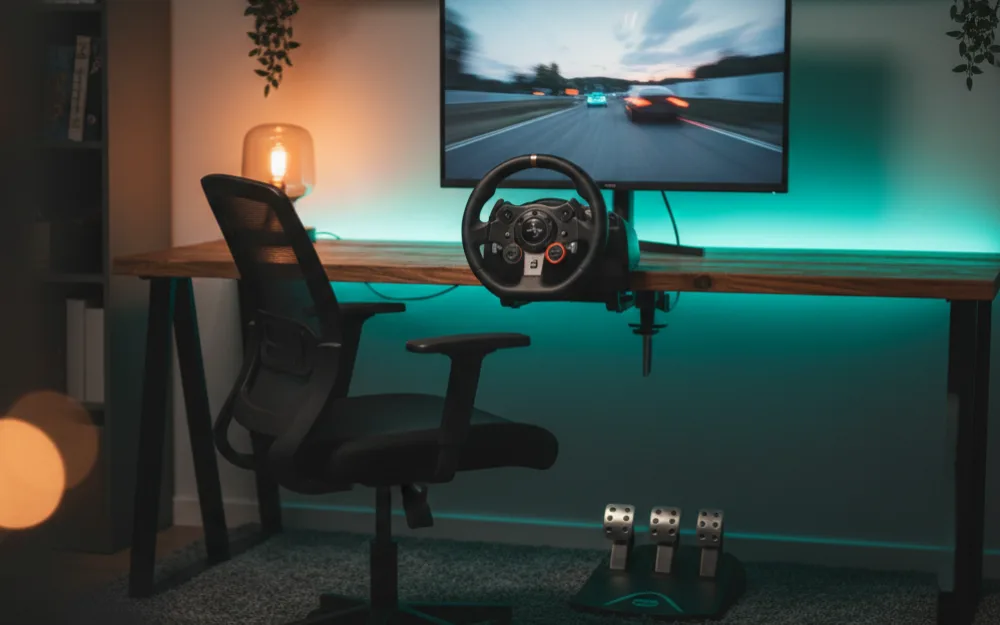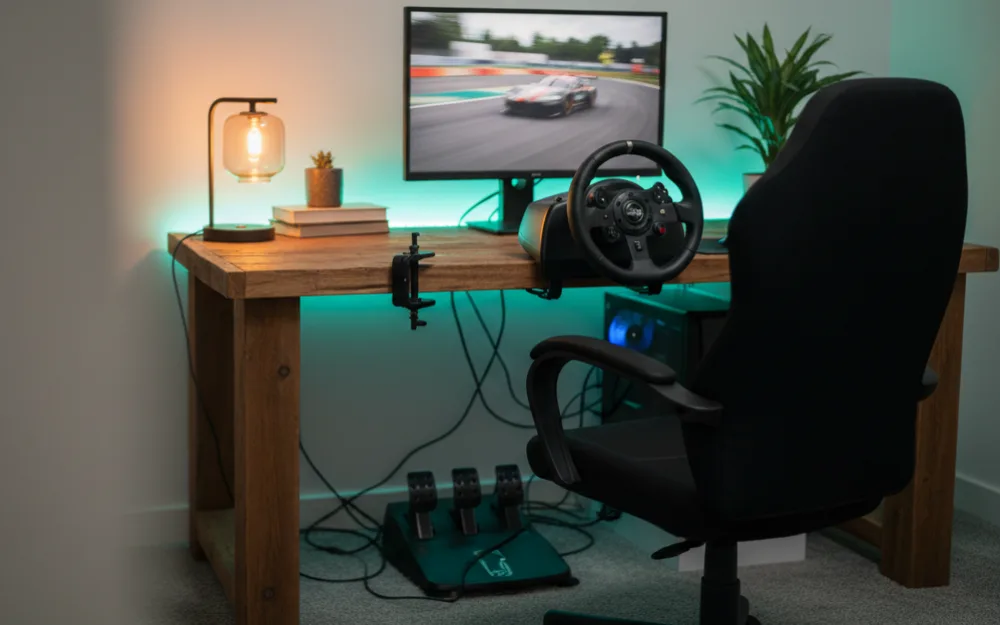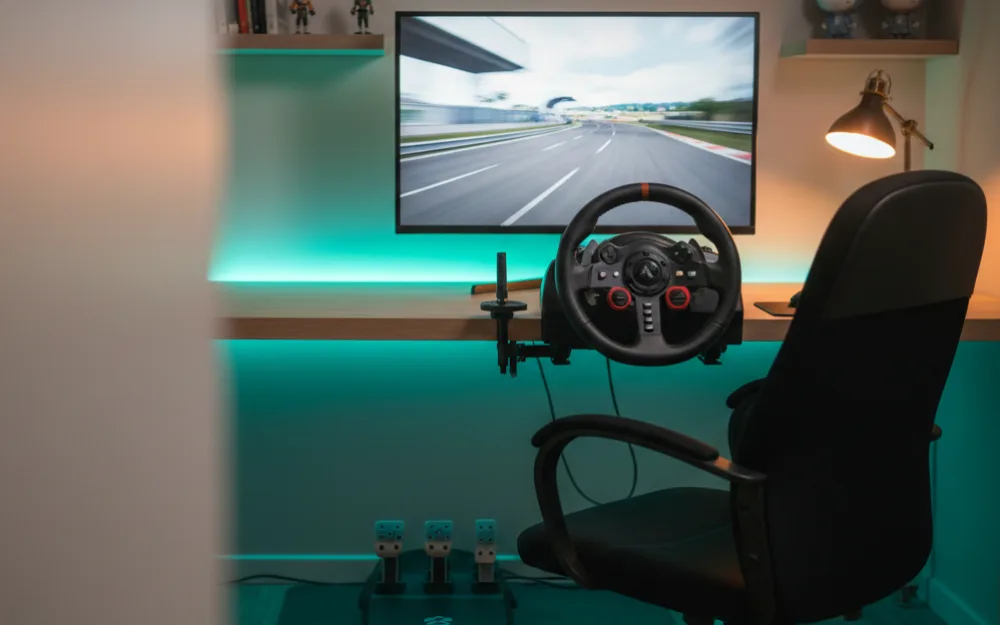

A sim racing setup can cost as little as a video game console or as much as a used car, and the difference is not linear: the first tier gets you most of the experience, and each tier after that buys a smaller improvement for more money. This guide lays out four budgets, what a sensible build looks like at each one, and what you should postpone. Product prices change weekly, so we describe tiers and link to current listings rather than quoting prices in the text.
Where the money goes
In order of impact on the experience: the wheel base, the mount (desk, stand, or cockpit), the pedals, the display, and finally accessories. In order of typical spend, the display and the cockpit usually cost the most, which is why beginners who buy those first often end up with a great looking rig and a gear driven wheel.
Tier 1: the first wheel on a desk
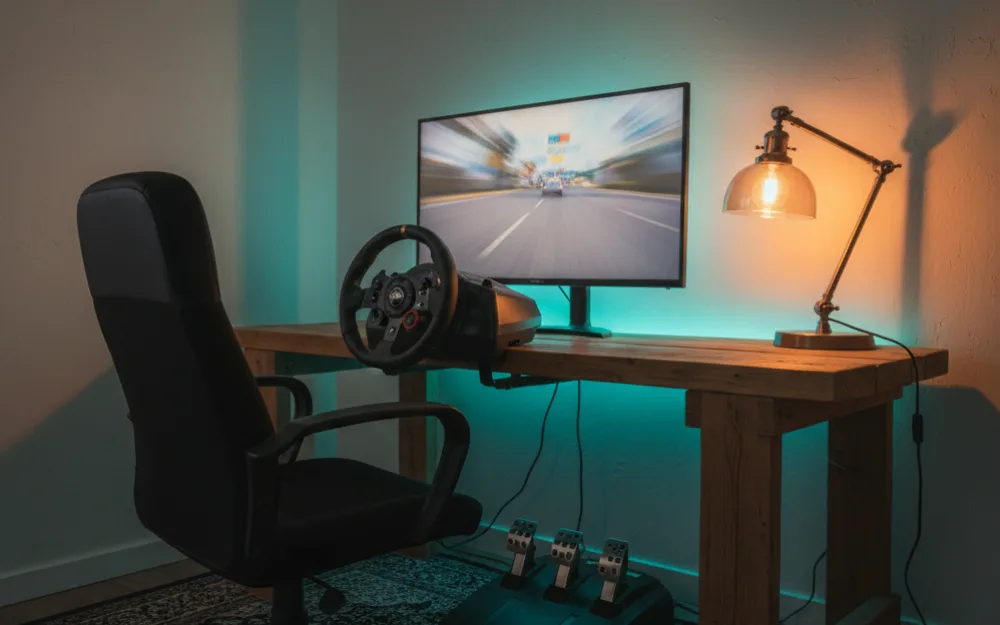
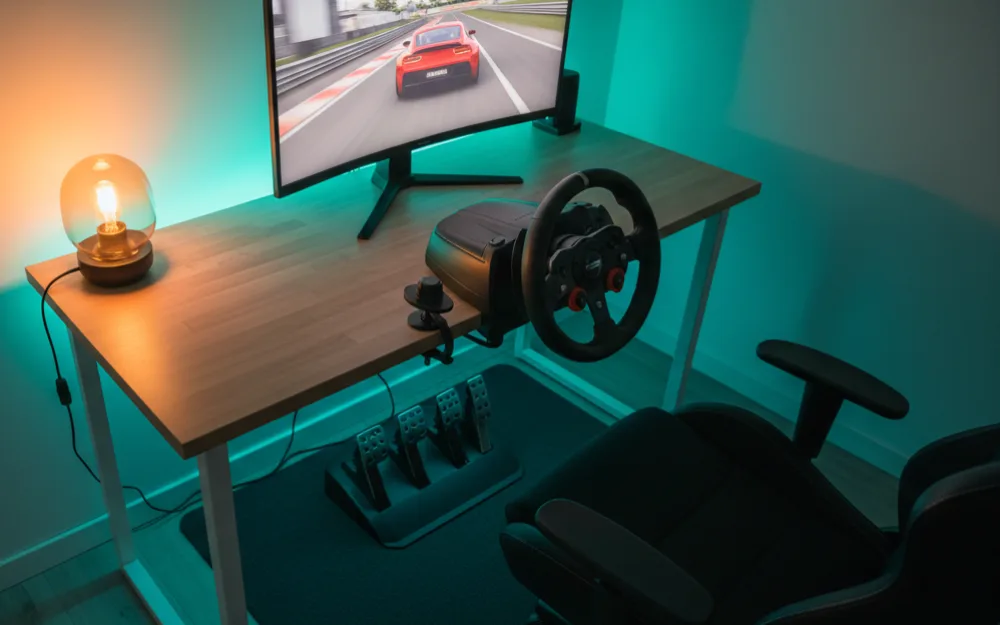
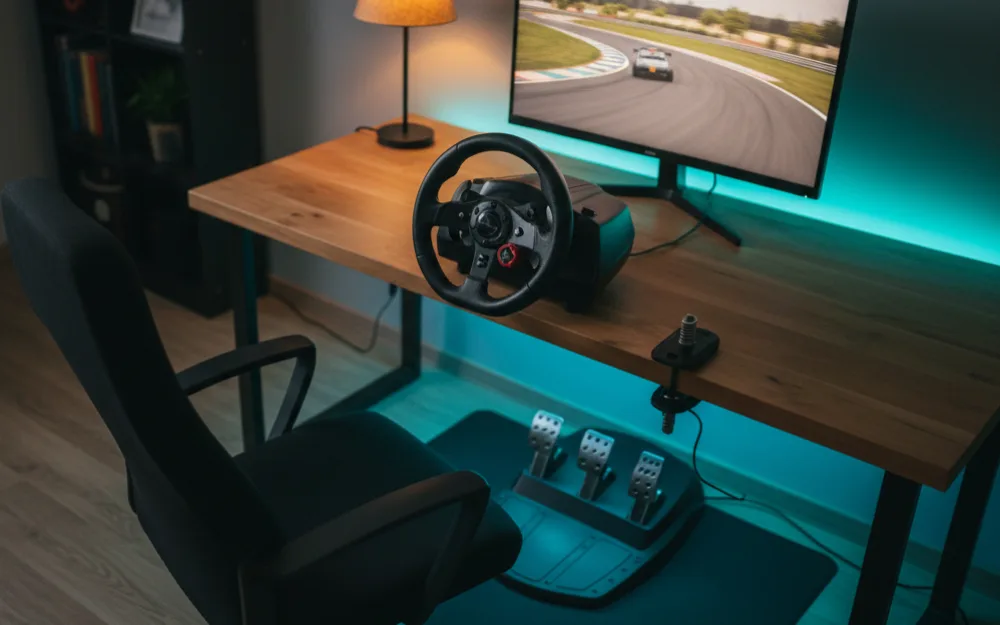
Target: a few hundred dollars. A gear or hybrid driven wheel with bundled pedals, clamped to the desk you already own, on the console or PC and screen you already own. This is a Logitech G923 or G29, a Thrustmaster T248 or T128, or a PXN bundle; our under $300 guide compares them.
- Includes: wheel, pedals, desk clamp.
- Skip for now: stand, shifter, load cell pedals, new screen.
- What you get: real force feedback, every game, the full learning experience.
- What you give up: feedback detail, upgrade path.
Tier 2: entry direct drive on a stand
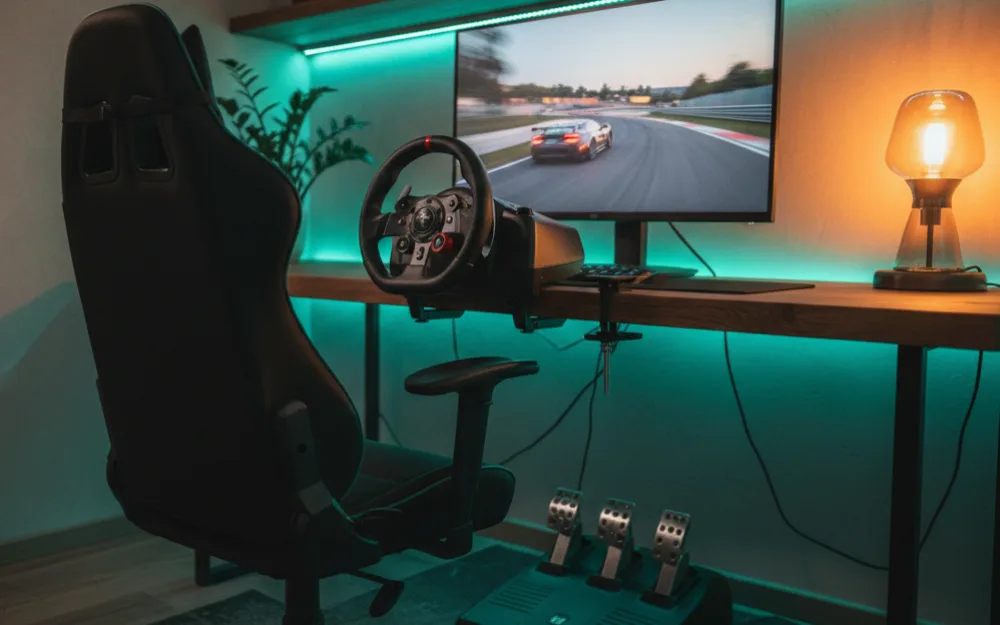
Target: roughly double tier 1. An entry direct drive bundle (Moza R3 or R5, Fanatec GT DD Pro on PlayStation) plus a folding wheel stand rated for it. This is the tier we recommend most often because the base will last for years and the stand fixes the desk problems.
- Includes: direct drive bundle with two pedals, wheel stand with shifter support.
- Skip for now: load cell pedals, cockpit, display upgrades.
- Next upgrade: load cell pedals, then a seat add-on for the stand.

MOZA R5 Bundle Racing Wheel, Direct Drive Base

Next Level Racing Wheel Stand Lite 2.0 (NLR-S040)
As an Amazon Associate we earn from qualifying purchases. Product prices and availability are accurate as of the date/time indicated.
Tier 3: mid torque direct drive in a cockpit
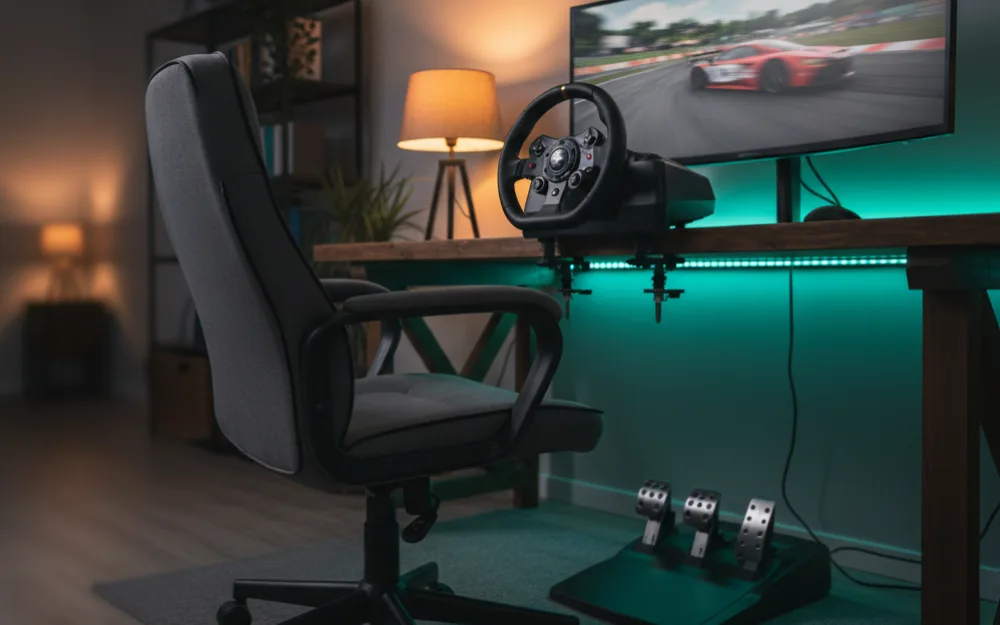
Target: in the low thousands. An 8 to 12 Nm base (Logitech RS50, Moza R9 or R12, Fanatec CSL DD with Boost Kit), load cell pedals, a tube frame or entry aluminum profile cockpit with a seat, and a shifter or handbrake if your driving calls for one. The screen is still whatever you own, or a 34 inch ultrawide on PC.
- Includes: mid torque base and rim, load cell pedals, cockpit rated for the base, one shifter or handbrake.
- Skip for now: triples, VR, motion, haptics.
- Guides: direct drive wheels, pedals, cockpits.
Tier 4: the full rig
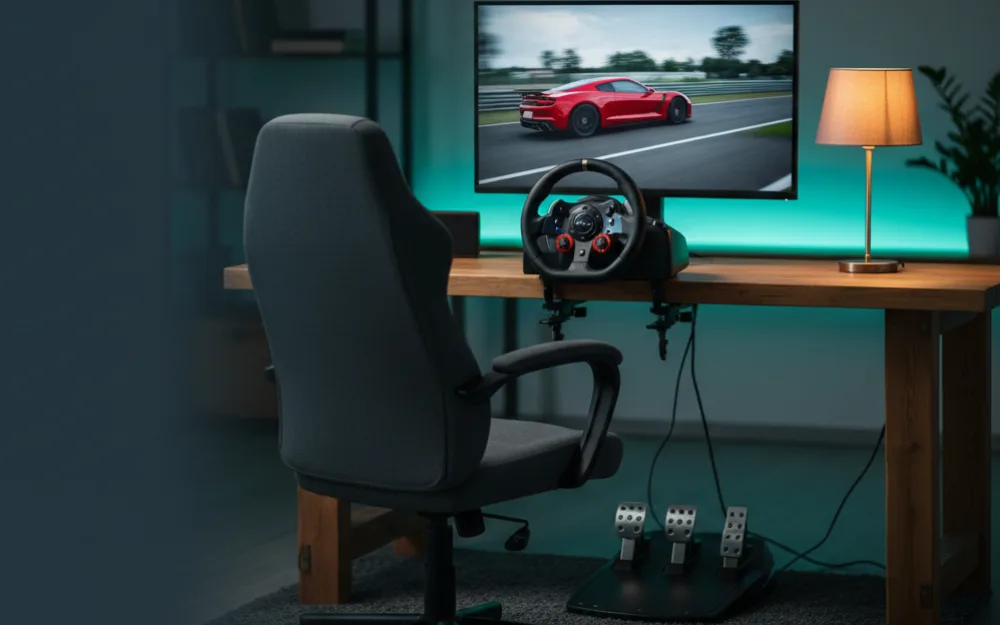
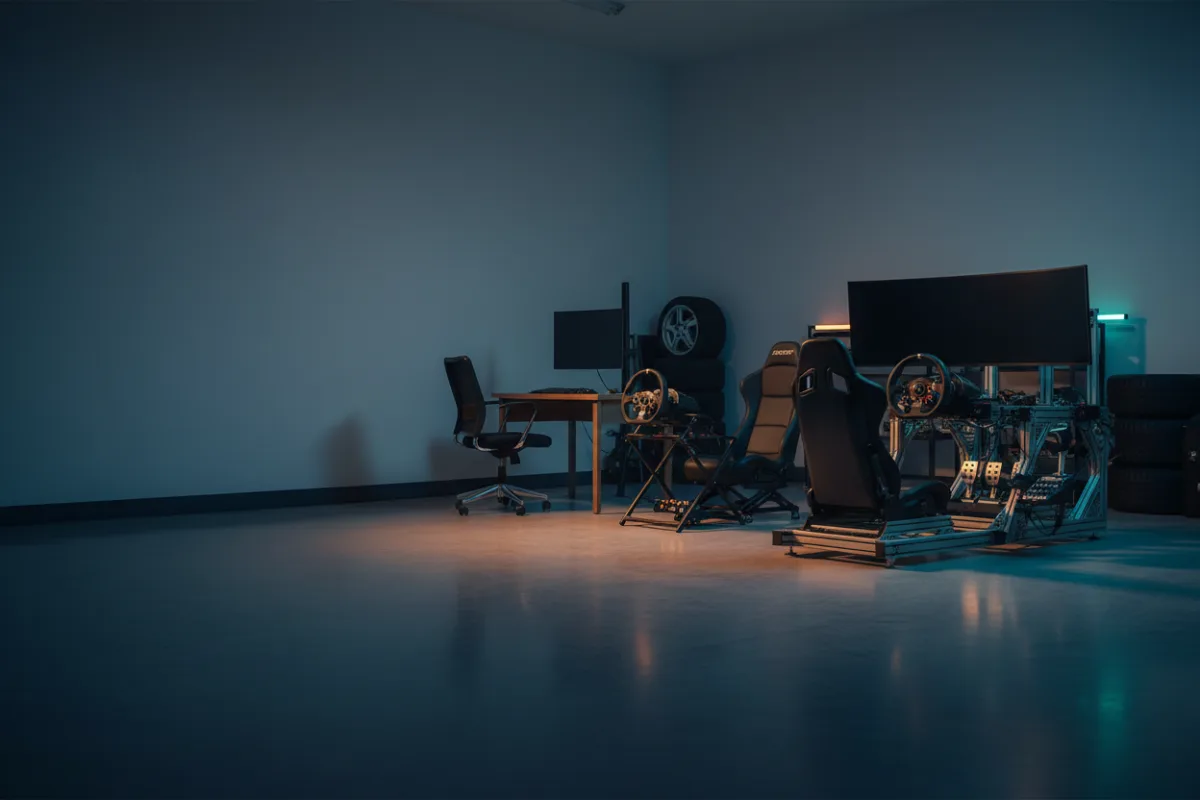
Target: several thousand and up. A 12 Nm or stronger base on an aluminum profile cockpit, premium pedals, triples or a large OLED ultrawide or a high end VR headset, bass shakers on an amplifier, and a gaming PC that can feed all of it. Motion platforms sit above even this tier.
- Includes: everything in tier 3 plus display, haptics, and often a dedicated PC.
- Where it goes wrong: buying the display and rig before the base and pedals.
- Guides: monitors, VR, bass shakers.
Hidden costs
- Pedals not included: the Logitech RS50 and PRO and every bare base (Moza R9, CSL DD, T818) ship without pedals.
- Boost kits: Fanatec’s 8 Nm requires a separate kit.
- Adapters: Logitech G series wheels need the Racing Adapter to use RS and PRO pedals on console.
- Seats: the Fanatec CSL Cockpit and most wheel stands come without one.
- Games and subscriptions: iRacing is a subscription plus content; console games are a flat purchase.
- The PC: a VR headset or 49 inch monitor at high refresh rates needs a graphics card that may cost more than the rig.
How to spend in the right order
Buy the base first at the highest tier you can afford, because it is the part you will not replace. Then the mount, because it makes the base usable. Then pedals, because braking is where lap time lives. Then the display, then haptics, then everything else. A tier 2 setup bought in that order is more satisfying than a tier 4 setup bought in the wrong one.
Frequently Asked Questions
What is the cheapest way to start sim racing?
A used or entry force feedback wheel on the desk and console you already own. Tier 1 in this guide.
Is a cockpit worth it?
Once you own a direct drive base above 8 Nm or load cell pedals, yes. Before that, a stand does the job.
Do I need a gaming PC?
Not to start; PS5 and Xbox run excellent racing games with licensed wheels. A PC becomes necessary for iRacing, ultrawide and triple screens, most VR, and telemetry driven haptics.
Does an F1 style sim racing setup cost more than a standard one?
Not necessarily. The base, pedals, and mount tiers apply the same way. The usual differences are a formula shaped rim instead of a round GT wheel and a more reclined seating position, so budget for a rim and a mount that supports it. See formula vs GT seating position. If you are happy with a round wheel, skip it.
What does a PS5 sim racing setup cost?
It depends on the tier, and the PS5 you already own covers the game side. Tier 1 is a gear or hybrid driven wheel clamped to your desk. Tier 2 pairs the PlayStation licensed Fanatec GT DD Pro with a stand. Load cell pedals and a cockpit can wait. Our PS5 setup guide covers the full build.
How much should I spend on pedals versus the wheel?
Roughly a third of the wheel base’s cost is a common ratio for a load cell set that matches an entry or mid torque base.
- September 2026: first published.