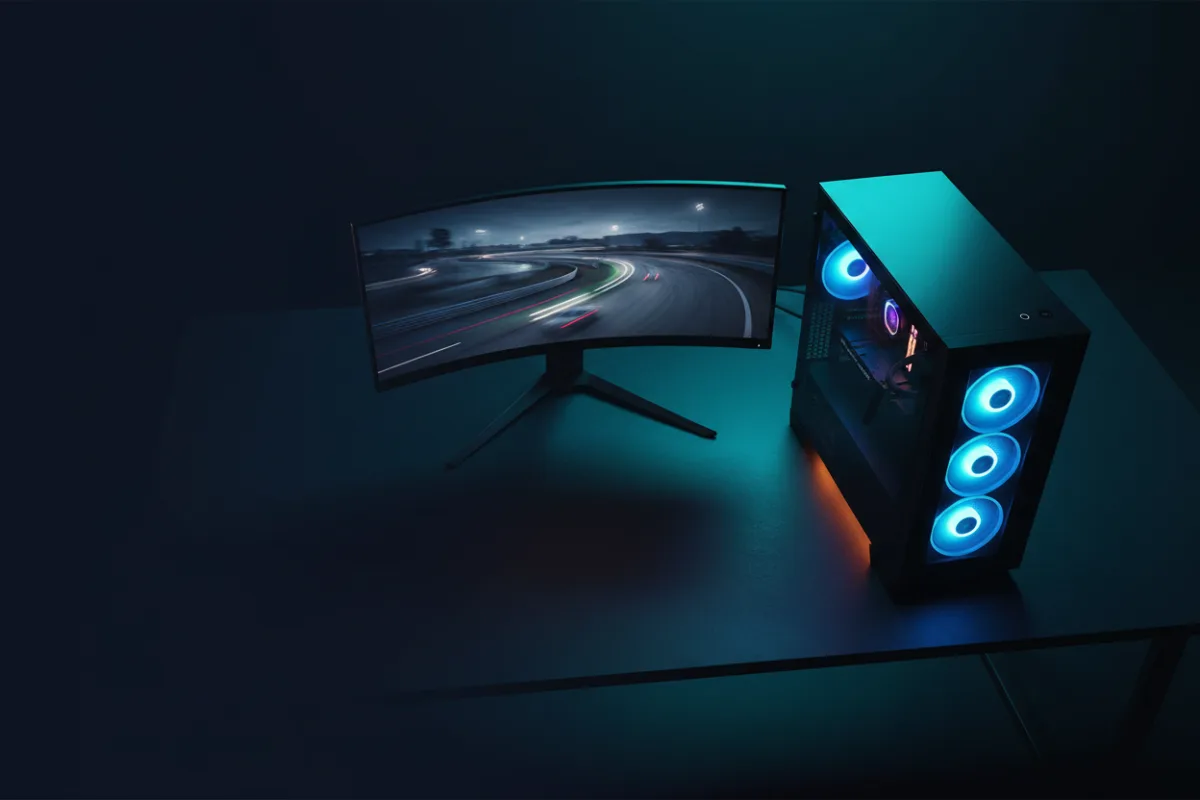

Step up to the mid budget and a sim racing PC starts to unlock the demanding displays: a super ultrawide, a triple screen, or a high resolution VR headset. The extra graphics power is what holds a steady frame rate across those wider, denser panels, and steady frame timing is what keeps a long stint comfortable. This guide covers what a sim racing PC at this mid budget should deliver and anchors it to prebuilts that hit the mark.
We compared build specifications with recurring owner feedback, and you can read how we review. If PC terms are new, start with Getting Started.


What the extra budget buys
The jump from an entry build to this tier is mostly a graphics story. A stronger card holds high frame rates at 1440p and pushes into the wider resolutions that entry hardware struggles with, which is the difference between a super ultrawide running smoothly and one that stutters. The processor also steps up, and 32GB of DDR5 becomes the sensible baseline for headroom while streaming or multitasking. Storage should be a roomy NVMe drive, because a growing library of sims and tracks fills space quickly. Spend the extra budget on the GPU first, since that is what the demanding displays need.
MSI Codex Z2: the balanced pick
The MSI Codex Z2 pairs an 8 core AMD Ryzen 7 8700F with an NVIDIA GeForce RTX 5070, 32GB of DDR5, and a 2TB NVMe drive. That is a well matched sim racing build: the RTX 5070 has the headroom for 1440p and for the wider resolutions of a super ultrawide, while the eight core processor keeps physics and background tasks smooth. Owners describe it as a capable all rounder, and the generous storage means you are not pruning your library early. For most racers stepping up to demanding displays, this is the sweet spot.
MSI Codex R2: the VR ready alternative
The MSI Codex R2 also runs an RTX 5070, paired with an Intel Core i5-14400F, 32GB of DDR5, and a 1TB NVMe drive, and it is marketed as VR ready. It makes a strong first PC that can drive a headset for sim racing without feeling entry level. The processor is a step behind the Codex Z2’s eight core chip and the storage is smaller, so it sits just below it for heavy multitasking, but the shared RTX 5070 means the on track frame rates are in the same class. Choose it if VR is your target and you want the graphics headroom to match.
Where the ceiling sits
Be realistic about the top of this budget. The highest tier graphics cards, and the builds around a card like the RTX 5070 Ti with a flagship processor, generally climb above this budget band, and pushing for them here means compromising elsewhere. If your goal is the most demanding VR clarity or a triple screen at high resolution, that is the tier to save toward rather than stretch into. Within this budget, a well matched RTX 5070 build is the honest ceiling, and it covers the great majority of sim racing displays well.
What the graphics card unlocks for displays
The reason to reach this tier is almost always the display you want to drive. A card in the RTX 5070 class has the headroom to run a super ultrawide at 5120 x 1440 or a mainstream VR headset at a stable frame rate, which an entry card cannot do comfortably. Modern rendering features help here too: upscaling and frame generation let the card present more frames than it draws natively, which smooths the wide and high resolution panels that punish raw horsepower. The practical takeaway is to match the card to the panel. If your plan is a single 1440p screen, this tier is more than enough, and if it is a super ultrawide or VR, this is where those displays start to run the way they should.
Cooling, noise, and upgrade headroom
A stronger build runs hotter, so cooling becomes more important as you climb. A well cooled case holds performance through a long stint instead of throttling, and it keeps fan noise from competing with your engine and tire audio right beside the rig. Storage headroom matters more at this tier too, since a growing library of sims, tracks, and mods fills a drive faster than you expect, which is why the 2TB drive in a build like the Codex Z2 earns its place over a smaller one. As with any prebuilt, standard components and a quality power supply with headroom keep a future graphics card or storage upgrade simple rather than a full replacement.
Ports and the rest of the rig
A mid tier sim PC usually anchors a fuller setup, so the connections matter. Count the USB ports against everything you will plug in: a wheel base, pedals, a shifter or handbrake, a headset, and often a button box add up quickly, and a VR headset link needs a suitable port of its own. Confirm the graphics card outputs match your intended display, whether that is a DisplayPort ultrawide or an HDMI panel, and check the VR readiness if a headset is on your list. Planning the peripherals alongside the PC means the machine you buy actually connects to the rig you are building around it, without a drawer of adapters to make it work.
Who should skip this tier
This tier is more machine than some racers need. If you drive a single 1080p or 1440p monitor and have no plans for VR or a super ultrawide, an entry build delivers the same on track experience for less, and the leftover budget buys a better wheel or rig. If you are targeting the most demanding VR headsets and triple screen setups, hold out for the higher tier rather than buying a mid build you will feel limited by. Buy here when a super ultrawide or a mainstream VR headset is the plan and you want the graphics power to run it cleanly.
A simple spec checklist
| Component | Mid tier target |
|---|---|
| Graphics card | Current generation upper mainstream GPU for 1440p and ultrawide |
| Processor | Modern eight core, or a strong six core at minimum |
| Memory | 32GB DDR5 |
| Storage | Roomy NVMe solid state drive |
| Readiness | VR ready if a headset is on your list |
Prebuilt or self build at this tier
The mid budget is where the prebuilt versus self build question gets more interesting, because there is more money in play to save or to spend on convenience. A self build at this tier can put more of the budget into the graphics card or a better cooler, and it gives you full control over the exact parts, which appeals to racers comfortable assembling a machine and handling their own support. A prebuilt like the Codex Z2 trades a little of that value for a warranty, assembly, and a single point of support, which has real worth when the PC anchors a rig you want running rather than troubleshooting. Reviewers who compare the two note that prebuilt value has improved, so the decision is less about price than about how you want to spend your time. Both reach a similar on track result, so choose the path that fits your comfort with hardware.
Related reading
On a tighter budget, our best gaming PCs for sim racing under $1000 roundup covers the entry tier. Match your build to a display with the best ultrawide monitors for sim racing or a headset with the best VR headsets for sim racing under $500. Browse more system guides in the PCs and Consoles category, and add a wheel from our best sim racing wheels guide.