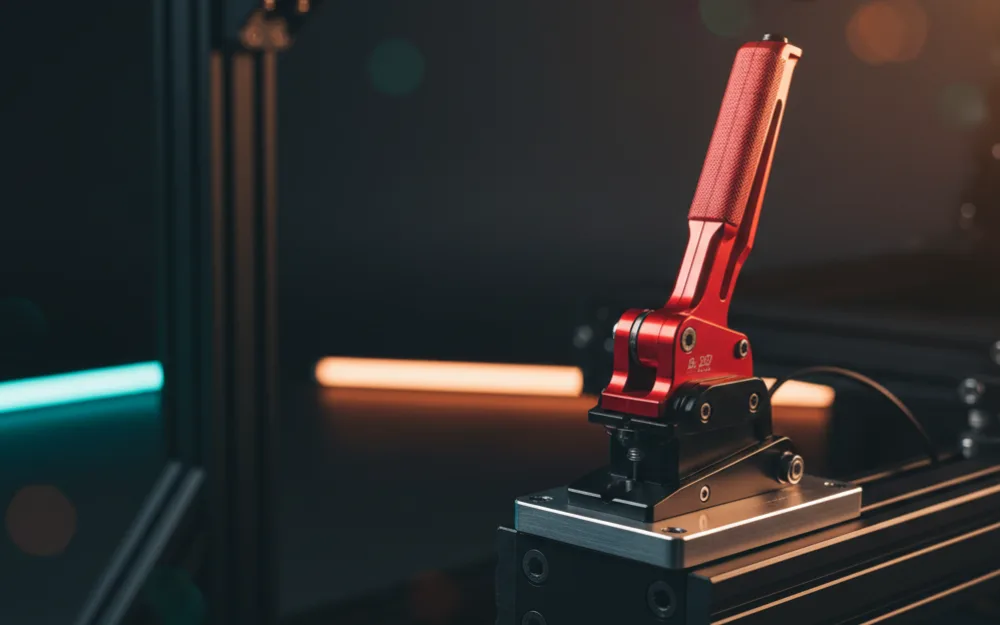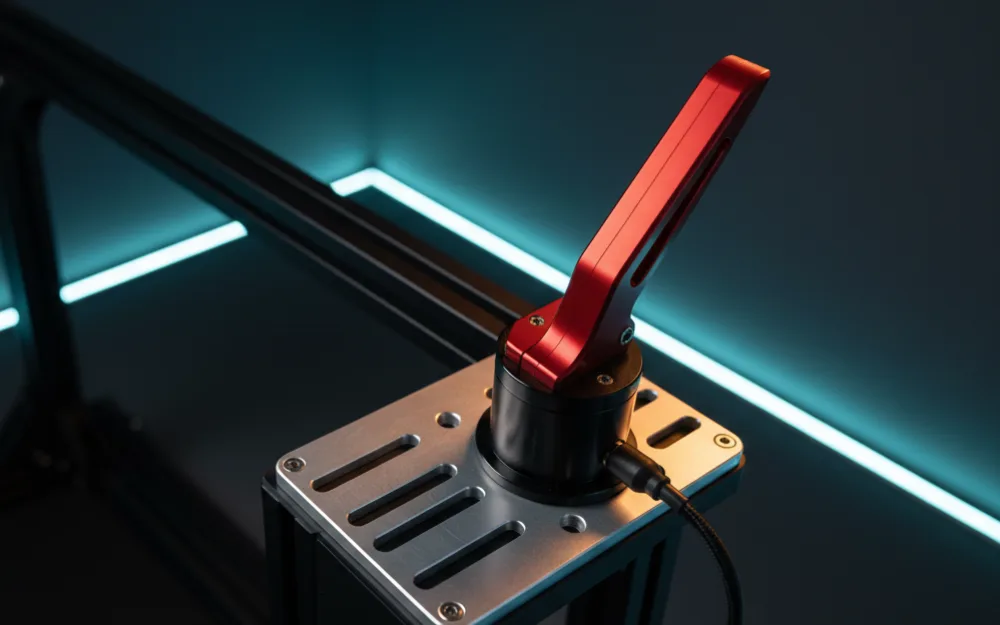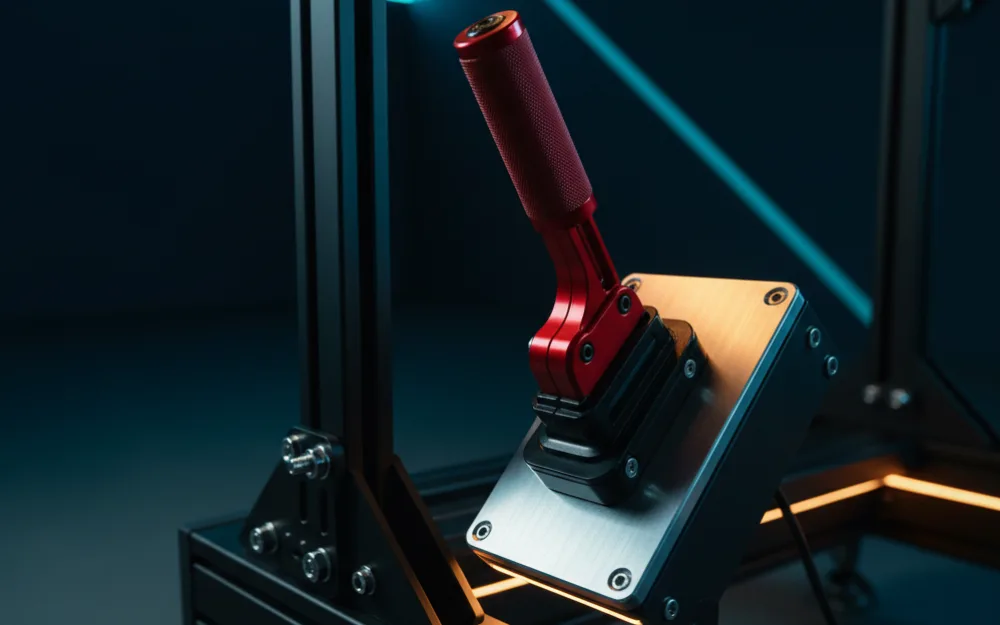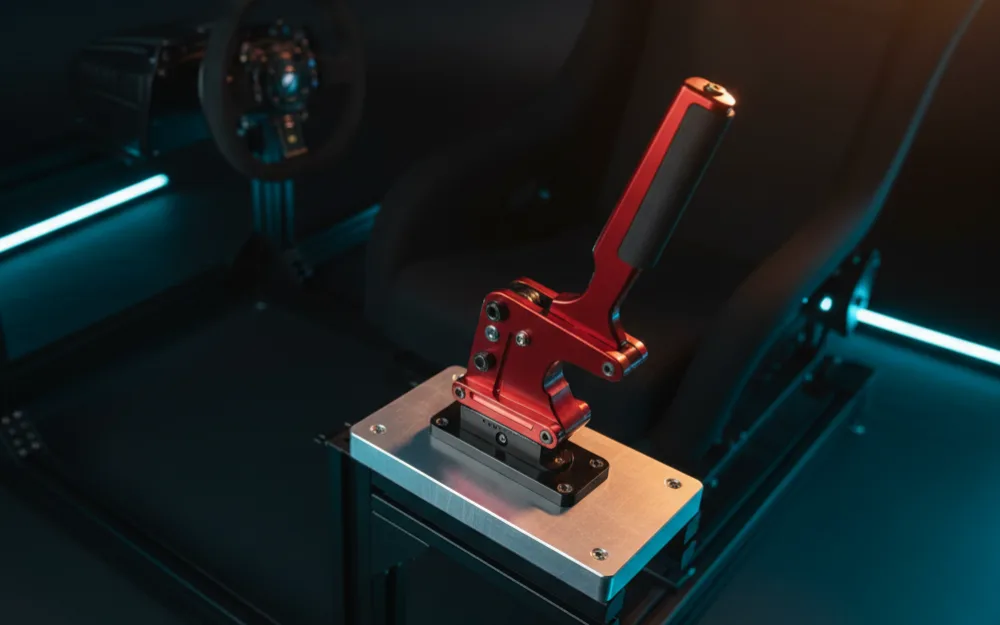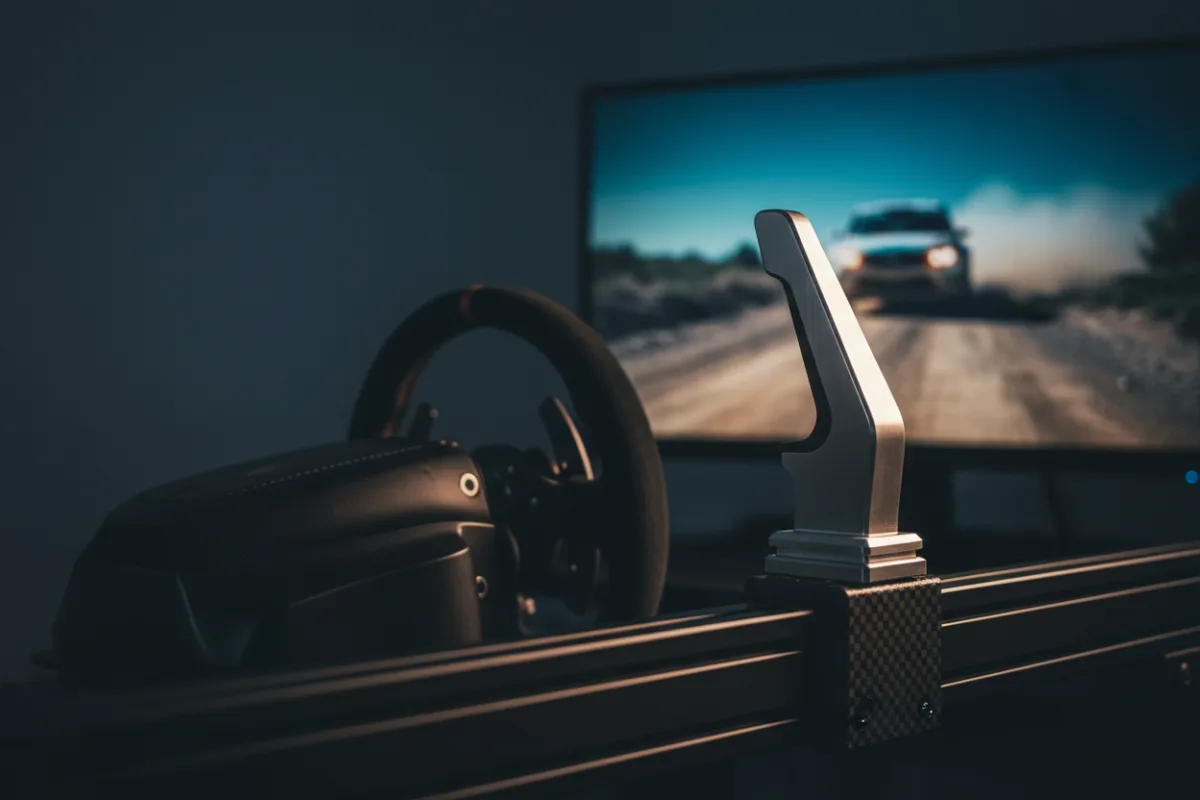

If you want the short answer: the Moza HBP is the pick we point most rally and drift drivers toward, because it is a standalone handbrake rather than a combo unit, which gives it a mounting position independent of a shifter. The Thrustmaster TSS Shifter and Handbrake and the Logitech G RS Shifter and Handbrake both pair a handbrake with a shifter in one housing, which is a practical choice if you need both and want to save desk space, but each is a compromise compared with a dedicated unit.
This guide covers the three handbrakes we could verify for the United States market: one standalone unit and two shifter and handbrake combos. A progressive handbrake helps in rally and drift specifically because it lets you feather rear brake bias to unsettle the car and start a slide, something an all-or-nothing digital handbrake button cannot do. We compared what each unit is, platform support, and recurring owner feedback, and we explain how we review below. For the wider category, see our handbrakes category.


Comparison at a Glance
| Product | Type | Mounting | Sensor/feel | Platforms | Best for |
|---|---|---|---|---|---|
| Moza HBP Handbrake | Standalone handbrake | Clamp or bolt to a rig, independent of any shifter | Non-contact 16-bit angle sensor | PC | Dedicated handbrake for rally and drift |
| Thrustmaster TSS Shifter and Handbrake | Handbrake and sequential shifter combo (mode switching) | Desk clamp; one lever switches between handbrake and sequential modes | Hall effect | PC; PS5 and Xbox through a Thrustmaster wheel base | One box shifter and handbrake for console racers |
| Logitech G RS Shifter and Handbrake | Shifter and handbrake combo (mode switching) | Desk clamp or rig mount, single housing | Not published | PC; PlayStation and Xbox through a Logitech PRO or G series wheel | Shifter and handbrake in one housing that mode switches |
Mounting style and platform support come from each manufacturer’s product listing. Moza lists a non-contact angle sensor for the HBP and Thrustmaster lists Hall effect sensing for the TSS; Logitech does not publish a sensor type in the listing we reviewed, so the table says so rather than guessing.
How We Picked
The handbrake category is small compared with wheels or pedals, and we limited this list to units we could verify are currently sold new in the United States: one dedicated standalone handbrake and two combo units that pair a handbrake with a shifter. We judged each one on whether it is standalone or combo, what platforms it supports, how it mounts, and the patterns that repeat in owner feedback, without inventing sensor specifications the manufacturers do not publish.
Each product’s WSR Score comes from verified buyer feedback, normalized to our 10-point scale. Read more about how we review.
Moza HBP Handbrake
The Moza HBP is sold on its own rather than bundled with a shifter, which means its mounting position is not tied to where a shifter needs to sit. It is made for PC and is part of Moza’s broader ecosystem, so it pairs naturally with a Moza base and software, though as a USB device it can generally be used alongside other brands’ wheel bases as well. Moza lists a non-contact 16-bit angle sensor for the HBP, and it can connect to a PC over USB or to a Moza wheel base with a handbrake port; what owners consistently note is that being a standalone unit makes it easier to angle for rally and drift use than a combo unit made primarily around its shifter.
- Pro: standalone design means the mounting position is independent of a shifter
- Pro: works within Moza’s ecosystem and software
- Pro: recurring positive owner feedback
- Con: PC only, unlike the two combo units here
- Con: sold separately from a shifter, so it is an added purchase if you also want one
Rally and drift drivers who want a dedicated handbrake they can angle and mount independently.
You race on console, or you want a shifter and handbrake in a single purchase.
Thrustmaster TSS Shifter and Handbrake
The TSS is a two in one unit: a single lever works as a progressive handbrake or as a sequential shifter, and it supports PS5, Xbox, and PC. On console it has to be plugged into a Thrustmaster wheel base; a direct USB connection works on PC only. Because one lever does both jobs, you cannot use the handbrake and the sequential shifter at the same time. Thrustmaster lists Hall effect sensing (its H.E.A.R.T technology). For drivers who want a sequential shifter and a handbrake but only have room or a single purchase to spare, it covers both roles at once.
- Pro: console support on PS5 and Xbox through a Thrustmaster wheel base, not just PC
- Pro: shifter and handbrake in a single purchase and a single base
- Pro: one clamp covers two functions, which saves desk space
- Con: one lever does both jobs, so the handbrake and the sequential shifter cannot be used at the same time
- Con: a combo unit is a compromise if you specifically want a dedicated, purpose positioned handbrake
Console racers who want a shifter and a handbrake without buying two separate units.
You want to angle and position the handbrake independently of a shifter.
Logitech G RS Shifter and Handbrake
The Logitech G RS Shifter and Handbrake is a combo unit that works on PC, and on PlayStation and Xbox through a Logitech PRO or G series wheel (G series wheels need Logitech’s Racing Adapter on console). It switches modes within a single housing, so the same hardware can act as a sequential shifter or a handbrake depending on how it is set. Like the Thrustmaster TSS, it is one lever doing two jobs; Logitech also lets you pair two units for a dedicated shifter and handbrake. Logitech does not publish a detailed sensor type for the handbrake mode in the listing we reviewed. It fits within Logitech’s RS ecosystem alongside the RS50 wheel base.
- Pro: single housing that mode switches between shifter and handbrake functions
- Pro: fits within Logitech’s RS ecosystem
- Pro: more compact than owning two separate units
- Con: console use runs through a Logitech wheel, and G series wheels need the Racing Adapter
- Con: mode switching means you cannot use the shifter and handbrake functions at the same time the way two separate units allow
PC racers already in Logitech’s RS ecosystem who want a compact shifter and handbrake solution.
You want to use a shifter and a handbrake at the exact same moment, such as pulling the handbrake mid corner while still in gear.
Buying Guide
Why a progressive handbrake matters for rally and drift
A progressive handbrake reads how far you pull the lever, not just whether it is pulled, which lets you feather the rear brakes to shift weight and unsettle the car on demand. That control matters in rally stages and drift events, where breaking rear traction on purpose, at a specific moment, is part of the driving. A simple on/off handbrake button on a wheel cannot replicate that gradual input.
Standalone versus combo units
If you already own a shifter from our shifter roundup, a standalone handbrake like the Moza HBP avoids duplicating hardware you already have and lets you mount it wherever suits your rig best. A combo unit like the TSS or the Logitech G RS makes more sense if you own neither yet and want to cover both in a single purchase and a single clamp.
What a handbrake will not fix
A handbrake controls the rear brakes for a deliberate slide; it does not replace good front brake feel for threshold braking into a corner. If your pedals feel vague or inconsistent, that is a separate problem a handbrake will not solve; see our pedal roundup for that side of the setup.
Who Should Not Buy
If you mostly race on circuit tracks in GT or open-wheel sims, a handbrake will sit mostly unused; circuit racing rarely calls for breaking the rear end loose on purpose. Casual players who race a few times a month are also unlikely to get enough use out of a dedicated handbrake, standalone or combo, to justify the desk space or cost. A handbrake earns its place specifically for rally, rallycross, and drift titles where controlling rear grip on demand is part of the driving.
Frequently Asked Questions
Do I need a handbrake for rally sims?
You do not strictly need one, but a progressive handbrake gives finer control over deliberately breaking rear traction than a digital handbrake button does, which is a real advantage on tight rally stages and in drift events.
What is the difference between a standalone handbrake and a shifter and handbrake combo?
A standalone handbrake, like the Moza HBP, is sold and mounted on its own, so its position is independent of any other hardware. A combo unit, like the Thrustmaster TSS or the Logitech G RS, pairs a handbrake with a shifter in one housing or base, which saves desk space and a purchase but ties the handbrake’s position to the shifter.
Will a handbrake work with any wheel base?
Most standalone handbrakes connect over USB and are recognized as a separate input device, so they generally work alongside wheel bases from other brands, though in-game button mapping and any brand-specific software features are separate considerations. Combo units may lean more heavily on their own brand’s ecosystem for full functionality.
Is a digital handbrake button on a wheel good enough for rally?
A button gives you on or off, with no feathering in between, so it cannot replicate the gradual rear brake control a progressive handbrake lever offers. For casual play it is a reasonable starting point; for serious rally or drift driving, a dedicated lever is a meaningful upgrade.
Sources
- Moza product listing for the HBP Handbrake
- Thrustmaster product listing for the TSS Shifter and Handbrake
- Logitech G product listing for the RS Shifter and Handbrake
- September 2026: first published with the three handbrakes verified for the United States market.