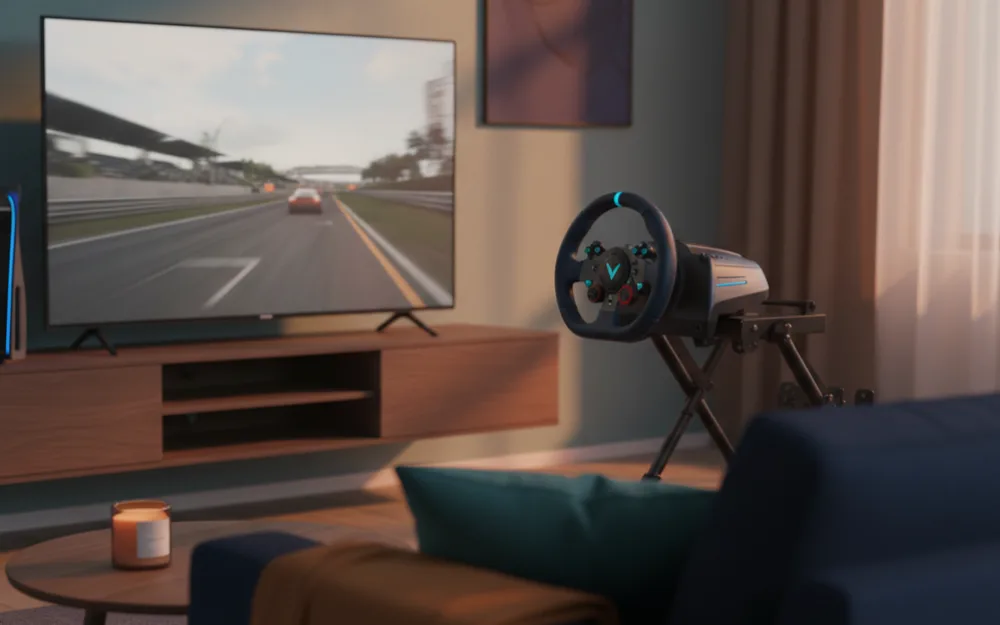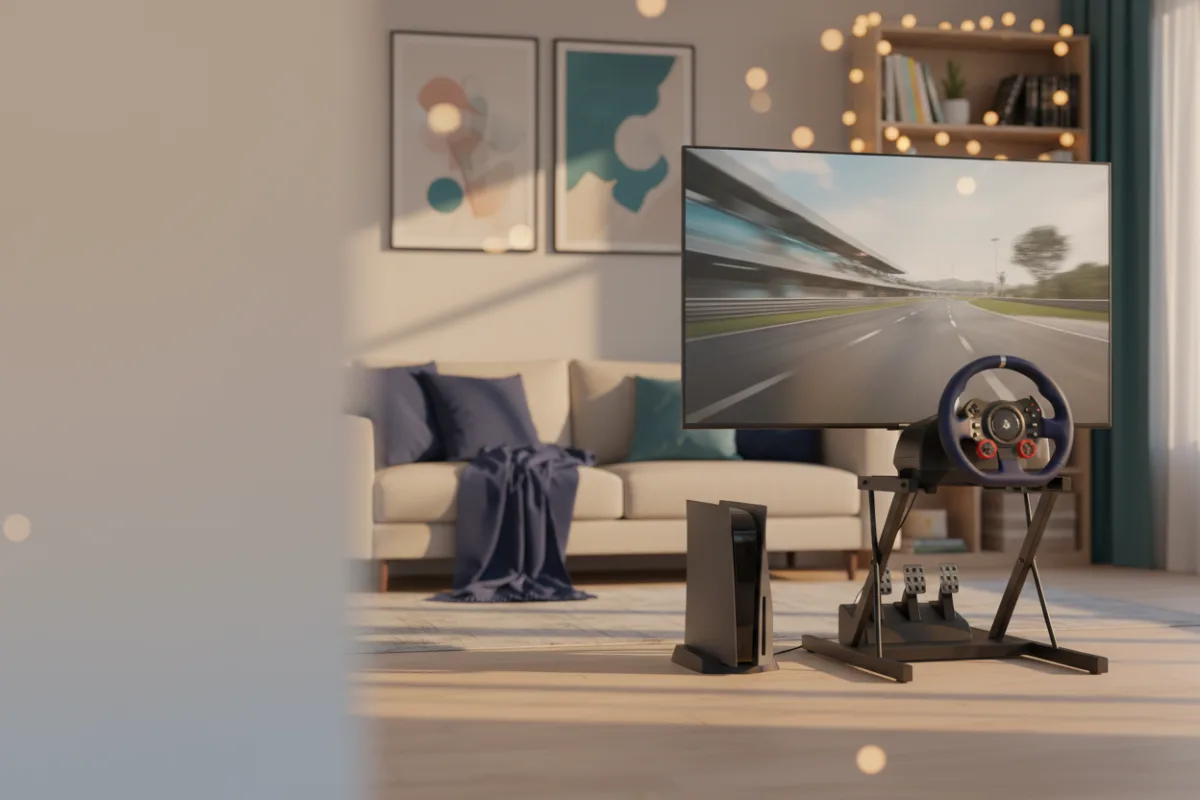

The Xbox Series X is the console we point sim racers toward when Forza is the reason they are here and a gaming PC is not in the budget. It targets true 4K at up to 120 frames per second, and it pairs that with the display features that matter most for racing: HDMI Variable Refresh Rate, Auto Low Latency Mode, and AMD FreeSync. It is a closed platform, so the wheel you buy has to be one the console recognizes, and that single fact shapes who this console is right for and who is better served elsewhere.
This review looks at what the hardware delivers for a racing rig, where it fits your other gear, and where a PlayStation or a PC would serve you better. We compared Microsoft’s listed specifications with the display standards this console supports and with recurring owner feedback, and you can read how we review. If terms like VRR and refresh rate are new to you, start with the Getting Started category.

At a glance
| Spec | Xbox Series X |
|---|---|
| Architecture | AMD Zen 2 CPU, RDNA 2 GPU, DirectX ray tracing |
| Memory | 16 GB GDDR6, 320 bit bus |
| Storage | 1 TB custom NVMe SSD |
| Target resolution | True 4K, up to 120 FPS |
| Display features | HDMI VRR, Auto Low Latency Mode, AMD FreeSync |
| Optical drive | 4K UHD Blu-ray |
| Weight | 9.8 lb |
What the display features actually change on track
The headline number is true 4K at up to 120 frames per second, but the specs that change how a race feels are the ones underneath it. Variable Refresh Rate lets the display sync its refresh to the console’s output, which reduces the tearing that shows up when a frame rate dips, and a race start with a full grid loading at once is exactly where that dip tends to happen. Auto Low Latency Mode tells a compatible screen to drop into its lowest latency picture mode automatically, so the delay between your steering input and the car reacting stays low without you changing a setting. AMD FreeSync covers the same tear free goal on FreeSync displays. None of these help on a panel that does not support them, so the practical takeaway is that the Series X rewards a screen with VRR and a low latency mode, and gives back less on an older TV that has neither.
Storage, loading, and the game library
The 1 TB custom NVMe SSD is the part owners notice day to day, because the fast storage cuts the wait between clicking a track and sitting on the grid. Sim titles install large track and car packages, so that 1 TB fills faster than it sounds once you keep a few racing games plus anything else you play, and expansion uses a proprietary storage card rather than a cheap off the shelf drive, which is worth planning for. The 4K UHD Blu-ray drive means this is the disc version, so a used or boxed copy of a game is an option here in a way it is not on a digital only console. Backward compatibility with thousands of older titles adds a deep back catalog on top of the current lineup.
Which racing games this is for
This is where the choice gets specific to your library. The Series X is the home of the Forza series, so if Forza Motorsport and Forza Horizon are the games you want, this is the console built around them. It also runs the multiplatform racing titles, from the F1 series to Assetto Corsa on console. What it does not run is Gran Turismo, which stays on PlayStation, so a driver set on that series should read the PlayStation option instead. And a console will never match a gaming PC for the deeply moddable titles and the ecosystem of dedicated sim software that lives on Windows. The Series X is the right pick when your racing sits inside the console library, not when your goal is a modded rFactor or iRacing rig.
Wheel compatibility, the detail that trips up new buyers
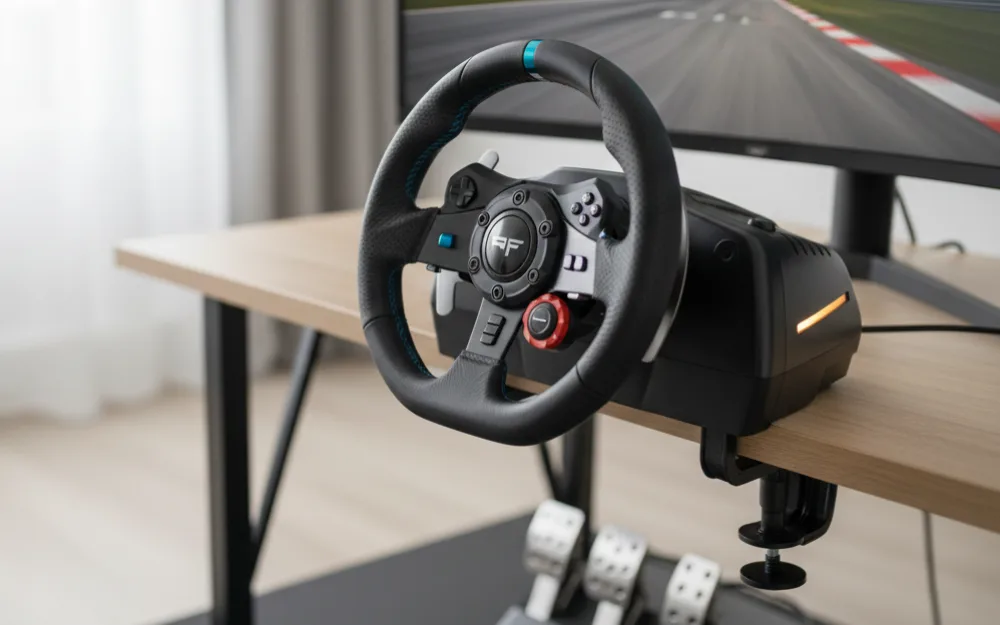
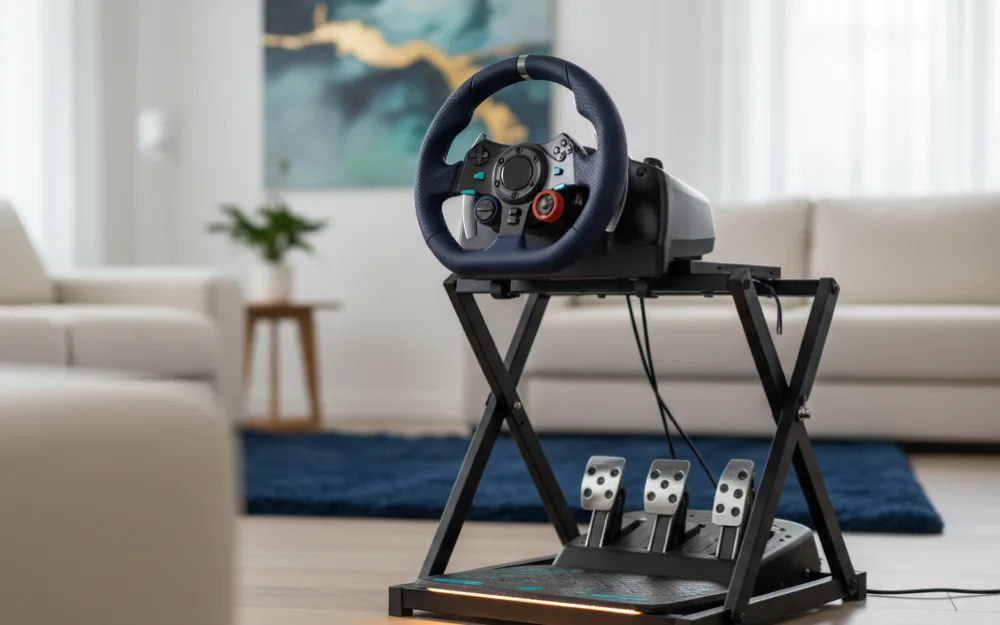
The single most important thing to understand before you buy a wheel for this console is that Xbox only works with officially licensed wheels. A wheel made for PlayStation and PC, such as a Logitech G29, will not drive on an Xbox, and the reverse is true as well. That narrows your options to Xbox licensed hardware, which includes wheels from Logitech, Thrustmaster, Fanatec, and MOZA that carry Xbox support. It is not a limitation of the racing feel, it is a platform licensing rule, but it catches new buyers who pick a wheel first and a console second. Plan the pairing together, and confirm the wheel’s box or listing states Xbox compatibility before you commit.
Pros and cons
- True 4K target with up to 120 FPS support in titles that offer it
- VRR, Auto Low Latency Mode, and FreeSync reduce tearing and input delay on a compatible screen
- 1 TB NVMe SSD keeps load times short and holds several large sim installs
- 4K UHD Blu-ray drive supports disc based and used copies, plus deep backward compatibility
- Closed platform means only officially licensed Xbox wheels will work
- No Gran Turismo, and no access to the moddable PC sim ecosystem
Who should buy it, and who should skip it
| Buy the Series X if | Skip it if |
|---|---|
| Forza is the reason you race and you want a console over a PC | You want Gran Turismo (choose a PlayStation) |
| You have or will buy a VRR display and an Xbox licensed wheel | You want moddable PC sims like iRacing or rFactor |
| You value a disc drive and a deep backward compatible library | You already own a capable gaming PC for racing |
How it scores
The WSR Score shown above reflects verified buyer ratings gathered and normalized on a consistent scale, not an editorial rubric. You can read what goes into it on How We Review.
Alternatives worth a look
To see how the Series X stacks up against the PlayStation option and where each one wins, start with our best console for sim racing roundup. If you are weighing a console against a dedicated machine, our best gaming PC for sim racing under $1000 guide shows what a similar budget buys on Windows. You can browse more platform coverage in the consoles category.