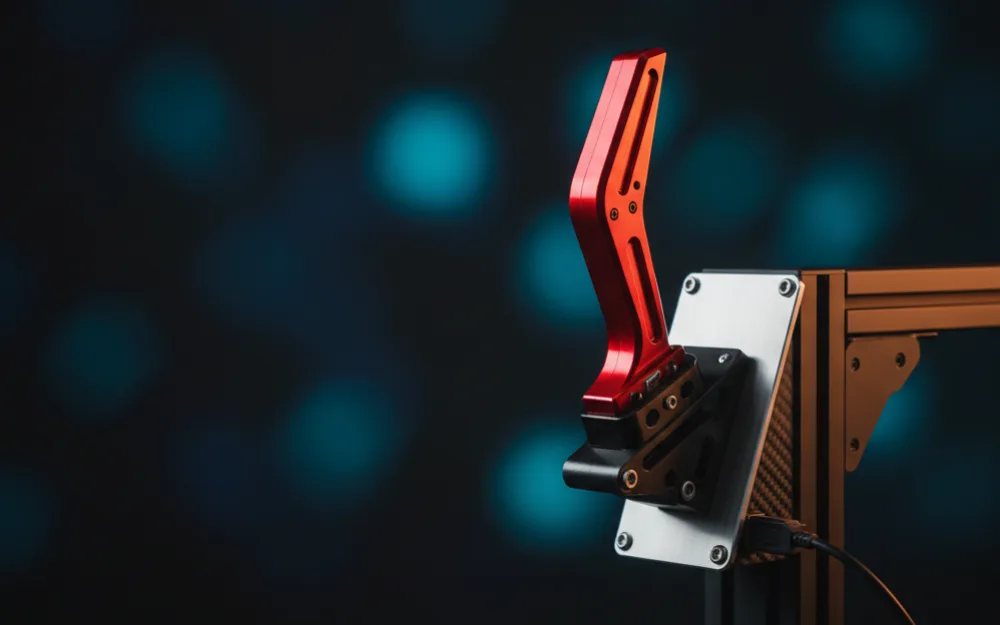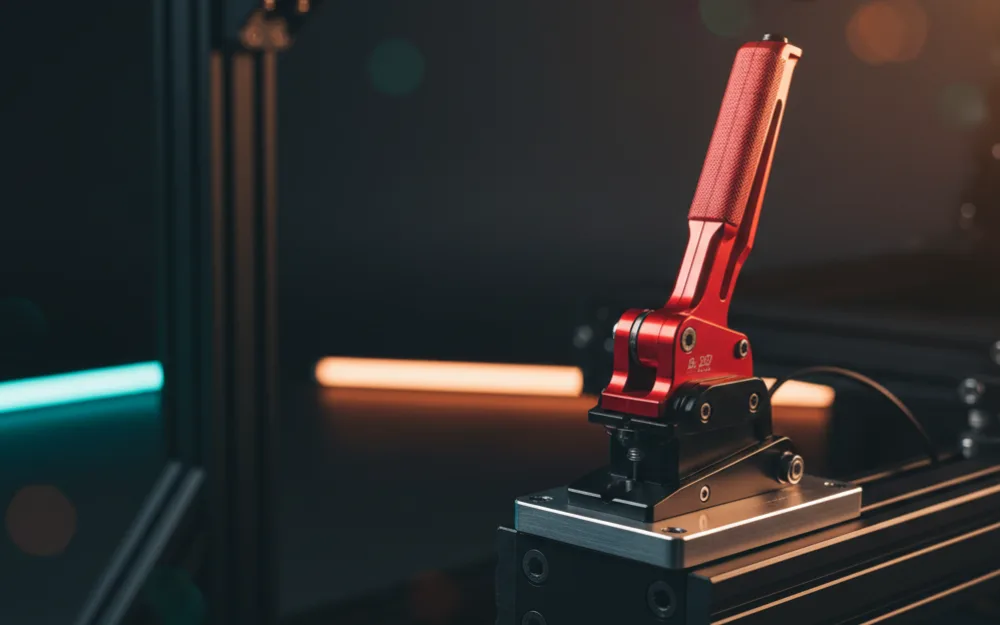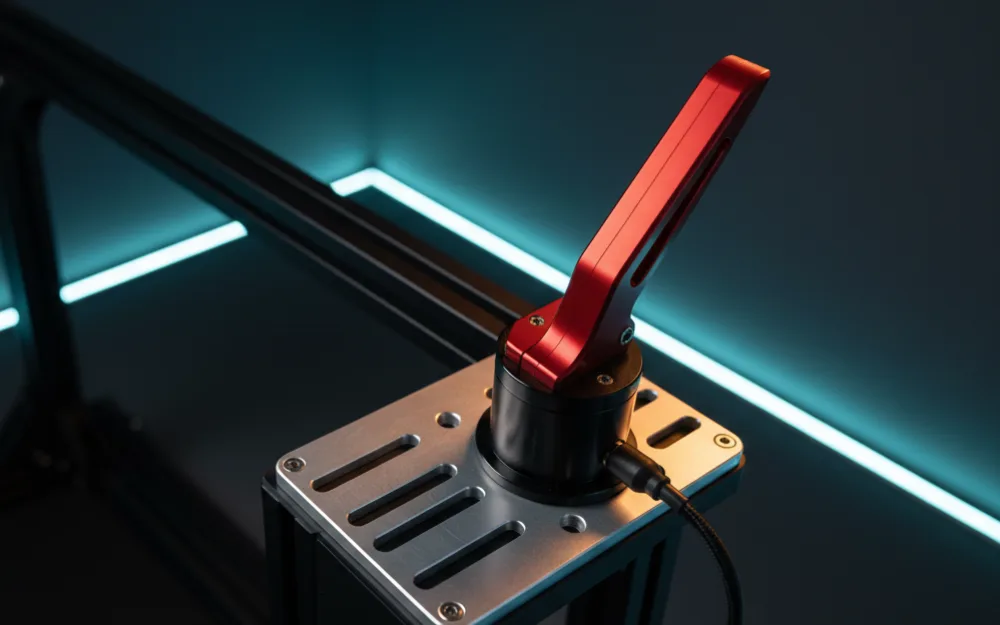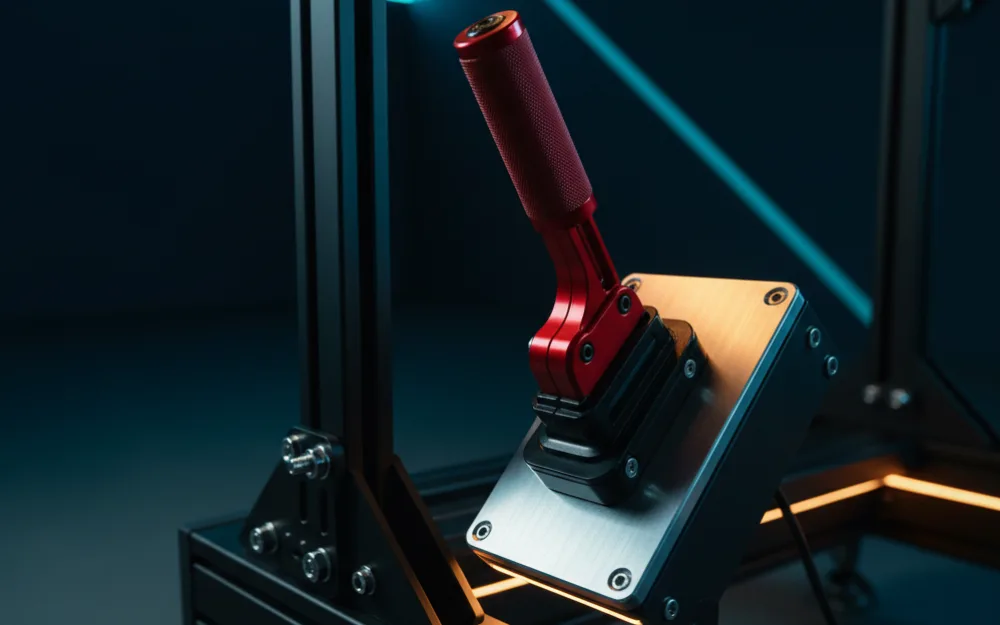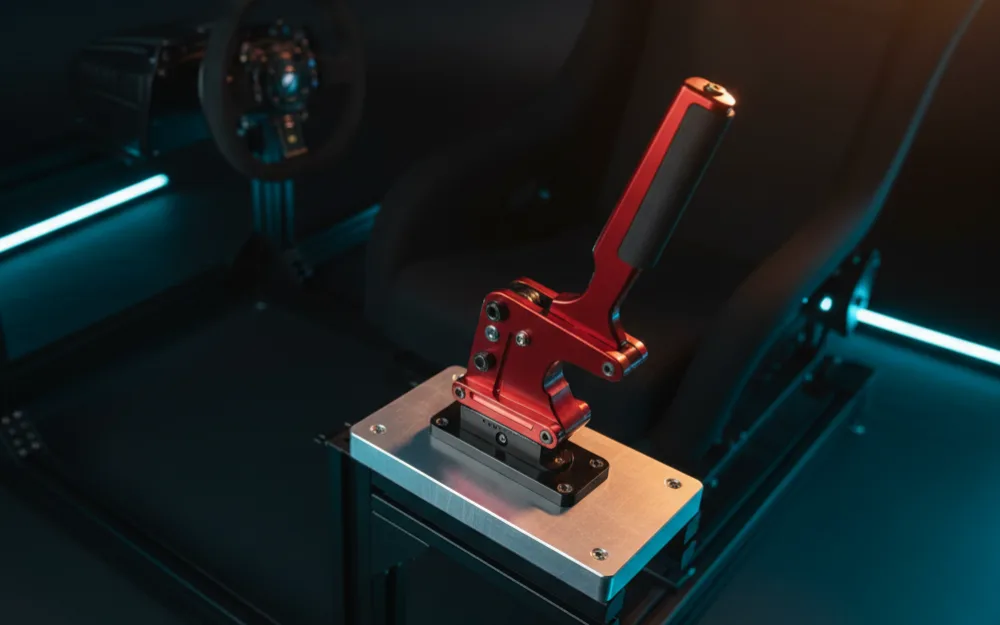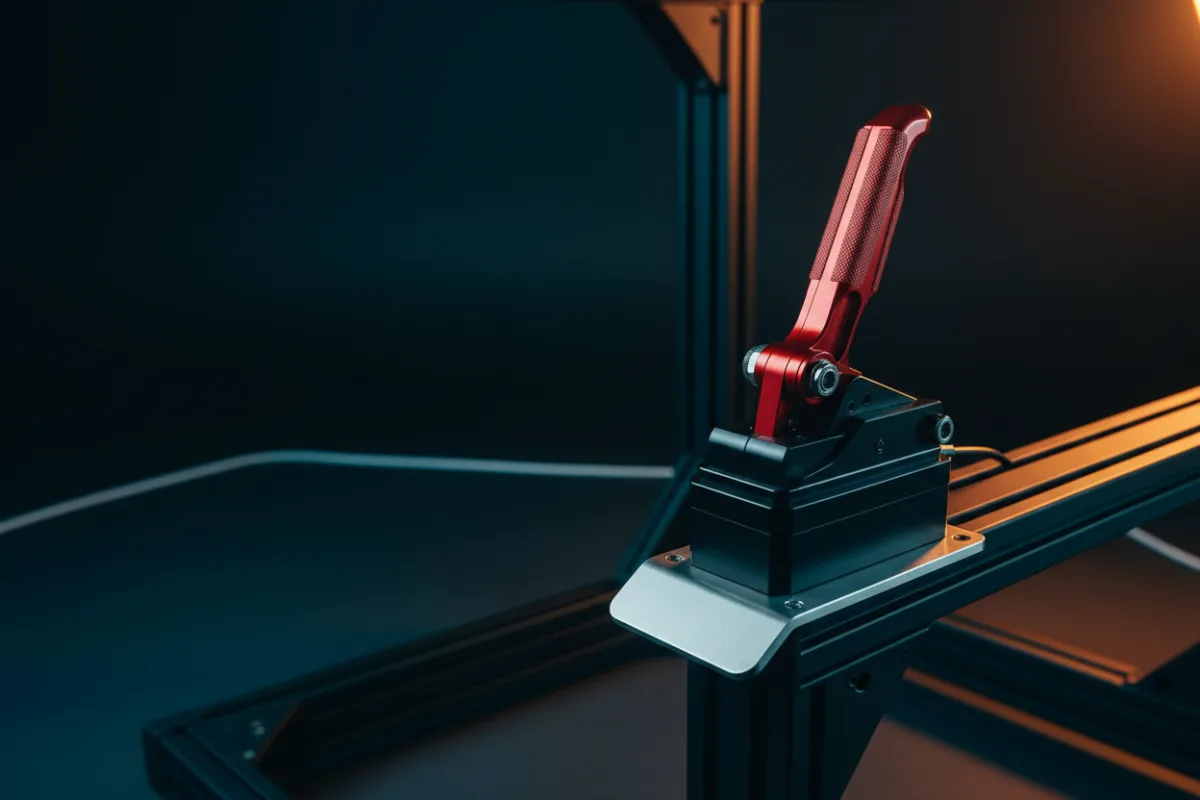

The 64 Bit USB Handbrake is a budget entry into the one control that rally and drift drivers cannot fake with a button: a real lever you can yank to rotate the car. It is a standalone USB unit for the PC, built around a Hall sensor for the pull reading, tuned toward a linear brake feel, and priced to sit alongside a Logitech G27, G29, or G920 without doubling your outlay. If you want handbrake input on a PC rig and you are watching the budget, this is the class of hardware you are shopping in, and its compatibility limits matter as much as its price.
This review draws on the maker’s published specifications weighed against the pattern in 332 verified buyer reviews, and you can read how we review for how we weigh the two. If handbrakes are new to your rig, start with Getting Started.

At a glance
| Spec | 64 Bit USB Handbrake |
|---|---|
| Connection | USB, Windows PC only |
| Sensor | Hall sensor, non contact |
| Feel | Linear brake, self calibrating |
| Adjustability | Handle height and angle |
| Cable | Roughly 78 inch USB lead |
| Mount | Included clamp |
What it is and how it mounts
This is a dedicated handbrake, not a shifter with a lever tacked on, and it connects to a Windows PC over USB as an independent controller with no drivers to install. It ships with a clamp so you can grip it to a desk edge or a rig rail, and the handle height and angle both adjust so you can set the lever where your hand naturally falls. A roughly 78 inch USB cable gives you enough slack to route it to a PC tucked under a desk. As with any clamp mounted control that takes a sharp pull, the mount is the make or break detail: a handbrake is meant to be yanked hard and fast, and a clamp squeezed onto a thin or flexing edge will bleed that energy into the mount instead of into a clean, repeatable pull.
Build and feel
The 64 Bit uses a non contact Hall sensor to read lever position, and the maker points to automatic calibration so accuracy holds rather than drifting the way a contact potentiometer can as it wears. That is the right approach for a control that gets slammed every time you use it, and it is the reason a Hall based budget handbrake tends to age better than a switch or pot design. This particular version is tuned toward a linear brake curve, meaning the resistance builds in a steady, predictable way through the pull rather than ramping sharply, which owners who prefer a progressive feel tend to like for controlled drift initiation. Across 332 verified reviews the unit rates solidly at 4.4 out of 5, and the recurring theme in that feedback is a lot of usable handbrake for the money, with the usual budget caveat that the mounting and the plastic in the body are where the savings show. As with every handbrake, none of that feel arrives unless it is bolted or clamped to something that does not flex.
Compatibility
Read this part before you buy, because it is where budget handbrakes catch people out. The 64 Bit is a Windows PC device only. The maker is explicit that it does not work on Xbox, PlayStation, or Mac, so console racers cannot use it. On PC it presents as its own USB controller and sits alongside your existing wheel rather than plugging into it, so it pairs with Logitech G27, G25, G29, G920, and G923 wheels and Thrustmaster T300 and T500 wheels the same way, because your PC sees the handbrake as a separate device. It reads cleanly in the sims that expose a handbrake axis, the rally and drift oriented titles like DiRT Rally 2, Assetto Corsa, Euro and American Truck Simulator, and the Forza Horizon and WRC games, provided you map the axis in each game’s controls. One practical note for a first handbrake: because it registers as an ordinary controller axis, most sims let you bind it as either a digital handbrake button or a progressive analog input, and choosing the analog option is what lets the Hall sensor and the linear curve actually do their work rather than acting as a simple on or off switch.
Pros and cons
Pros
- Non contact Hall sensor with self calibration should hold accuracy better than a contact pot over time
- Linear brake curve suits drivers who want progressive, controllable resistance
- Standalone USB controller pairs with common Logitech and Thrustmaster wheels on PC
- Height and angle adjustment plus a long cable make it easy to place on a rig
Cons
- Windows PC only, with no Xbox, PlayStation, or Mac support at all
- Clamp mount and budget body mean feel depends heavily on a rigid mounting surface
- A single purpose control that circuit and GT drivers will rarely reach for
Who it suits
PC rally and drift drivers on a budget are the core audience, particularly anyone running a Logitech or Thrustmaster wheel who wants a handbrake axis without spending near what a machined aluminum unit costs. The linear feel is a good match for drivers who like a progressive pull they can modulate through a slide, and the driverless USB setup keeps it simple for a first handbrake.
Who should skip it
Console racers should skip it outright, since it is a Windows PC device with no console support, and no workaround changes that. Circuit and GT drivers who never touch rally or drift content are buying a control they will leave idle, so the money is better spent on pedals or a seat. And anyone without a solid clamp point or a rigid rail should sort that first, because a budget handbrake yanked against a flexing edge will feel vague no matter how good the sensor is. If you want the firmer, spring loaded feel instead of a linear pull, the closely related aikeec USB handbrake review covers that variant, and our best handbrake for rally sims roundup weighs the wider field. See more in best USB handbrake and browse handbrakes.