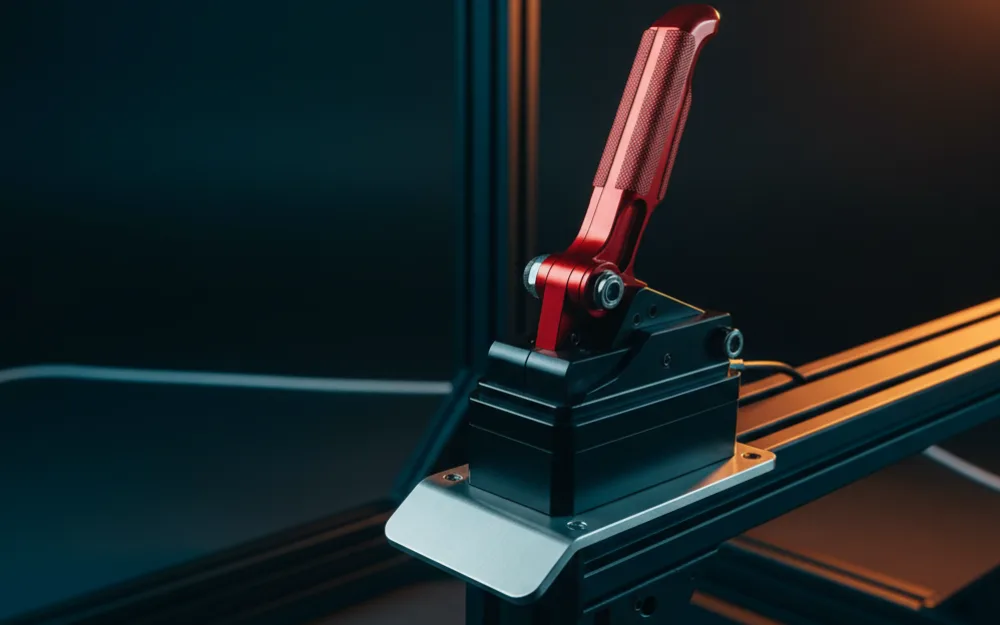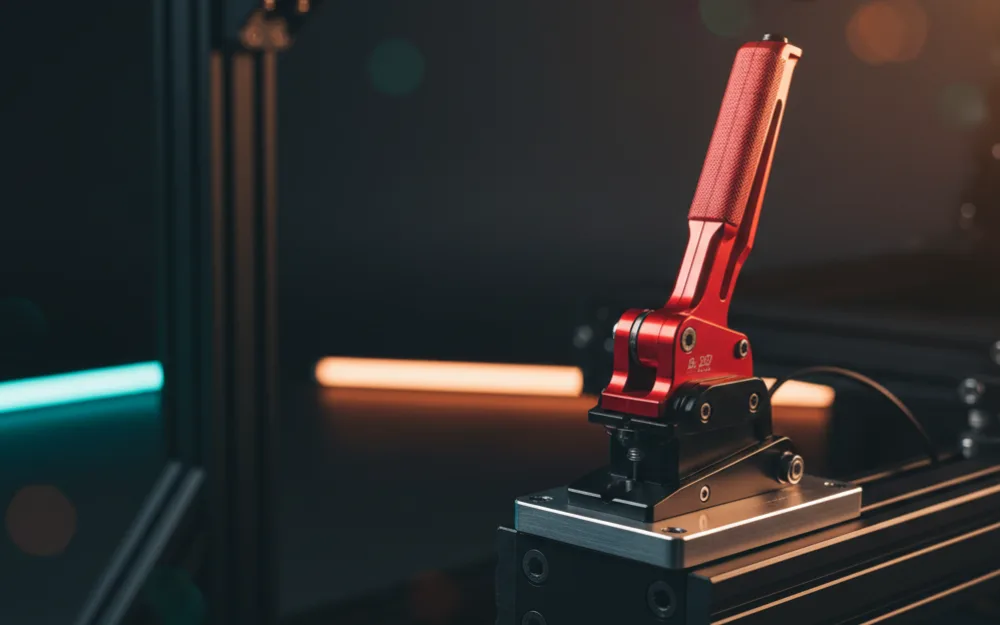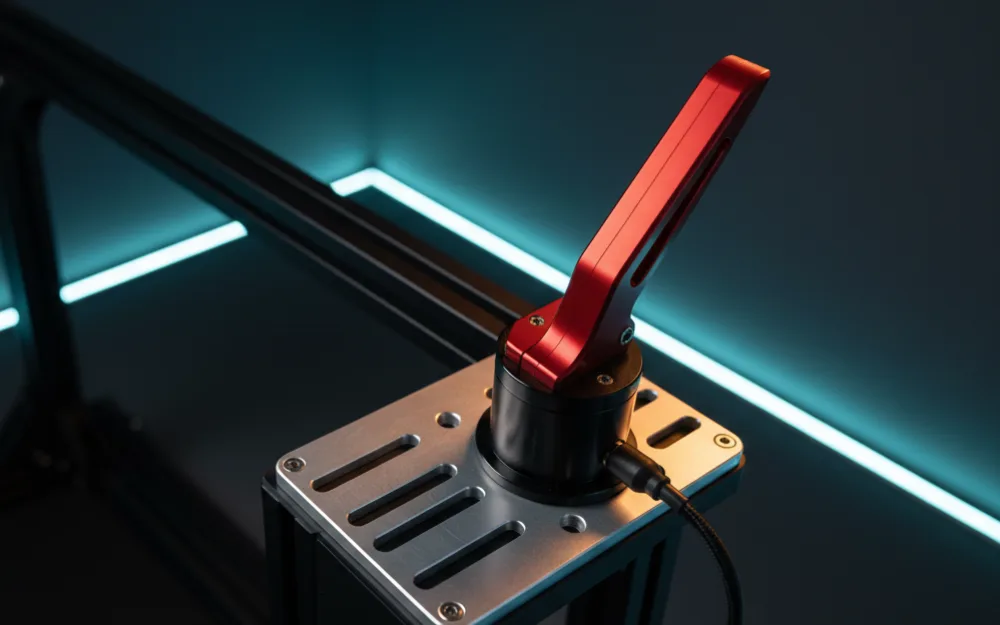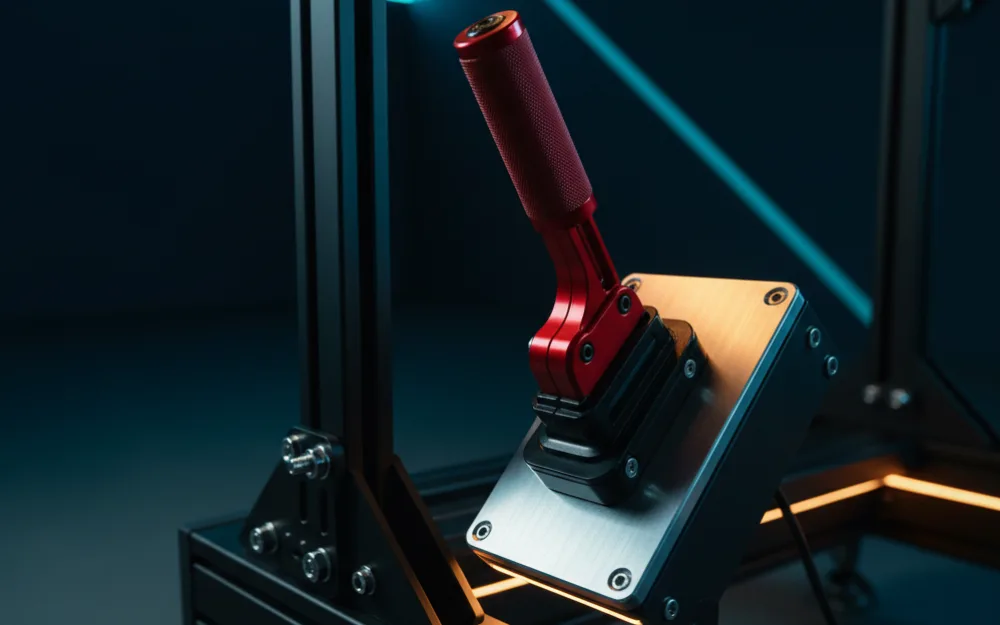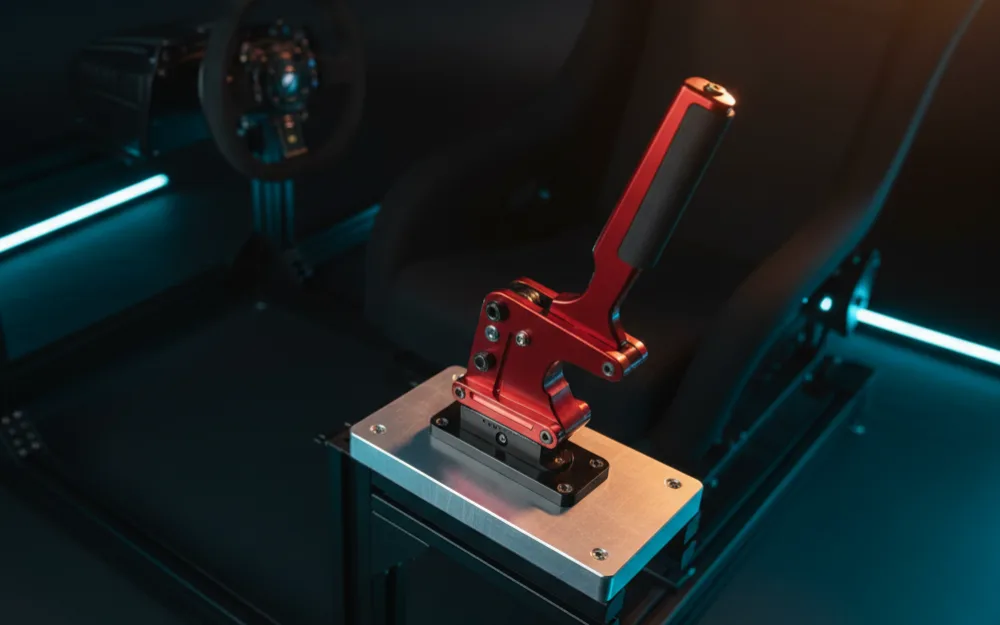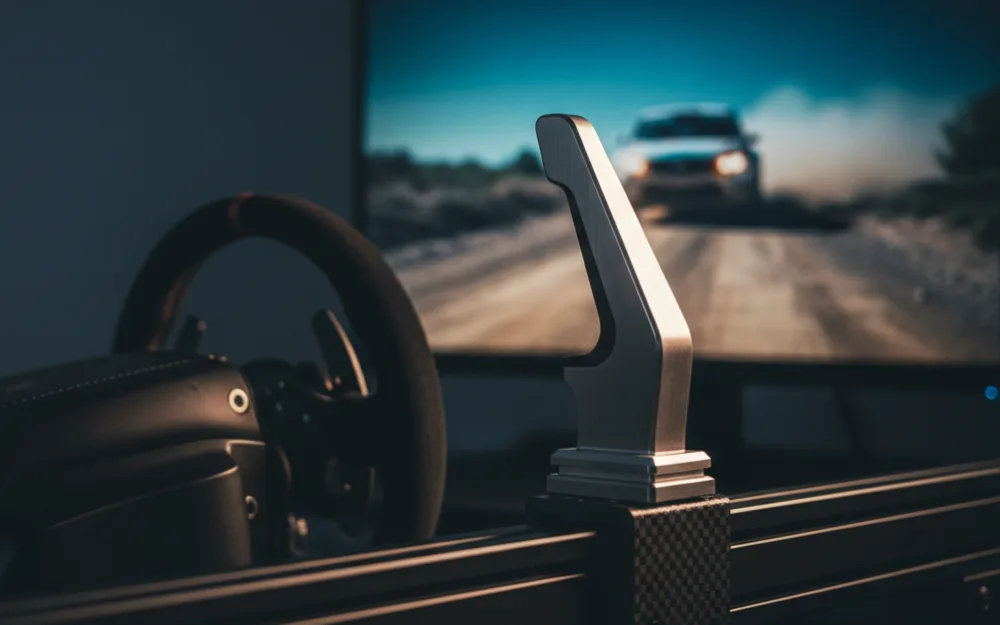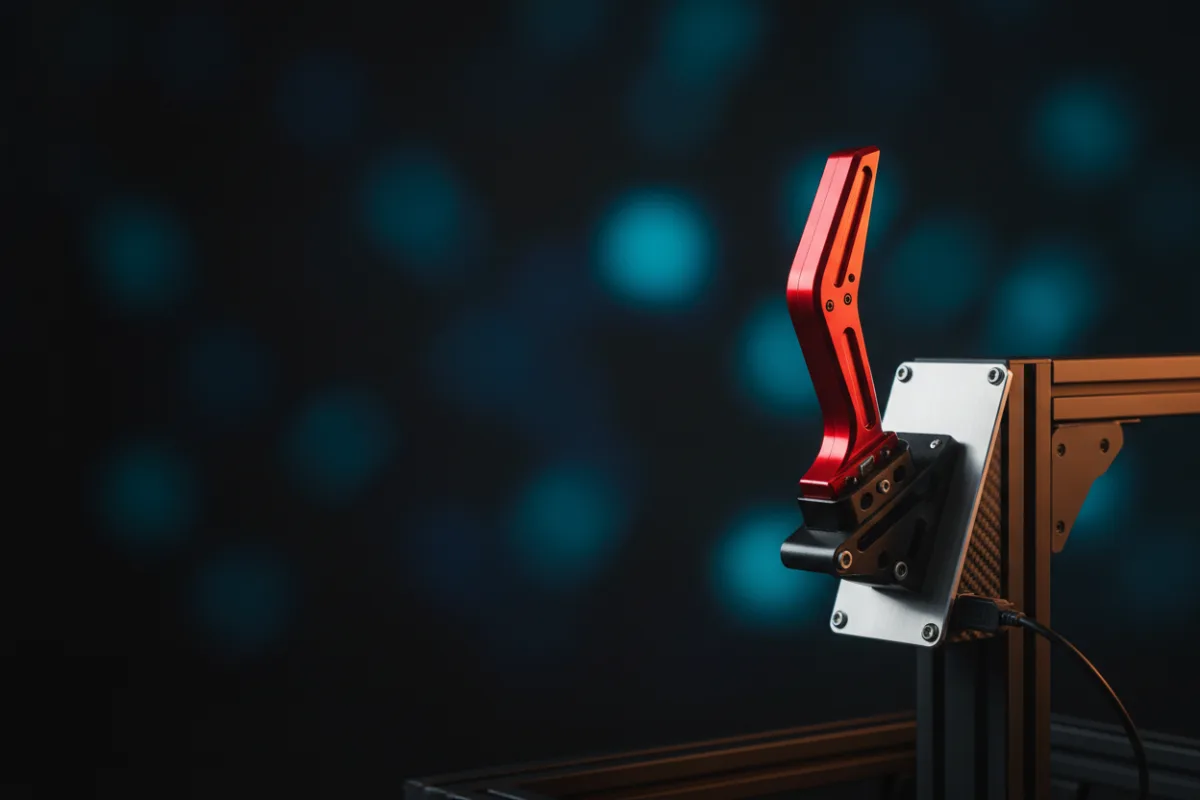

The aikeec USB Handbrake is a budget rally and drift lever built around a reinforced spring for a firmer, more resistant pull than a soft linear unit. Like its close relatives from the same maker, it is a standalone USB control for the PC, reads lever position with a non contact Hall sensor, and is sized to sit next to a Logitech or Thrustmaster wheel without a premium price. If you want a handbrake with a stiffer feel on a PC rig and the budget is the deciding factor, this is the class you are shopping, and the platform limits are the first thing to understand.
This review works from the maker’s published specifications weighed against the pattern in more than 1,600 verified buyer reviews, and you can read how we review for the method behind that. If a handbrake is a new addition for you, start with Getting Started.

At a glance
| Spec | aikeec USB Handbrake |
|---|---|
| Connection | USB, Windows PC only |
| Sensor | Hall sensor, non contact |
| Feel | Reinforced spring, firmer pull |
| Adjustability | Handle height and angle |
| Cable | 2 meter nylon braided lead |
| Mount | Included clamp |
What it is and how it mounts
This is a dedicated handbrake that connects to a Windows PC over USB as an independent controller, with no drivers to install. It clamps to a desk edge or a rig rail, and both the handle height and the mounting angle adjust so you can place the lever where your hand lands without stretching. The cable is a 2 meter nylon braided lead, which is a small quality of life detail on a budget unit and gives room to route it to a PC set back from the rig. The recurring truth with any clamp mounted handbrake applies here too: this control is designed to be pulled hard, so the mount has to be solid. A clamp on a thin, bowing edge will flex under the yank and rob you of the sharp, repeatable pull the lever is capable of.
Build and feel
The defining feature here is the reinforced spring, which sets this unit apart from the softer linear variants in the same family. A stiffer spring means the lever pushes back harder through the pull, and drivers who want a handbrake that resists their hand rather than sliding through easily tend to prefer this feel for the sharp, deliberate yank a rally rotation calls for. Underneath, the non contact Hall sensor does the position reading, and because nothing physical wears against a contact point, the maker points to accuracy holding steady over time instead of drifting the way a potentiometer can. That pairing, a firmer spring for feel and a Hall sensor for longevity, is a sensible budget recipe. Across more than 1,600 verified reviews the handbrake rates well at 4.3 out of 5, one of the larger review bases in this budget class, and the pattern in that feedback is a lot of usable resistance and precision for the money, with the familiar budget caveats around plastic in the body and a mount that only rewards a rigid surface.
Compatibility
This is the part to settle before buying. The aikeec handbrake is a Windows PC device only, and the maker is clear that it does not work on Xbox, PlayStation, or Mac, so console drivers are out. On PC it registers as its own USB controller and sits beside your wheel rather than plugging into it, which is why it pairs with Logitech G25, G27, G29, G920, and G923 wheels and Thrustmaster T300 and T500 wheels alike: your PC simply sees one more device. It works in the sims that expose a handbrake axis, the rally, drift, and truck titles such as DiRT Rally 2, Assetto Corsa, Project CARS, the WRC games, and Euro and American Truck Simulator, as long as you assign the axis in each game’s control settings. A first time owner note worth flagging: since the handbrake shows up as a standard controller axis, most sims allow you to bind it as either a digital button or a progressive analog input, and picking the analog binding is what lets the firm spring and the Hall sensor deliver a modulated pull rather than a blunt on or off action.
Pros and cons
Pros
- Reinforced spring gives a firmer, more resistant pull for drivers who dislike a soft lever
- Non contact Hall sensor should hold accuracy over time better than a contact pot
- Large verified review base for a budget unit, rating well at 4.3 out of 5
- Standalone USB controller pairs with common Logitech and Thrustmaster wheels on PC
Cons
- Windows PC only, with no Xbox, PlayStation, or Mac support
- Firmer spring is a matter of taste, and drivers who want a soft linear pull should look at the linear variant instead
- Clamp mount and budget body mean the feel depends on a rigid mounting point
Who it suits
PC rally and drift drivers who want a firmer, spring loaded pull are the clearest fit, especially anyone on a Logitech or Thrustmaster wheel looking for a handbrake axis without premium spend. The larger review base makes it a reassuring pick for a first handbrake, and the stiffer spring suits drivers who want to feel the lever resist as they initiate a slide rather than have it give way easily.
Who should skip it
Console racers should skip it, since it is a Windows PC only device with no console path. Drivers who prefer a soft, progressive linear pull may find the reinforced spring too firm for their taste and should weigh the linear version instead. Circuit and GT racers who never drive rally or drift content are buying a lever that will sit idle, so pedals or a seat are the better use of the money. And anyone without a rigid clamp point should fix that first, because the spring feel only pays off against a mount that will not flex. For the softer linear feel from the same family, see our 64 Bit USB handbrake review, and our best handbrake for rally sims roundup weighs the wider field. See more in best USB handbrake and browse handbrakes.