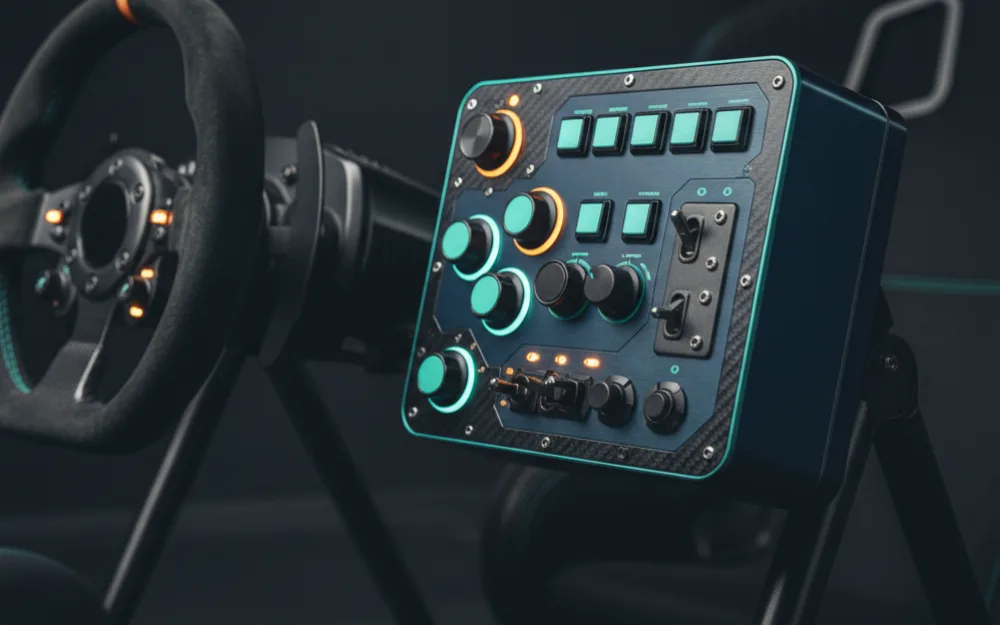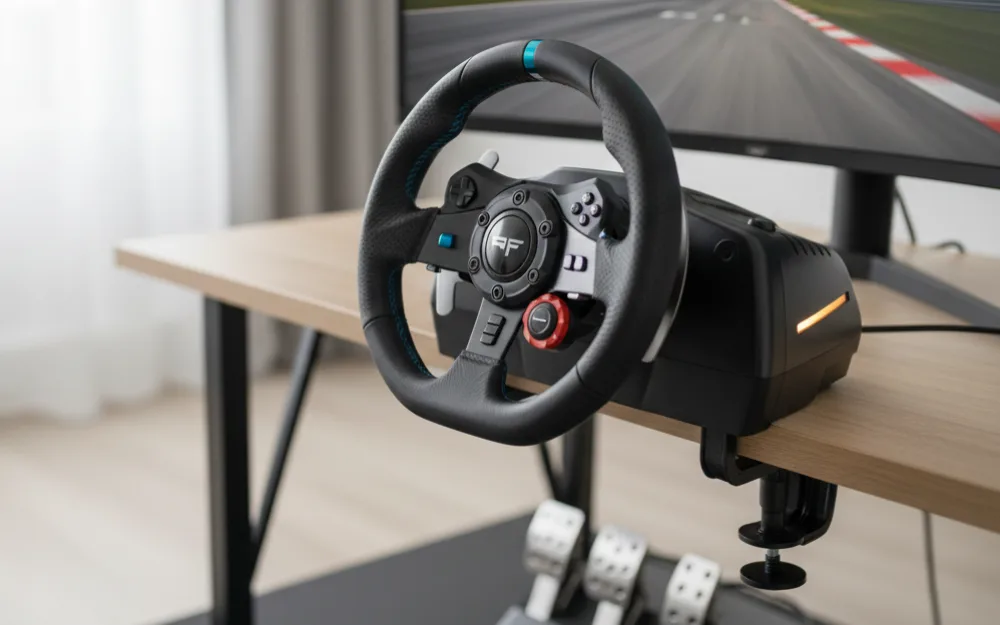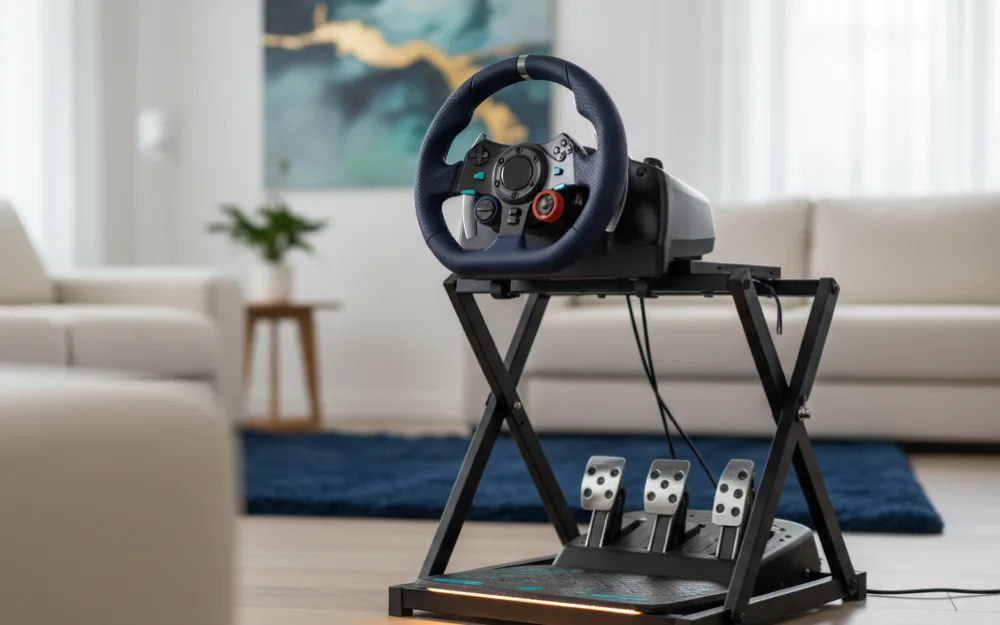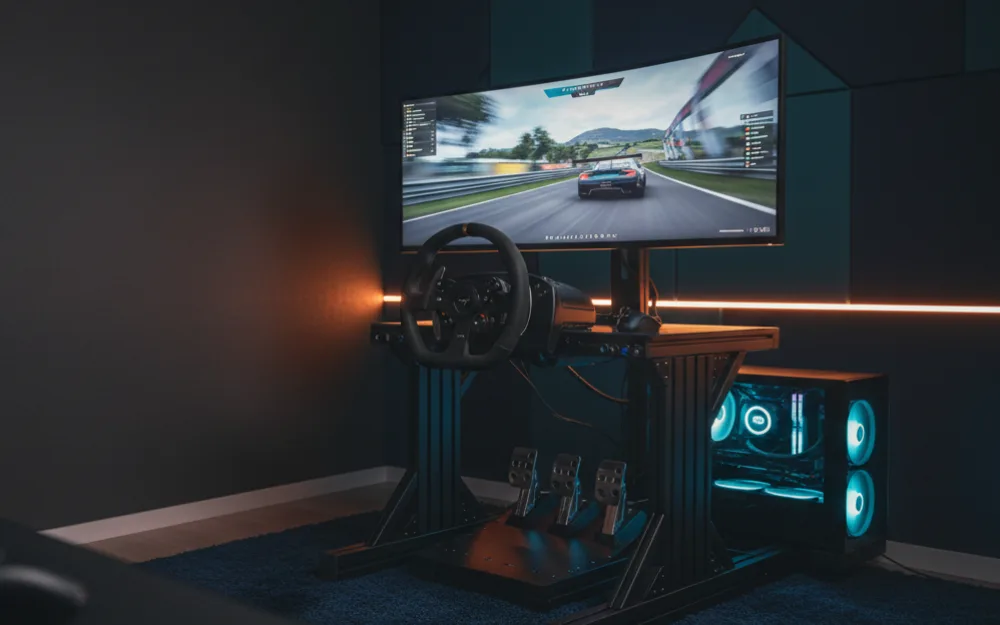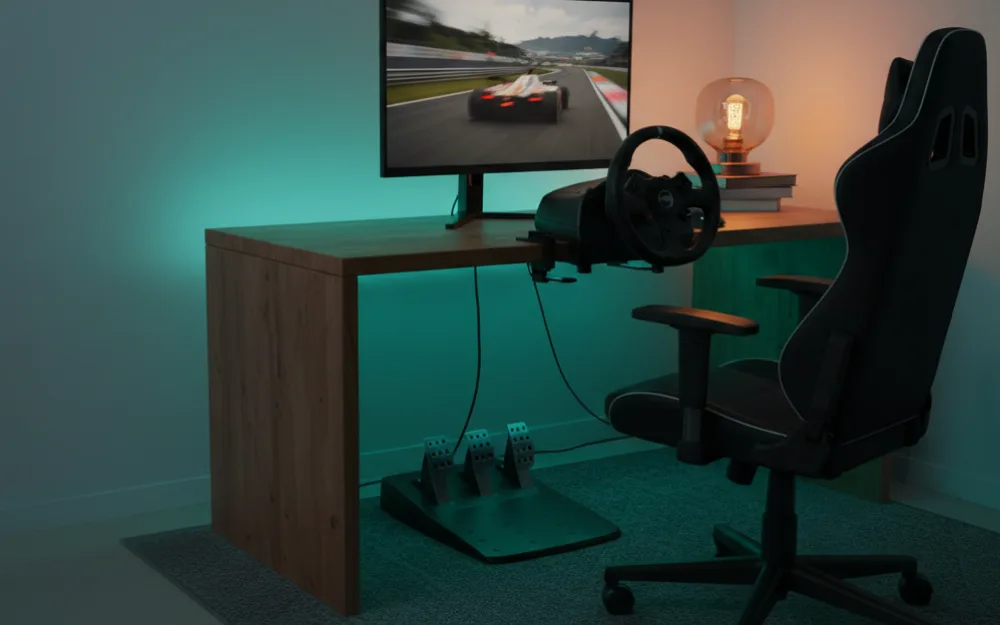

A button box does one practical job: it moves the controls you reach for mid race off the keyboard and onto a panel you can hit without looking. Traction control, brake bias, wipers, pit limiter, camera changes, all of it lands under your hand. For a rig builder the questions are simple. How does it mount, how solid are the switches, and how well does it program into your sim. This guide covers the button boxes worth wiring into a cockpit, judged on build, mounting, and how cleanly they map.
We compared maker specifications with recurring owner feedback, and you can read how we review. New to this gear? Start with Getting Started.


How we picked
We weighted three things a button box has to get right. First, switch quality and layout, since toggles, encoders, and buttons each suit different functions and cheap switches feel vague. Second, mounting, because a box that will not bolt cleanly to your rig ends up sliding around a desk. Third, programming, since the box is only as useful as it is easy to map in your sim. This is a smaller category than wheels or cockpits, so the field here is focused rather than long, and we call out where a pick is a narrow fit.
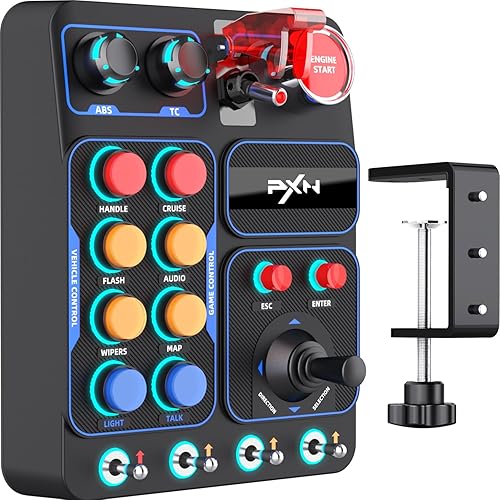
PXN CB1: the well rounded starting point
The PXN CB1 is the most widely owned box in this group, and it earns that with a sensible mix of controls: a spread of toggles, encoders, and buttons across many input types, with room for a generous number of programmable mappings. Owners describe it as a solid, centralized control panel that covers racing, trucking, and flight sims, and it plugs in over USB with no fuss. It offers a structured layout and adjustable lighting, which helps you find controls by feel and by sight. For most drivers adding their first box, it is the safe, capable pick.
SIM-PANEL Gen 2: the horizontal layout option
The SIM-PANEL Gen 2 uses a horizontal layout that suits mounting along the top of a wheel deck or under a monitor, where a wide, low profile panel fits better than a tall one. Owners rate it as a workable control panel for PC sims. As with any box, plan the mount early, since a horizontal panel wants a flat rail or bracket to sit on rather than a loose desk edge. It is a good fit if your rig has a wide, low spot begging for controls.
34-input RGB panel: the maximum control choice
For drivers who want everything under hand, this 34-input RGB panel packs the most controls in the group into one box. That density suits sim racers who map a long list of functions and do not want to reach for a keyboard at all. The trade with a dense panel is that you must plan your layout so the controls you use most sit where your hand naturally falls, and a busy RGB panel needs a solid mount to justify its size. Owner feedback is limited given how new it is, so treat the high control count as its main draw and confirm it fits your rig.
MiYee button box: the tactile budget pick
The MiYee box leans on rotary encoders, momentary push buttons, a carbon fiber panel, and a metal housing at a lower price, with plug and play setup for PC and truck sims. Owners like the tactile switch feel for the money. As a budget box it has a much smaller owner base than the PXN, so there is less feedback to go on, but the metal housing gives it a reassuring solidity. It is worth a look if you want a physical, tactile panel without spending up.
At a glance
| Button box | Layout | Best for |
|---|---|---|
| PXN CB1 | Mixed toggles and encoders | A capable first box |
| SIM-PANEL Gen 2 | Horizontal, low profile | Wide mounting spots |
| 34-input RGB panel | High density | Maximum controls under hand |
| MiYee box | Tactile, metal housing | Budget with a solid feel |
Mounting matters more than you think
A button box that slides around is a box you stop using. Aluminum profile rigs make this easy, since you bolt a bracket straight to the frame. Folding tube cockpits and stands need a clamp mount or a small plate, so check the underside of the box for mounting holes before you buy and plan where it will live relative to your wheel. The best position is within a natural reach of your hand off the wheel, not so far that you lean for it mid corner. Sort the mount out first and the box earns its place; skip that step and it becomes clutter.
Who should skip a button box
If your wheel already has enough buttons and encoders for the functions you actually use, a separate box is redundant, and the money is better spent elsewhere. If you race only casual arcade style games that map everything to a controller, you will rarely touch it. And if your rig has nowhere solid to mount a panel, fix the mounting question before buying, because a box that cannot bolt down loses most of its value.
Frequently Asked Questions
Do button boxes work with Xbox or PlayStation consoles?
Generally no, so treat these as PC sim accessories. The PXN CB1, our most widely owned pick, is listed as a PC device and is not compatible with Xbox or PlayStation. Console support for the other boxes here is not confirmed, so check each listing before buying. If you race on a console, a wheel with enough built-in buttons and encoders is the safer route.
Where to go next
A button box needs a rig to bolt onto, so if you are still building, see our best sim racing cockpits under $500 and the best cockpits for triple monitors for frames with easy mounting. Browse more controls in dashboards and button boxes.