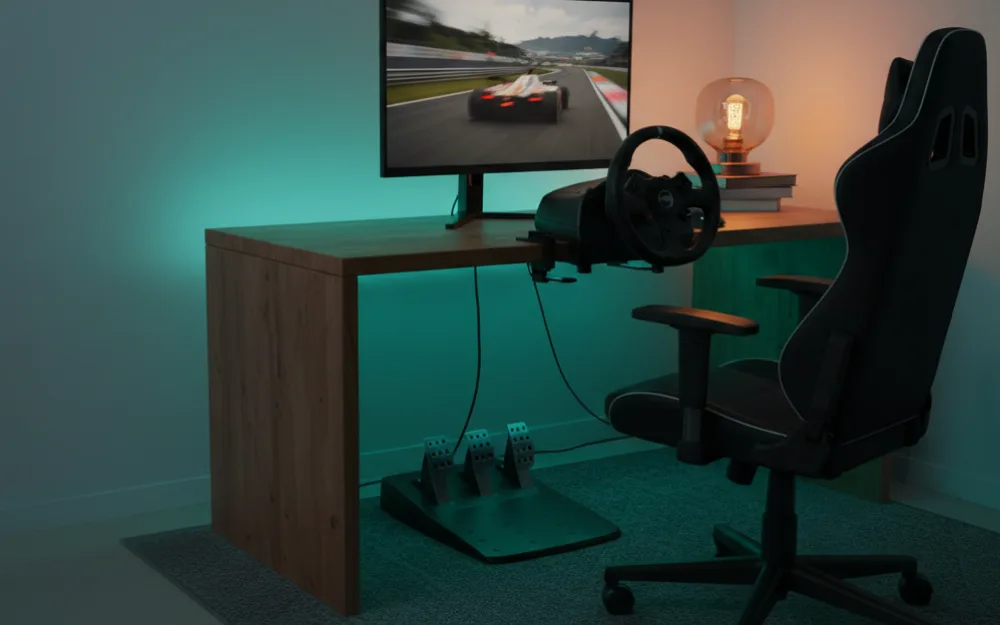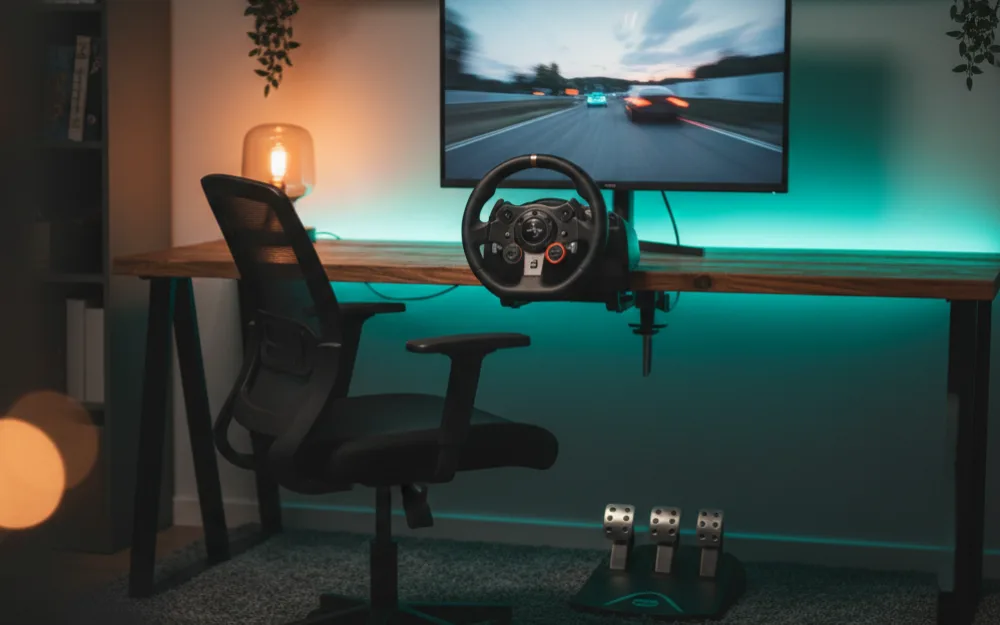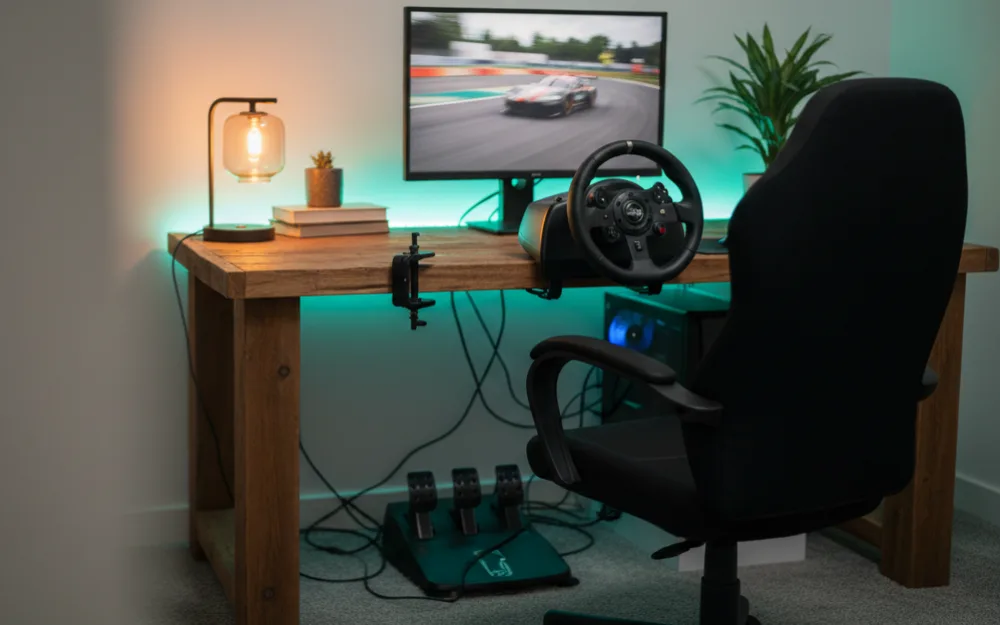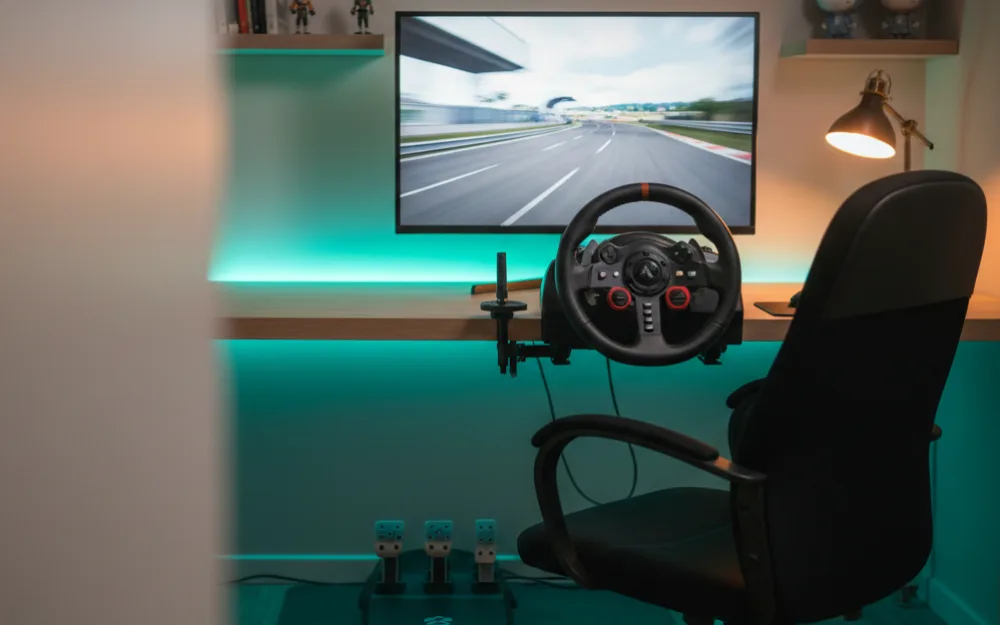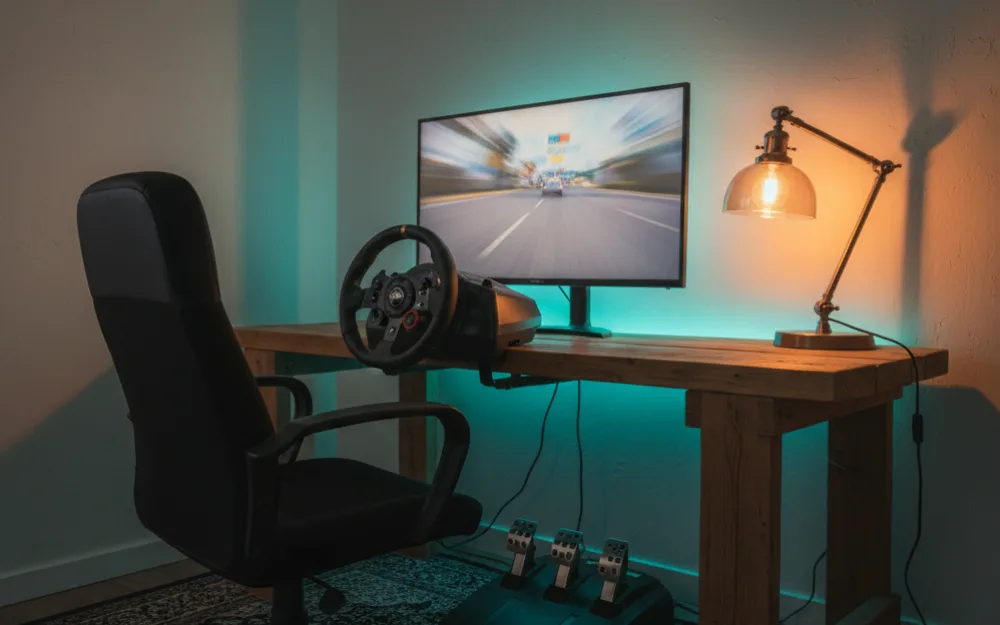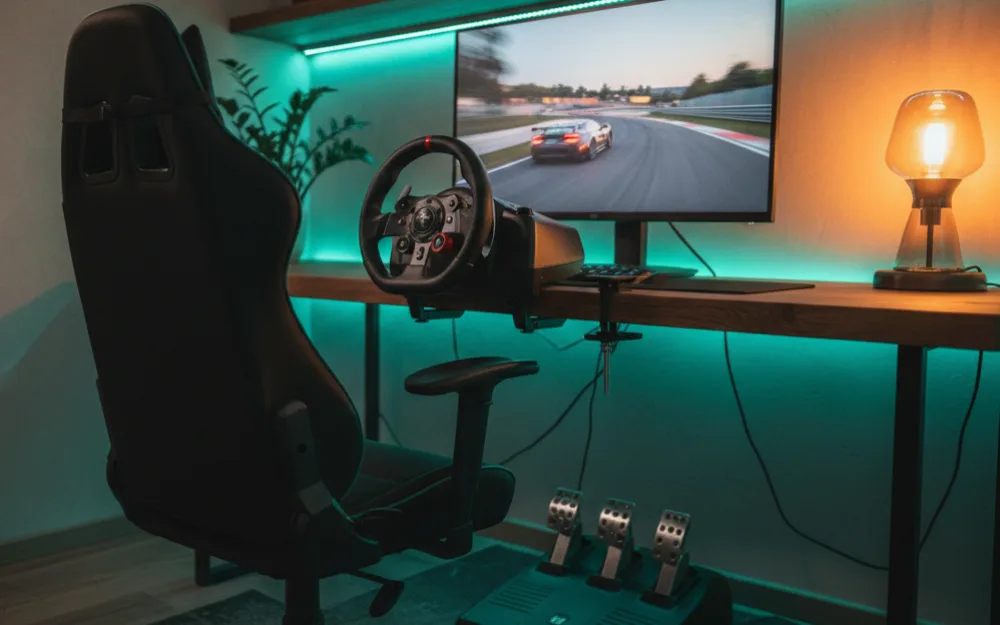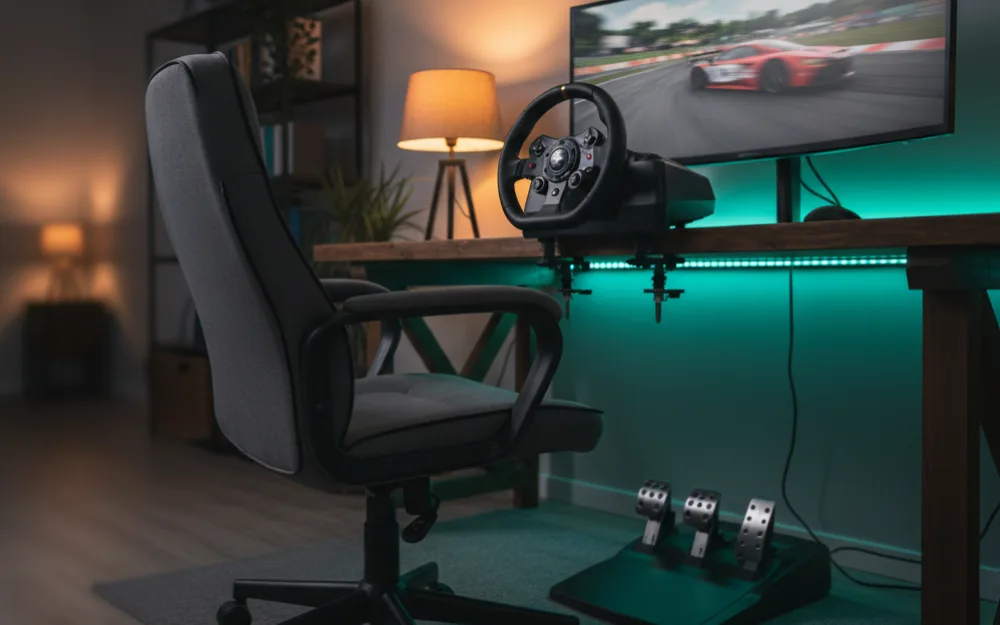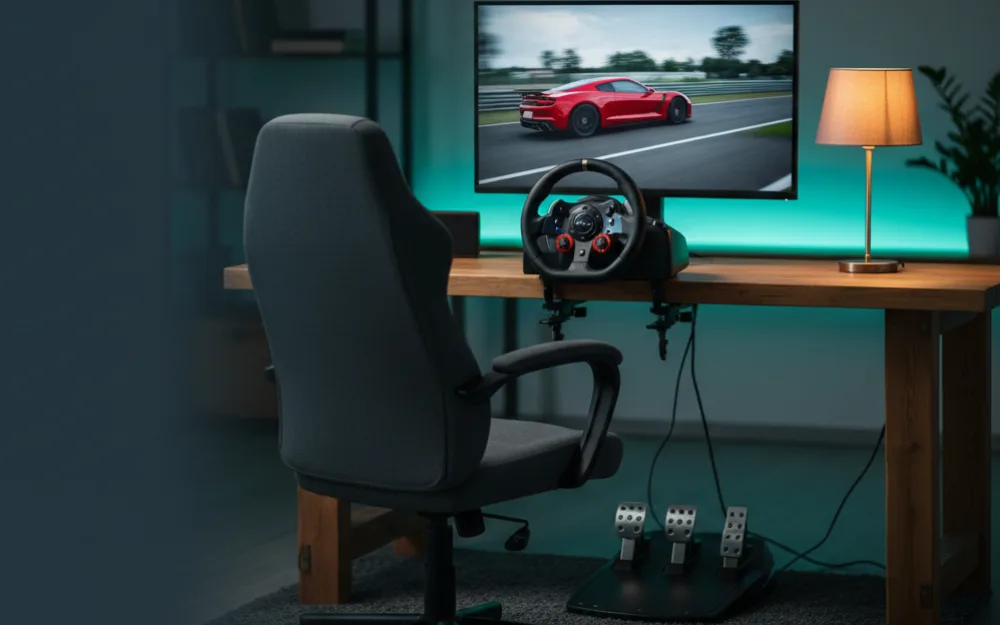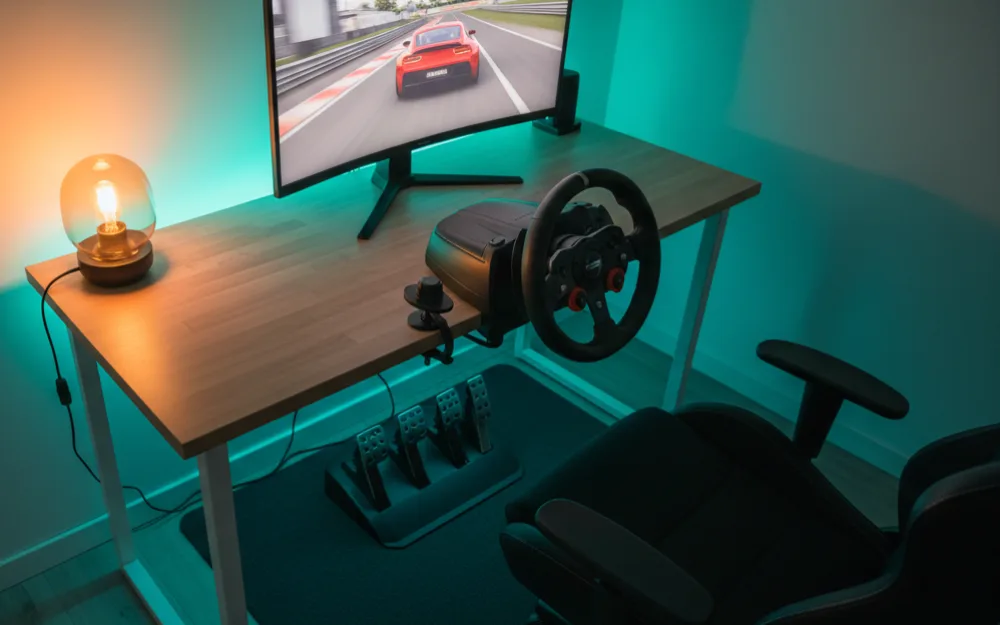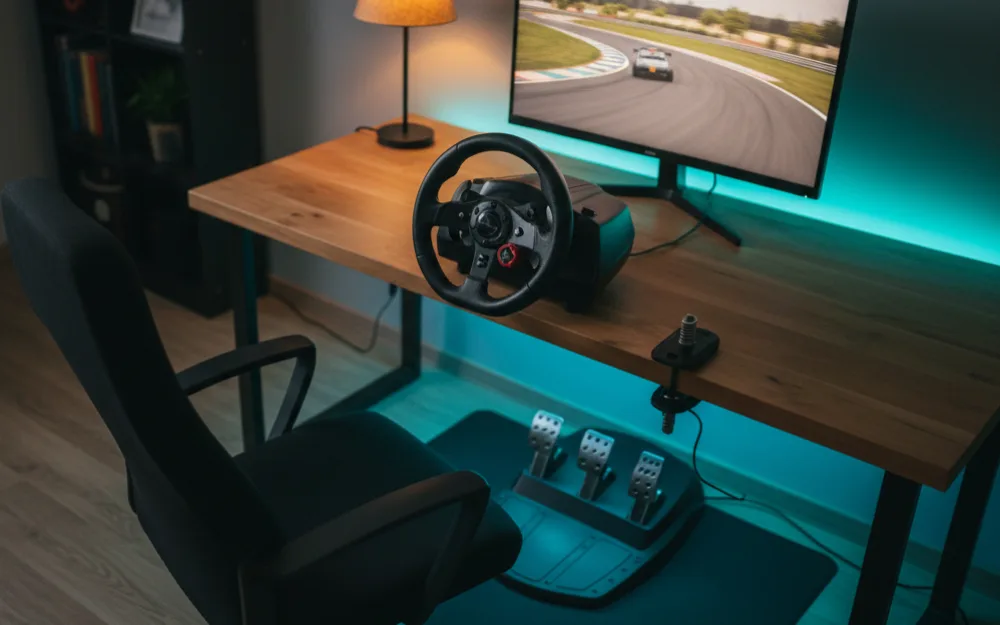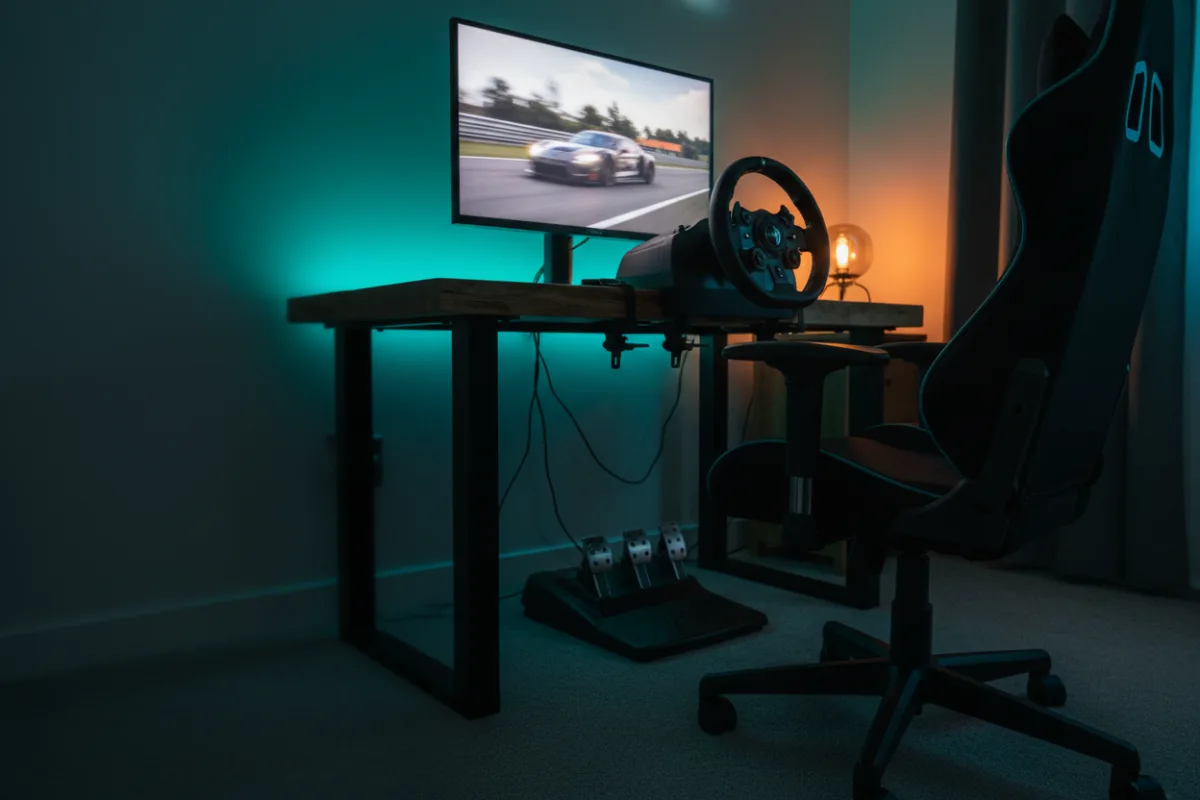

This guide helps you build a complete, genuinely enjoyable sim racing setup on an entry budget, without wasting money on the wrong parts. By the end you will know how to split your budget across the wheel, pedals, mount, and screen so nothing lets the rest down. Before you spend anything, answer three quick questions: which platform do you race on, how much space do you have, and do you already own a screen you can use? Your honest answers decide where the money should go.
These recommendations come from comparing what fits a tight budget with the parts experienced racers point beginners toward, and you can read how we review. For a broader budget overview, see how much a sim racing setup costs, and start with sim racing for beginners if this is all new.
Where the money should go first
On an entry budget, the wheel and pedals matter most, because they are what you touch every lap. The rule of thumb is to put the largest share into the wheel and pedal package, a smaller share into something solid to mount them to, and nothing at all into a screen if you already own a monitor or a television. Do not stretch for a fancy display and end up with a wheel that flexes; the feel in your hands is what makes sim racing click.
The wheel and pedals: a belt or gear driven package
At this level, aim for an established belt driven or gear driven wheel that comes with pedals in the box. These wheels connect the rim to the motor through gears or a belt rather than a direct motor, which keeps the price down while still delivering real force feedback that teaches car control honestly. A package with three pedals, including a clutch, gives you room to grow into H pattern shifting later. Reviewers who race these wheels consistently describe them as durable and more than good enough to learn on for years. To choose one, start with the best racing wheels under $200 and the best racing wheels under $300.
The mount: a wheel stand or foldable cockpit
A wheel clamped to a flimsy desk will slide and rob you of feel, so budget for a proper mount. On an entry budget you have two good options. A wheel stand holds the wheel and pedals on a rigid frame and costs less, which suits a tight budget. A foldable cockpit adds a seat and folds away when you are done, which suits a shared room where the rig cannot live out permanently. Both keep the wheel planted so the force feedback stays honest. Compare them in the best racing wheel stands and the best foldable sim racing cockpit, and read cockpit vs wheel stand vs desk mount to decide.
The screen: use what you already own
This is where beginners overspend. On an entry budget, race on the monitor or television you already have. A single decent screen at a sensible distance is completely fine to start, and you can always add or upgrade displays later once the core rig is solid. If you truly have no screen, a single monitor is the place to add a small amount, not a triple setup. When you are ready to think about displays, the best monitors for sim racing covers the options.
A sample entry build
| Part | What to get on this budget | Why |
|---|---|---|
| Wheel and pedals | A belt or gear driven package with three pedals | Real force feedback, room to add a shifter later |
| Mount | A rigid wheel stand or a foldable cockpit | Keeps the wheel planted so the feel stays honest |
| Screen | A monitor or television you already own | Saves the budget for the parts you touch |
| Shifter and handbrake | Add later, not now | Optional extras once the core rig is solid |
Common mistakes that waste an entry budget
A few predictable errors soak up money that should have gone into the wheel. The first is buying a large or fancy screen before the wheel is sorted, which leaves you staring at a lovely picture while a flexing wheel undercuts the feel. The second is clamping the wheel to a light folding table; it wobbles, it walks across the surface under braking, and it makes even a good wheel feel vague. The third is chasing a shifter or handbrake on day one, before you can even hold a consistent lap; those are rewarding additions, but they are additions, not foundations. Spend on the wheel, pedals, and a rigid mount first, and let everything else wait.
What to add as your budget grows
An entry build is a starting point, not a dead end, and the nice part is that most of it carries forward. When you have a little more to spend, the highest impact next step for most drivers is a better brake, since braking is where consistency and lap time live; a load cell brake is the upgrade owners most often wish they had made sooner. After that, a shifter opens up H pattern cars and truck sims, and a handbrake unlocks rally. A permanent cockpit comes later still, when you are sure the hobby has stuck. Add one piece at a time, learn it, then move on, rather than replacing everything at once.
Who this build suits, and who should wait or spend more
| This build is right if | Consider spending more if |
|---|---|
| You are new and want a complete, honest setup for the least money | You already know you want direct drive detail from the start |
| You already own a screen and just need the wheel side | You need a load cell brake for serious lap time work |
| Space is shared and a foldable rig helps | You want a permanent, highly rigid cockpit right away |
Your next step
Pick your wheel and pedal package first, then a rigid stand or foldable cockpit, and race on a screen you already own. That order gets you on track for the least money with nothing holding you back. When your budget grows, our sim racing setup under $1000 guide shows the next tier up, and direct drive vs belt vs gear driven wheels explains what a wheel upgrade buys you.