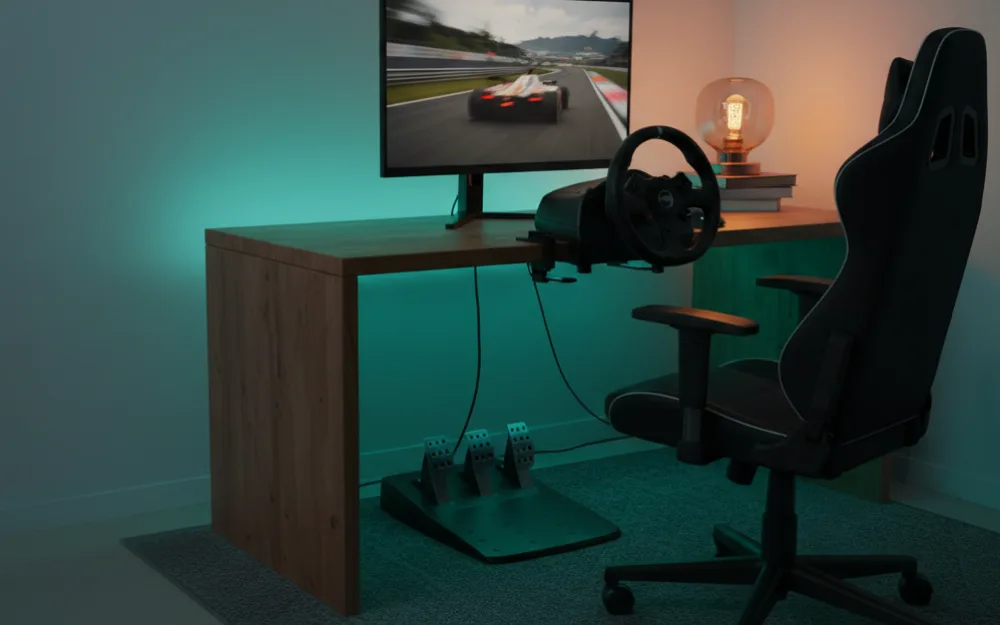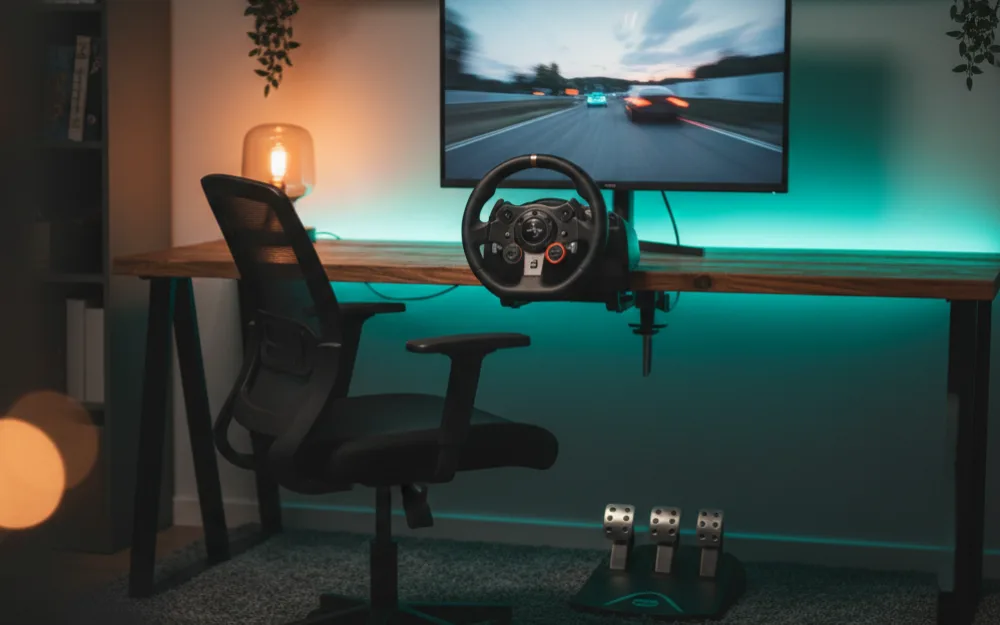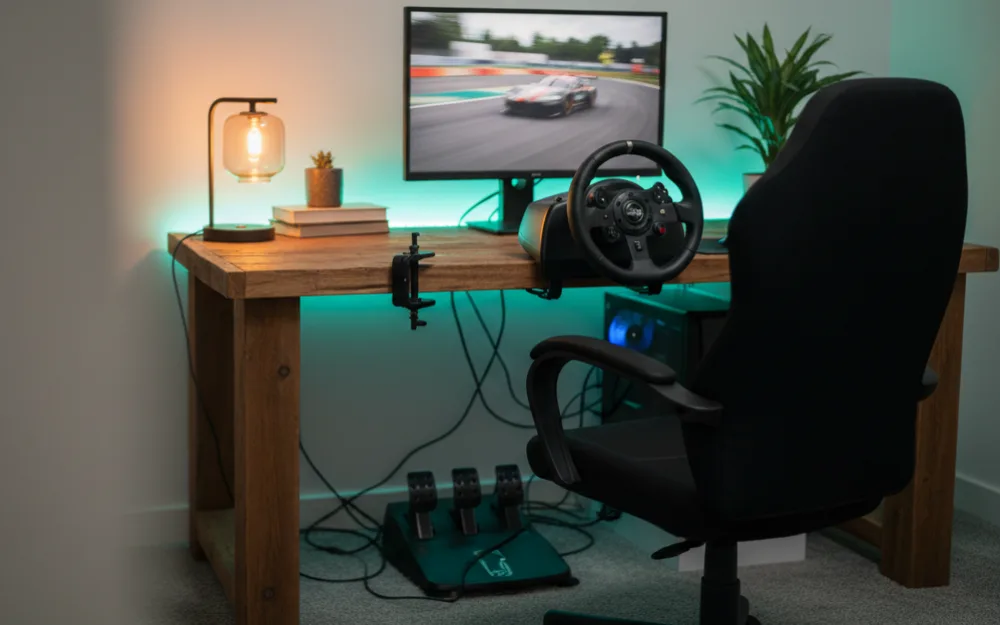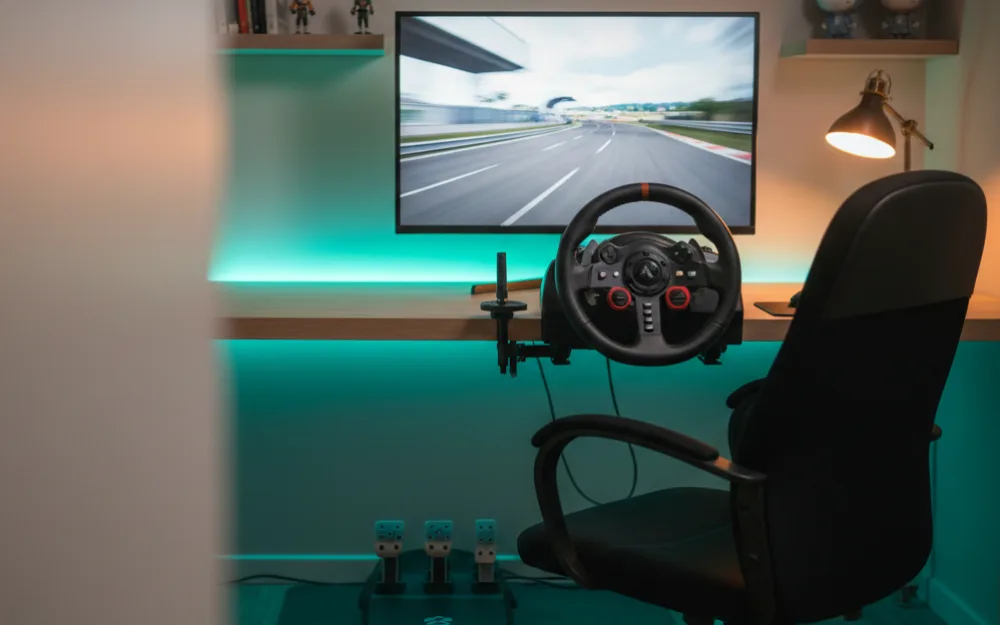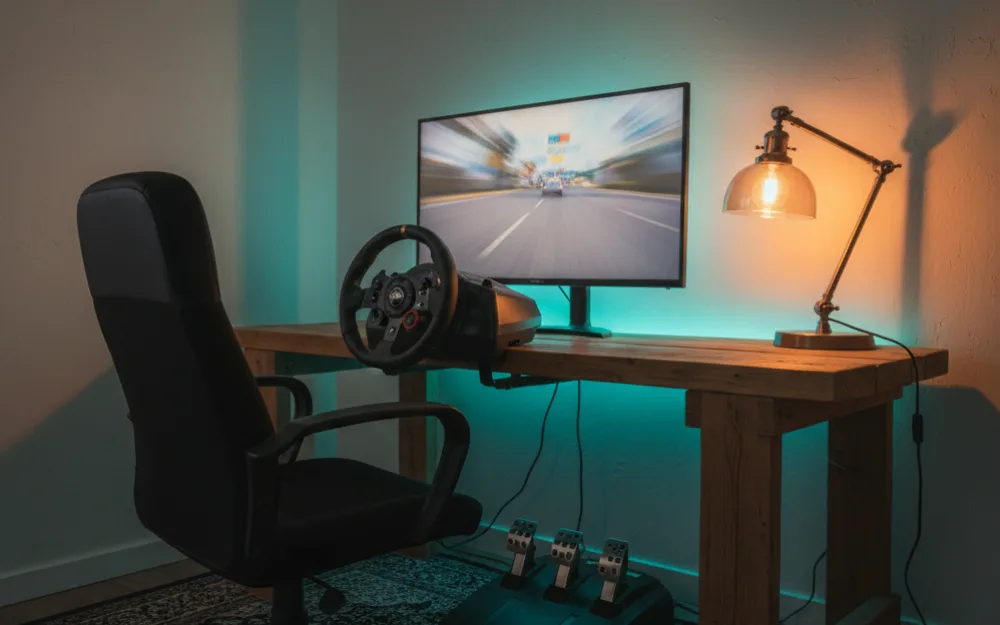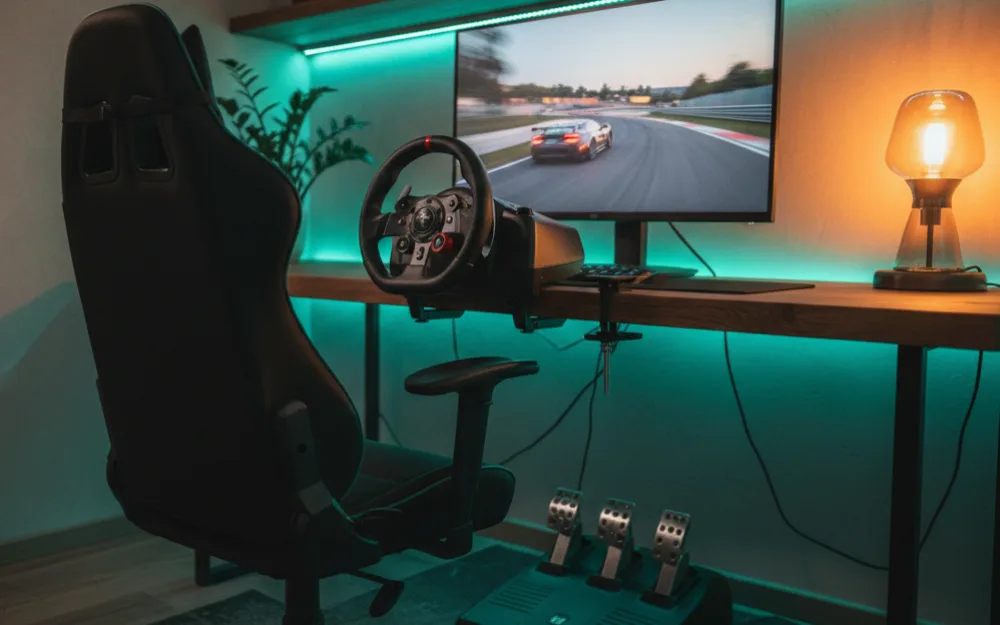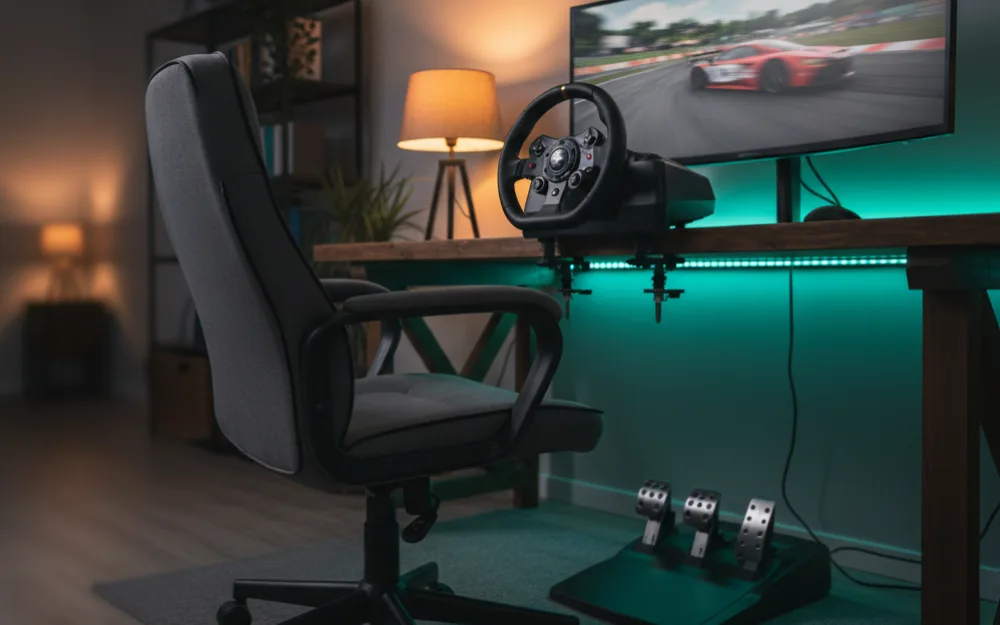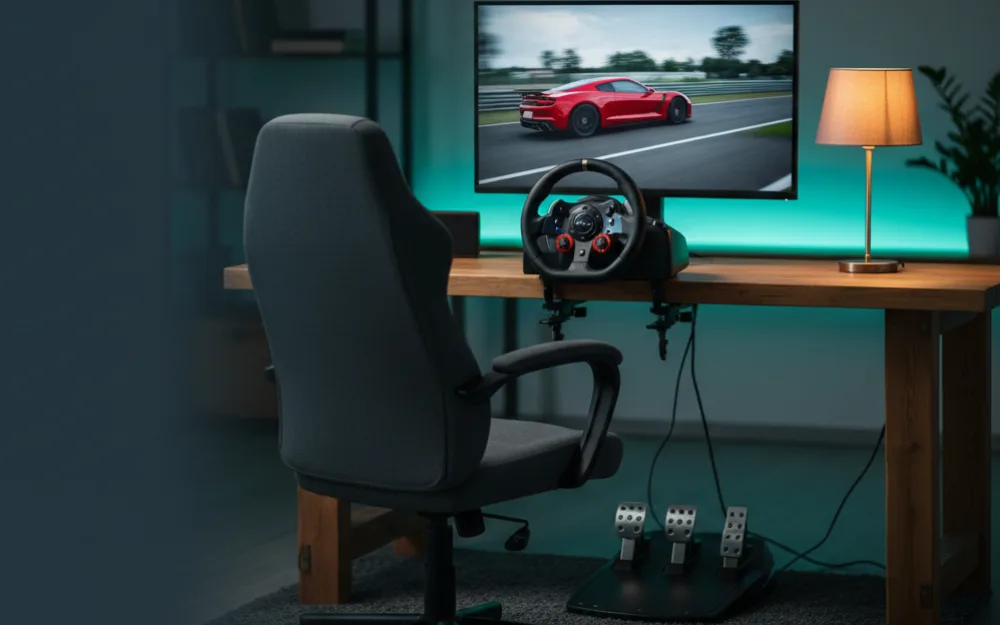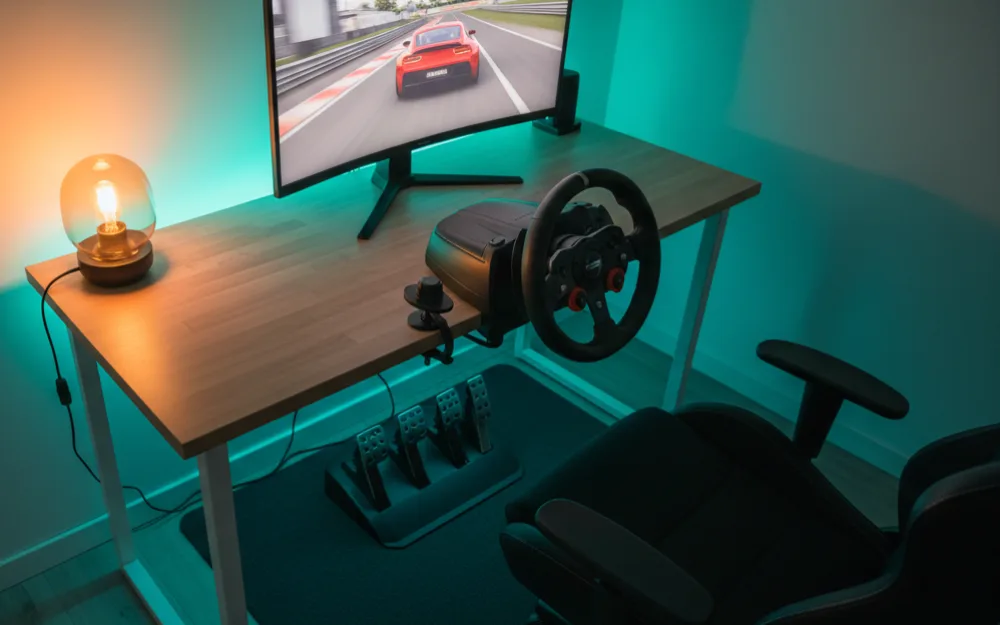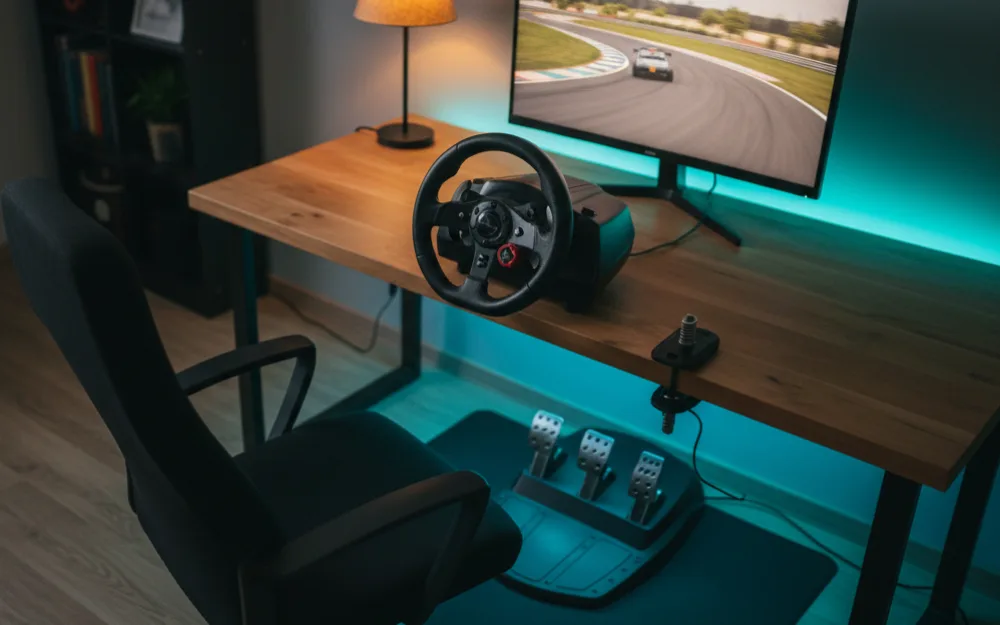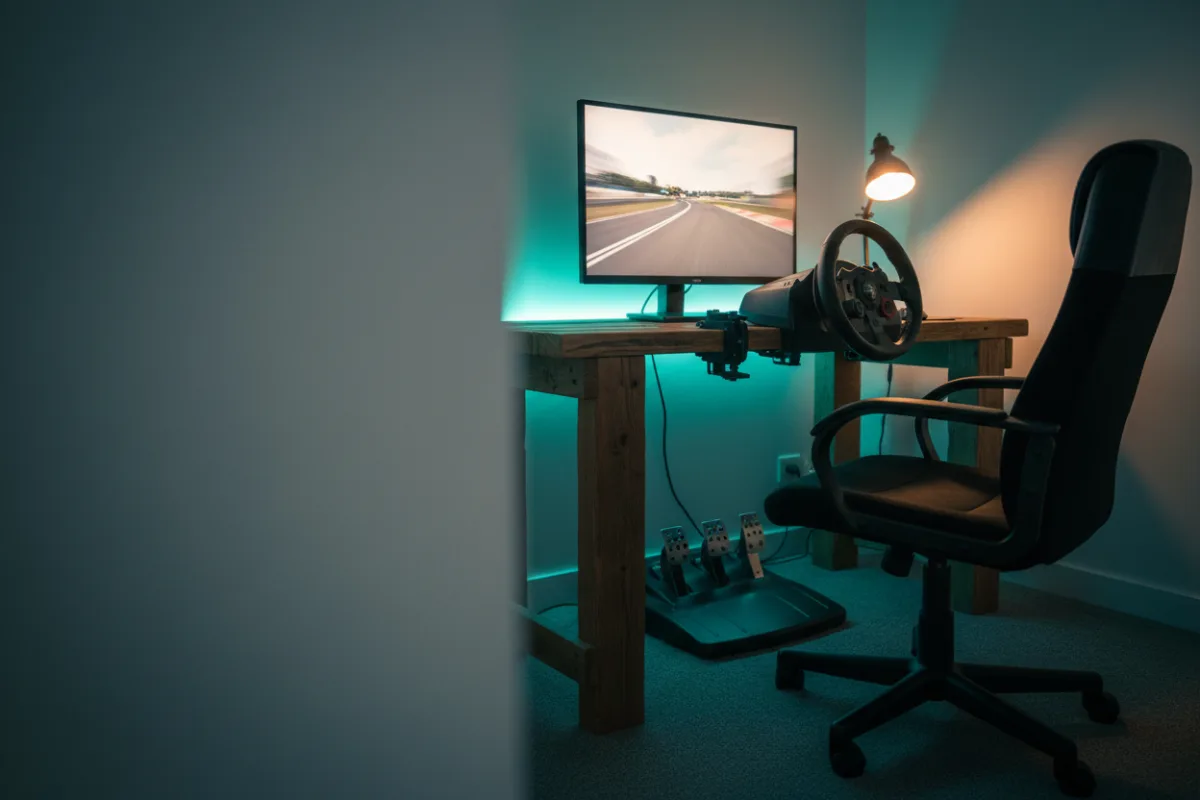

This guide helps you build a complete console sim racing setup that just works on your PlayStation or Xbox, without the compatibility headaches that catch console buyers out. By the end you will know how to pick a wheel that your console actually accepts, mount it solidly, and spend the rest of the budget wisely. Before you buy a single part, answer the one question that matters most on console: which platform are you on, and is this wheel officially supported on it? Get that right and everything else is straightforward.
These recommendations come from comparing this budget with the console supported parts experienced racers point buyers toward, and you can read how we review. Because compatibility is the big trap here, keep our sim racing wheel compatibility guide handy, and start with sim racing for beginners if this is new.
Compatibility comes before everything
On console the rule is simple and unforgiving: the wheel must carry official support for your exact platform. A wheel built for PC alone will not work on a console, and many wheel lines sell separate PlayStation and Xbox versions of the same hardware because each console requires its own licensing. Before you fall for a spec sheet, confirm the wheel lists your console, PlayStation 5 or Xbox Series X and S, on the box or the maker’s page. This single check prevents the most common and most expensive console mistake.
The wheel: an officially supported package
Spend the largest share of this budget on a console supported wheel and pedal package, since it is what you touch every lap. At this budget you are typically looking at a well established belt or gear driven wheel with pedals in the box, and in some cases an entry direct drive bundle that carries console licensing. A three pedal set with a clutch leaves room to add a shifter later. Choose by platform: read the best racing wheel for PS5 or the best racing wheel for Xbox Series X, then confirm your pick against the compatibility guide.
A note on the direct drive question
Some console supported bases at the upper edge of this budget are direct drive, which connects the rim straight to the motor for a smoother, more detailed feel. If you go that route, remember it can produce real force: start at a lower strength, keep both hands gripping the wheel, keep your thumbs outside the spokes, and build up as you get comfortable. Reduce the strength for a lighter or younger driver. A belt or gear driven wheel is a perfectly honest place to start if the direct drive options stretch the budget too far. See direct drive vs belt vs gear driven wheels to weigh the two.
The mount: a stand or foldable cockpit
A wheel clamped to a light desk will slide and steal your feel, so budget for a solid mount. A wheel stand costs less and holds the wheel and pedals firmly, while a foldable cockpit adds a seat and folds away when you are done, which suits a living room console setup. Both keep the wheel planted so the force feedback stays honest. Compare them in the best racing wheel stands and the best foldable sim racing cockpit, and read cockpit vs wheel stand vs desk mount to choose.
The screen: your television is fine
One advantage of console racing is that you almost certainly already own a screen: your television. Race on it and put the whole budget into the wheel and mount. A large television at a sensible distance is a comfortable, immersive way to play, and it keeps your money where it counts. If you later want lower input lag, many televisions have a game mode worth enabling, but you do not need to buy a display to get started.
A sample console build
| Part | What to get on this budget | Why |
|---|---|---|
| Wheel and pedals | An officially supported package for your console | It has to carry your platform’s licensing to work at all |
| Mount | A rigid wheel stand or foldable cockpit | Keeps the wheel planted in a living room space |
| Screen | Your existing television, with game mode on | Saves the budget and is already in the room |
| Shifter | Add later if you want H pattern gears | Optional once the core rig is solid |
Check that your games support a wheel
On console, wheel support lives inside each game rather than in a system setting, so a wheel only helps in games that actually support one. Before you commit, confirm that the racing games you plan to play list wheel support, because a title built only for a controller will ignore the wheel no matter how well it is set up. The good news is that the major console racing games support wheels well, but it is worth a two minute check so there are no surprises on your first evening. Our guide on how to connect a racing wheel to a PS5 covers where these settings hide.
Common console mistakes that cost money
The costliest console mistake is buying the wrong version of a wheel. Many lines sell separate PlayStation and Xbox models, and a PC only wheel works on neither, so a great deal on the wrong version is money lost. The second mistake is assuming a wheel that works on a friend’s PC will work on your console; console licensing is stricter, and it often will not. The third is skipping a solid mount to save a little, then fighting a wheel that slides across the desk. Confirm the platform, buy the matching version, and give the wheel something firm to sit on, and the rest of console racing is refreshingly simple.
Who this build suits, and who should adjust it
| This build is right if | Adjust it if |
|---|---|
| You race on PS5 or Xbox and want a plug and play setup | You also race on PC and want one wheel to cover both |
| You want to play on your television in the living room | You want triple screens, which suit a PC based rig |
| You value simplicity and guaranteed compatibility | You want the strongest direct drive feel above all else |
Your next step
Confirm your wheel is officially supported on your exact console, spend the most on the wheel and pedal package, mount it on a solid stand or foldable cockpit, and race on the television you already own. Once you have chosen, our guide on how to connect a racing wheel to a PS5 gets you up and running, and how much a sim racing setup costs helps you plan any upgrades.