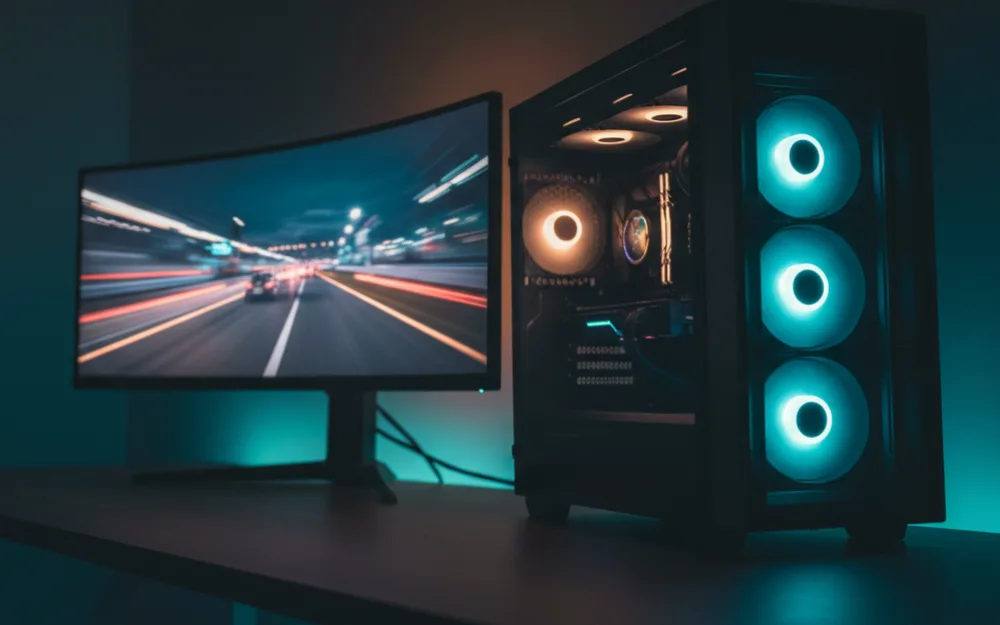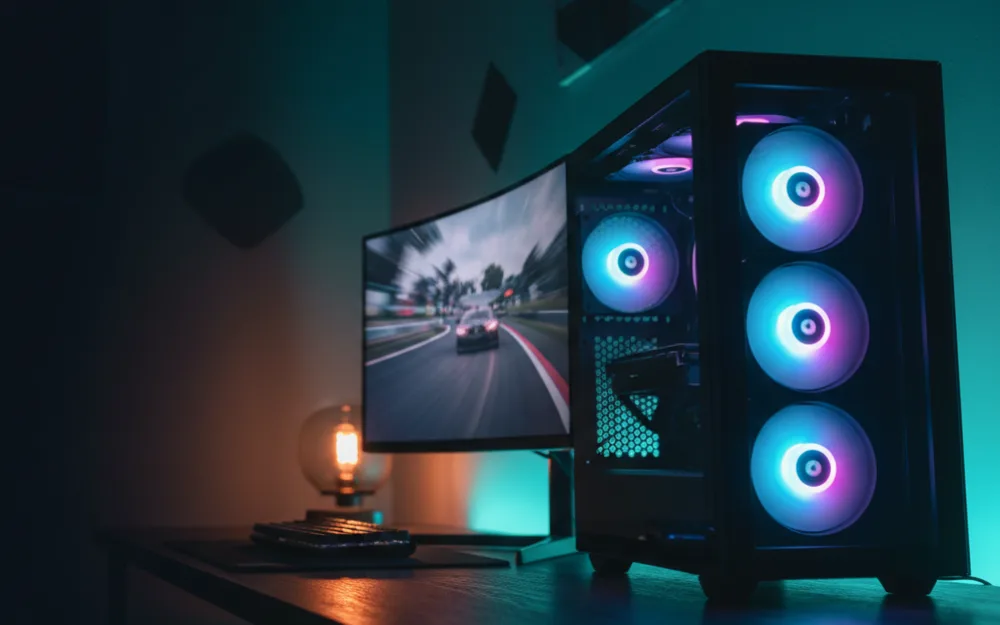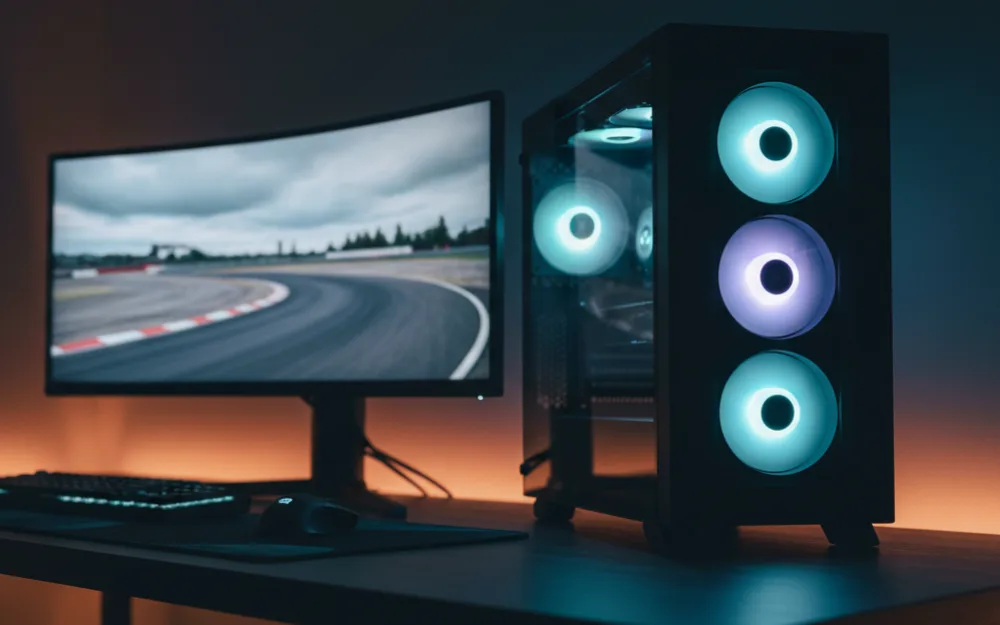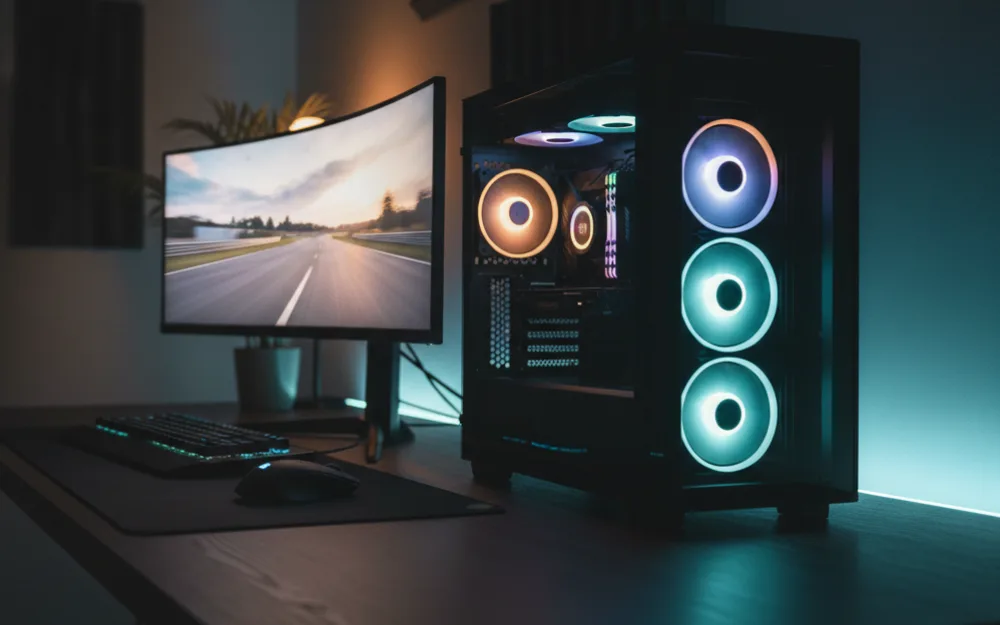

A sim racing PC has one job that matters above all: hold a high, steady frame rate on the display you actually own. At the entry budget that means matching a capable graphics card and a solid processor to a single monitor, and being honest about where the ceiling sits. This guide covers what a sim racing PC at this entry budget should deliver, anchored to a prebuilt that hits the mark, so you can shop by specification rather than by sticker.
We compared build specifications with recurring owner feedback, and you can read how we review. If PC terms are new to you, start with Getting Started.

What to prioritize at this budget
Sim racing leans hardest on the graphics card, because frame rate on track is mostly a GPU story. The processor matters next, since sims simulate physics and AI cars that a modern six core chip handles comfortably. Memory should be 16GB of DDR5 at a minimum, which is enough for racing while leaving room for a browser and voice chat. Storage should be an NVMe solid state drive so tracks and cars load quickly. Get the GPU right for your monitor first, then make sure the rest of the build does not hold it back.
Skytech Archangel 5: the anchor build
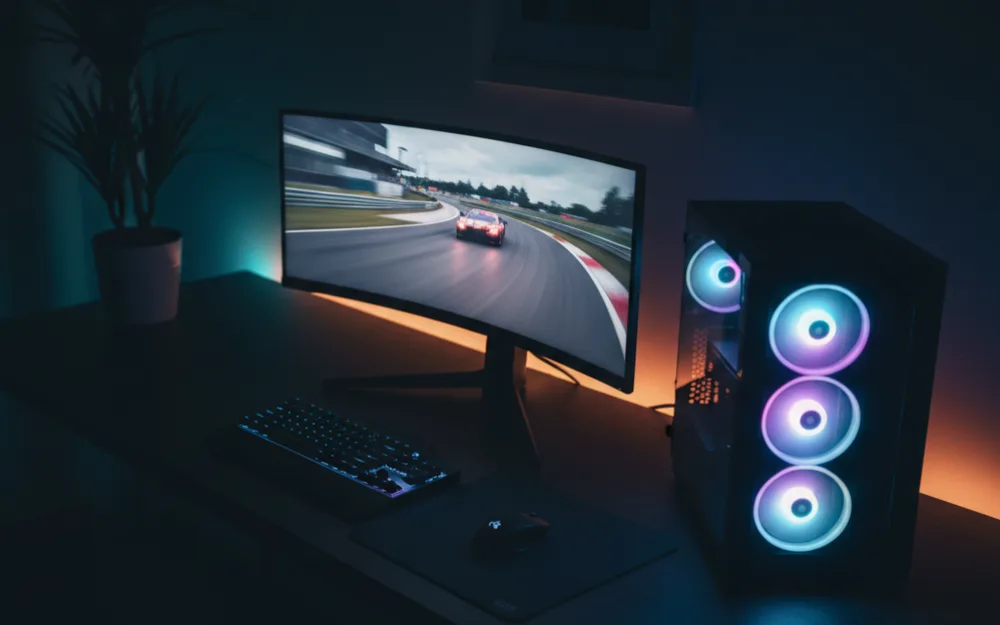
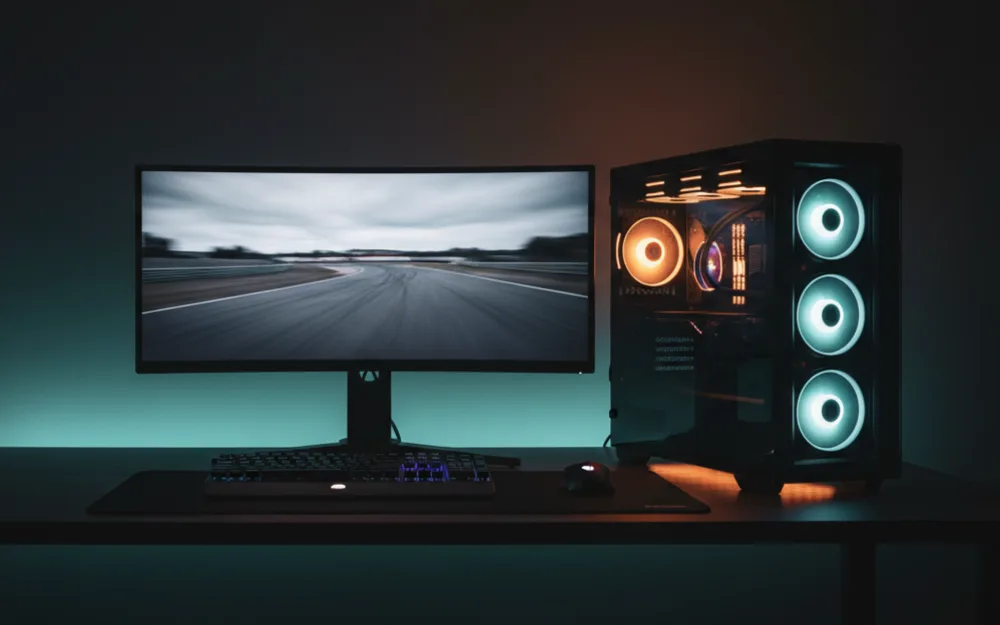
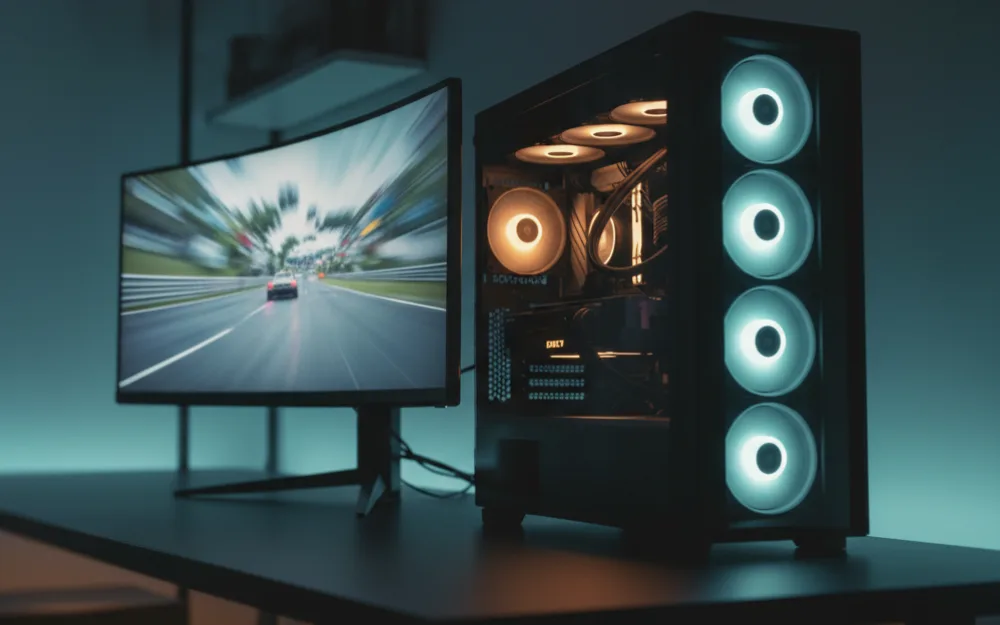
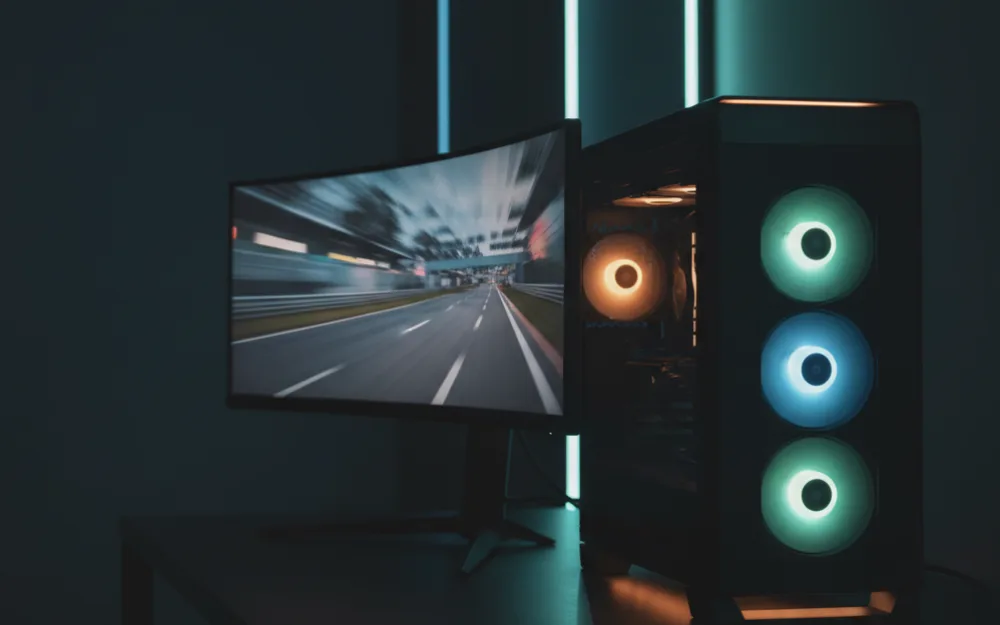
The Skytech Archangel 5 is a clean example of a balanced entry sim racing PC. It pairs an Intel Core i5 14400F with an NVIDIA GeForce RTX 5060 8GB, 16GB of DDR5 6000 memory, a 1TB NVMe drive, and a 750W Gold rated power supply. For a single 1080p or 1440p monitor, that combination has the horsepower to run mainstream sims at high frame rates, which is exactly what an entry racer needs. Owners describe it as a tidy build with sensible cooling, and the standard components make later upgrades straightforward.
Match the PC to your display
The most useful thing you can do before buying is decide what you are driving. A single 1080p or 1440p monitor is the natural partner for an entry build like this, and the frame rates stay high. A super ultrawide at 5120 x 1440, a high resolution VR headset, or a triple screen setup all ask far more from the graphics card, and an entry PC will force compromises there. Judge the build by the panel it will feed, because a card that flies on one 1440p screen has to work much harder across a wide or high resolution display.
Prebuilt or self build
A prebuilt trades a little value for convenience: a warranty, assembly, and support in one box. A self build can stretch the same budget slightly further if you are comfortable assembling parts and handling support yourself. Neither is wrong. Reviewers who compare the two note that prebuilts have narrowed the value gap in recent years, so the decision often comes down to whether you would rather spend your time building the PC or building your rig around it. Both paths reach the same on track result.
Cooling, noise, and the power supply
Two parts of a prebuilt get overlooked and both matter for a rig you sit next to for hours. Cooling decides whether the machine holds its performance under a long stint or throttles as it heats up, so a build with a competent air cooler and sensible case airflow, like the Archangel 5’s setup, is worth more than a slightly faster part in a cramped case. Noise is the companion concern, since a PC that ramps its fans loudly sits right beside your wheel and can intrude on engine and tire audio. The power supply is the third quiet detail: a quality unit with an efficiency rating and a little headroom leaves room to drop in a stronger graphics card later without replacing the whole foundation.
Ports and the upgrade path
An entry PC is a starting point, so buy one that can grow. Check that the case and motherboard use standard, off the shelf parts, because that is what makes a later graphics card or storage upgrade straightforward rather than a rebuild. Look at the rear ports too: enough USB connections for a wheel, pedals, a shifter, and a headset adds up quickly on a sim rig, and a build that leaves you short forces a hub. DisplayPort and HDMI outputs on the graphics card determine which monitors and headsets you can drive, so confirm the outputs match the display you plan to pair with it. A build that upgrades cleanly stretches your money across years, not months.
Budget for the whole rig, peripherals included
The PC is one part of a sim setup, and it helps to plan the whole spend together. A racer at this budget is usually pairing the machine with a wheel, pedals, and a stand or cockpit, and those choices shape how much PC you actually need. If most of your money is going into the display and the wheel, an entry build like this keeps the total sensible while still running mainstream sims well. If the PC is the priority and the peripherals come later, the same build gives you a clean base to add to. Either way, deciding the full rig before you buy avoids overspending on one part at the expense of another.
Who should skip a build at this budget
An entry PC is not the right buy for every racer. If your plan is a high resolution VR headset or a super ultrawide from day one, the entry graphics card will bottleneck the exact experience you are paying for, and stepping up a tier pays off. If you already own a capable PC, the money is better spent on a wheel, pedals, or a rig. And if you only race occasionally on a console, a dedicated gaming PC may be more machine than you need. Buy at this tier when a single fast monitor and mainstream sims are the goal.
A simple spec checklist
| Component | Entry target |
|---|---|
| Graphics card | Current generation mainstream GPU for 1080p or 1440p |
| Processor | Modern six core or better |
| Memory | 16GB DDR5 minimum |
| Storage | NVMe solid state drive |
| Power supply | Quality unit with an efficiency rating and upgrade headroom |
Current generation versus previous generation parts
At the entry budget you will sometimes see builds mixing a current generation graphics card with a slightly older processor, and that is often a sensible trade rather than a compromise. Sim racing leans hardest on the graphics card, so putting the money there and pairing it with a proven previous generation processor can stretch the budget further while still running mainstream sims well. What matters is balance: a strong card held back by a very weak processor will bottleneck in a busy field of cars, and a fast processor paired with a weak card will run short on frame rate. The Archangel 5’s pairing of a current generation card with a recent processor is the kind of balanced match to look for. Read the whole specification rather than fixating on one headline part, because the on track result comes from how the pieces work together.
Related reading
If you can stretch the budget for VR or a super ultrawide, our best gaming PCs for sim racing under $1500 roundup covers the next tier up. Match your build to a screen with the best ultrawide monitors for sim racing, or to a headset with the best VR headsets for sim racing under $500. Browse more system guides in the PCs and Consoles category, and add a wheel from our best sim racing wheels guide.