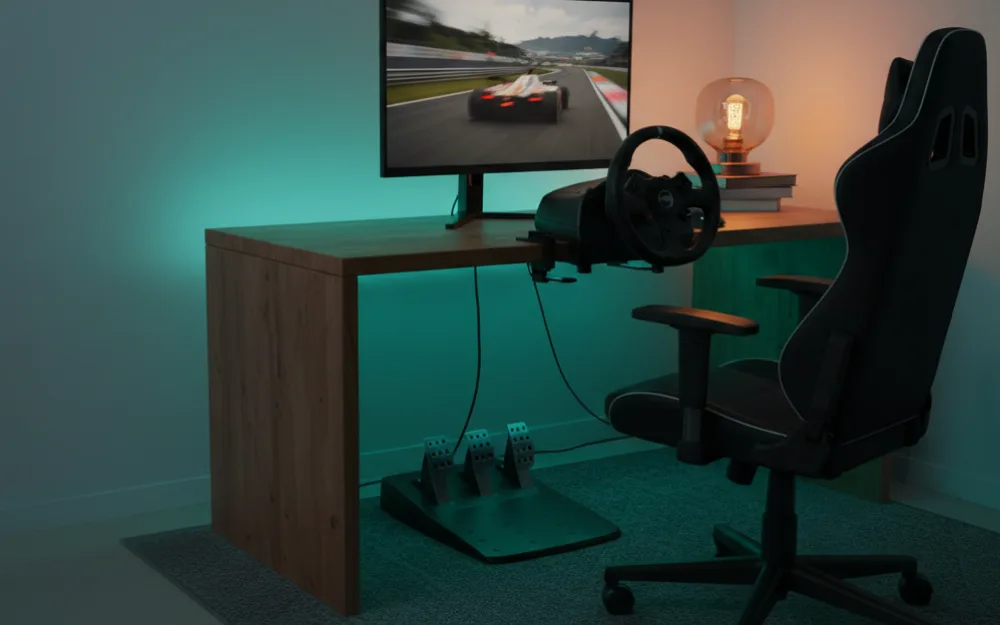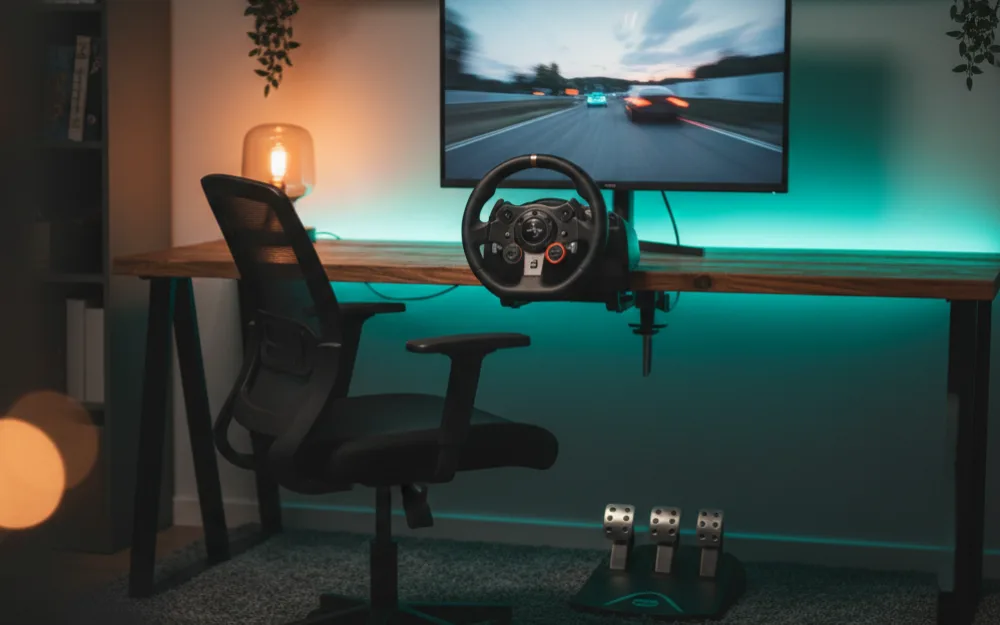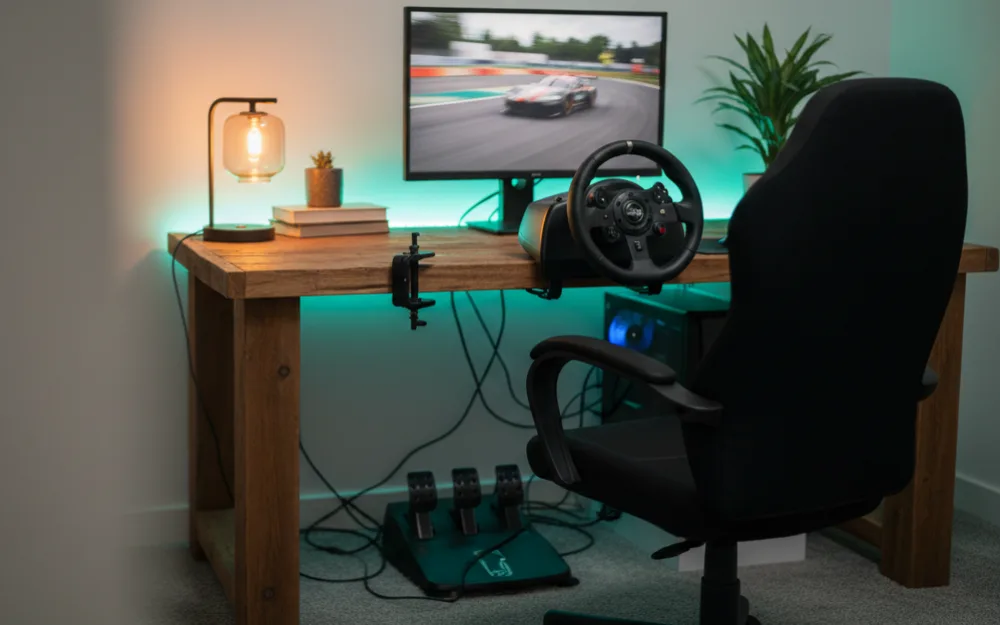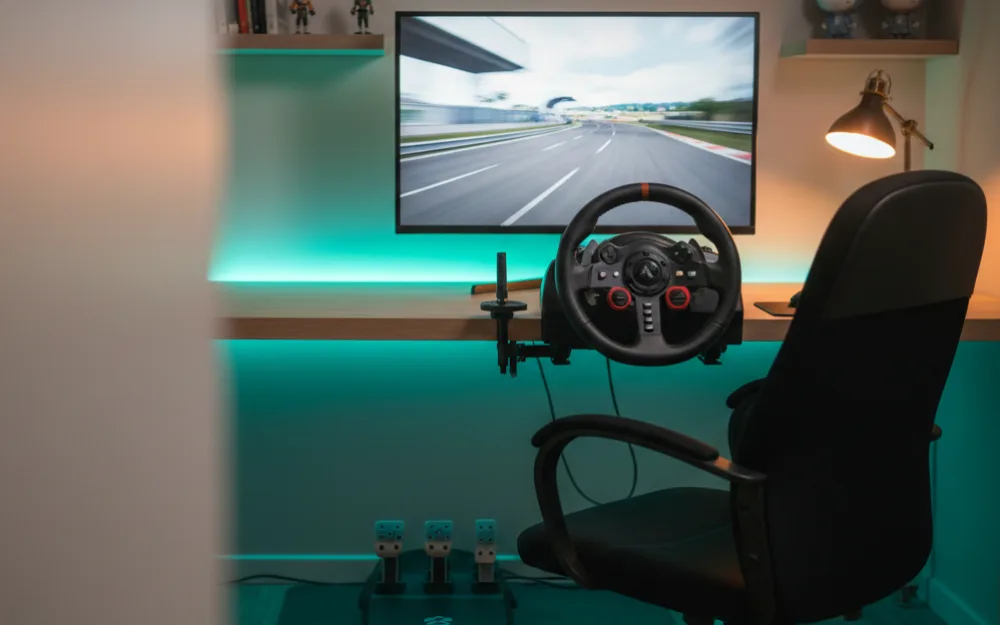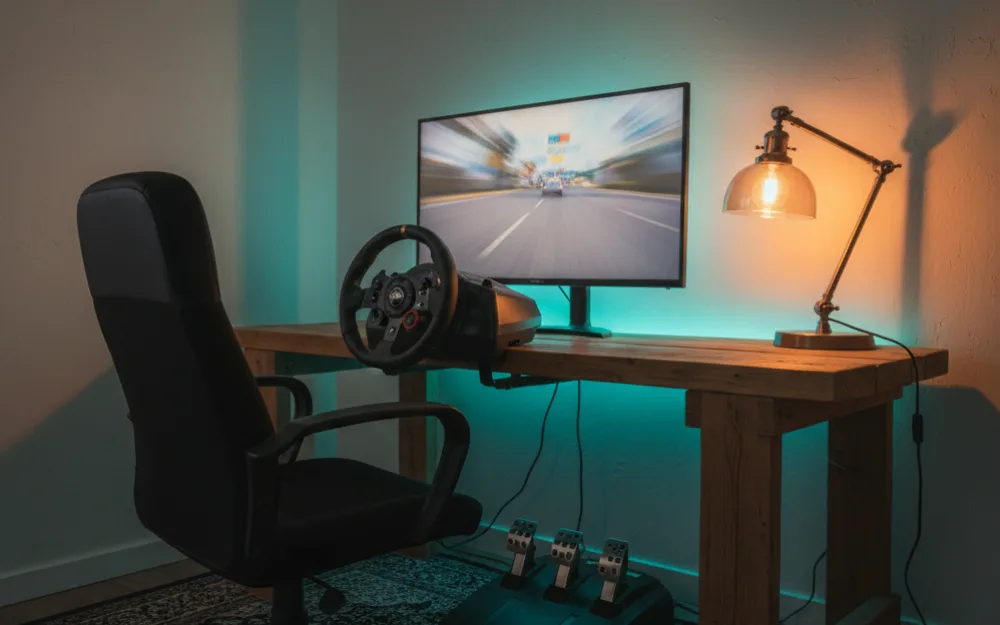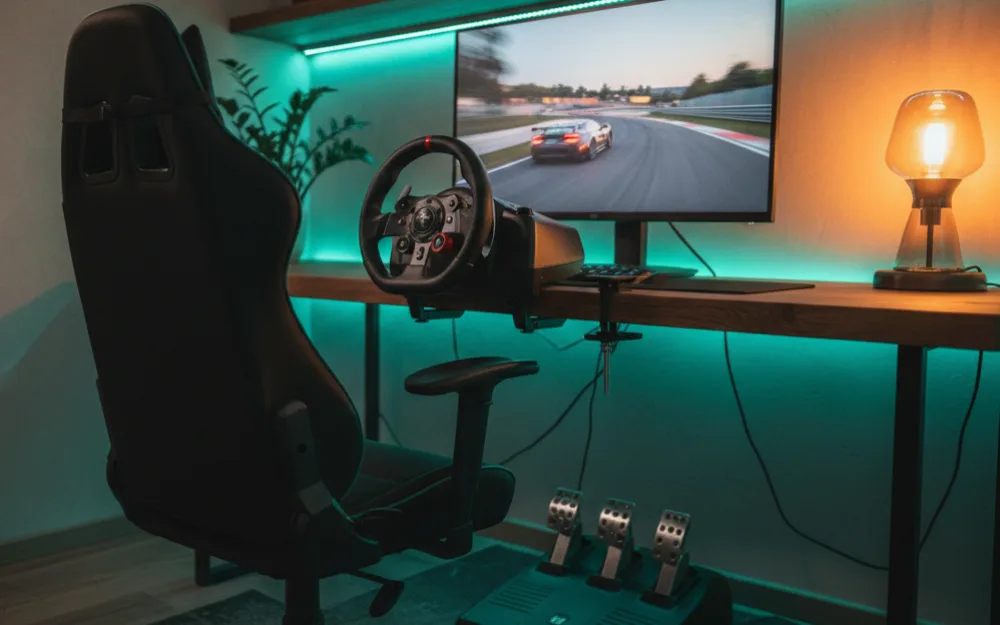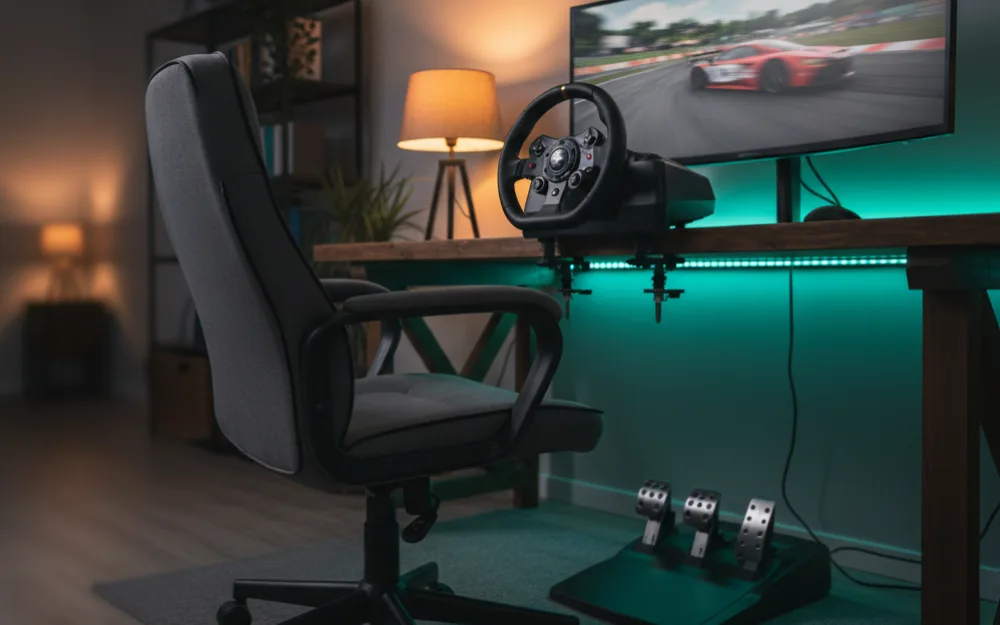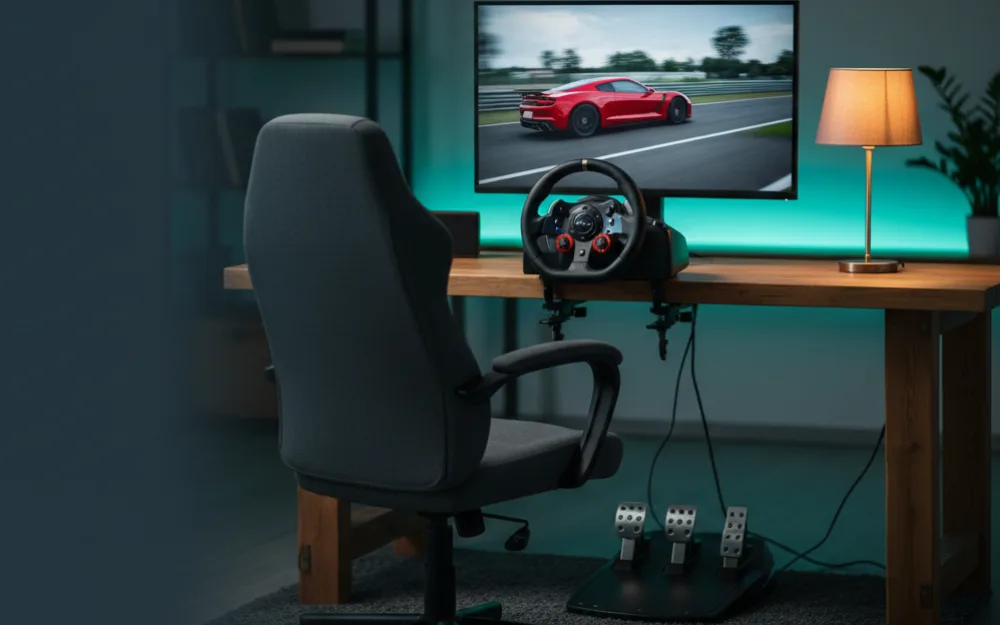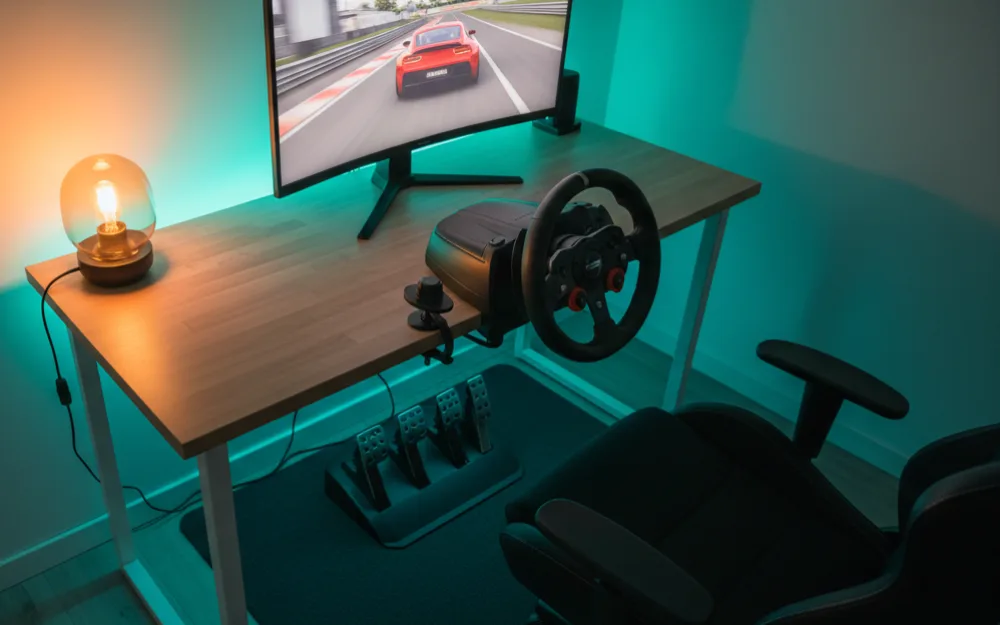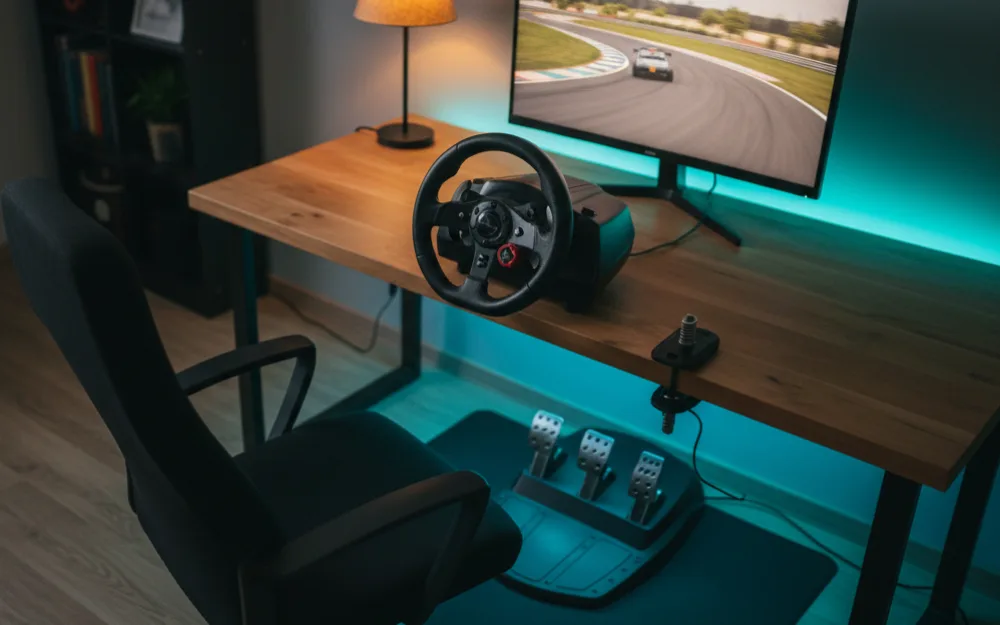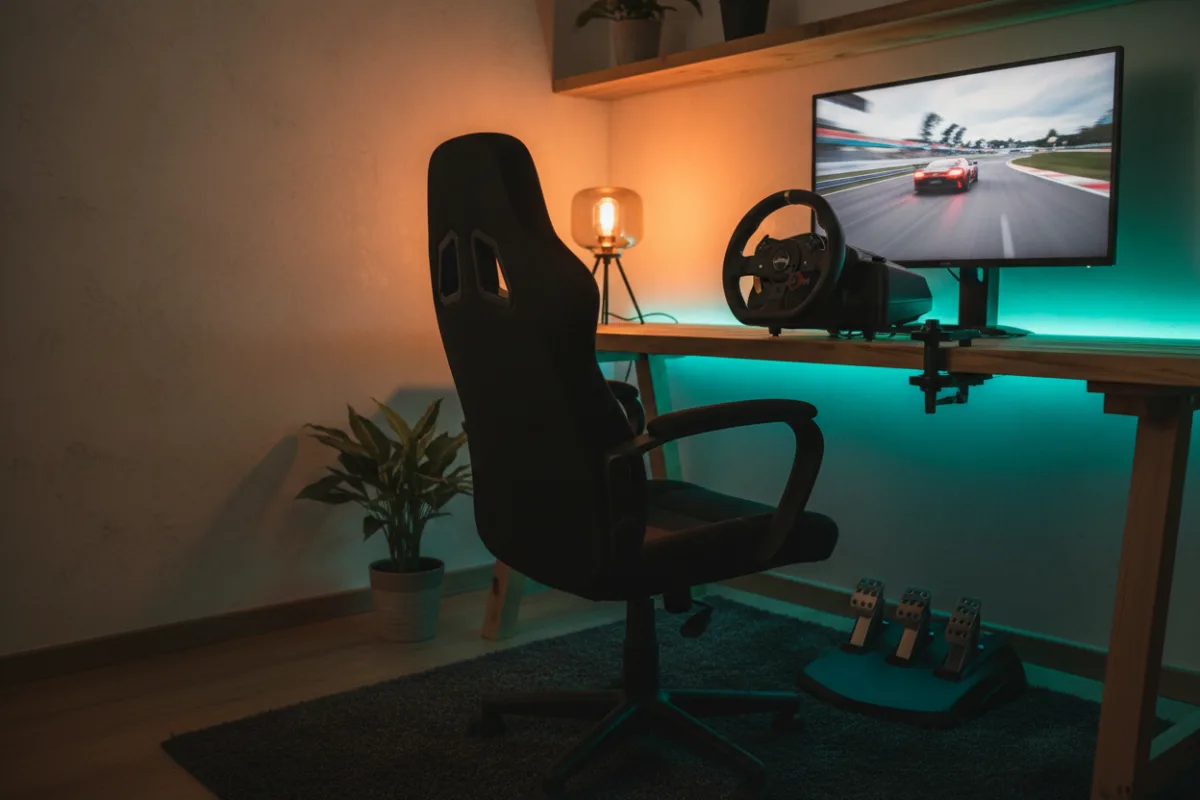

If you are new to sim racing, the setup that serves you best is a complete one where the wheel, pedals, and something solid to mount them to all arrive together, so nothing feels vague on your first laps. This guide points you toward a first setup that teaches car control honestly and leaves room to grow, whether you race on a PlayStation, an Xbox, or a PC. It suits anyone who wants to start properly without overspending on parts they do not yet need.
These picks come from comparing what a beginner actually needs against the gear experienced racers point new drivers toward, and you can read how we review. If the terms here are new, start with Getting Started, and if you want to know where the money goes before you buy, see how much a sim racing setup costs.


What a beginner setup really needs
Before you spend anything, answer three questions honestly: which platform do you race on, how much room do you have, and do you already own a screen you can use. Your answers decide where the money goes. The one rule that holds for every beginner is this: put the largest share into the wheel and pedals, because they are what your hands and feet touch every lap, and put a smaller share into a rigid mount so that feel does not wobble away. A screen can wait if you already own a monitor or a television. Chase feel first, and the rest follows.
The wheel and pedals: start with a proven force feedback set
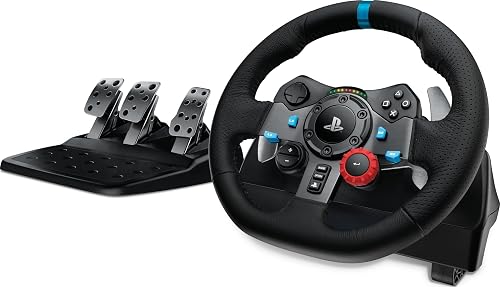
A first wheel does not need to be direct drive. It needs to give you real force feedback, come with pedals in the box, and last. Two wheels have anchored the beginner tier for years. The Logitech G29 uses helical gearing to drive the rim, which produces a firm center and a clear kickback, and it ships with three pedals including a clutch, so you can grow into H pattern shifting later. It covers PlayStation 5, PlayStation 4, and PC. Xbox players want the G920 version of the same wheel instead. The Thrustmaster T128 is the other strong starting point, with force feedback, magnetic paddle shifters, and a magnetic two pedal set, officially licensed for PlayStation 5 and PlayStation 4 and compatible with Windows PC.
The difference to weigh is the pedals. The G29 gives you three pedals and a clutch out of the box, which is the better foundation if you already know you want to learn manual launches or drive truck and classic sims. The T128 keeps it to two magnetic pedals, which is plenty to learn on and resists wear over time. Reviewers who race both consistently describe honest, durable wheels that teach the important cues: the load building through a corner, the front tires washing wide, grip returning on exit. To compare the field more widely, read the best racing wheels under $200 and the best racing wheels under $300.
The mount: keep the wheel planted
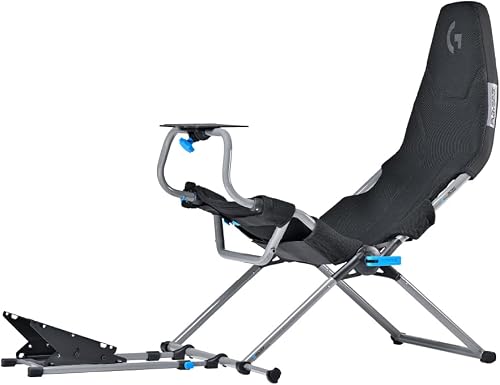
A wheel clamped to a light desk slides and robs you of feel, so budget for a proper mount from the start. You have two good routes as a beginner. A wheel stand like the GT OMEGA Apex holds the wheel and pedals on a rigid steel frame, folds away when you are done, and adjusts for height and tilt so you can dial in a comfortable position. It fits the common beginner wheels, including the G29, G920, and Thrustmaster T300 family. The other route is a foldable cockpit, which adds a seat and a fixed driving position. The Playseat Challenge X folds flat for storage, offers several seating and recline positions, and includes a shifter mount, which makes it a strong choice when you want the feel of sitting in a car but cannot leave a rig out permanently.
Choose the stand if you race at a desk and want to spend less on the frame, and choose the foldable cockpit if a proper seating position and easy storage matter more to you. Both keep the wheel steady so the force feedback stays honest. To weigh more options, see the best racing wheel stands and the best foldable sim racing cockpit, and read cockpit vs wheel stand vs desk mount to decide.
The screen: use what you already own
This is where beginners overspend. On a first setup, race on the monitor or television you already have. A single decent screen at a sensible distance is completely fine to learn on, and you can always add or upgrade displays once the core rig is solid. If you truly have no screen, add a single monitor rather than reaching for triples or VR, which belong to a later stage. When you are ready to think about displays, the best monitors for sim racing covers the options.
How the pieces fit together
| Part | What to get first | Why it earns its place |
|---|---|---|
| Wheel and pedals | The Logitech G29 for three pedals, or the Thrustmaster T128 for magnetic durability | Real force feedback and pedals in the box teach car control honestly |
| Mount | A GT OMEGA Apex stand, or a Playseat Challenge X foldable cockpit | Keeps the wheel planted so the feel stays honest, and stores away |
| Screen | A monitor or television you already own | Saves the budget for the parts you touch every lap |
| Shifter and handbrake | Add later, not now | Rewarding extras once you can hold a consistent lap |
Setting up safely on your first day
Two habits make the first session smoother. First, mount the wheel and pedals firmly before you drive, and if you use a foldable cockpit, lock every adjustment so nothing shifts under braking. Second, when you launch a new game, start the force feedback lower than the default and raise it until the detail feels clear but the wheel is not fighting you. A geared or belt driven wheel like these will not injure you, but building the habit of easing into the forces now will serve you well if you move up to a stronger direct drive base later. If the wheel ever feels harsh or notchy in one game, that is usually a setting to adjust, not a fault.
Common beginner mistakes
A few predictable errors soak up money that should have gone into the wheel. The first is buying a large or fancy screen before the wheel is sorted, which leaves you staring at a lovely picture while a flexing wheel undercuts the feel. The second is clamping the wheel to a light folding table, where it walks across the surface under braking and makes even a good wheel feel vague. The third is chasing a shifter or handbrake on day one, before you can hold a consistent lap. Spend on the wheel, pedals, and a rigid mount first, and let the rest wait until you know the hobby has stuck.
Who this setup suits, and who should skip it
| This setup is right if | Skip it and spend more if |
|---|---|
| You are new and want a complete, honest first rig | You already know you want direct drive detail from the start |
| You race on PlayStation or PC and value proven durability | You need a load cell brake for serious lap time work |
| You want pedals in the box and room to add a shifter later | You want a permanent, highly rigid cockpit right away |
| Space is shared and a foldable mount helps | You race on Xbox and need the G920 or an Xbox licensed wheel |
How these picks score
The WSR Score reflects verified buyer ratings gathered and normalized on a consistent scale, not an editorial rubric. You can read what goes into it on How We Review. On that basis these are gear that owners keep and recommend, which is exactly what you want from a first setup.
Your next step
Pick your wheel and pedal set first, then a rigid stand or foldable cockpit, and race on a screen you already own. That order gets you on track for the least money with nothing holding you back. When you want the full budget picture, our sim racing setup under $500 guide shows the tightest complete build, and direct drive vs belt vs gear driven wheels explains what a wheel upgrade later will buy you.