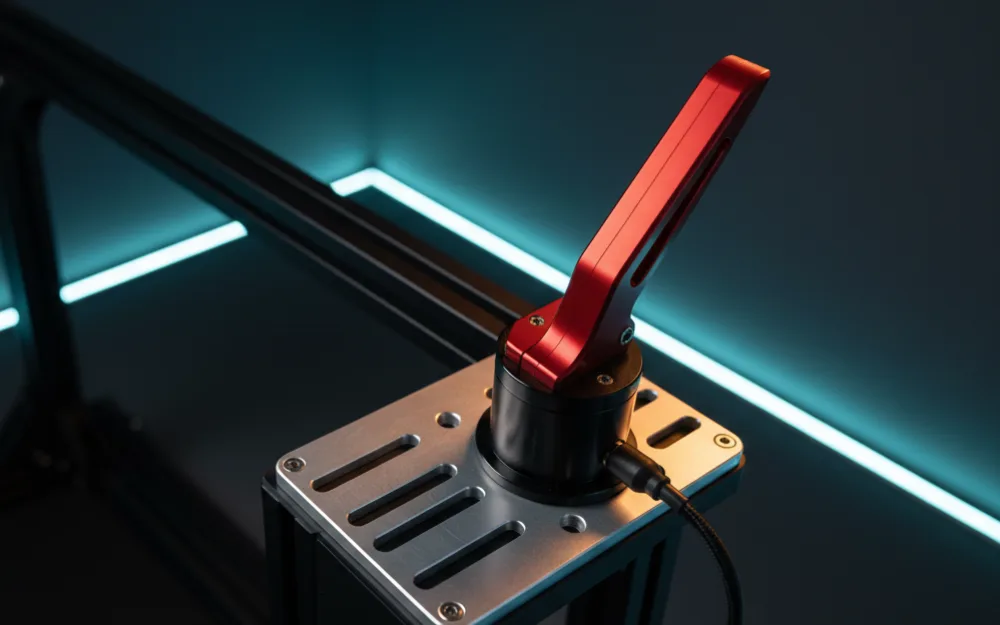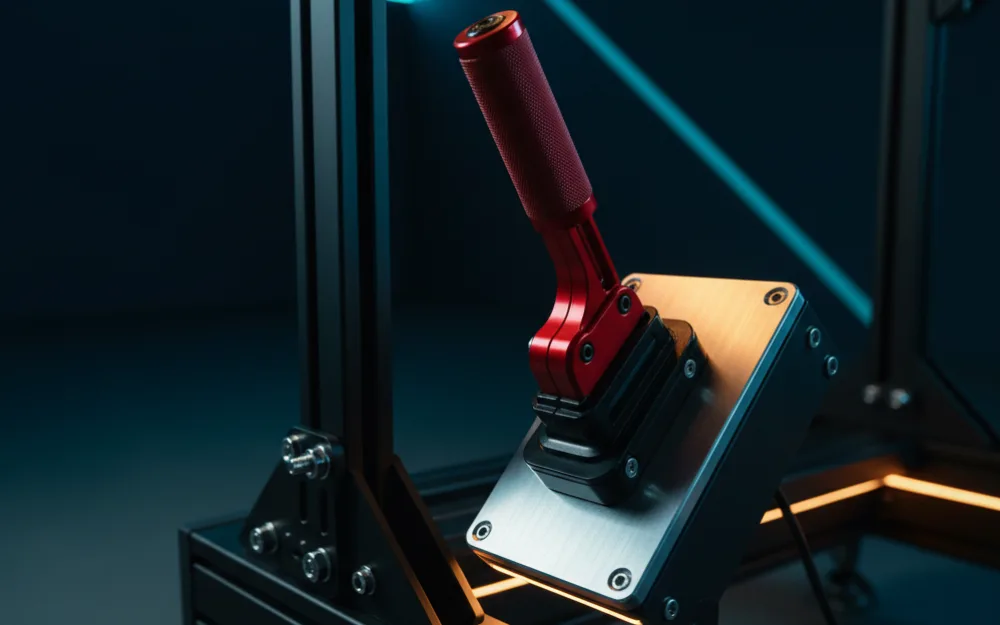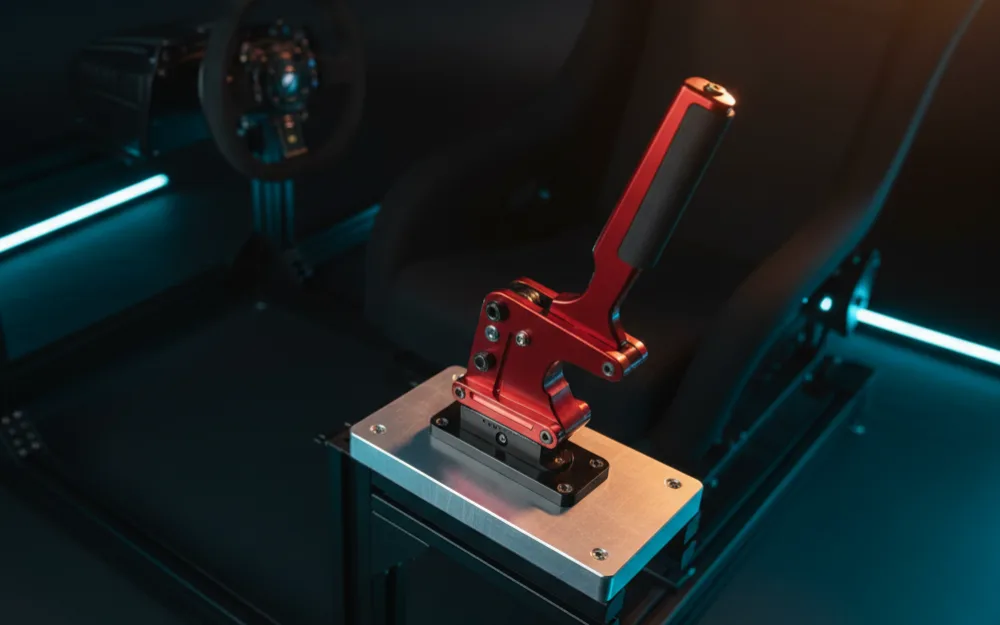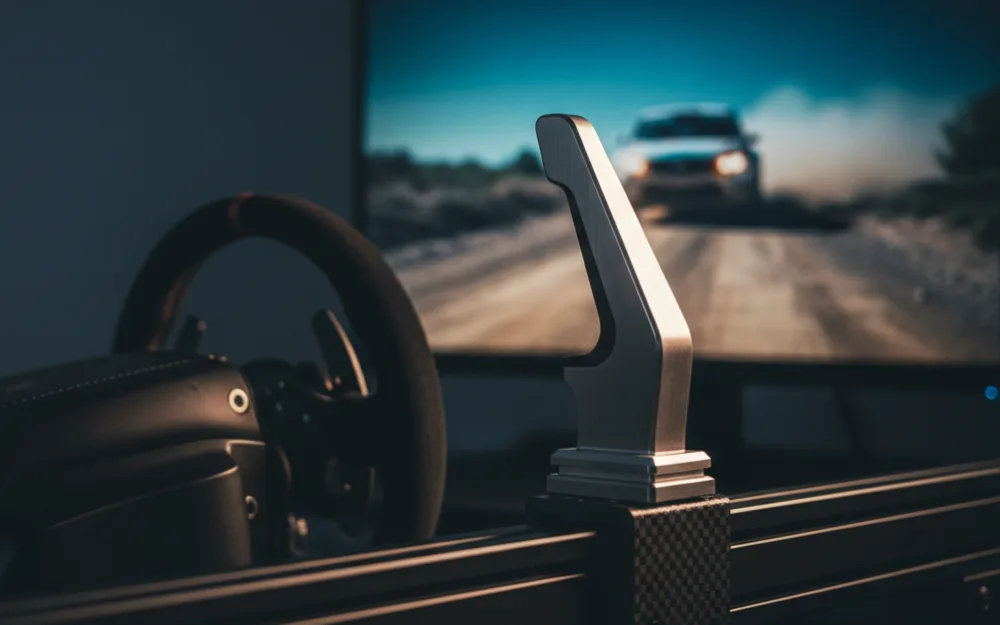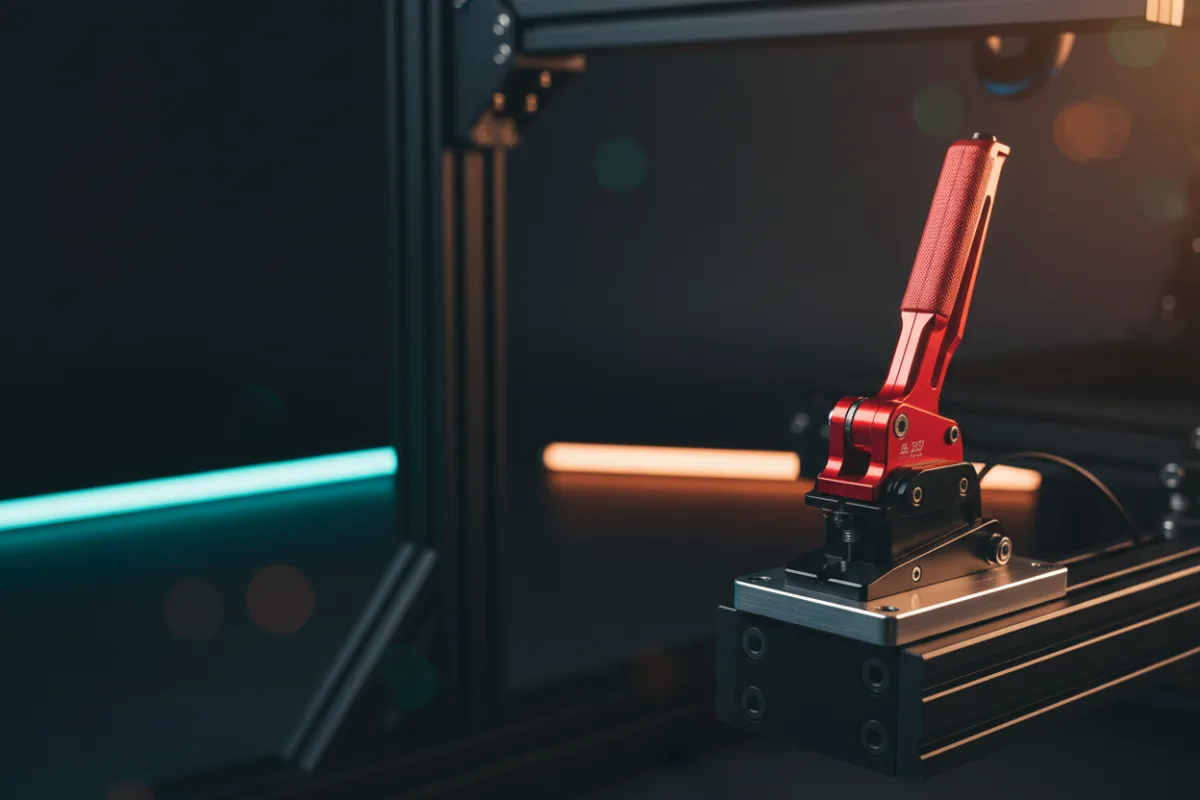

A handbrake is the single accessory that unlocks rally stages, drift entries, and tight hairpins where a quick flick of the rear does more than any brake pedal can. The good news is that you do not need an expensive unit to get real, usable input. This guide is for drivers who already race with a wheel and pedals and want to add a handbrake without stretching the budget. We will start with what to look for, then work through three picks so you can match the pull action and mounting to the way you drive.
These picks compare manufacturer specifications with recurring owner feedback, and you can read how we review for the method. If handbrake terms are new to you, Getting Started lays the groundwork first.


How to choose a budget handbrake
Start with the sensor type, because it changes how the handbrake behaves in the sim. A progressive analog handbrake reads how far you pull, so a light tug slows the rear a little and a full pull locks it. That gradual control is what you want for rally, where you meter the slide into a corner. A simpler on and off handbrake acts like a button, fully engaged or fully released, which is fine for arcade style handbrake turns but gives you less finesse. Owners who run rally and drift consistently prefer the progressive kind for that reason.
The second question is mounting and connection. Most budget handbrakes clamp to a desk or bolt to a rig, and many connect over USB so a PC reads them as their own controller, independent of your wheel brand. That USB path is why these units work across so many setups, but it also means console support is not guaranteed, so confirm your platform before buying. With those two points settled, the choice comes down to build and pull feel.
At a glance
| Handbrake | Action | Connection | Best for |
|---|---|---|---|
| MOZA HBP | Progressive analog | USB or through MOZA base | Rally drivers who want precision |
| 64 Bit USB Handbrake | Analog | USB | Wide wheel compatibility on PC |
| aikeec USB Handbrake | Analog | USB | Proven value pick |
MOZA HBP
The MOZA HBP is the most refined unit in this budget field. It uses a progressive analog sensor, so the further you pull, the more the rear brakes lock, which gives rally and drift drivers the fine control they ask for. It can connect over USB as a standalone device or run through a MOZA base if you own one, which keeps wiring tidy in a MOZA rig. Reviewers who race it describe a solid, adjustable pull that feels closer to a real handbrake lever than the on and off units it competes with.
You can mount it vertically or horizontally to suit your rig, and owners point to that flexibility as a real plus. The trade-off is that it sits at the higher end of the budget bracket, so if you only need an occasional handbrake pull for the odd rally stage, a simpler unit will do. For drivers who take rally seriously without moving to premium hardware, this is the standout.
64 Bit USB Handbrake
The 64 Bit USB handbrake is built around broad compatibility. It connects over USB and is designed to work alongside popular wheels like the Logitech G27, G29, and G920, as well as Thrustmaster bases, so it fits most existing PC rigs without brand lock in. That reach is its main appeal: if you already own a wheel and simply want to add a handbrake that your PC will recognize, this unit slots in cleanly.
As with any unit at this price, a firm mount matters, since a handbrake you can pull against a solid surface feels far more convincing than one that flexes. Console racers should skip it, because the maker lists it as Windows PC only, with no Xbox or PlayStation support. For a straightforward, widely compatible PC handbrake, it earns its spot.
aikeec USB Handbrake
The aikeec has become a well known value pick, and its large body of owner feedback backs that up. Like the 64 Bit unit, it connects over USB and is compatible with common wheels including the G27, G29, G920, and Thrustmaster T300 and T500, so it drops into most PC setups. Owners consistently describe it as a lot of handbrake for the money, with an analog pull that gives more control than a simple button.
It shares the usual budget caveat: mount it rigidly to a desk clamp or rig rail and it feels planted, leave it loose and the pull loses its authority. It is PC and USB focused, so it is not the pick for console only players. If you want a proven, popular handbrake without overspending, the aikeec is a safe first choice.
Mounting and setting up your handbrake
A budget handbrake lives or dies by how firmly you mount it, so treat the install as part of the purchase. If the unit can shift or lift while you pull, your inputs turn vague and inconsistent, and no amount of in game tuning fixes a wobbly base. Clamp it to a solid desk edge or bolt it to a rig rail, and check that it does not rock before your first session. Owners who race rally regularly say a rigid mount is what separates a handbrake that feels real from one that feels like a loose lever.
Placement is a personal choice, and it is worth getting right. Many drivers set the handbrake on the left of the wheel, at a height where their hand falls onto it naturally without leaving the rim for long. Once it is mounted, calibrate it in your sim so a full pull registers as full lock and a light pull gives partial braking. Start with the default sensitivity, then adjust in small steps until the slide arrives where you expect it. The goal is not a magic number, it is a pull that matches your hand, so tune by feel rather than copying someone else’s figures.
Who should skip a budget handbrake
| A budget handbrake suits you if | Look elsewhere if |
|---|---|
| You race rally, drift, or street sims with handbrake turns | You only drive circuit GT and formula cars |
| You want progressive control without premium prices | You need a load cell handbrake for competitive rally times |
| You have a PC and a wheel that a USB unit can join | You are on a console with no confirmed handbrake support |
Be honest about your driving. If your racing lives on smooth circuits in GT3 or open wheel cars, a handbrake will gather dust, and that money is better spent on pedals or a wheel upgrade. A handbrake earns its keep the moment loose surfaces, tight turns, and deliberate slides become part of how you drive.
How these scores work
The WSR Score on each card reflects verified buyer ratings gathered and normalized on a consistent scale, not an editorial rubric. You can read what goes into it on How We Review. Read the scores as a measure of owner satisfaction, then let sensor type and platform support decide your pick.
Where to go next
For the wider field including USB focused options across every tier, our best USB handbrake roundup goes further. If you want the detail on our top pick here, the MOZA HBP handbrake review breaks down its pull and mounting. To see the whole category, browse handbrakes, and if you are still building your base rig, start with Getting Started.