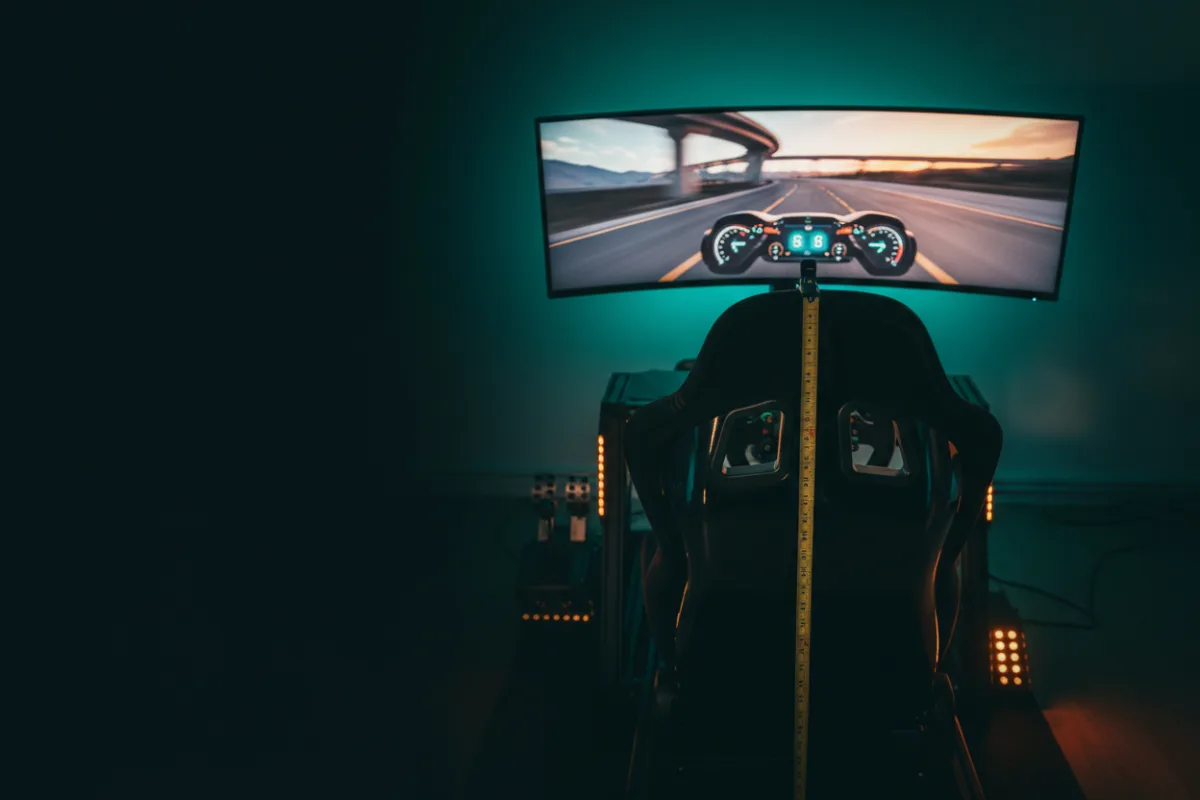

Field of view (FOV) is the horizontal or vertical angle of the world the game renders on your screen. Set correctly, the on-screen image matches the angle your monitor actually covers from your eyes, so distances, speeds, and corner geometry look the way they would through a real windshield. Set too wide, everything looks small and far away and you brake too late; set too narrow, the world rushes past and you lose the sense of where the car’s corners are.
Why most people have it wrong
Default FOV in racing games is usually far wider than a single monitor justifies, because a wide view looks impressive and shows the mirrors. On a 27 inch monitor at arm’s length the geometrically correct FOV is narrow enough that most drivers find it uncomfortable at first, and then find their braking points and apexes become much more consistent.
How to set it
- Measure the screen’s width (or height, depending on which the game asks for) and the distance from your eyes to the screen.
- Use an FOV calculator or the formula: FOV = 2 × arctan(screen width ÷ (2 × distance)).
- Enter the result in the game. Some games ask for vertical FOV, some horizontal; calculators handle both.
- Move the screen closer or buy a wider one if the correct value hides too much; bigger and closer screens allow a wider correct FOV.
Why big screens and triples exist
A 49 inch ultrawide or three monitors close to the driver allow a correct FOV that still shows peripheral vision, which is the reason serious racers buy them. VR sets FOV automatically because the headset’s optics fix it. Our monitor guide covers screen sizes with this in mind.
Related terms
Telemetry · Roundups: monitors, VR headsets