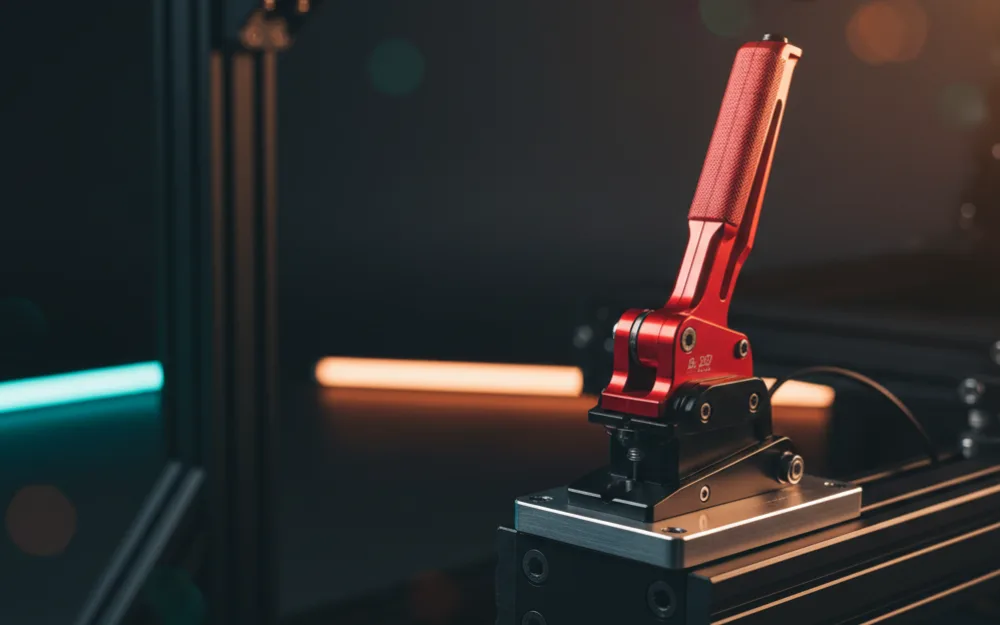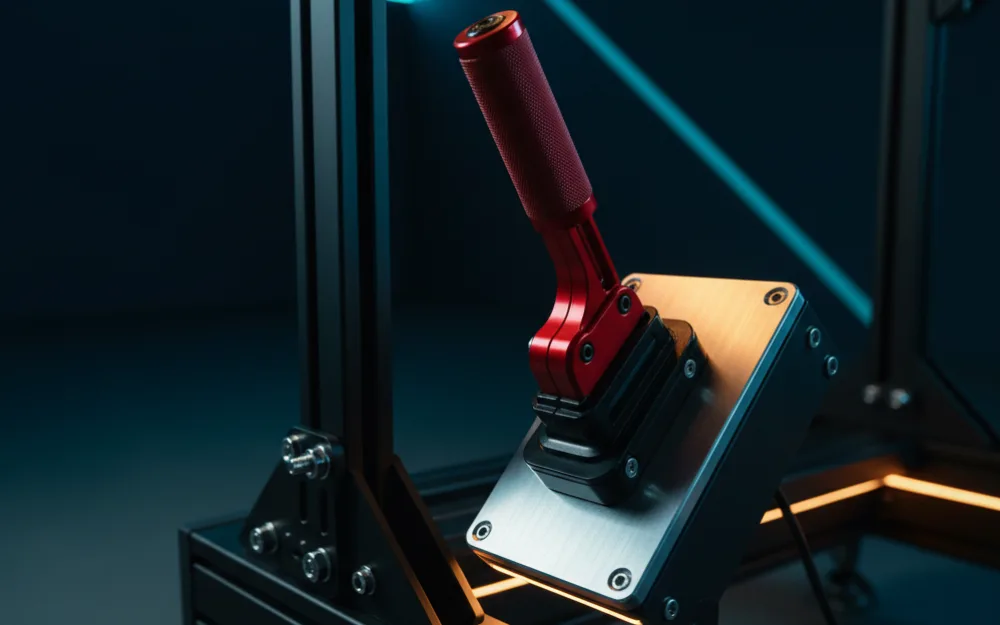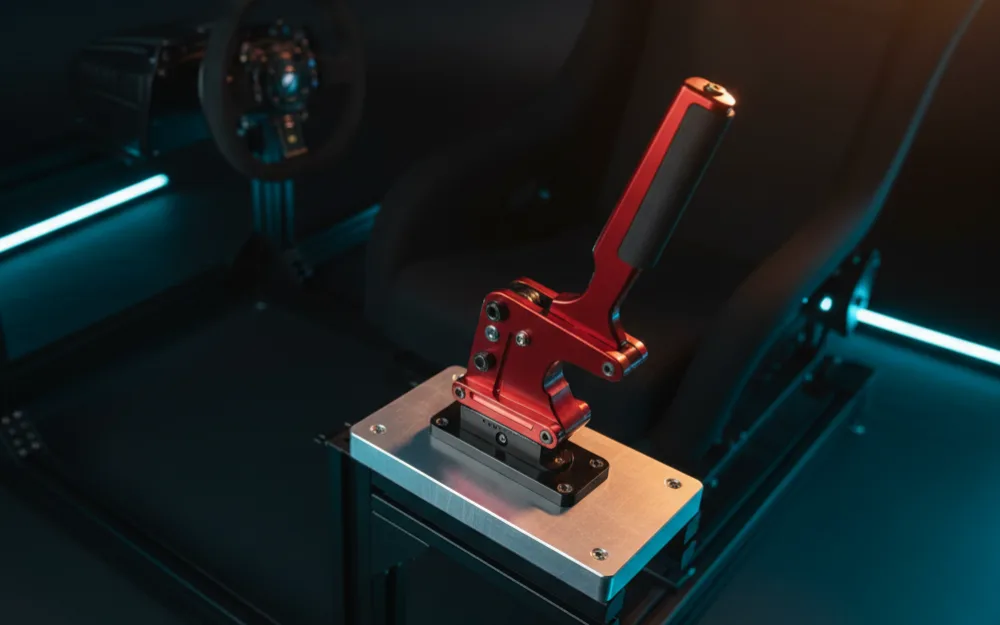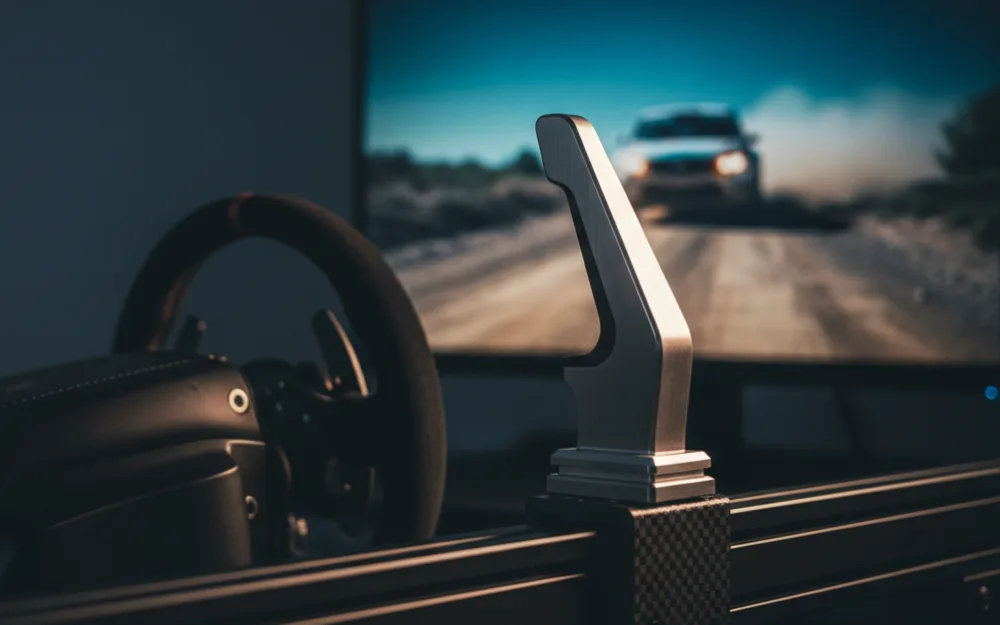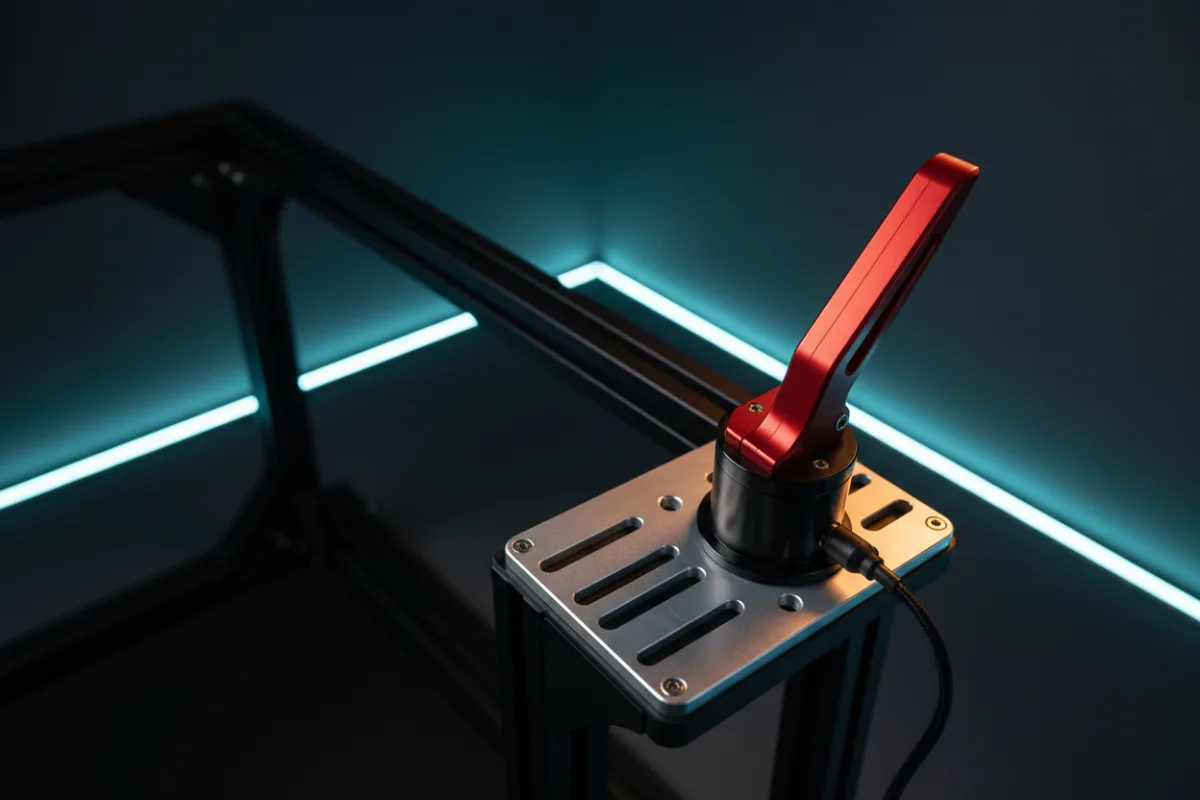

A dedicated handbrake is the accessory that separates a rally or drift rig from a circuit setup. Flicking a button or a keyboard key to break the rear loose is nothing like pulling a real lever, and once you have driven a hairpin or a handbrake turn with a proper pull, the difference is obvious. The good news for a rig builder is that a standalone USB handbrake plugs into almost any setup regardless of which wheel you own, so this is one upgrade that does not lock you into an ecosystem.
We weighed these picks on the three things that decide a handbrake: the sensor that reads your pull, the mount that keeps the unit from sliding under a hard yank, and the compatibility that decides whether it works with your platform at all. Feel and durability come from verified buyer reports and maker specifications rather than our own driving time, and you can read how we review for the method. If you are building a rally or drift rig, our Getting Started guides cover the wider setup.


How we picked
We started from the WSR Score, which reflects verified buyer ratings normalized on a consistent scale, then cross checked every pick on what actually matters when you pull a lever hard. First, the sensor. A handbrake reads your input one of a few ways, and the design decides how it feels and how long it lasts. A non-contact Hall effect or angle sensor reads position magnetically, so nothing physically wears as you use it, which is why the sturdier picks here use that approach. A potentiometer, the contact based design in the cheapest units, works fine at first but wears over time as the contact point rubs. A true load cell, which reads pressure rather than travel, is the premium approach found on high end levers, and it is worth knowing the difference even though the units in this group lean on Hall and angle sensors rather than load cells. Second, the mount: a handbrake takes a hard, repeated yank, and it will only feel solid clamped or bolted to a rigid rail, not a flexing desk edge. Third, compatibility: some units connect over USB to any PC, others tie to a wheelbase or a console adapter, and that decides whether the handbrake works for you at all.
MOZA HBP Handbrake
The HBP is the top rated pick here, and it earns that on build and sensor quality. The body is CNC machined from aviation grade aluminum with an anodized finish, and it uses a non-contact 16-bit high precision angle sensor that MOZA states gives a long, maintenance free life, exactly the wear free behavior a hard pulled lever wants. It mounts horizontally or vertically to simulate a road car or a race car, and owners report the brake force is genuinely tunable: you adjust rebound strength and travel by swapping the included springs and changing the stop position. It connects straight to a PC over USB or to a compatible MOZA wheelbase with a handbrake port, so it slots cleanly into that ecosystem while staying open to PC users. The one planning note is platform: it is aimed at PC and MOZA wheelbase setups rather than consoles. It is the pick for a rig builder who wants a durable, adjustable lever that will outlast the rig. Our full MOZA HBP handbrake review covers the detail.
Thrustmaster TSS Sim Racing Shifter and Handbrake
The TSS is the pick with broad platform reach and a genuine dual purpose. Crafted of 90 percent metal, steel and aluminum, it uses Thrustmaster’s H.E.A.R.T Hall effect sensor, a non-contact design the maker pairs with a claim of an unlimited product lifespan, so wear is not the worry it is on a contact based unit. The lever switches between rally mode in the vertical position and GT mode in the horizontal position, and the knob is a 1 to 1 replica of a Sparco rally knob for a realistic grip. It connects directly to a PC over USB, and to PlayStation and Xbox through a compatible Thrustmaster wheelbase, so console use depends on owning one. The two points to weigh are that it is a shifter and handbrake unit rather than a pure handbrake, so you are paying for both functions, and that owners note it feels its best bolted to a solid rail given the leverage. It suits a driver on a Thrustmaster wheelbase, console included, who wants one metal unit covering both a sequential throw and a handbrake pull. Our full Thrustmaster TSS review has more.
Logitech G RS Shifter and Handbrake
The G RS takes the most flexible approach: a toolless mode switch flips the same unit between a shifter and a handbrake, and running a pair of modules lets you have a sequential shifter and a handbrake at once. Owners describe the handbrake response as progressive with accurate control, and both the shifter’s actuation point and the handbrake’s response curve are tunable in G HUB software, which is a level of adjustment the budget units cannot match. A height adjustable handle and a robust table clamp round it out, and the clamp is built to resist wobble under aggressive use. It is aimed squarely at drivers already on a Logitech G RS, PRO Series, G923, G920, or G29 setup, with a racing adapter required on console. The tradeoff is clear: to run a shifter and a handbrake at the same time you buy a second unit. It fits a Logitech G driver who wants one accessory that can be either tool. Our full Logitech G RS shifter and handbrake review covers it.
64 Bit USB Handbrake
This is the value pick that still uses the right sensor. It is a standalone USB handbrake built for PC Windows, and it uses a non-contact Hall sensor with automatic calibration, so accuracy holds up rather than fading the way a contact based unit does. Owners appreciate that it needs no driver install, connecting straight to a USB port, and that the handle height and angle adjust to suit different brackets and cockpits. Its compatibility list centers on PC with wheels like the Logitech G27, G29, and G920 and the Thrustmaster T300 and T500, and the maker is explicit that it does not work on Xbox or PlayStation, only PC. It suits a PC rally driver who wants a genuine Hall sensor lever without paying for a wheelbase branded unit, provided they clamp it to something rigid.
aikeec USB Handbrake
The aikeec is the widely owned budget option, and it shares the same core as the pick above: a non-contact Hall sensor with automatic calibration for accuracy that holds over time, and adjustable handle height and angle. It also connects straight to a PC over USB with no driver install, and its compatibility centers on PC with Logitech and Thrustmaster wheels. Like the 64 bit unit, it is a PC only device, not a console one. With the largest pool of buyer feedback in this group, it is the safe, proven entry point for a driver adding a handbrake to a PC rig for the first time. The honest limit is build: a budget handbrake will not match the machined aluminum body of a MOZA or the all metal build of the Thrustmaster, so treat it as an accessible way in rather than a lifetime lever.
How the picks compare
| Pick | Sensor | Platform | Best for | Watch out for |
|---|---|---|---|---|
| MOZA HBP | Non-contact 16-bit angle sensor | PC and MOZA wheelbase | A durable, tunable lever | Not aimed at consoles |
| Thrustmaster TSS | H.E.A.R.T Hall effect | PC, console via Thrustmaster base | Console reach, dual function | Pays for a shifter you may not need |
| Logitech G RS | Progressive, G HUB tunable | Logitech G, console via adapter | One unit that switches roles | Second unit needed to run both at once |
| 64 Bit USB | Non-contact Hall sensor | PC only | A genuine Hall lever on a budget | No console support |
| aikeec USB | Non-contact Hall sensor | PC only | A proven, low cost entry point | Budget build, PC only |
Who should buy which
A rig builder who wants a lever built to outlast the rest of the setup should buy the MOZA HBP, especially on a PC or MOZA base. A console driver on a Thrustmaster wheelbase, or anyone who wants a shifter and a handbrake in one metal unit, is best served by the Thrustmaster TSS. A driver already on Logitech G hardware who wants one accessory that can be either a shifter or a handbrake should choose the G RS. And a PC driver on a budget who still wants a genuine Hall sensor lever should pick either the 64 bit unit or the more heavily reviewed aikeec.
Who should skip a handbrake
Not every rig needs one. If you race circuit content in GT or formula cars almost exclusively, a handbrake sits unused, and that money is better spent on pedals or a wheelbase. Console players should also read the compatibility line closely: the two budget USB units and the MOZA are PC or wheelbase focused, so a PlayStation or Xbox driver who buys one expecting plug and play console support will be disappointed, and the Thrustmaster TSS (through a Thrustmaster wheelbase) and the Logitech G RS (with the Racing Adapter) are the picks that actually cover those consoles. Buy a handbrake for the driving you actually do, and confirm your platform before you order.
Before you buy
Whichever lever you choose, a handbrake only feels right bolted or clamped to something rigid: a solid side rail or a stiff plate keeps every pull consistent, while a flexing desk edge blurs the input. If your rig runs rally or drift content, pair the handbrake with a matching lever from our picks for the best sequential shifter, since both belong on the same setup. You can browse the wider field in handbrakes, and if you are still adding the frame to bolt it all to, our guide to the best cockpit for direct drive covers rigid rails and mounts.
Frequently Asked Questions
Which handbrake works with a Logitech G29, G920, or G923?
The Logitech G RS Shifter and Handbrake is Logitech’s own option for G29, G920, and G923 setups. On PC it connects over USB, but on console those wheels need Logitech’s Racing Adapter, sold separately, and Logitech notes that game compatibility is limited through the adapter. The 64 Bit USB handbrake is PC only and lists the G29 and G920 as compatible, and the aikeec is also PC only. Console players on a Logitech wheel should skip the USB units and confirm the adapter requirement before ordering.
Which handbrake works with a Thrustmaster T300, T248, or T598?
The Thrustmaster TSS Sim Racing Shifter and Handbrake is the natural match for a Thrustmaster wheel. On PC it plugs in over USB, but on PlayStation or Xbox it must connect through a compatible Thrustmaster wheelbase, so confirm your specific wheel supports it before ordering. The 64 Bit USB handbrake lists the T300 for PC use only. Console drivers should not assume a loose USB unit will work.
Is there a handbrake for PS5 or Xbox?
Yes, two picks cover consoles, with conditions. The Thrustmaster TSS works on PlayStation and Xbox through a compatible Thrustmaster wheelbase, and the Logitech G RS works on console through a compatible Logitech G wheel, with the Racing Adapter required on a G29, G920, or G923. The MOZA HBP and the two USB units are PC or wheelbase focused, so a console driver should not buy them expecting plug and play. Confirm your wheel first.