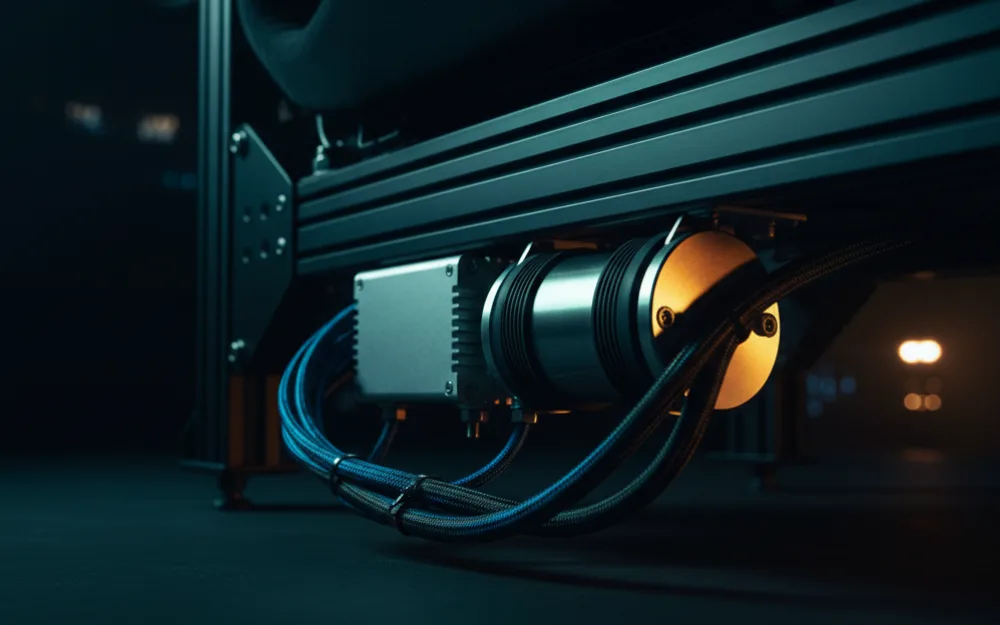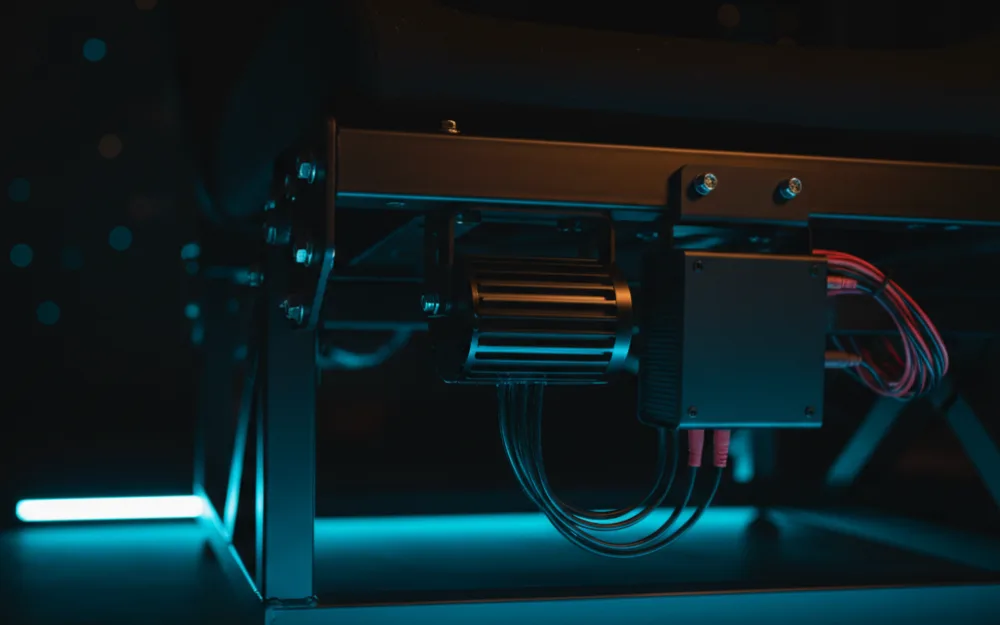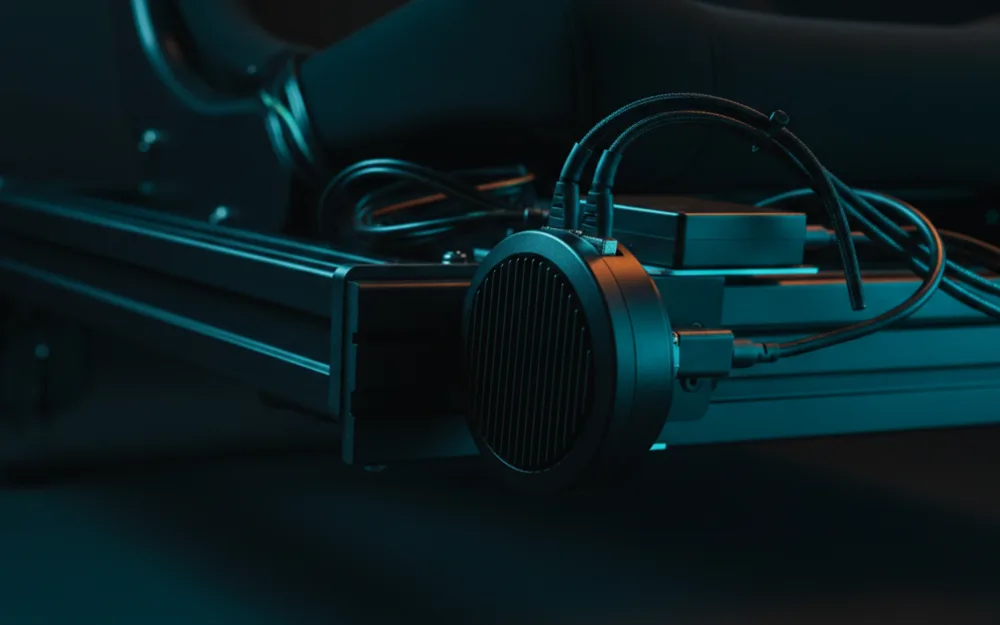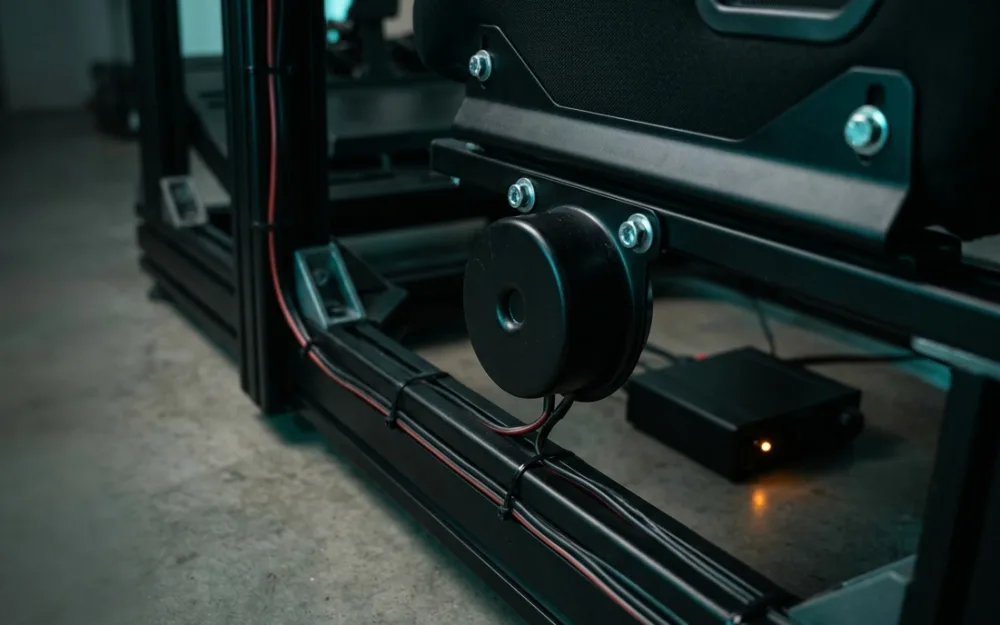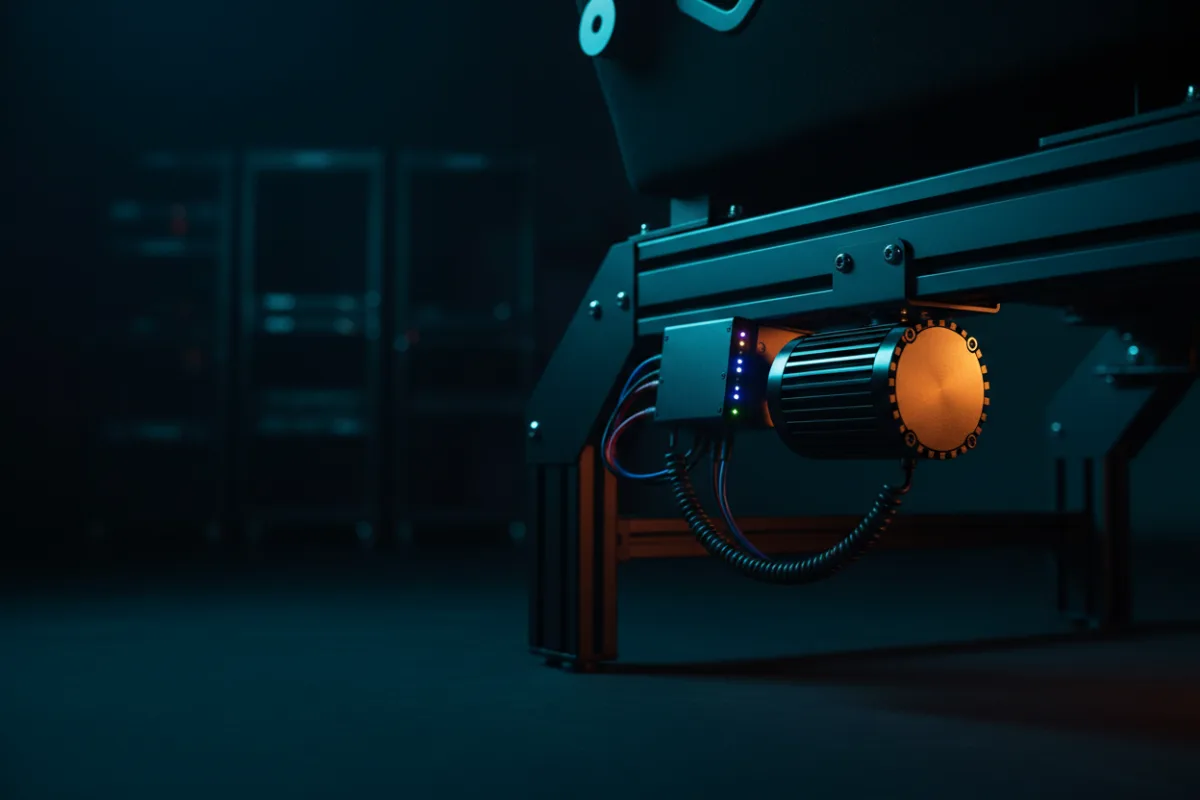

The ButtKicker Gamer Plus and the Gamer Pro are tactile transducers, which are bass shakers that bolt to your rig or seat and turn a game’s low frequency audio into physical vibration you feel through the chassis. They do not make sound so much as movement, so curb strikes, engine load, wheel lockups, and gear shifts arrive in your body rather than only in your ears. The choice between them comes down to how much output you need and how big a rig you are driving it through.
We compared manufacturer material with recurring owner and reviewer feedback, and you can read how we review. If haptics are new to you, start with Getting Started.
What a tactile transducer actually does
Before comparing the two, it helps to know how a shaker works. A tactile transducer is fed by an amplifier that takes a low frequency signal and drives a heavy moving mass, and that mass shakes whatever the unit is bolted to. The result is felt, not heard, which is why mounting is a first order decision. Bolt a shaker to a rigid aluminum profile rig and the vibration transmits cleanly. Bolt it to a flexible stand or a soft office chair and much of the effect is absorbed before it reaches you. Both ButtKicker units follow this same principle, so the difference between them is one of scale, not concept.
Gamer Plus: the compact option
The Gamer Plus is the smaller, more contained unit in this pairing. Owners describe it as a clean way to add tactile feedback to a modest rig or a wheel stand without a large amplifier or a complex install. For a single seat rig where you want a clear sense of rumble and surface texture and you are not chasing the strongest possible slam, reviewers position it as the sensible entry point. Its limit is headroom. Drive a large, heavy cockpit and a lighter shaker has less mass to work with, so the effect is present but gentler.
Gamer Pro: the higher output option
The Gamer Pro is the higher output unit, aimed at larger rigs and drivers who want the vibration to hit harder and reach deeper. Owners of full aluminum profile cockpits tend to favor the extra muscle, because a bigger, heavier rig needs more energy to move convincingly. The trade off is size and install effort: more output means a larger unit and more attention to solid mounting and amplifier setup. If your rig is substantial and you want the road to punch through the seat, this is the model reviewers point toward.
The amplifier and the signal
A shaker does not work alone, and understanding the chain helps you set expectations. The transducer is driven by an amplifier that takes a low frequency signal from your PC or console audio and turns it into the power that moves the unit’s mass. Some setups feed the shaker from the same audio as your speakers, while dedicated sim racing software can generate tactile effects tied to specific events like gear shifts, wheel lockups, and curbs, which gives cleaner, more targeted feedback than raw game bass alone. Either way, the amplifier has to match the shaker, and the higher output unit generally asks for more amplifier behind it. Plan the amplifier as part of the purchase, because a capable shaker starved of power will underdeliver.
One shaker or two
How many units you run changes the experience as much as which model you pick. A single shaker mounted under the seat gives a clear, central sense of rumble and is the simplest place to start. Some racers add a second unit, often placing shakers to separate effects, so that engine and road texture come from one area and events like curb strikes register elsewhere. That adds cost, wiring, and amplifier channels, so it is an upgrade to grow into rather than a starting point. For most rigs, a single well mounted unit of the right output delivers the core benefit, and the second shaker is a refinement for owners chasing more spatial detail.
How to choose between them
| Choose the Gamer Plus if | Choose the Gamer Pro if |
|---|---|
| You have a wheel stand or a compact rig | You have a large aluminum profile cockpit |
| You want a simpler install and a lighter unit | You want the strongest, deepest tactile output |
| You want a clear sense of texture without maximum slam | You are willing to manage a bigger unit and amplifier |
Who should skip both
If your rig is a flexible stand or you race from an office chair, hold off until you have a rigid mounting point, because a shaker on a soft or flexing frame loses most of its effect and can feel like a rattle rather than road feel. And if you already run a strong direct drive wheel and value quiet, a tactile transducer adds a layer of noise and vibration to the room that not everyone wants. Haptics reward a solid rig and a willingness to tune; they are not a fix for a setup that flexes.
Mounting hardware and placement
Because a shaker works through whatever it is bolted to, the mounting hardware is part of the buying decision rather than an afterthought. A solid metal bracket that clamps or bolts to an aluminum profile rig or a rigid seat frame transmits the vibration cleanly, while a flimsy bracket or a soft mounting point absorbs it. Placement matters too: mounting under or behind the seat puts the effect where your body feels it most directly, and keeping the unit close to the driver rather than out at the edge of the frame concentrates the sensation. Owners of larger rigs sometimes need heavier duty mounting for the higher output unit, since more force asks more of the bracket and the fasteners. Plan a rigid mounting point before the shaker arrives, because the same unit can feel strong on a solid rig and weak on a flexing one.
Related reading
Because mounting decides how much a shaker actually delivers, a rigid rig matters as much as the unit itself. If you are building or upgrading that foundation, our best sim racing wheels guide and the Displays and Immersion category help round out the rest of the setup, and Getting Started covers how the pieces fit together.