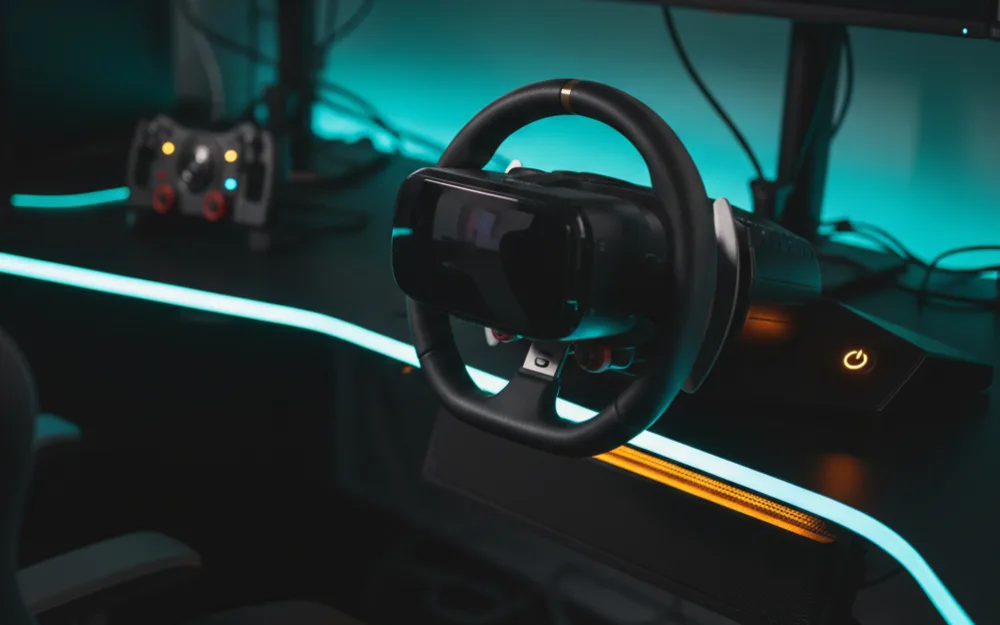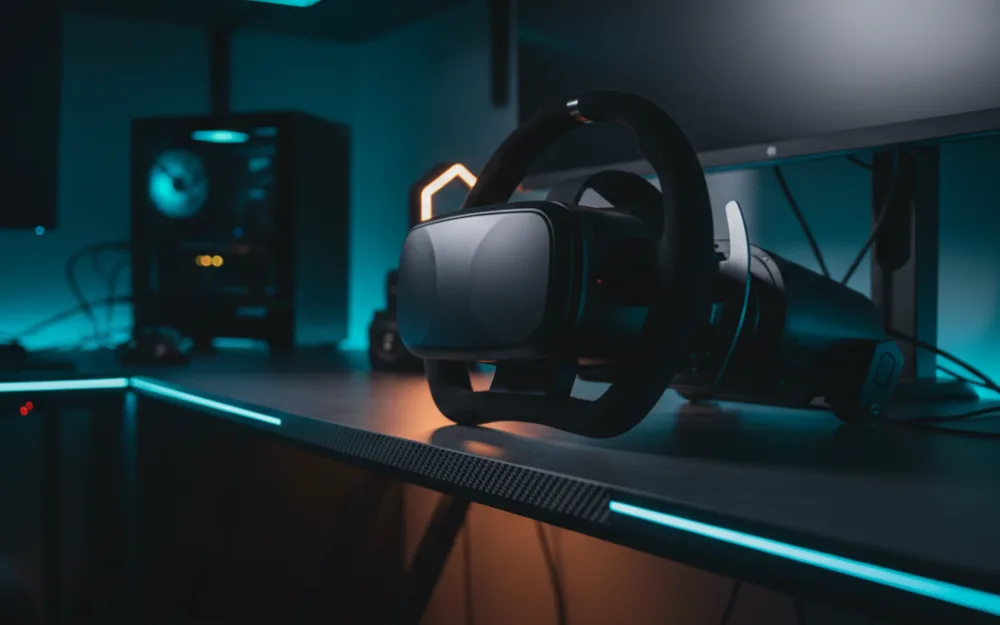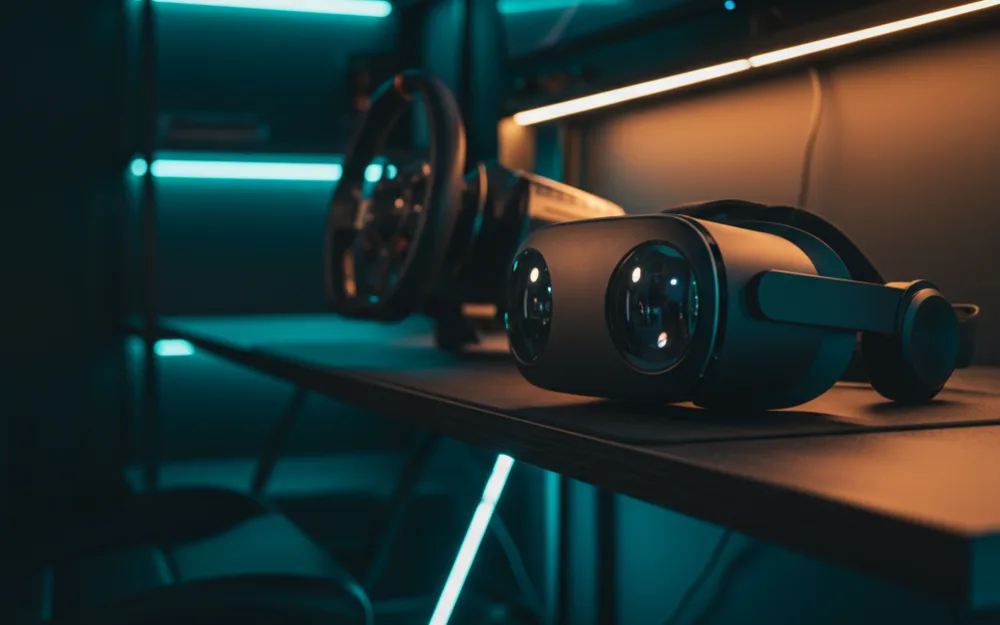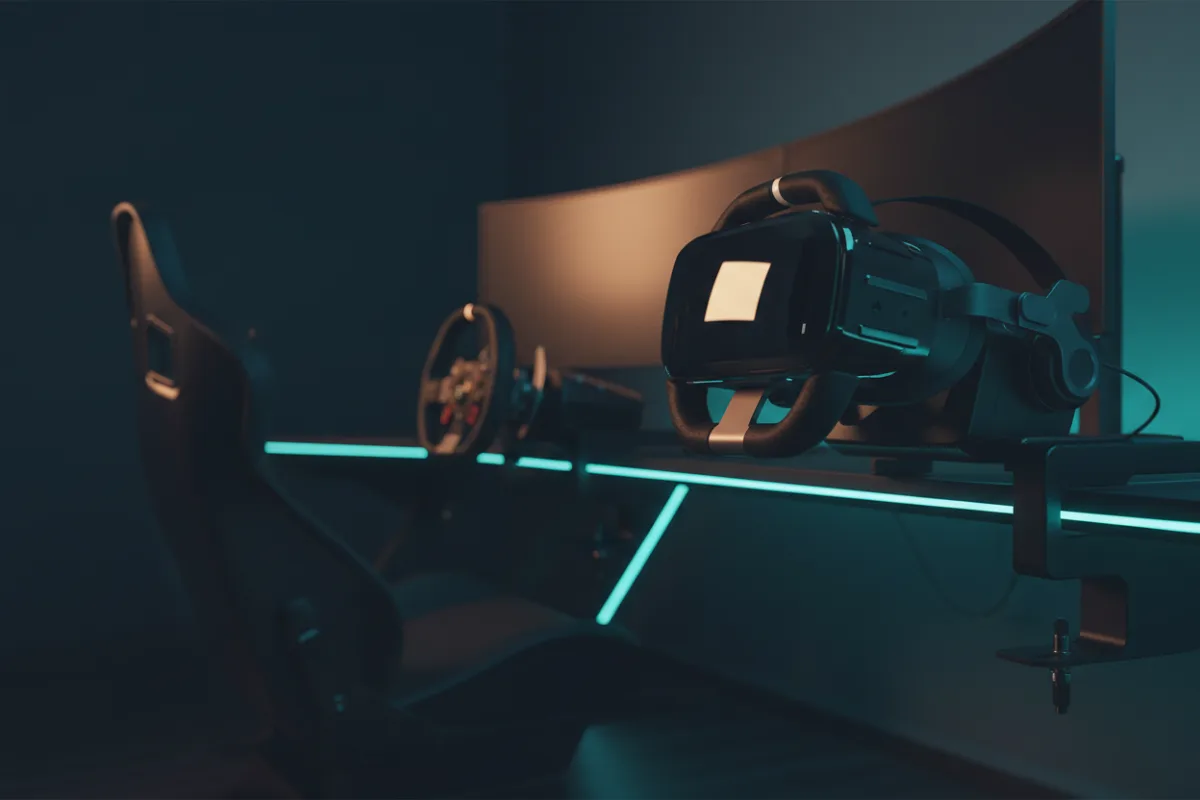

The Pimax Crystal Light is a PC only VR headset built for one job: maximum clarity in the cockpit for iRacing, Assetto Corsa, and flight simulators. It is not a standalone device and it does not try to be. It plugs into a gaming PC through SteamVR and puts a very high resolution panel in front of each eye, which is exactly what a racer chasing readable distance detail wants. The catch is that this clarity is only as good as the graphics card feeding it, and that trade defines who should consider it.
We compared manufacturer specifications with recurring owner and reviewer feedback, and you can read how we review. If VR terms here are new, start with Getting Started.

At a glance
| Spec | Pimax Crystal Light |
|---|---|
| Type | PC only, SteamVR |
| Resolution | 2880 x 2880 per eye |
| Panel | QLED with local dimming |
| Refresh rate | Up to 120 Hz |
| Lens | Glass aspheric |
| Tracking | Inside out |
Why per eye resolution is the headline
Before we judge the picture, it helps to know what the numbers describe. Per eye resolution is the pixel count feeding each of your eyes, and at 2880 x 2880 the Crystal Light sits well above the panels in mainstream standalone headsets. In practice more pixels per eye means less of the screen door effect, the faint grid you can perceive when panels are low resolution, and sharper text on distant braking boards. The glass aspheric lens is the second half of that equation, since a glass lens holds clarity closer to the edges than the plastic Fresnel lenses older headsets used. For reading an apex at speed, this is where the Crystal Light earns its place.
Verdict by use case
For dedicated PC sim racing and flight, the Crystal Light rates highly on clarity, with the firm caveat that it asks a great deal of your GPU. Rendering that many pixels per eye at a stable frame rate is demanding, and reviewers who compare high resolution headsets note that frame timing, not peak resolution, is what keeps a long stint comfortable. For casual or standalone VR, this headset is the wrong tool, because it has no onboard computer and no wireless play. For mixed reality and general apps, it is again not the target, since it is a tethered simulator display. The through line is narrow focus: it is a clarity instrument for a strong PC.
The GPU cost is the real spec
The panel is only half the decision. Measurements reported by independent review outlets consistently show that high resolution PC VR asks far more from a graphics card than a flat monitor at similar detail, and owners of the Crystal Light echo that a mid range card will force compromises in render scale or effects. Local dimming on the QLED panel helps contrast in dark cockpits, but none of that clarity lands if the frame rate cannot hold. Budget for a capable GPU as part of the purchase, or the headset will disappoint in exactly the sims it was built for.
Refresh, latency, and motion
Beyond raw pixels, the Crystal Light supports refresh rates up to 120 Hz, which is the other half of a clean VR racing picture. A higher refresh reduces the sense of latency and helps fast motion feel smooth, but reaching it consistently at this per eye resolution is exactly what strains a graphics card. This is the tension at the center of the headset: the panel can deliver sharp, high refresh motion, but only if your rig can render enough frames to feed it. Reviewers who compare high resolution headsets stress that a stable frame rate at a slightly lower setting beats an unstable chase for maximum refresh, because steady frame delivery is what keeps a long stint comfortable.
Comfort and setup
The Crystal Light uses inside out tracking, so it does not need external base stations, which simplifies a first setup. Owners describe it as a substantial headset, so a well adjusted strap and a sensible weight balance matter for the multi hour sessions endurance racers run. Because it lives in the SteamVR ecosystem, controller and runtime compatibility are worth confirming against your existing setup before you commit.
Who should buy it, and who should skip it
| Buy the Crystal Light if | Skip it if |
|---|---|
| You race or fly on PC and want the sharpest cockpit clarity | You want a standalone headset for casual, untethered play |
| You own or plan to own a high end graphics card | Your GPU is mid range and staying that way |
| You value glass lens edge clarity and high per eye resolution | You want mixed reality passthrough and a broad app library |
How it scores
The WSR Score shown above reflects verified buyer ratings gathered and normalized on a consistent scale, not an editorial rubric. You can read what goes into it on How We Review. The Crystal Light is a newer, specialist headset with a smaller pool of buyer ratings than mass market devices, so treat its score as an early signal and weigh it alongside the clarity and GPU trade offs above.
Where it sits in the Pimax range
Pimax positions the Crystal Light as the more accessible entry into its high resolution PC headsets, with a higher end model above it that pushes per eye resolution and field of view further still. For a racer weighing the range, that framing is useful: the Crystal Light targets sharp cockpit clarity without the steepest demands of the top model, while the flagship asks even more of a graphics card in return for its wider, denser image. If your rig is strong but not the very top of the range, the Crystal Light is the more balanced choice within the family, and stepping up only pays off with the hardware to feed it.
Alternatives worth a look
If you want flexibility over peak clarity, our Meta Quest 3 vs Pimax Crystal Light comparison lays out the standalone versus dedicated PC decision in full. For a broader look at headsets that fit a tighter budget, see the best VR headsets for sim racing under $500. You can browse more immersion options in the Displays and Immersion category, and if you are also weighing a triple screen or ultrawide instead, our best ultrawide monitors roundup is a useful counterpoint.