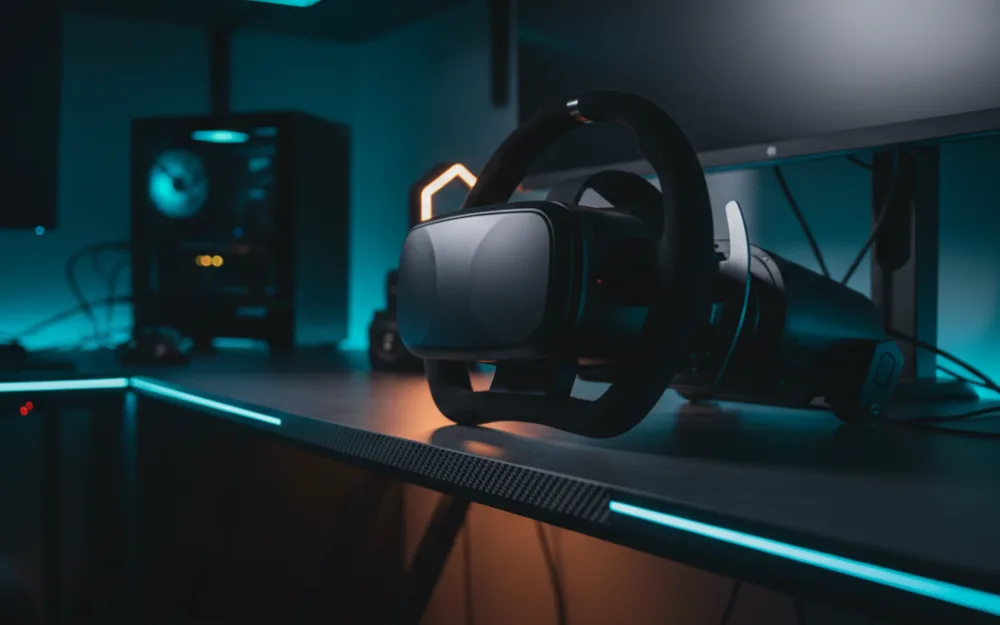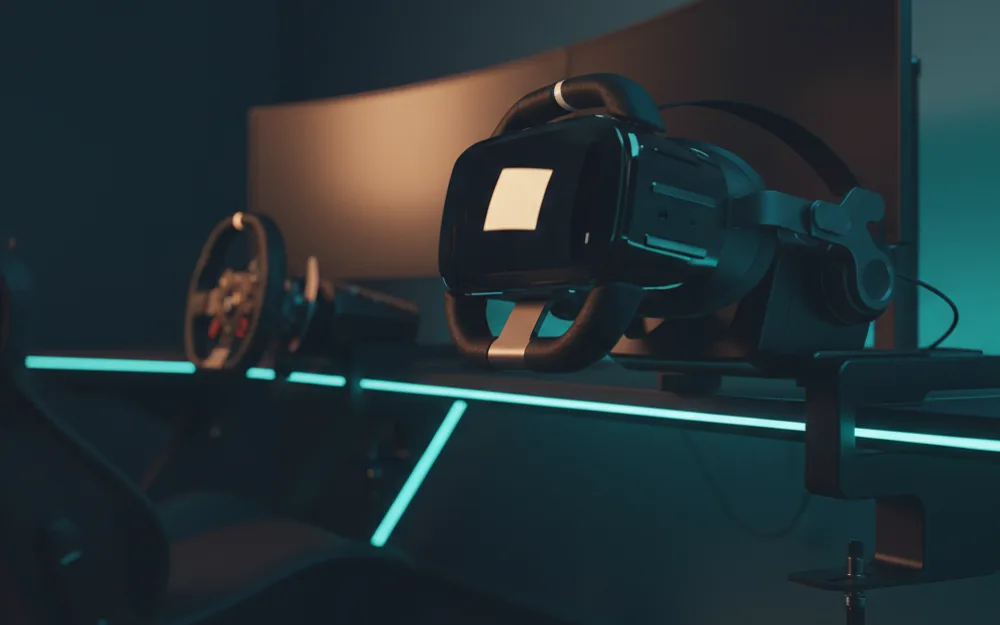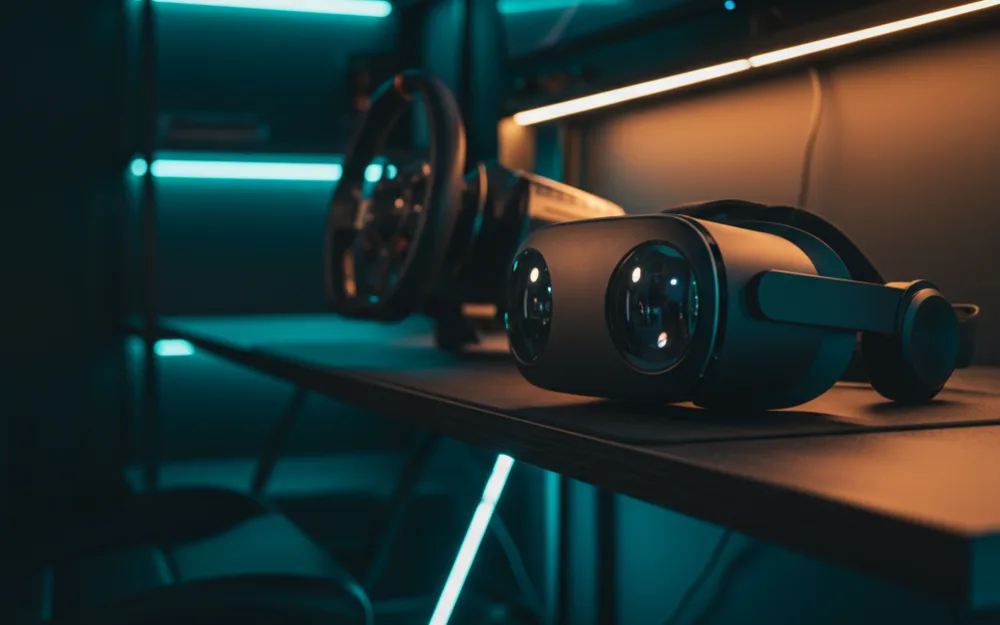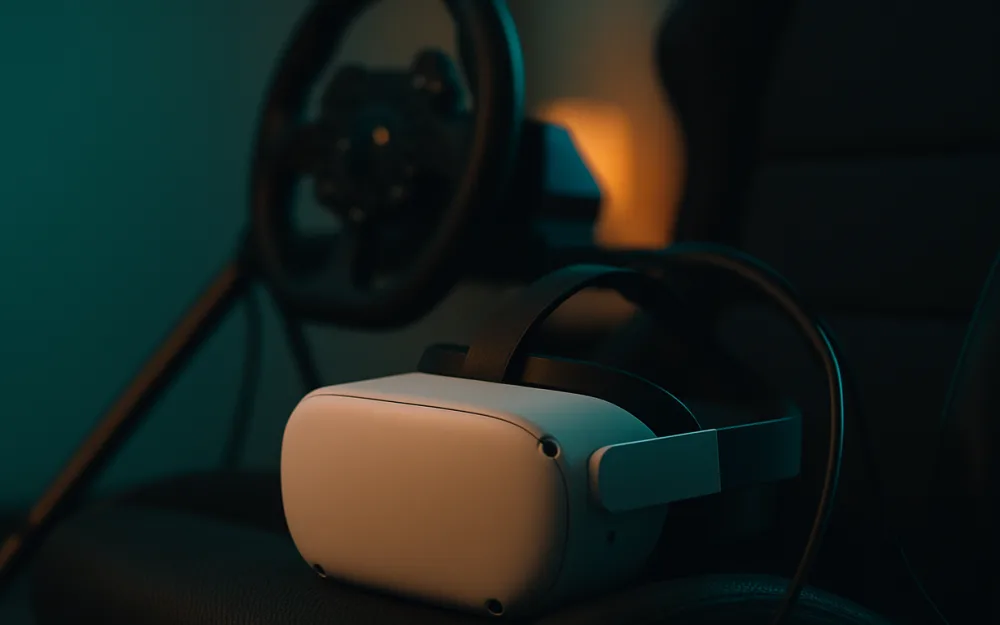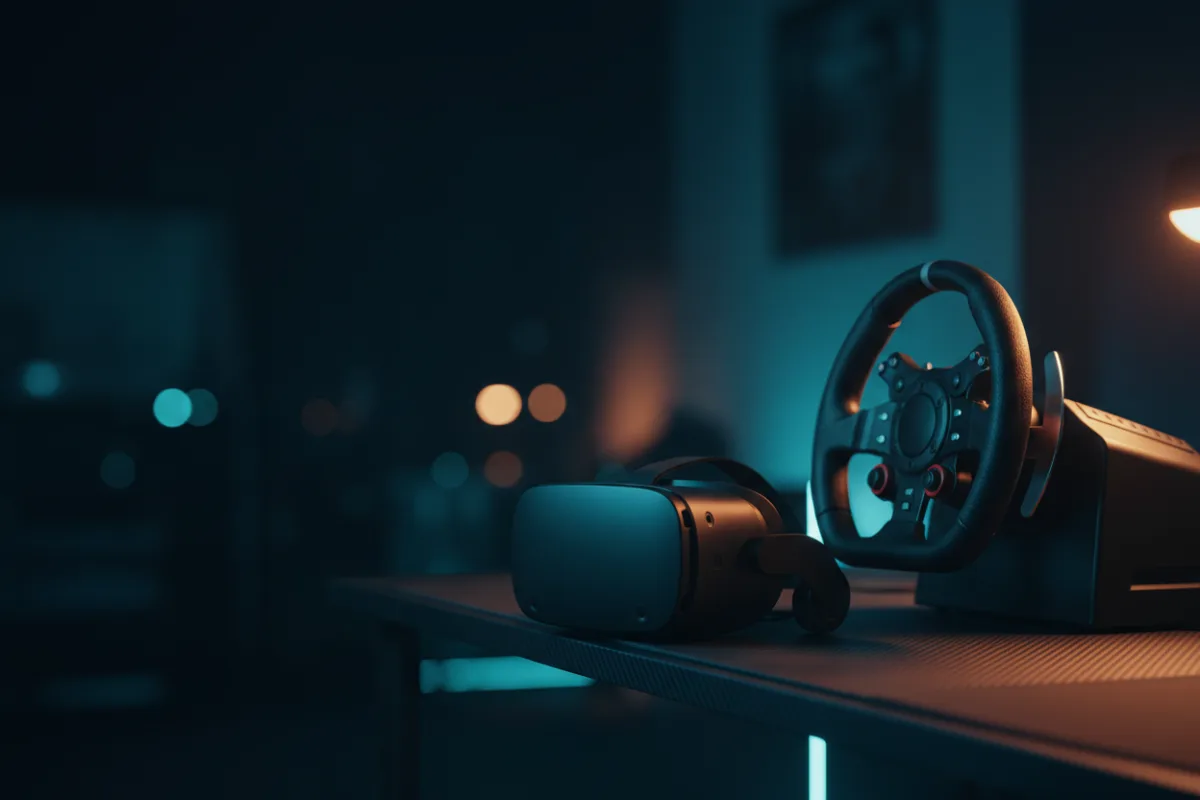

The Meta Quest 3S is a standalone mixed reality headset positioned as the more accessible entry into Meta’s current lineup, running the same Meta Horizon OS and Snapdragon XR2 Gen 2 processor as its pricier sibling in a simpler package. For a sim racer the question is the same one every Quest raises: it is a self contained computer first, and a PC sim like iRacing or Assetto Corsa only reaches it through a link to your gaming PC. That split is what decides who it fits.
We compared manufacturer specifications with measurements reported by independent review outlets and recurring owner feedback, and you can read how we review. If VR terms here are new to you, start with Getting Started.

At a glance
| Spec | Meta Quest 3S |
|---|---|
| Type | Standalone, with PC link |
| Resolution per eye | 1832 x 1920 |
| Field of view | 96 degrees horizontal, 90 degrees vertical |
| Tracking | Inside out (cameras, accelerometer, gyroscope) |
| Platform | Meta Horizon OS, Snapdragon XR2 Gen 2 |
| Battery life | About 2.5 hours (per Meta) |
What it is and the optics
The Quest 3S runs on the Snapdragon XR2 Gen 2 chip with 8 GB of RAM, the same processor generation Meta uses across its current headsets, paired with an LCD display at 1832 by 1920 pixels per eye. Dual RGB color cameras handle passthrough, letting the headset blend virtual objects with your physical space rather than only isolating you inside a black shell. Field of view is listed at 96 degrees horizontal and 90 degrees vertical, narrower than the Quest 3 and well short of the widest headsets in the category. Refresh rate matters as much as resolution for how smooth fast motion feels in VR, and reviewers who evaluate standalone headsets weigh it heavily, so confirm the refresh mode your PC link setup supports before committing to VR sim racing.
Comfort, tracking, and PC requirements
At 515 grams with an adjustable headband, the Quest 3S is light enough for most owners to wear for a session without extra support, though owners of Meta headsets in this weight class commonly add an aftermarket strap for longer stints. Tracking is inside out, using the onboard cameras along with an accelerometer and gyroscope, so there are no external base stations to mount and setup stays simple. For sim racing the real requirement sits outside the headset: a PC sim runs on your gaming PC and reaches the Quest 3S over Meta’s link software, either wired through USB Type C or wirelessly through Wi Fi. A wired connection is the steadier path for racing because it holds more consistent frame delivery, and frame pacing is what keeps a long stint comfortable.
Connectivity and compatibility
Connections include a USB Type C port, which also handles wired audio since there is no 3.5 mm headphone jack, alongside Wi Fi for wireless PC streaming and standalone downloads. The headset ships with 128 GB of storage, two Touch Plus controllers, wrist straps, and a charging setup, which covers what is needed out of the box for either standalone play or a PC link session. Because it runs the same Meta Horizon OS as the rest of the current lineup, the app library and the PC link pipeline are shared across Meta’s headsets rather than being a cut down version specific to this model.
Pros and cons
- Snapdragon XR2 Gen 2 and 8 GB of RAM bring current generation standalone performance to a lower entry point
- Inside out tracking with no base stations keeps setup simple
- Works both standalone and tethered to a PC for full sims over USB C or Wi Fi
- Dual RGB passthrough cameras support mixed reality alongside VR
- The standalone chip cannot drive demanding PC sims on its own, so a wired or Wi-Fi PC link is needed for serious use
- 96 degree horizontal field of view trails wider headsets built specifically for sim and flight use
- About 2.5 hours of battery life limits untethered sessions, though a wired PC link session can draw power through the cable
Who it is for
This suits a racer who wants one headset for both casual standalone VR and occasional PC sim sessions, without paying for the sharper optics of a dedicated PC VR headset. It is a reasonable first VR purchase if you are not yet sure how much of your VR time will be standalone versus tethered to a racing PC, and the simple inside out setup makes it easy to get running.
Who should skip it
Skip this headset if maximum clarity and field of view for iRacing or flight simulation are the priority, since dedicated PC VR headsets in this niche push higher per eye resolution and wider FOV than this standalone design targets. It is also not the pick if your Wi Fi is weak and you have no interest in a wired link, or if long untethered sessions on battery alone matter more than the price advantage.
How it scores
The WSR Score shown above reflects verified buyer ratings gathered and normalized on a consistent scale, not an editorial rubric. You can read what goes into it on How We Review.
Alternatives worth a look
If maximum per eye resolution and field of view matter more than price, our Pimax Crystal Super review covers a PC only headset built specifically for that priority. For a broader look at the field, see best VR headsets for sim racing and browse more picks in the Displays and Immersion category. If you are still deciding how much of your view VR should cover compared with a monitor, our guide to field of view (FOV) is a useful next stop.