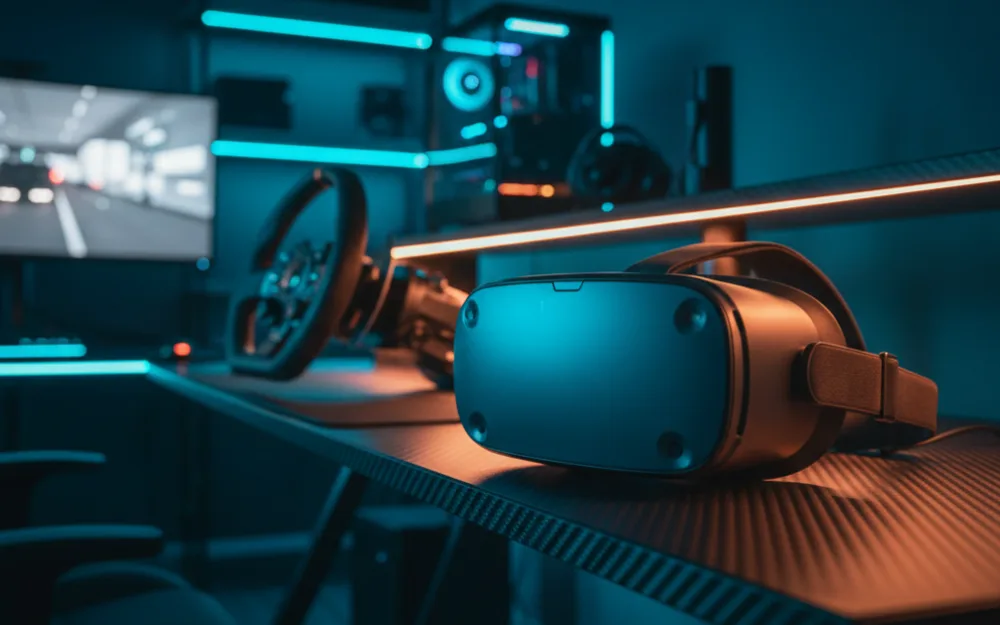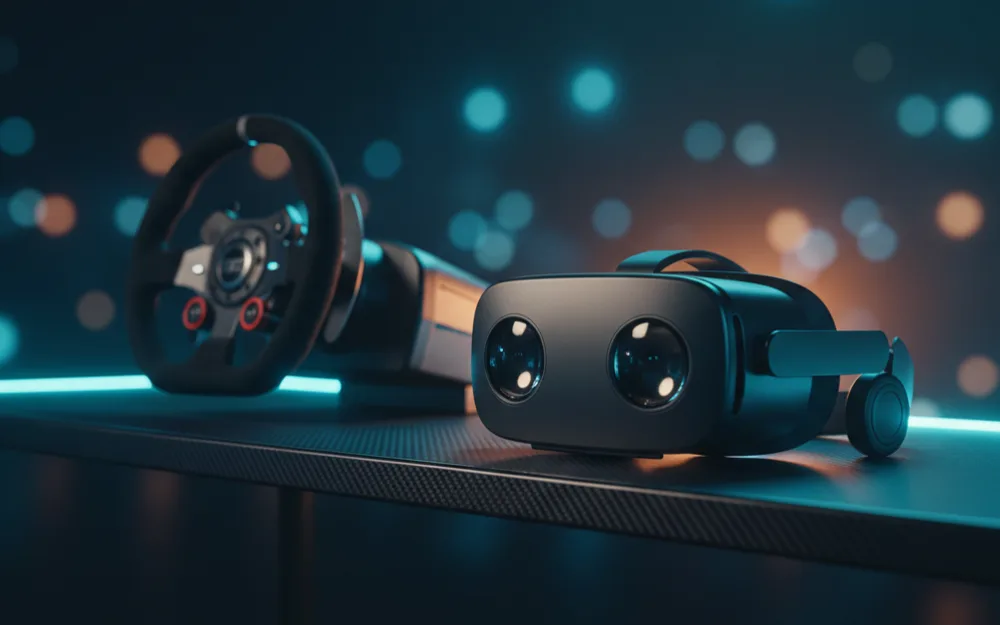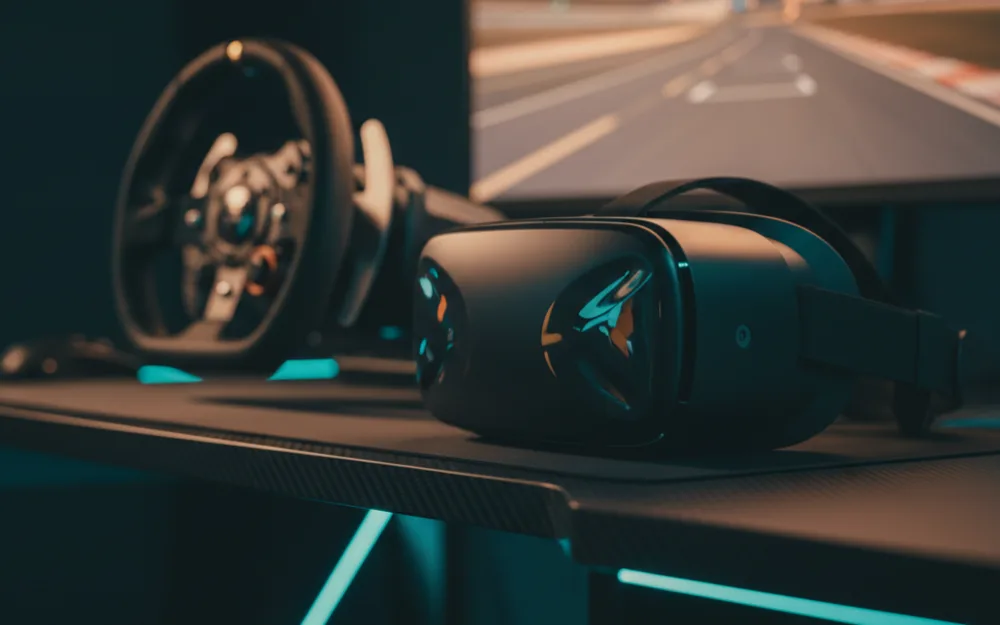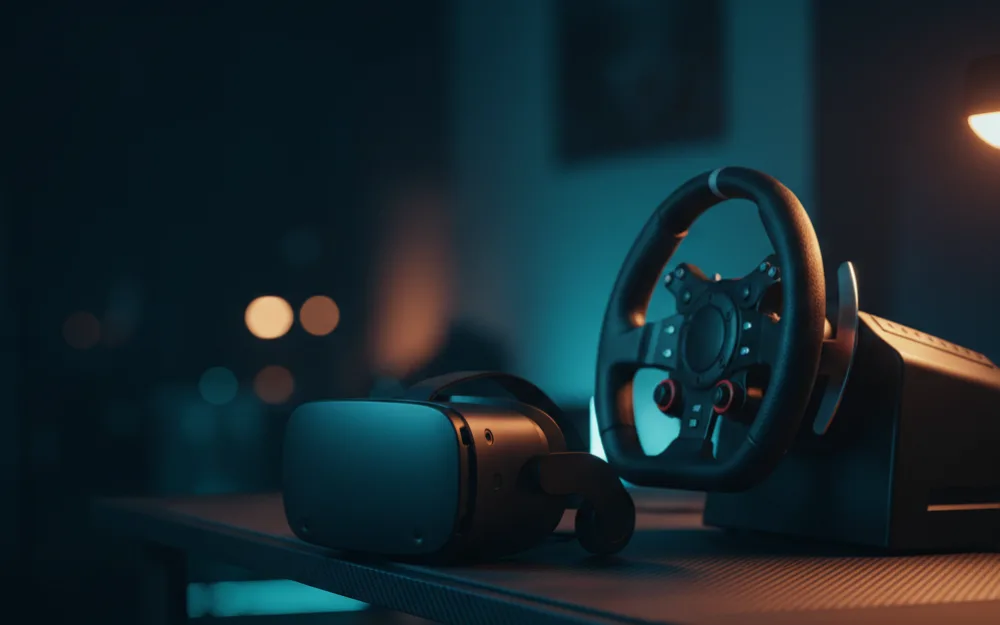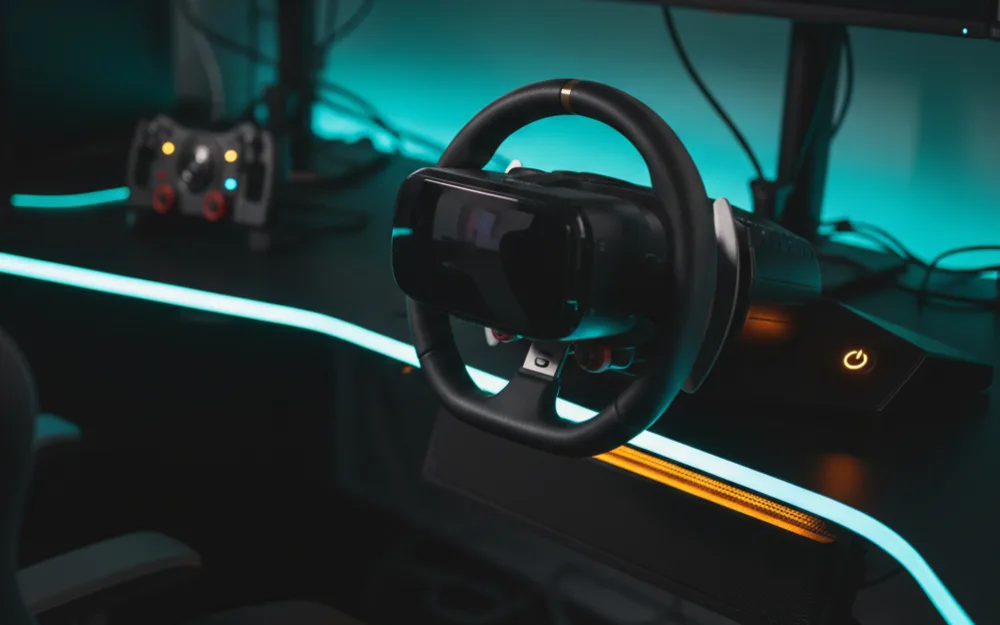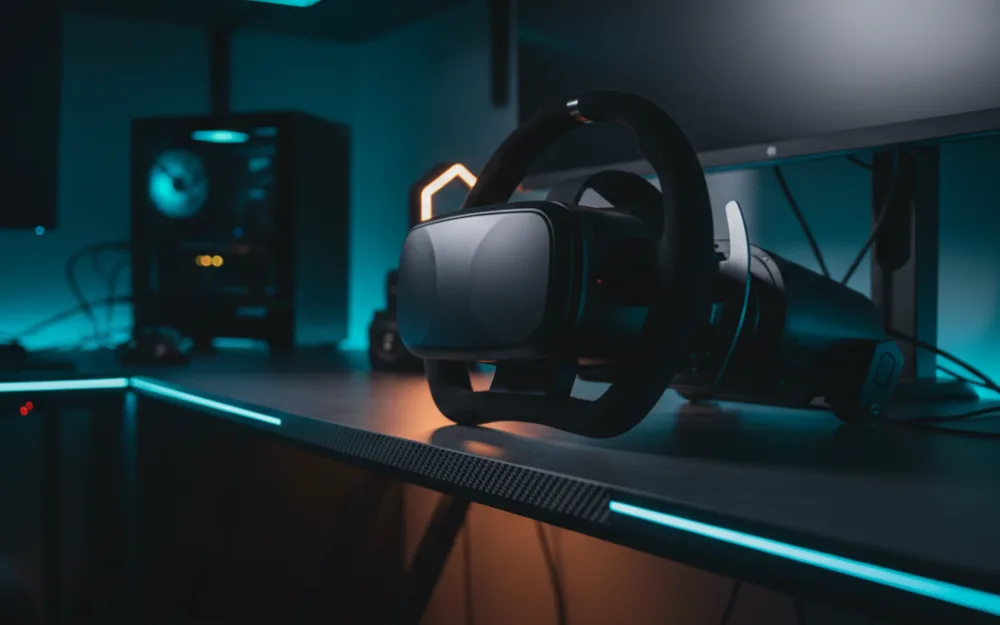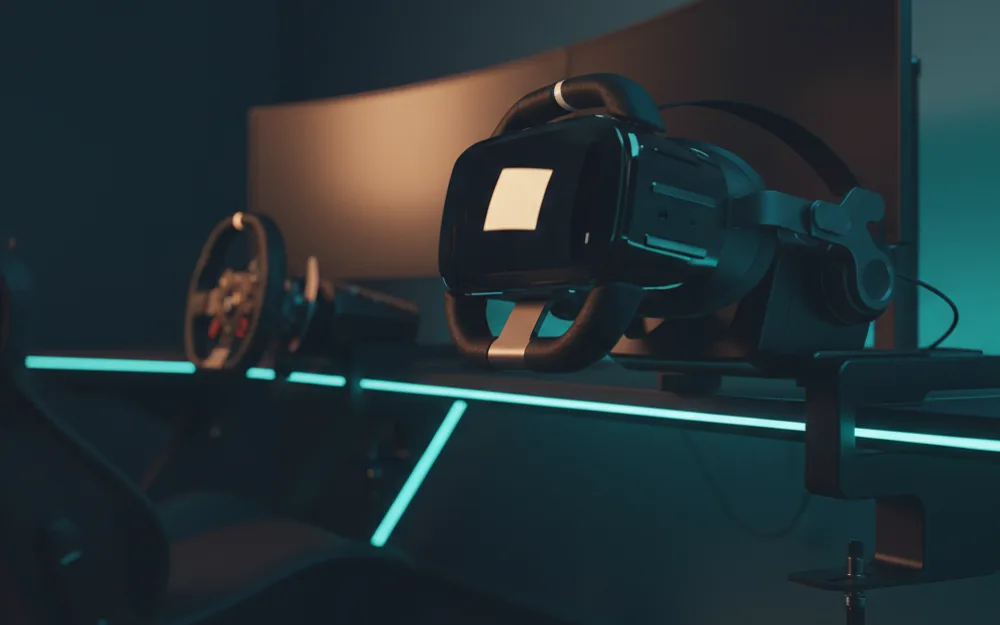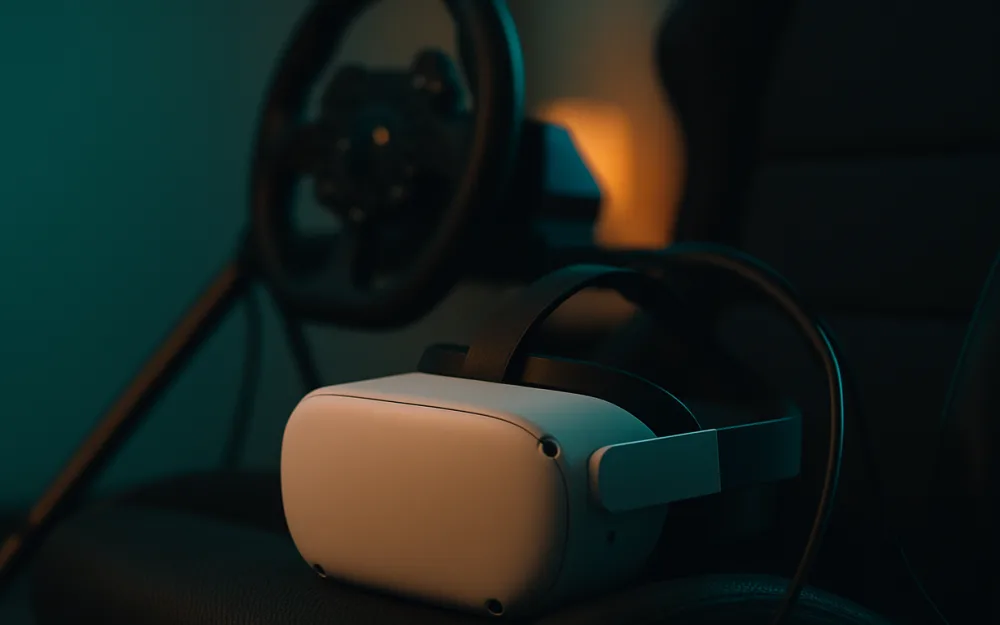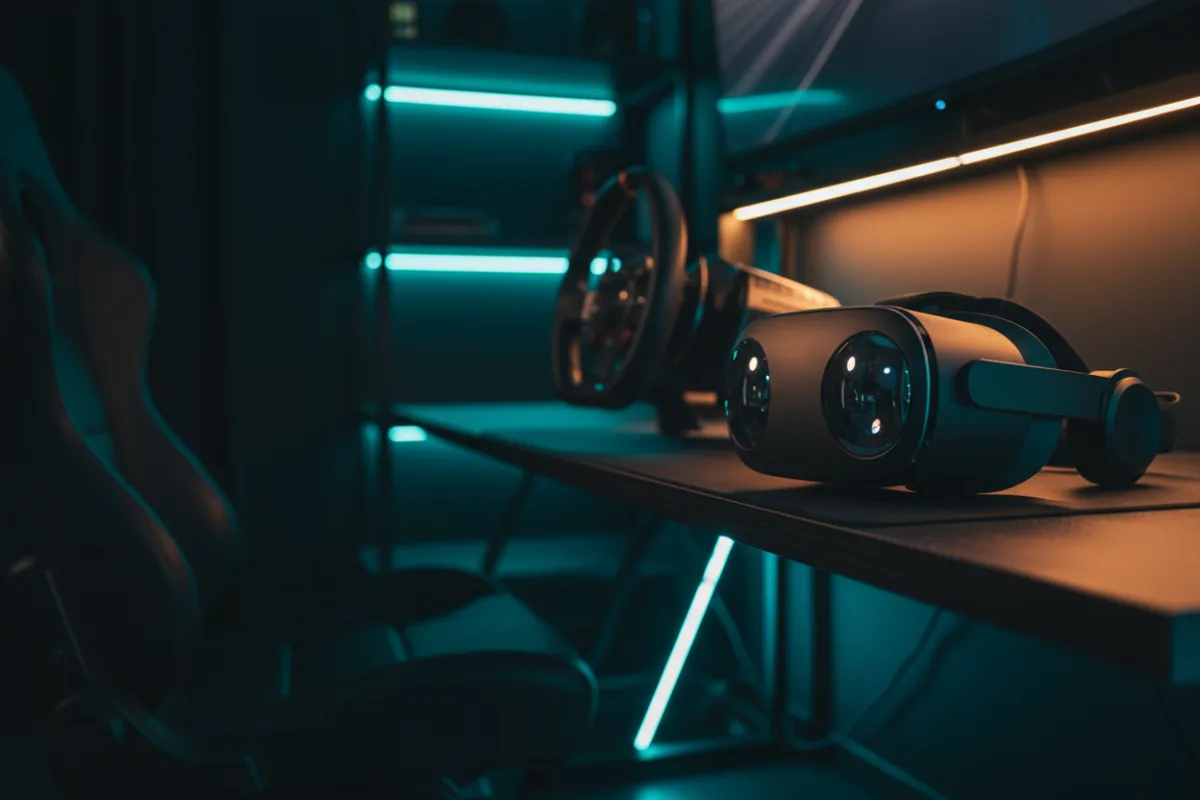

The Meta Quest 3 is a standalone mixed reality headset that most sim racers reach for as their first serious step into VR, and understanding it starts with a single fact: on its own it does not run iRacing or Assetto Corsa. It is a self contained computer that you tether to a gaming PC when you want a full sim, and it also plays lighter titles with no wires at all. That split personality is the whole story, and it decides who this headset actually suits.
This review looks at how the Quest 3 performs for sim racing across the ways people use it, where the numbers hold up, and where a wired PC headset would serve you better. We compared manufacturer specifications with measurements reported by independent review outlets and recurring owner feedback, and you can read how we review. If VR terms here are new to you, start with Getting Started.

At a glance
| Spec | Meta Quest 3 |
|---|---|
| Type | Standalone, with PC link |
| Processor | Snapdragon XR2 Gen 2 |
| Display | 4K+ Infinite Display (Meta), pancake lenses |
| Tracking | Inside out (cameras and IMU) |
| PC connection | USB Type C Link cable or Air Link (Wi Fi) |
| Battery life | About 2.2 hours (per Meta) |
What inside out tracking and PC link actually mean
Before we judge the picture, it helps to know how this headset works. Inside out tracking means the cameras on the shell watch your room to place your head in space, so there are no external base stations to mount. That keeps setup simple and is one reason so many first VR racers start here. For sim racing the important part is the PC link. The Quest 3 runs its own apps on the Snapdragon XR2 Gen 2 chip, but a title like iRacing lives on your PC, so you send the image over a USB Type C Link cable or over Wi Fi through Air Link. Wired is the steadier path for racing because it holds a more consistent frame delivery, and frame pacing is what keeps a long stint comfortable.
How it performs for sim racing
Reviewers who race in the Quest 3 consistently point to the pancake lenses as the upgrade that matters. Compared with the Quest 2, Meta cites close to a 30 percent increase in resolution, and owners describe cleaner edge clarity and less of the smeared periphery that older headsets had. For reading braking markers and placing a car on apex, that sharpness is the practical payoff. The trade off is that the Quest 3 leans on your PC and your Wi Fi. Owners agree that a strong wired connection or a dedicated router delivers stable motion, while a congested network can introduce the frame timing dips that lead to discomfort. Judge this headset by your rig and your network, not by the spec sheet alone.
Verdict by use case
For PC sim racing tethered to a capable machine, the Quest 3 rates well: sharp enough for cockpit detail and simple to set up, with the caveat that your GPU and network do a lot of the work. For standalone play away from a PC, it is genuinely useful for casual titles but not a substitute for a full sim. For mixed reality and general VR, the passthrough cameras give it range that dedicated PC headsets skip. The through line is that this is a flexible headset whose racing ceiling is set by the computer behind it.
Comfort and battery
Out of the box the Quest 3 uses a soft strap that owners frequently describe as adequate for short sessions and fatiguing for long ones, which is why aftermarket head straps with a rear battery are a common first purchase. Meta rates battery life at about 2.2 hours, so untethered stints are short by sim racing standards. That matters less for racing than it sounds, because a wired PC session can run with the cable also supplying power, which sidesteps the battery limit for the way most racers use it.
Software and the racing pipeline
Getting a PC sim into the Quest 3 runs through software, and it is worth knowing the path before you buy. A title on your PC reaches the headset through Meta’s link software, either over the USB Type C cable or wirelessly through Air Link, and it works alongside the runtime your sim uses. The wired route is the more predictable one for racing because it delivers frames more consistently than a shared Wi Fi network. Owners consistently report that a strong wired connection, or a dedicated router for Air Link, is what separates a smooth session from one with the frame timing dips that cause discomfort. The headset gives you options here, but for sim racing the steadier pipeline is the one to set up.
Who should buy it, and who should skip it
| Buy the Quest 3 if | Skip it if |
|---|---|
| You want one headset for both PC sims and standalone VR | You want the highest possible clarity for flight and iRacing |
| You value simple inside out setup with no base stations | You have weak Wi Fi and no interest in a wired link |
| You have a capable gaming PC to drive it | You want long untethered sessions on battery alone |
How it scores
The WSR Score shown above reflects verified buyer ratings gathered and normalized on a consistent scale, not an editorial rubric. You can read what goes into it on How We Review. On that basis the Quest 3 rates strongly, which matches its standing as the headset most new VR racers choose first.
Alternatives worth a look
If clarity for iRacing and flight is your priority and you race only on a PC, our Meta Quest 3 vs Pimax Crystal Light comparison lays out the trade between a flexible standalone headset and a dedicated PC panel. To see where the Quest 3 sits against the budget field, start with the best VR headsets for sim racing under $500, and browse more displays and immersion options in the Displays and Immersion category. If you are still choosing your first wheel to pair with it, our best sim racing wheels guide is the place to begin.