
A haptic feedback pad is the simplest way to add tactile feel to a rig you already own, and the honest truth about this category is that it is almost a one maker race. If you want a finished pad that straps to your seat and works out of the box, you are really choosing between two Next Level Racing units, the HF8 and the newer HF8 Pro. This guide explains what a pad does, where each of the two lands, and the point at which a set of separate bass shakers becomes the smarter build.
We compared maker specifications with recurring owner feedback rather than our own driving time, and you can read how we review for the method. If tactile immersion is new to you, it helps to know exactly what a pad is before you spend anything, so start there.


What a haptic feedback pad actually is
A haptic feedback pad is a slim, self contained cushion filled with small vibration motors that you strap against the seat back and base of your cockpit. Software reads the game telemetry, the wheel slip, the curb strike, the engine note, the impact, and fires the motors so you feel those events through your body rather than only hearing them. Because everything lives inside one pad with one cable, setup is close to plug and play, and the whole thing moves with you if you change seats. That convenience is the reason pads exist, and it is the main thing they sell.
How a pad differs from a bass shaker
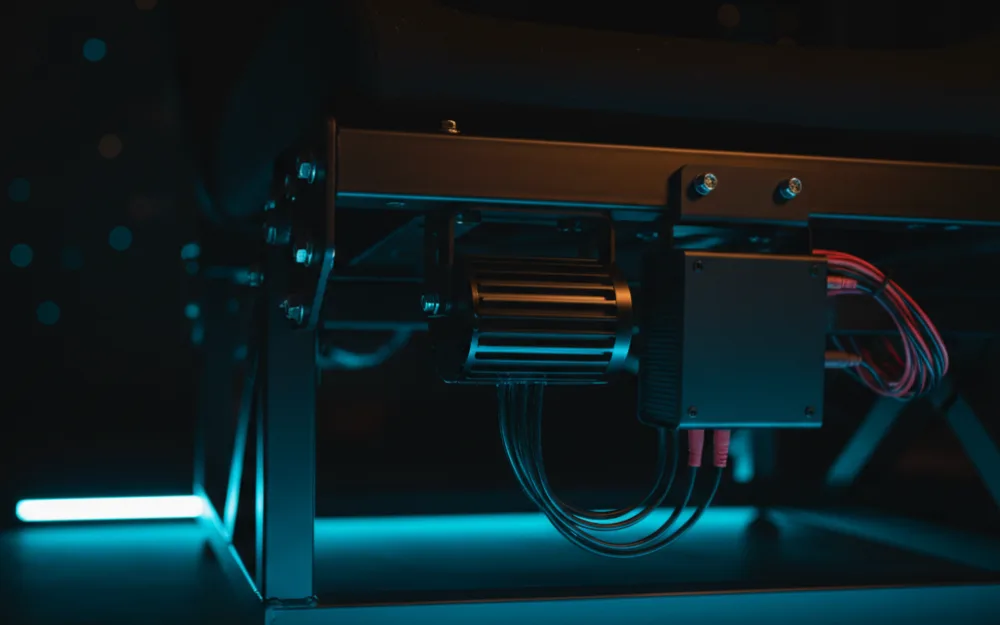
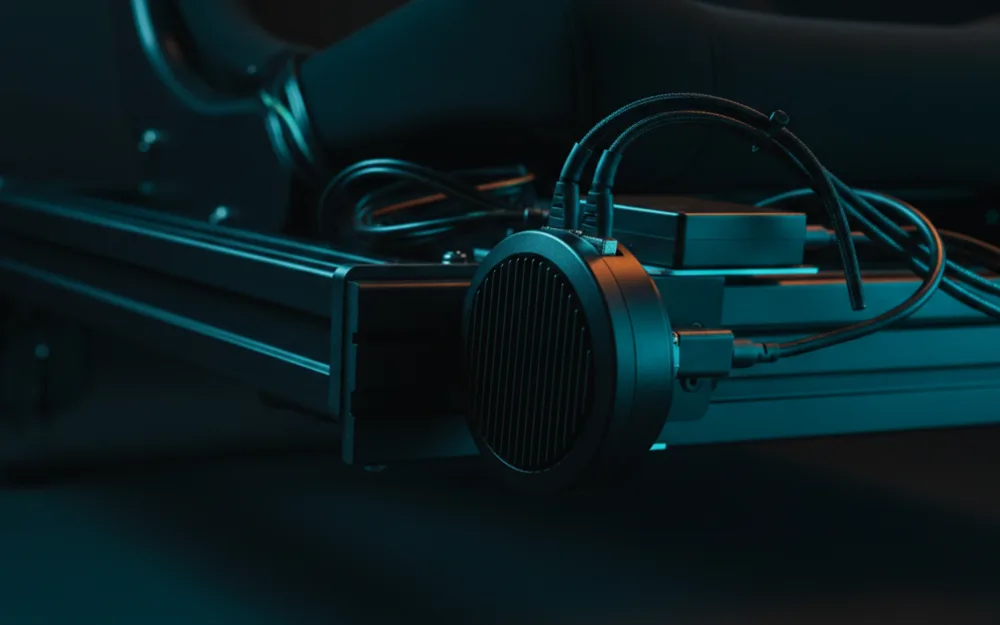
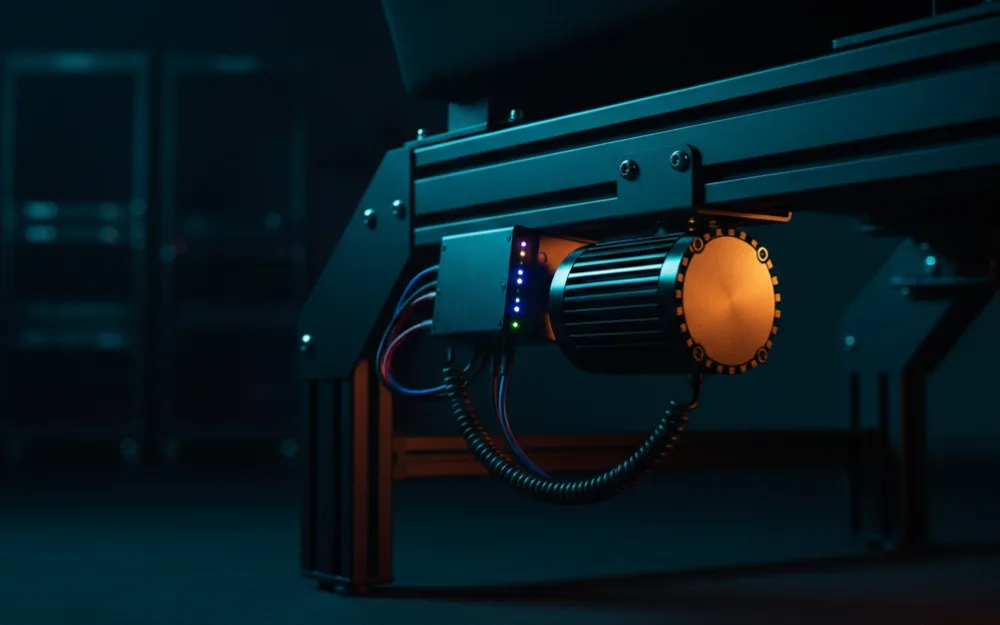
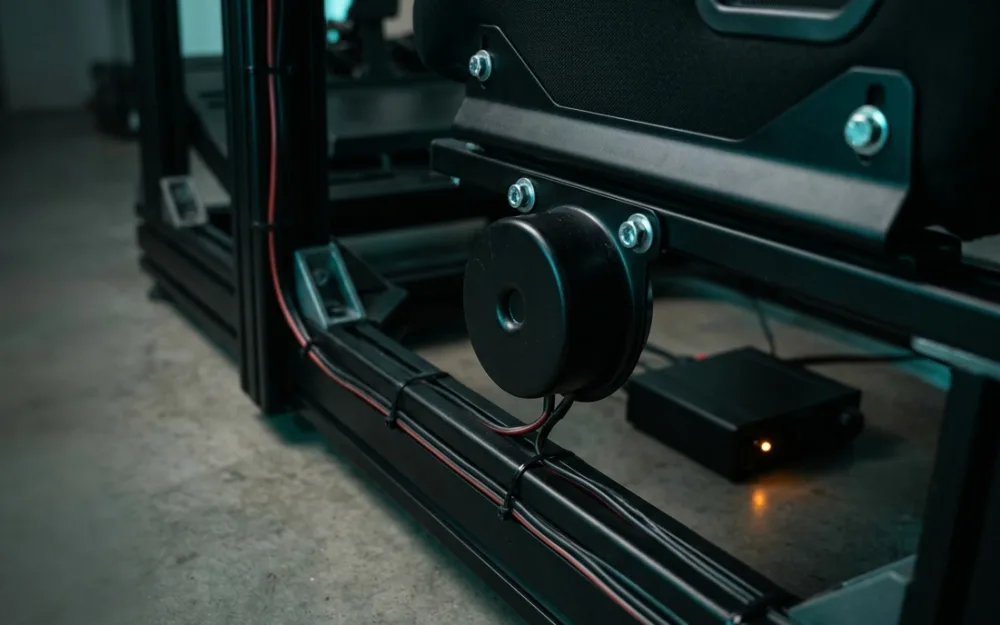
A bass shaker, also called a tactile transducer, is a single puck of a motor that you bolt directly to the frame or seat of your rig, then drive with a separate amplifier. One shaker is one channel of feel in one location. A pad packs several motors into a soft panel and drives them from its own software, so you get zoned feedback in a body friendly form with no wiring project. The trade runs the other way on ceiling: a pad gives you a fixed number of motors in fixed spots, while a shaker build lets you place channels exactly where you want them, under the pedals, beside the seat, at each corner, and grow the count over time. A pad is the tidy, finished answer. Shakers are the open, expandable one. Which matters more depends on how far you plan to take the rig.
At a glance
| Spec | NLR HF8 | NLR HF8 Pro |
|---|---|---|
| Format | Strap on seat pad | Strap on seat pad |
| Motors | Eight individual vibration motors | Higher output motor set |
| PC software | HFS telemetry, plug and play | HFS telemetry at 75 fps |
| Console | Yes, via 3.5mm audio jack | Yes, via 3.5mm audio jack |
| Weight | 5.7 pounds | 3.75 pounds |
| Owner feedback | 4.0 across 576 ratings | 4.1 across 219 ratings |
Next Level Racing HF8: the proven starting point
The HF8 is the pad that made this category mainstream, and it is still the one most drivers meet first. Eight individual vibration motors sit across the seat back and base, and on PC the HFS software reads telemetry as plug and play, so wheel lockups, curb strikes, gear shifts, and impacts all land as distinct pulses you feel through the seat. On console it runs from a 3.5mm audio jack, which means PlayStation drivers need a headset or speakers in the chain for the signal. It is designed to fit gaming chairs, sim seats, and flight seats alike, so it does not tie you to one cockpit. Owners rate it 4.0 across 576 ratings, a broad and steady record for the tier. The honest limits are the ones any fixed pad shares: the motor positions are set, the feel is good rather than surgical, and at 5.7 pounds it is the heavier of the two. For a first taste of tactile feel that installs in minutes, it remains the safe pick.
Next Level Racing HF8 Pro: more force, faster response
The HF8 Pro is the 2025 revision, and the changes are aimed squarely at drivers who found the original too gentle. Next Level Racing rates it for over 200 percent more torque and over 400 percent more motor power than the HF8, with motor speed up by 60 percent, so the pulses hit harder and settle faster. Just as important for detail, the HFS software steps up from 15 to 75 frames per second, which owners describe as sharper, more separated feedback where the original could blur rapid events together. It also drops to 3.75 pounds and adds a SIMAERO mesh face for airflow on long sessions. Early feedback sits at 4.1 across 219 ratings, promising but a thinner base than the original has built, so treat the durability read as still forming. If you want the strongest, most defined feel a pad can give and the budget stretches, the Pro is the one to reach for. If you mostly want quiet immersion, the extra force may be more than you need.
The DIY alternative: build your own with bass shakers
If you want more channels than a pad offers, or a lower cost per zone, the builder answer is a set of separate bass shakers. You bolt individual transducers to the rig where you want feel, common units include the compact Dayton BST-1 and the larger AuraSound AST-2B-4, then drive them from an amplifier fed by software that maps game telemetry to each channel. The appeal is control: you can put a shaker under each pedal to sense lockup and wheelspin at the source, one behind the seat for engine and road texture, and add corners for directional impacts, then tune each one on its own. The cost is that it is a real project. You are buying shakers, an amplifier, and mounting hardware, then wiring and configuring the lot, and a shaker only feels solid when it is bolted to a rigid frame, so a flexy stand will muddy the result. For drivers who like building and want feedback a finished pad cannot reach, it is the better long term path. Our guide to how to install a bass shaker walks through the wiring, mounting, and tuning step by step.
Getting a pad to feel its best
Whichever pad you choose, the feel depends on what it is strapped to. A haptic pad works by transmitting vibration into your body, and a loose pad on a flexy seat absorbs that energy before you sense it, so the same unit can feel muted on a wheel stand and alive on a solid bucket. Strap it firmly, keep the straps snug against the seat back and base, and route the cable so it does not tug when you move. On PC, spend a few minutes in the HFS software matching effects to the sims you run, since the default profile rarely suits every car and every driver. Owners who dial in the strapping and the software profile consistently report a bigger step up than those who leave both at the default, and that setup time costs nothing but attention.
Who should buy a pad, and who should skip it
| Buy a haptic pad if | Skip it and build shakers if |
|---|---|
| You want tactile feel that installs in minutes with one cable | You want multi zone feel across seat, pedals, and corners |
| You move between seats or do not want a wiring project | You are happy to run an amplifier and mount transducers yourself |
| A fixed set of motors in the seat is enough for you | You want to place and tune each channel exactly where you race |
The clearest reason to skip a pad is ambition. A driver who wants full rig haptics, distinct feel under each pedal, at the seat, and at every corner, will hit the ceiling of a fixed pad quickly and is better served spending that money on a shaker build from the start. A pad cannot become a multi zone system later, so if that is the goal, buying one first is money you spend twice.
How they score
The WSR Score reflects verified buyer ratings gathered and normalized on a consistent scale, not an editorial rubric, and you can read what goes into it on How We Review. On that basis both pads rate well, with the HF8 carrying the deeper record and the HF8 Pro edging ahead on a younger, smaller pool of ratings.
Where to go next
A haptic pad only feels as solid as the seat it is strapped to, so if your rig still flexes, sorting the frame first pays off, and our picks for the best sim racing cockpit under $500 cover steady options. If you are set on the do it yourself route, the how to install a bass shaker guide is the place to start, and you can browse the wider field in haptics.