
Once you have a wheel and pedals, the next question is usually not which base to buy but which small additions actually improve your driving. The accessories that matter for a beginner are the ones that make your setup steadier, quieter to your neighbors, and closer to a real car, without emptying your wallet. This guide is for drivers who have the core kit in place and want to know where the next modest spend does the most good. We will go accessory by accessory, explaining what each one solves so you can prioritize in the order that fits your rig.
Every pick here compares manufacturer specifications with recurring owner feedback, and you can read how we review for the full method. If you are still assembling the basics, our best sim racing setup for beginners guide covers the wheel and pedals first, and Getting Started explains the core terms.




How to prioritize your first accessories
Spend in the order that removes the biggest problem first. If your wheel clamps to a wobbly desk, a stand or stable mount comes before anything else, because a rig that flexes hides every other improvement. After that, add the accessory that matches the cars you drive: a shifter for manual and rally cars, a handbrake for slides and hairpins. Comfort and immersion items like gloves and a headset come last, but they cost the least and make long sessions more pleasant. Work down this list and you will never waste money on an upgrade you cannot yet feel.
At a glance
| Accessory | What it solves | Priority |
|---|---|---|
| GTPLAYER Wheel Stand | A wobbly desk or no mounting surface | First, if your rig flexes |
| Logitech G Driving Force Shifter | No manual gear change for road and rally cars | If you drive manuals |
| aikeec USB Handbrake | No handbrake for rally and drift | If you drive loose surfaces |
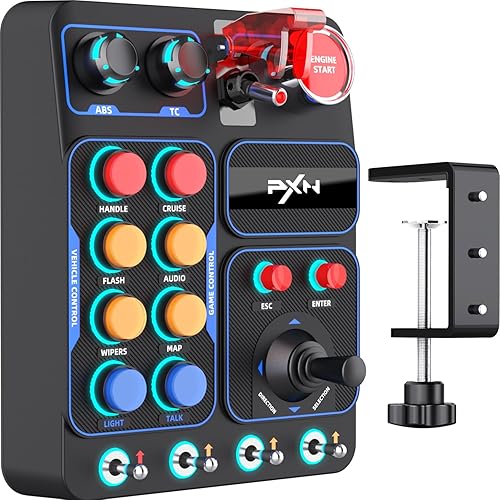
| PXN CB1 Button Box | Reaching for keyboard controls mid race | For endurance and PC sims |
| SPARCO MECA 3 Gloves | Sweaty grip on long stints | Comfort upgrade |
| Razer BlackShark V2 X Headset | Weak positional and engine audio | Immersion upgrade |
GTPLAYER Wheel Stand
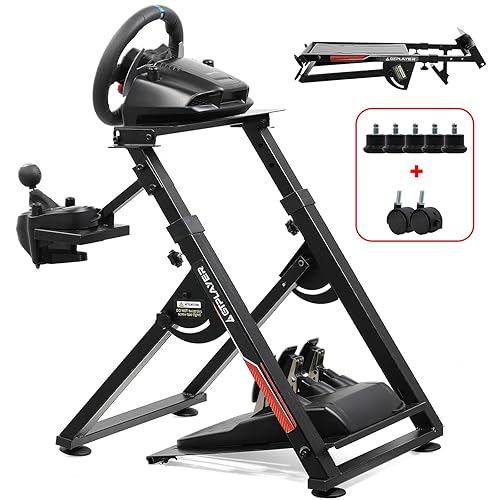
A stable mount is the accessory that quietly improves everything else, so if your wheel is clamped to a desk that shifts under load, start here. The GTPLAYER stand holds the wheel, pedals, and a shifter in a fixed relationship, so force feedback pushes against a solid frame instead of your desk edge. Owners describe a big jump in stability over a bare desk clamp, and many fold it away between sessions, which suits players short on space. It is one of the more affordable ways into a dedicated frame.
Set expectations for the tier: a lightweight folding stand is not as immovable as a full aluminum cockpit, so very strong direct drive bases can still coax some flex from it. For a first wheel and a belt or gear driven base, it is a sensible, budget minded upgrade. If you want a firmer option, our best wheel stand under $200 roundup compares sturdier frames.
Logitech G Driving Force Shifter
If you drive road cars, trucks, or classic rally machines, a shifter turns paddle only driving into something closer to the real thing. This Logitech unit is a six speed H pattern shifter with reverse, and it plugs into the back of a G29, G920, or G923 base with no extra software. Reviewers who race it describe clear gate engagement that lets you find each gear without looking down, which is exactly the habit a new driver wants to build. Pair it with a clutch pedal and you can learn a proper manual launch.
It is H pattern only and works within the Logitech ecosystem, so sequential fans and other wheel brands will want a USB alternative. For Logitech owners adding their first manual gearbox, it is the obvious pick.
aikeec USB Handbrake
A handbrake unlocks rally stages and drift entries where the brake pedal alone cannot rotate the car. The aikeec is a popular value pick that connects over USB and works with common wheels including the G27, G29, G920, and Thrustmaster bases, so it joins most PC rigs without brand lock in. Owners describe an analog pull that gives real, metered control rather than a simple on and off flick, which is what rally driving rewards.
Mount it firmly and it feels planted; leave it loose and the pull softens. It is PC only, and the maker notes it does not work on Xbox or PlayStation. Skip it entirely if you race only smooth circuits, where a handbrake rarely comes into play.
PXN CB1 Button Box
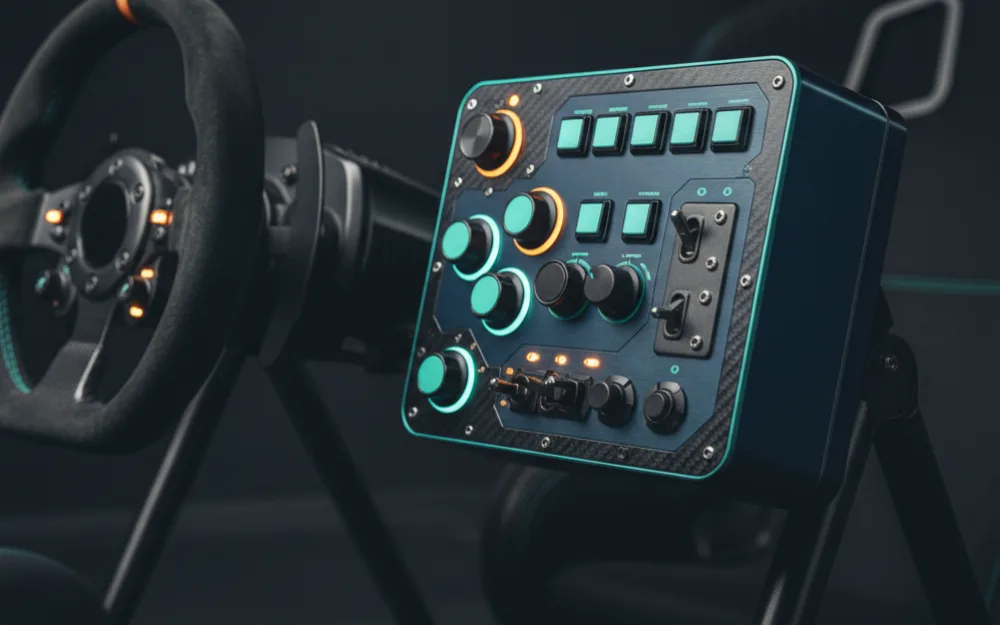
A button box moves the controls you reach for mid race, things like traction control, brake bias, wipers, and pit requests, onto physical switches instead of the keyboard. That keeps your hands near the wheel and matters most in endurance racing and detailed PC sims. The PXN CB1 is a programmable USB panel with a healthy set of inputs, and owners like that it maps cleanly to most sims through their control settings.
It is built for PC, so console players should look elsewhere, and a beginner racing short sprints in one class may not need it yet. Once your sessions get longer and your car has systems to manage, it becomes genuinely useful. Our best sim racing button box roundup covers more options.
SPARCO MECA 3 Gloves
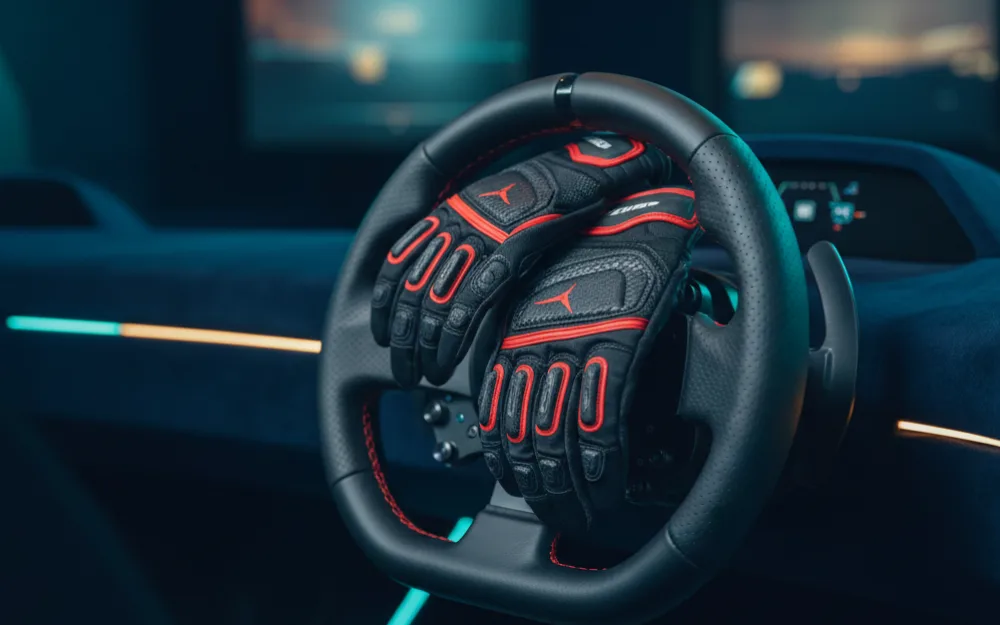
Gloves are a small, inexpensive upgrade that pays off on long stints. A dedicated pair keeps your palms from sweating against the rim, which preserves grip and comfort during an endurance run. The SPARCO MECA 3 is a mechanic’s pit glove from a motorsport brand rather than a driving glove, with synthetic leather palms, and owners who use it for sim racing point to consistent grip and a snug fit as the reasons they keep it on the rig. It is a comfort item rather than a performance essential, so treat it as a nice to have once the bigger pieces are sorted.
Sizing is the one thing to check, since a glove that is too tight or too loose undoes the benefit. If you race in short sessions and your grip never slips, you can skip gloves without missing anything.
Razer BlackShark V2 X Headset
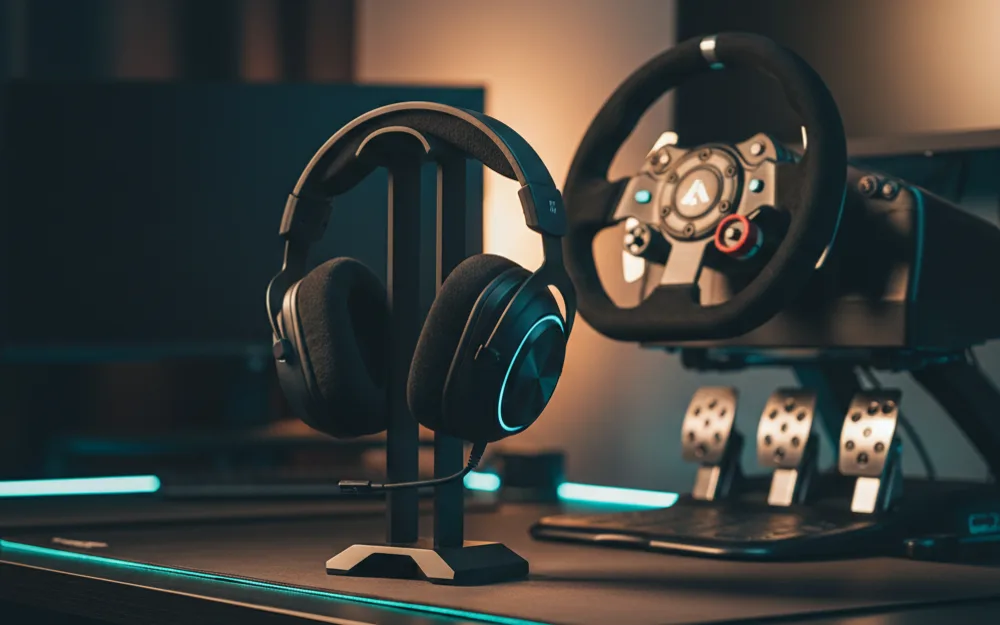
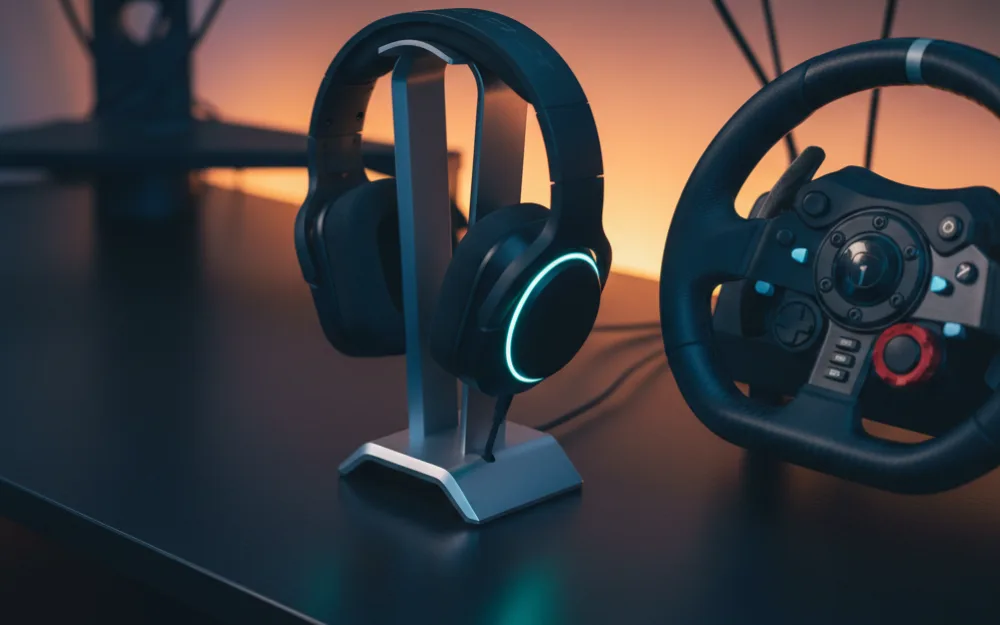
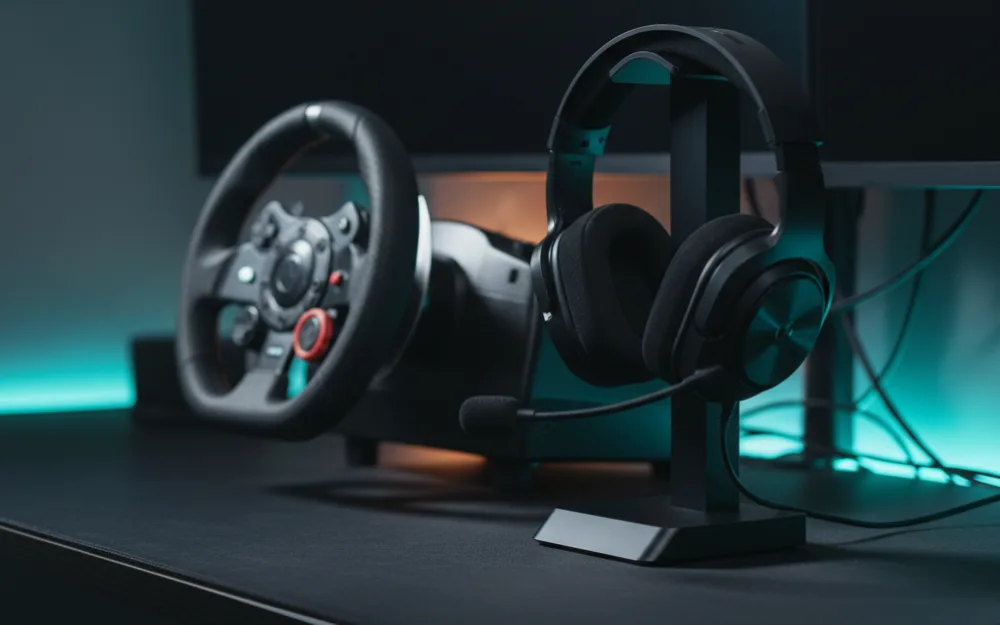
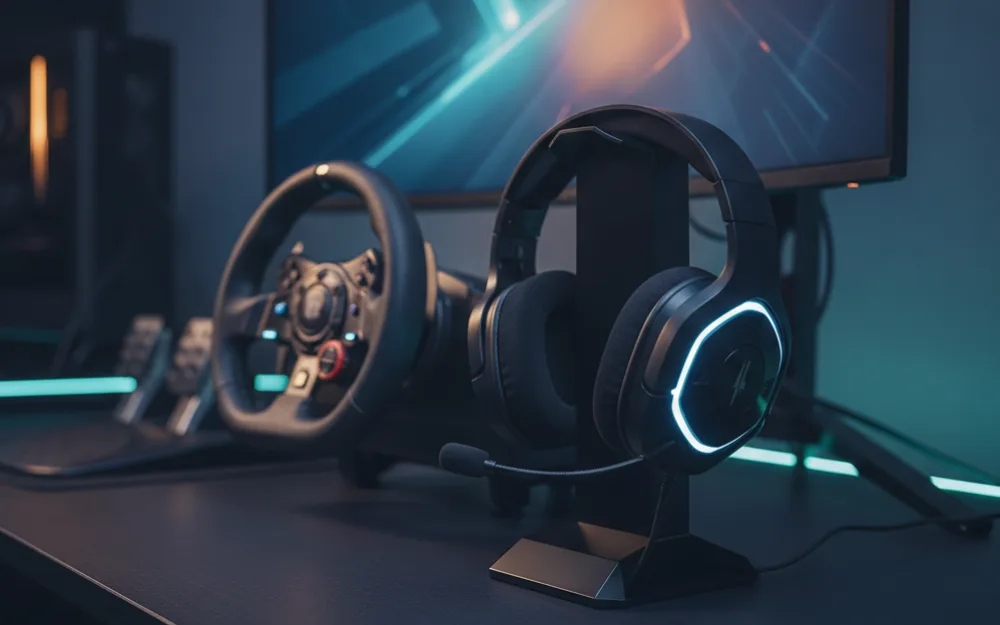
Audio is easy to overlook, but positional sound helps you place cars you cannot see and hear your engine approach its shift point. The Razer BlackShark V2 X is a widely owned wired headset with surround sound support and a light, comfortable fit for long sessions. Owners consistently praise it as a lot of headset for a modest price, which is why it shows up so often on starter lists. A headset also spares your household the engine noise that open speakers broadcast.
If you already have quality speakers or you prefer them, a headset is optional rather than essential. For most beginners racing in a shared space, though, it is a low cost quality of life win. See more audio picks in our best sim racing headset roundup.
Who should hold off on accessories
| Add these accessories if | Hold off if |
|---|---|
| Your core wheel and pedals are already in place | You still need a wheel or pedals, which come first |
| A specific accessory solves a problem you actually feel | You are buying gear before you know what you enjoy driving |
| Your budget can absorb small, targeted upgrades | The money is better saved toward a stronger base later |
The honest advice for a new driver is to buy accessories in response to a real need, not all at once. Drive first, notice what frustrates you, and let that guide the next purchase. A stand fixes wobble, a shifter and handbrake match certain cars, and gloves and audio add comfort. If none of those problems apply to how you race today, your money waits well.
How these scores work
The WSR Score on each card reflects verified buyer ratings gathered and normalized on a consistent scale, not an editorial rubric. You can read what goes into it on How We Review. Use the scores to judge owner satisfaction, then let your own driving decide the order you buy in.
Where to go next
To build the whole rig in the right order, read our best sim racing setup for beginners guide. Browse more small upgrades in the accessories category, and if any term here was unfamiliar, Getting Started is the place to fill the gaps.