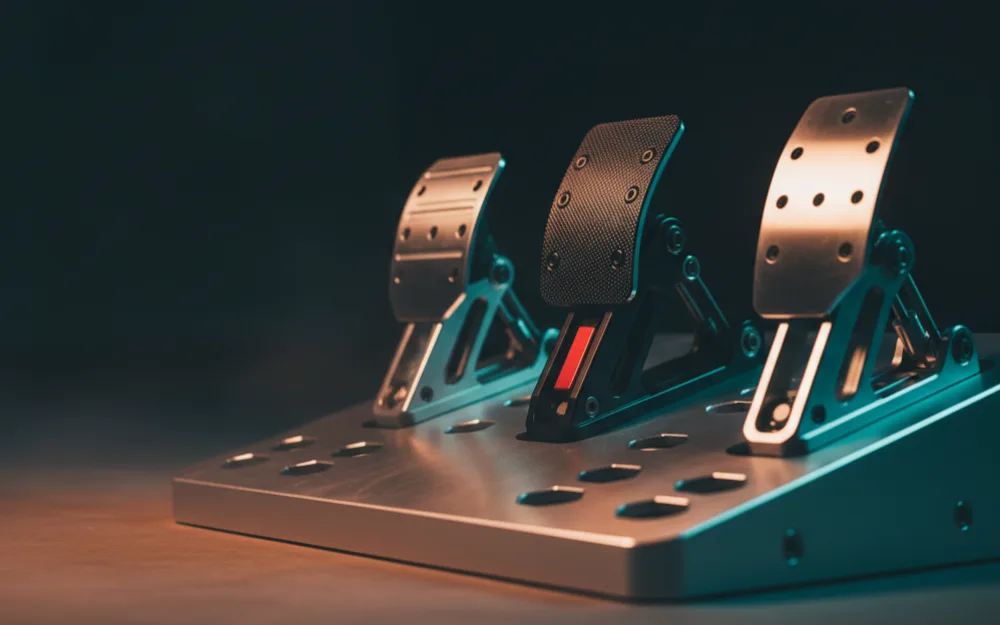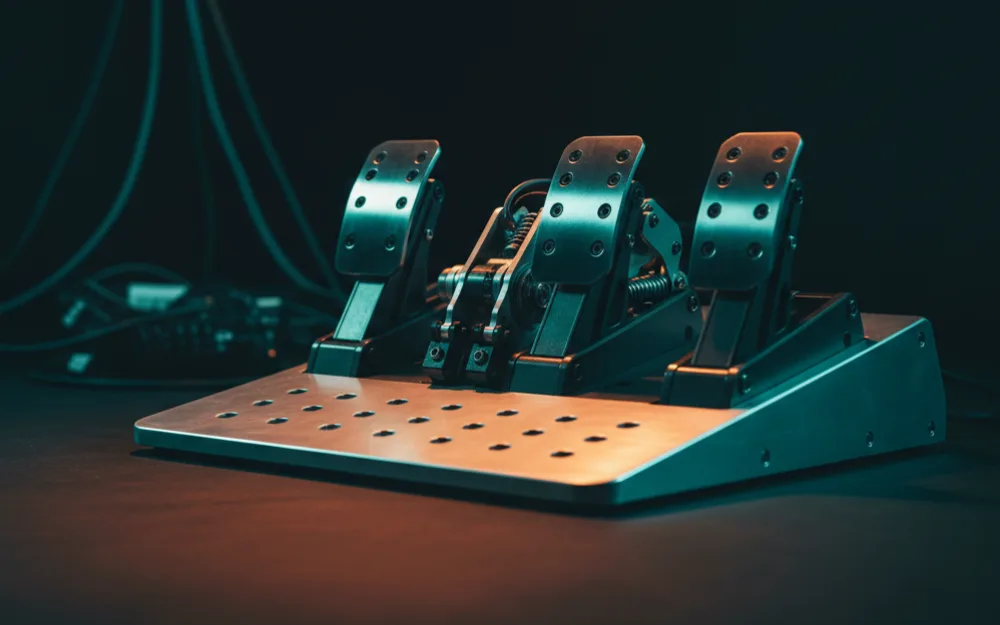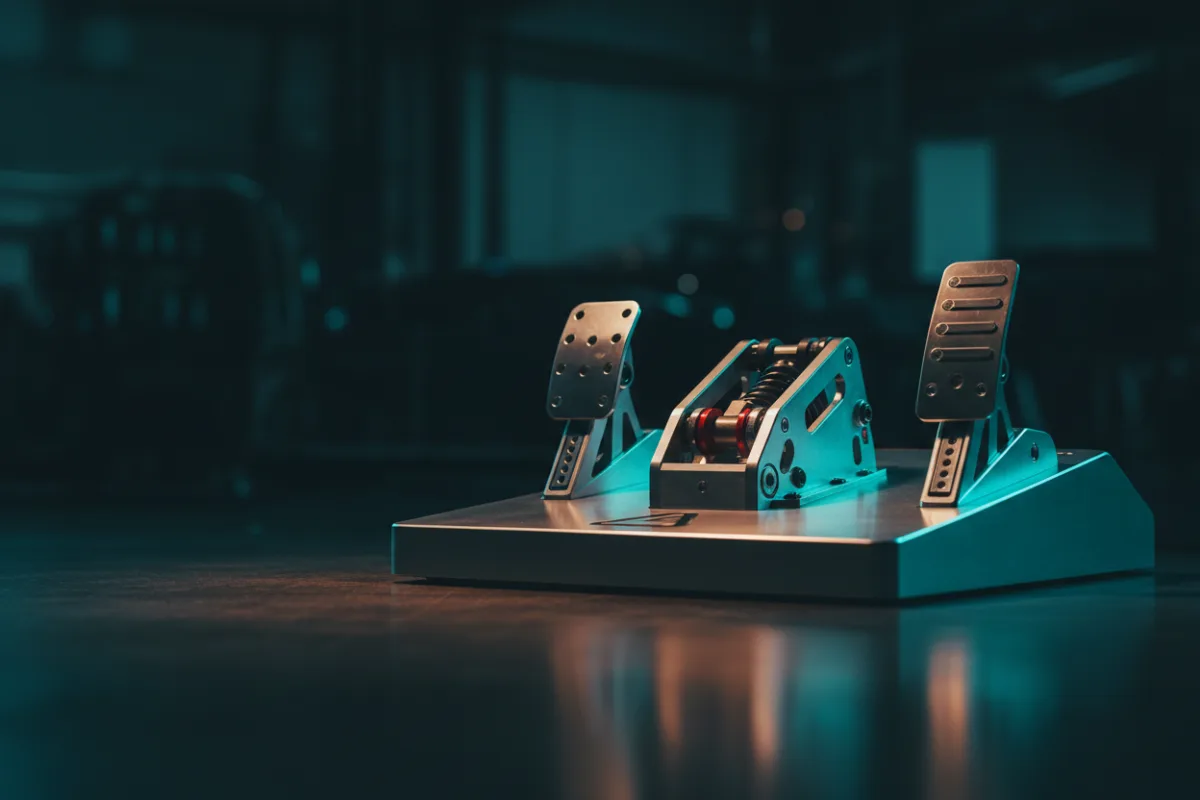

The pedals that ship with an entry wheel are usually the first thing a developing driver outgrows, because braking is where lap time and consistency really live. A better standalone pedal set is often the single most effective budget upgrade you can make, ahead of a new wheel. This guide sorts the strongest value pedal sets into a clear order, from a load cell brake at a genuinely low price to simple upgrades for a specific wheel ecosystem, so you can match a set to your platform and your goals rather than overspend on features you cannot use yet.
These picks come from comparing manufacturer specifications against what owners report over long ownership, and you can read how we review first. Before you buy, it helps to understand the core difference in how pedals sense your input, so read load cell versus potentiometer pedals, then match a set to your wheel. New drivers can start with Getting Started.


How to choose budget pedals
Two questions decide almost everything here. First, does your wheel accept third party pedals, or do you need a set built for its ecosystem? Some sets plug into a wide range of hardware by USB, while others are designed to connect through a specific wheel base. Second, do you want a load cell brake or not? A load cell measures how hard you press rather than how far you push the pedal down, which lets you brake by feel and repeat the same pressure lap after lap. That single change teaches braking faster than almost any other upgrade. The picks below move from the best value load cell set toward simpler position based upgrades, so read the platform note in each before you commit.
Logitech G RS Pedals: the value load cell pick
The Logitech G RS pedal set is the standout here because it brings a real load cell brake to a budget price. It uses a 75 kg load cell on the brake, a Hall effect throttle for accuracy that holds up over time, and a two pedal layout with an optional clutch module sold separately, and it works on PC over USB and on PlayStation and Xbox through a Logitech G PRO or RS50 base. Owners consistently describe the brake as firm and progressive, which is exactly what a load cell should feel like and exactly what a spring pedal cannot give you. If you want the biggest jump in braking quality for the least money, and a set that will not lock you to one platform, start here. The honest limit is that a budget load cell has less adjustment range than an enthusiast set, so a serious sim racer may eventually want more, but as a first load cell brake it is hard to fault.
Thrustmaster Raceline Pedals III Modular: room to grow
The Thrustmaster Raceline Pedals III Modular set is built around the idea that your needs will change. It uses Hall effect sensing, ships as a three pedal set with a clutch, and its modular design lets you rearrange and adjust the pedals to fit your rig and your driving position, with a load cell brake available in the range. It connects across PC, PlayStation, and Xbox (on console through a Thrustmaster force feedback wheel base), which keeps your options open. Owners describe a solid, adjustable set, though its ratings sit a little below the Logitech pick, so weigh the flexibility against the track record. Choose it if you value the ability to tune pedal spacing and feel as you learn what you like, rather than a fixed layout.
Thrustmaster Raceline Pedals III LC: the load cell step up
The Raceline Pedals III LC is the load cell version of that modular platform, adding a 100 kg load cell brake, with Hall effect sensing on the throttle and clutch, on a three pedal set that works across PC, PlayStation, and Xbox (on console through a Thrustmaster force feedback wheel base). It sits at the top of what most people would still call budget, closer to the enthusiast tier, and the extra outlay buys a firmer, more adjustable brake than a position based set. Owners describe a clear improvement in braking feel over the entry pedals bundled with most wheels. Treat this as the pick for a driver who has decided braking is where they want to invest and wants headroom to keep the set for years. If it stretches past your budget, the Logitech G RS covers the same core benefit for less.
Thrustmaster T3PA Wide: the ecosystem upgrade
The Thrustmaster T3PA Wide is the pick for someone who already owns a compatible Thrustmaster wheel and wants a better pedal set without changing anything else. It is a metal three pedal set with a clutch, an adjustable pedal face position, and a conical rubber brake mod that firms up the brake as you press, which encourages smoother, more progressive braking than a flat spring. It brakes by position rather than by pressure, so it is not a load cell, but it is a genuine step up from the plastic pedals that come with many entry wheels, and it connects through a compatible Thrustmaster wheel base, so it runs on the platforms that base supports. Choose it if a Thrustmaster wheel is your base and you want a sturdier, more adjustable pedal set at the lowest cost. If your wheel is from another maker, one of the standalone sets above is the safer path.
How the budget pedals compare
| Pedal set | Brake type | Best for |
|---|---|---|
| Logitech G RS Pedals | Load cell (75 kg), two pedal | The best value load cell across platforms |
| Raceline Pedals III Modular | Hall effect, modular three pedal | Adjustable layout with room to grow |
| Raceline Pedals III LC | Load cell (100 kg), three pedal | A firmer, adjustable load cell step up |
| Thrustmaster T3PA Wide | Position based, conical brake mod | A Thrustmaster ecosystem upgrade |
Who should skip a budget set
| Skip these pedals if | Why |
|---|---|
| Your wheel came with pedals you are still happy with | Spend the money on a better wheel or a rig instead |
| You are a competitive racer chasing the last tenths | An enthusiast load cell set gives more range and consistency |
| Your console wheel does not accept third party pedals | Confirm compatibility first, or stay within your wheel ecosystem |
| You want a plug and play upgrade with zero setup | Some sets need mounting and calibration to feel their best |
How to get the most from budget pedals
The single biggest factor in how any of these sets feel is not the price, it is the mount. A load cell needs to push against something solid, so bolt the pedals to a rig or a stiff baseplate rather than letting them slide on carpet; a flimsy mount will make even the best set feel vague. Once mounted, set the brake by method rather than by copying a number. Start with the brake at a medium firmness in the software, drive a few laps, and adjust one direction at a time: if you keep locking the wheels, raise the force needed for full braking, and if you cannot reach full braking without straining, lower it. Repeat until 100 percent braking sits at a pressure you can hit consistently, because a brake you can repeat is worth more than one that is merely strong. Give yourself a session to adapt, since a load cell rewires how you brake and the first laps always feel odd.
How the WSR Score works
The WSR Score shown on each card reflects verified buyer ratings gathered and normalized on a consistent scale, not an editorial rubric. You can read exactly what goes into it on How We Review. Treat it as one honest signal of how owners feel over time, read alongside the fit notes above.
Your next step
If you want the biggest gain for the least money, the Logitech G RS brings a load cell within reach; if you own a Thrustmaster wheel, the T3PA Wide is the tidy upgrade. To see how these sit against the wider field, start with the best sim racing pedals, and when you are ready to commit to a load cell, our best load cell pedals under $300 guide is the next step up. For a deeper enthusiast comparison, read our Simjack UT pedals review. Before you buy, learn to set your pedals correctly with how to calibrate sim racing pedals, and browse more options in pedals.