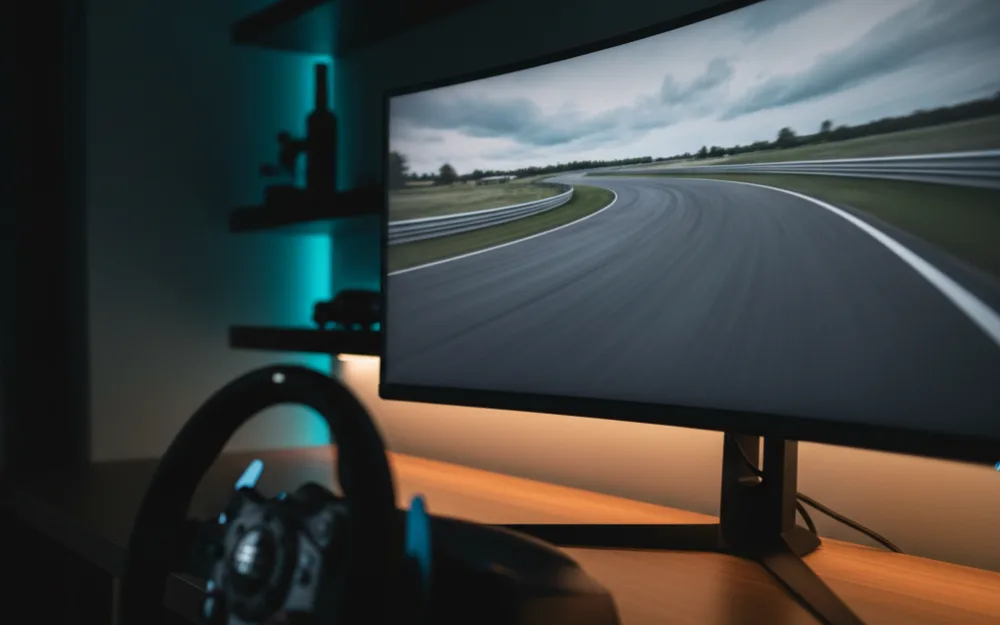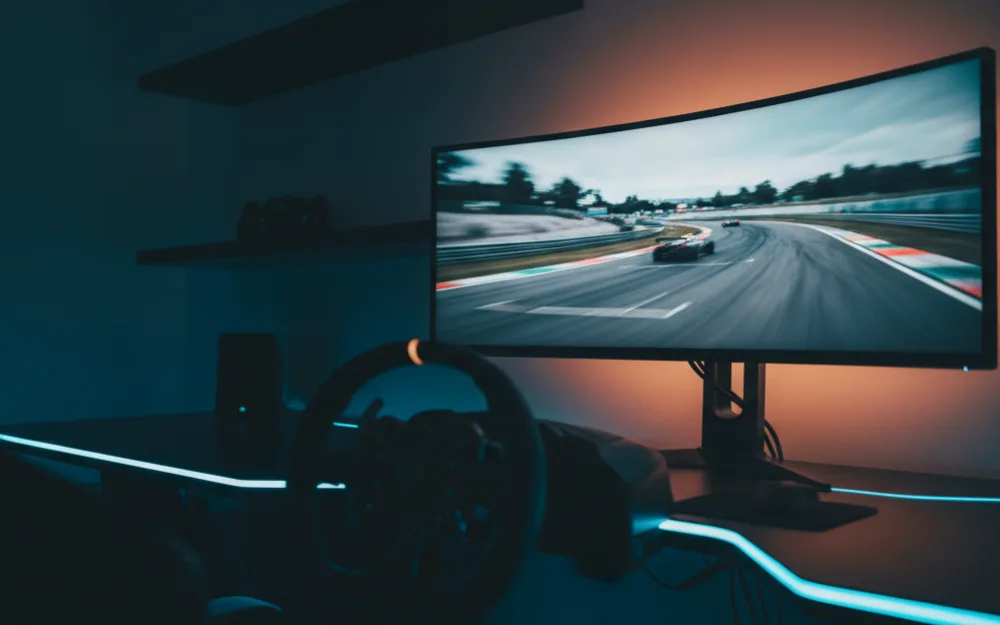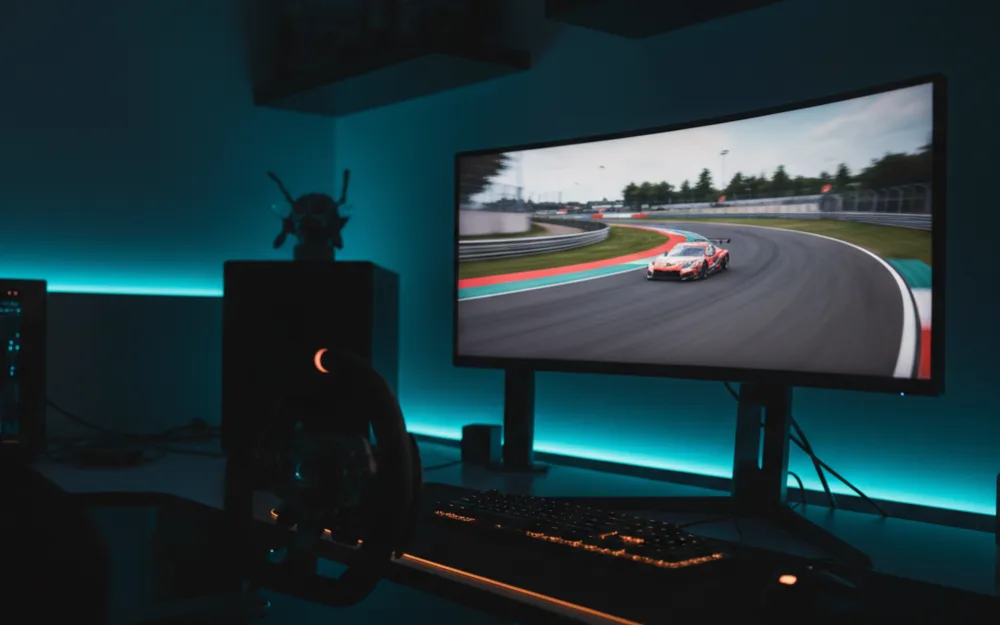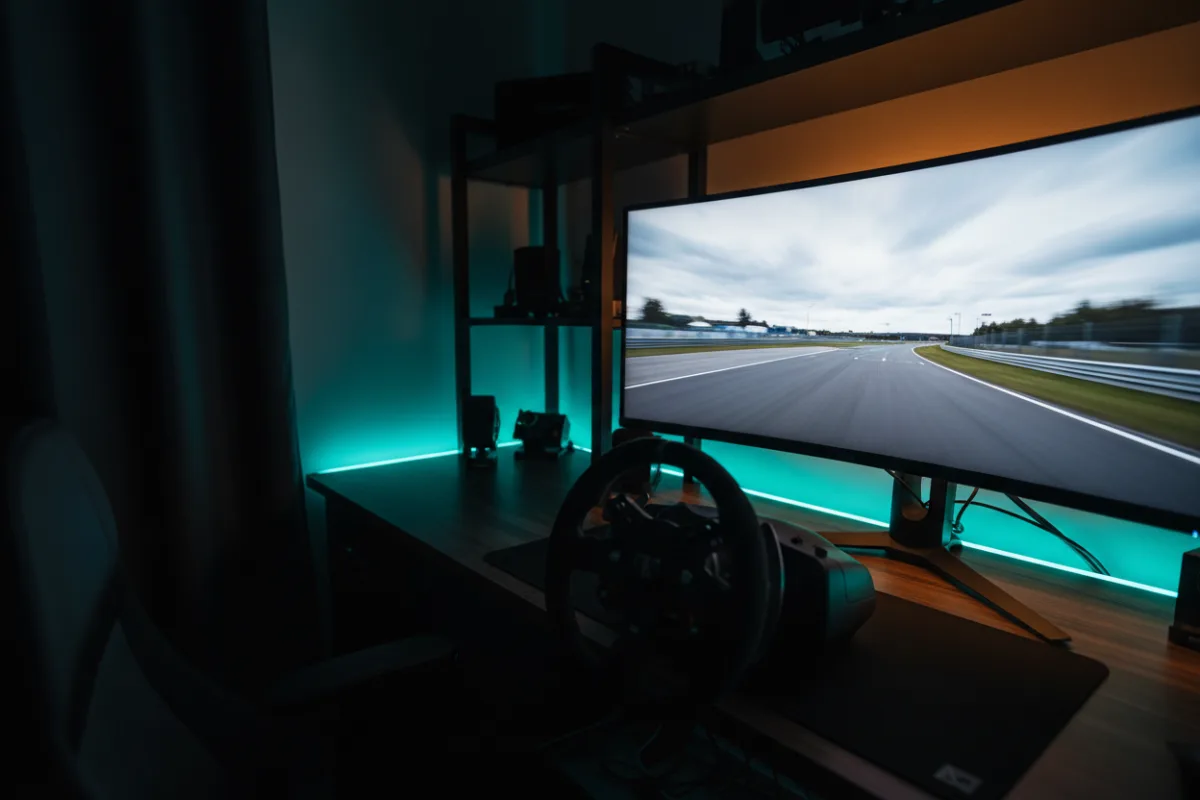

The Samsung Odyssey G3 (G30D) is a 27 inch, 1080p, 180Hz gaming monitor aimed squarely at racers who want fast motion and a fully adjustable stand without paying for higher resolution. It is a Full HD panel, not a 1440p or ultrawide one, and it competes at the entry tier on refresh rate and ergonomics rather than sharpness. Whether it fits you comes down to a simple choice: do you want the smoothest possible motion and a stand that moves in every direction, or do you specifically need the crisper detail a QHD screen brings.
This review looks at how the G30D behaves for sim racing, where it holds up, and where a 1440p panel would serve you better. We compared manufacturer specifications with recurring owner feedback, and you can read how we review. If terms like refresh rate and adaptive sync are new to you, start with Getting Started.

At a glance
| Spec | Samsung Odyssey G3 (G30D) |
|---|---|
| Screen size | 27 inches, 16:9 |
| Resolution | Full HD 1920 x 1080 |
| Refresh rate | 180 Hz |
| Response time | 1 ms MPRT (per Samsung) |
| Adaptive sync | AMD Radeon FreeSync |
| Stand | Height, tilt, swivel, pivot |
| Design | 3 sided borderless |
What 180Hz Full HD is built for
Before we judge the picture, it helps to know what this specification set is chasing. At 180Hz the G30D refreshes faster than most panels at its price, and paired with a 1080p resolution it asks little of your graphics card, so a mid range card can hold high frame rates while feeding the panel its full refresh. In racing that combination pays off, because clean, consistent motion is what lets you read a corner as it arrives and place a car with confidence. The trade off is resolution. At 27 inches, 1080p spreads pixels wider than a 1440p screen, so fine detail and distant track text look softer up close. The question is not whether this panel is as sharp as a QHD screen. It is not. The question is whether it delivers fast, fluid racing on an affordable card, and on refresh rate it is well equipped for it.
Verdict by use case
For sim racing the G30D rates well as a budget starter. The 180Hz refresh and 1ms MPRT rating keep fast motion clean, and FreeSync ties the refresh to your frame rate so tearing and small dips at a busy race start are smoothed out. Samsung’s Black Equalizer lifts detail in dark areas, which can help you pick out a car in a shaded braking zone. For general desktop and office work the fully adjustable stand is a genuine advantage, since you can set the screen height and angle precisely rather than propping it up. For competitive shooters the high refresh is an asset. Where it shows its limits, like any 1080p panel at this size, is in outright sharpness against a 1440p screen.
Motion, sync, and the picture
Samsung rates this panel at 1ms MPRT and 180Hz, and the practical result owners report is fluid motion once the refresh and sync are set up correctly. Reaching the full 180Hz depends on the connection, so a capable card and the right cable are what unlock the rated refresh. FreeSync does real work here, keeping the frame rate and refresh aligned to remove tearing without you managing it. The G30D also includes Eye Saver Mode to cut blue light and reduce flicker over long sessions, and a Virtual Aim Point overlay that is more useful for shooters than for racing. As with any panel in this tier, judge the picture by the refresh and motion first, because that is where the value sits.
Stand, design, and setup
The standout practical feature is the ergonomic stand, which handles height, tilt, swivel, and pivot. That range is unusual at this price and it matters for a driving position, because you can set the screen at the right height and distance from the wheel without buying a separate arm. The 3 sided borderless design also makes the G30D a tidy choice if you plan to line up two panels side by side, since the thin edges keep the seam small. If you later move to a monitor arm, the standard VESA mount handles it. For most desks, though, the included stand does the job the panel is built for.
It is worth being clear about where the G30D sits in the Odyssey line. This is the entry tier, so it competes on refresh rate, ergonomics, and price rather than on the deeper color range, HDR, or higher resolution of Samsung’s step up models. That focus is a strength for a first sim racing screen, because the money goes into the parts that shape racing feel: a high refresh rate, adaptive sync, and a stand that lets you set the screen where a driving position wants it. If you expect to grow into creative work that needs a wider color range, or you want the sharper image of a 1440p panel, that is the point to weigh a different tier rather than stretching this one past what it is built to do. For fast, fluid racing on a mid range card, the balance here is sensible.
Who should buy it, and who should skip it
| Buy the G30D if | Skip it if |
|---|---|
| You want fast 180Hz motion on a mid range card | You want the sharper detail of a 1440p panel |
| You value a full height, tilt, swivel, and pivot stand | You plan to move straight to an ultrawide or QHD screen |
| You want a tidy dual panel setup with thin borders | You need HDR or a wider color range for editing work |
How it scores
The WSR Score reflects verified buyer ratings gathered and normalized on a consistent scale, not an editorial rubric. You can read what goes into it on How We Review. On that basis the G30D rates well, which fits its standing as a high refresh budget panel that owners keep and recommend.
Alternatives worth a look
If you want a rival at the same size and resolution, our ASUS TUF Gaming VG277Q1A review covers the closest competitor. To step up to sharper detail, the ASUS TUF VG27AQ3A review looks at a 1440p panel that also suits triple screen setups. To see where the G30D sits against the rest of the affordable field, start with the best monitors for sim racing under $300, and for the full picture across every tier, our best monitors for sim racing guide is the place to begin. You can browse more screens in the Displays and Immersion category.