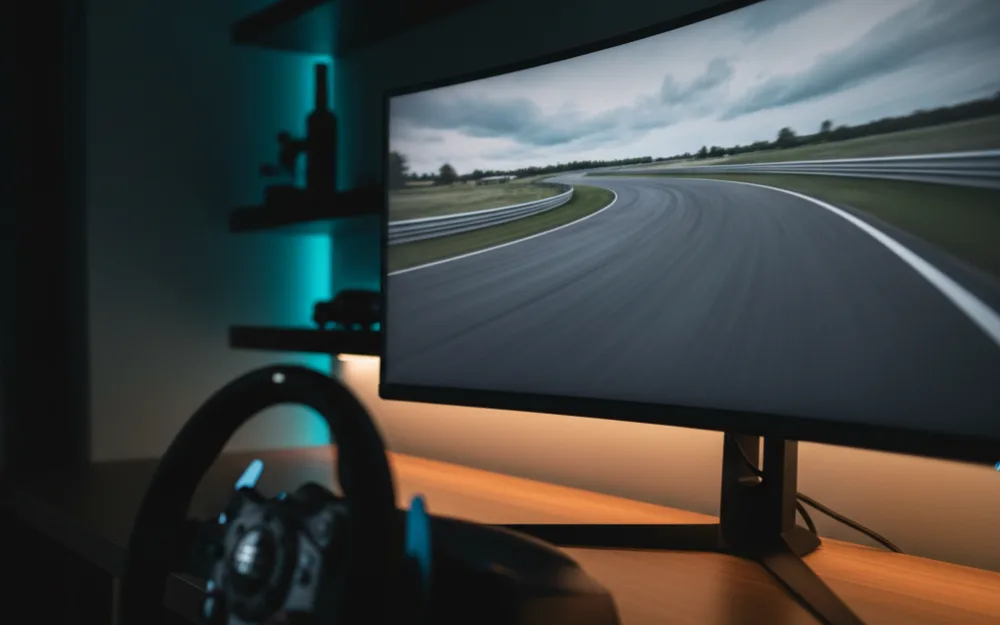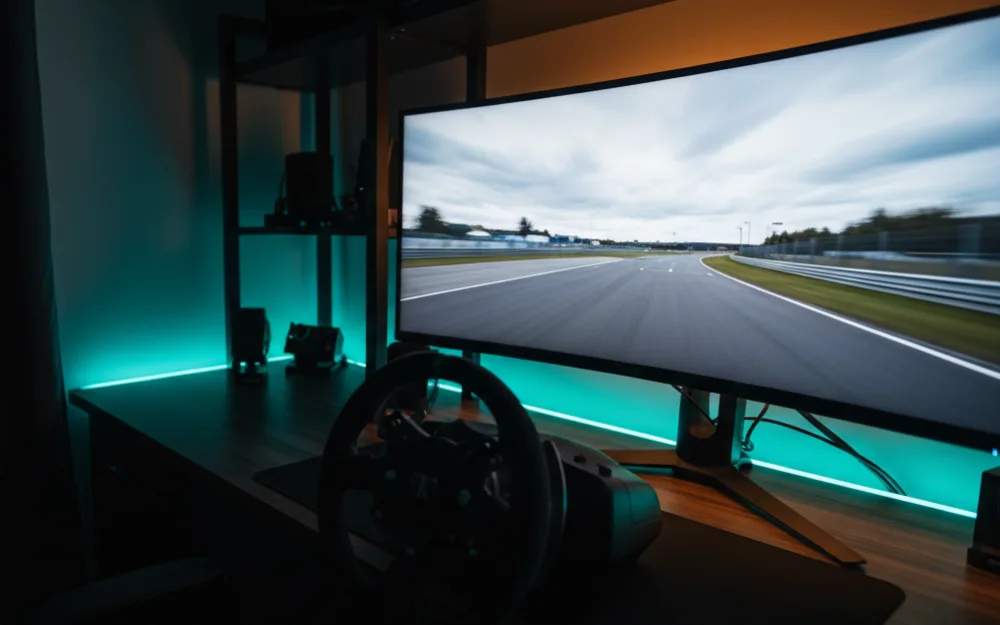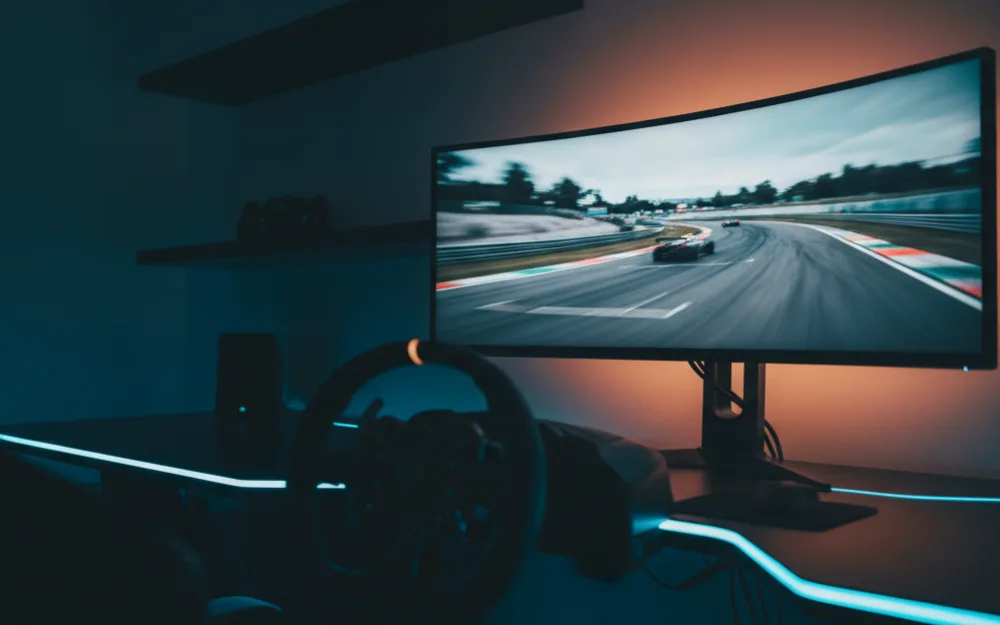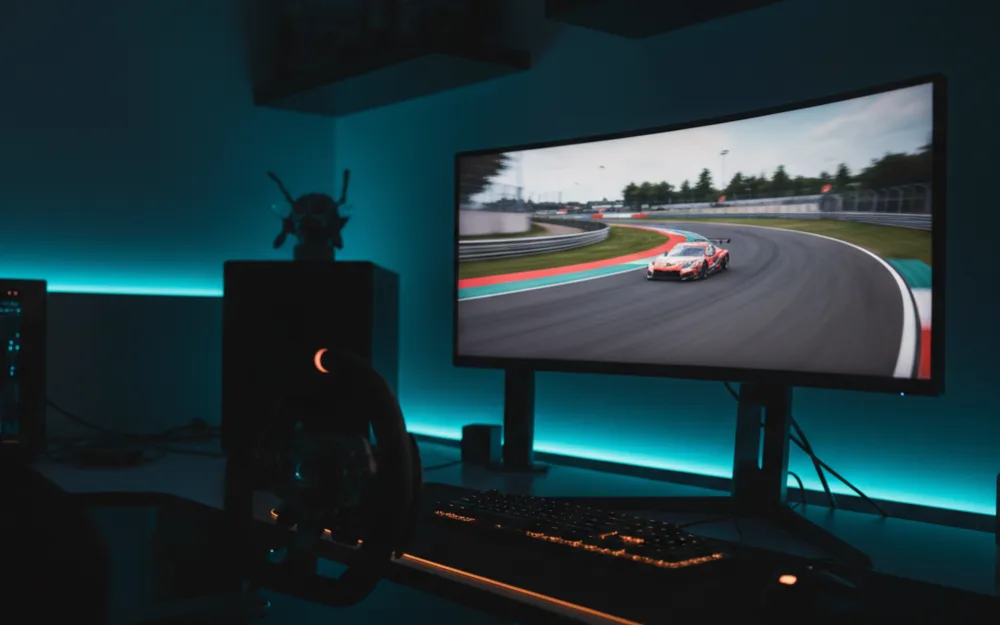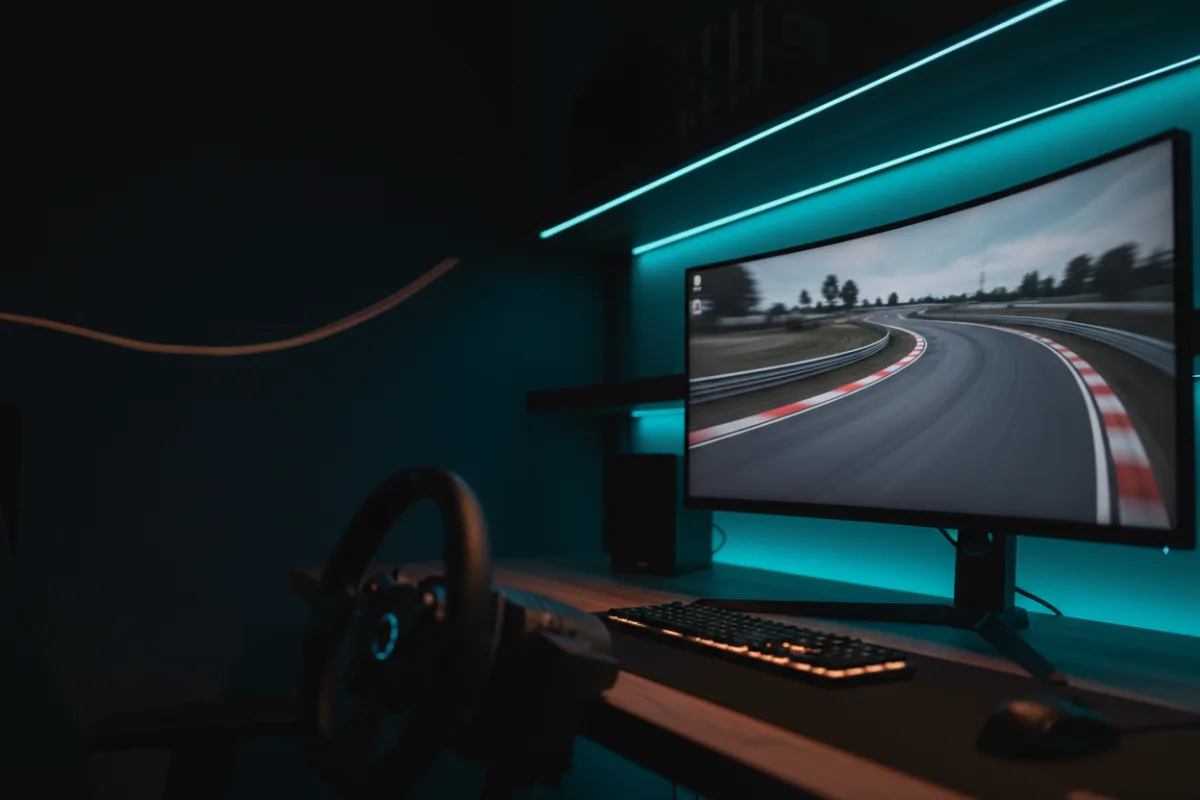

The LG 34GS95QE, sold as the 34 UltraGear OLED, is a 34 inch, 21:9 curved OLED monitor built around an aggressive 800R curve, a 240Hz refresh rate, and a 0.03ms response time. It is aimed at the sim racer who wants one immersive screen rather than a triple wrap, and who cares more about deep OLED blacks and clean motion than about raw brightness. Whether it suits you comes down to a familiar trade: the inky contrast and quick pixel response of OLED against the higher sustained brightness a bright IPS or mini LED panel gives you in a sunlit room.
This review looks at how the 34GS95QE behaves for racing, where it earns its price, and where a different panel would serve you better. We compared LG specifications with measurements reported by review outlets and recurring owner feedback, and you can read how we review. If terms like refresh rate, response time, and adaptive sync are new to you, start with Getting Started.

At a glance
| Spec | LG 34GS95QE (34 UltraGear OLED) |
|---|---|
| Size and ratio | 34 inches, 21:9 ultrawide |
| Resolution | WQHD 3440 x 1440 |
| Panel and curve | OLED, matte anti-glare, 800R curve |
| Contrast and HDR | 1.5M:1, DisplayHDR True Black 400 |
| Refresh rate | 240 Hz |
| Response time | 0.03 ms GtG (per LG) |
| Adaptive sync | FreeSync Premium Pro, G-Sync compatible |
| Inputs and stand | 2x HDMI 2.1, DisplayPort 1.4, USB hub, tilt height swivel |
Why an 800R OLED changes the picture
Before judging the racing picture, it helps to see what this specification set trades for. The panel is OLED, so each pixel makes its own light and shuts off completely for black. That is where the 1.5M:1 contrast figure and the DisplayHDR True Black 400 rating come from, and it is why owners describe night races, tunnels, and dark cockpits with the kind of shadow depth a conventional LCD cannot match. The cost of that self lit design is sustained brightness. OLED panels in this class do not push the high full screen brightness of a mini LED monitor, so a rig sitting in direct sun asks more of the panel than a shaded room does. The 800R curve is the other defining choice. It is one of the tighter wraps in this size, which pulls the far edges of the screen toward your eyes and widens the sense of periphery on a single panel, though it also means the monitor wants to sit fairly close to pay off.
Verdict by use case
For sim racing the 34GS95QE rates highly. The 240Hz refresh and 0.03ms response time keep fast panning clean as the car sweeps through a corner, and owners who race on OLED consistently point to the near instant pixel response as the reason motion looks crisp rather than smeared. Both FreeSync Premium Pro and G-Sync compatibility tie the refresh to your frame rate on either an AMD or NVIDIA card, so the image stays tear free when the rate drifts. For general desktop work the wide 21:9 space is genuinely useful for a timing sheet next to a race, and the matte finish keeps reflections down. Where it shows its limits is a bright room and long static content: sustained brightness is modest for a screen fighting glare, and like any OLED it needs the burn-in habits below to protect a panel that shows the same HUD for hours.
Motion, HDR, and sync
The combination that matters most here is the 240Hz refresh paired with the 0.03ms response, because a high refresh only looks its best when the pixels can keep up, and OLED pixels change state almost instantly. That is the practical reason reviewers rate OLED motion clarity above most LCD panels at the same refresh. HDR is a real benefit on this panel rather than a checkbox: the True Black 400 certification leans on OLED’s perfect blacks, so bright headlights and sunlit straights gain punch against dark surroundings, even if peak brightness stays moderate. Reaching the full 240Hz depends on the connection, and the HDMI 2.1 and DisplayPort 1.4 inputs both carry the rated refresh, so a capable card and the bundled cable unlock it. There is no USB-C video input, so a laptop has to share one of the HDMI ports with the main PC or a console.
Build, stand, and living with OLED
At roughly 20.5 pounds the monitor is manageable on a desk, and the bundled stand handles tilt, height, and swivel, which lets you square the panel to your driving position without a separate arm. The 800R curve is the reason this works as a one screen rig: it wraps enough to widen your usable field of view without the seams and alignment work of a triple setup, so it suits a racer who wants immersion with less hardware to manage. LG includes the mitigations OLED owners rely on, and the sensible routine is to let the panel run its pixel refresh cycle, hide a persistent taskbar, and vary static elements where you can. Owners who follow those habits report long use without trouble, and the two year warranty covers the panel over that stretch. If your rig lives by a bright window, angle the screen away from the glare or plan for a shade, since the matte coating helps but does not replace controlling the light.
Who should buy it, and who should skip it
| Buy the 34GS95QE if | Skip it if |
|---|---|
| You want deep OLED blacks and a single immersive curved screen | Your rig sits in direct sun and you need high sustained brightness |
| You value quick 240Hz motion with near instant pixel response | You want a triple screen wrap rather than one ultrawide |
| You race a lot at night and want real shadow depth | You leave static HUDs on screen for long stretches and worry about burn-in |
How it scores
The WSR Score reflects verified buyer ratings gathered and normalized on a consistent scale, not an editorial rubric. You can read what goes into it on How We Review. On that basis the 34GS95QE rates well, which matches its standing as a widely recommended 34 inch OLED ultrawide for sim racing.
Alternatives worth a look
If you prefer the color approach of a QD-OLED panel at the same 34 inch size, our Samsung Odyssey OLED G8 review covers the closest rival. To see how this panel ranks among self lit screens, the best OLED monitors for sim racing roundup lays out the field, and the best ultrawide monitors for sim racing guide covers the wider category. To understand how curve and distance shape your sightlines, read our wiki on field of view (FOV) and the guide on how to set FOV for sim racing. For the full picture across every tier, our best monitors for sim racing guide is the place to begin, and you can browse more screens in the Displays and Immersion category.