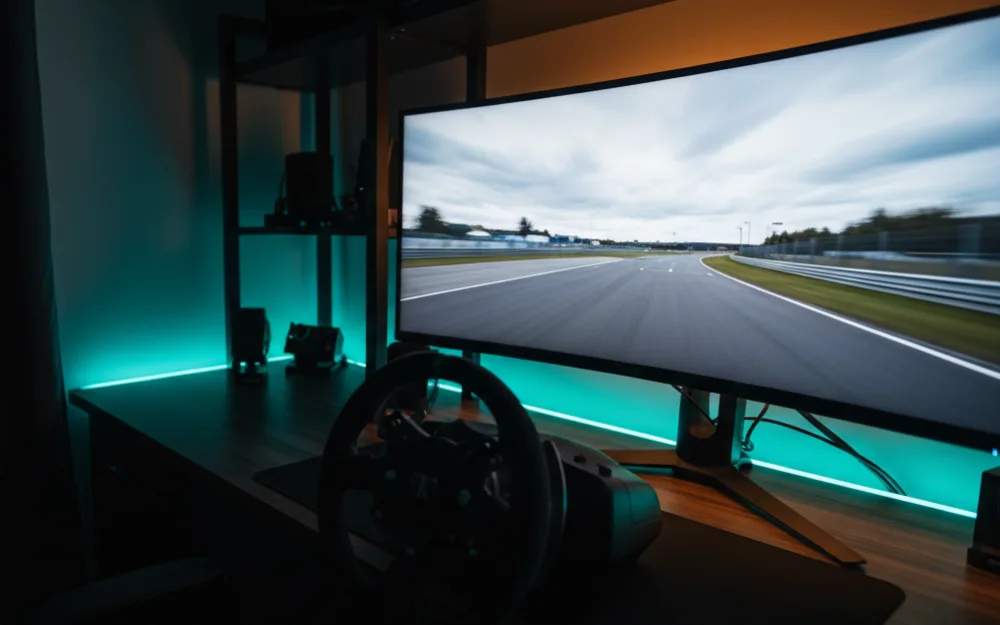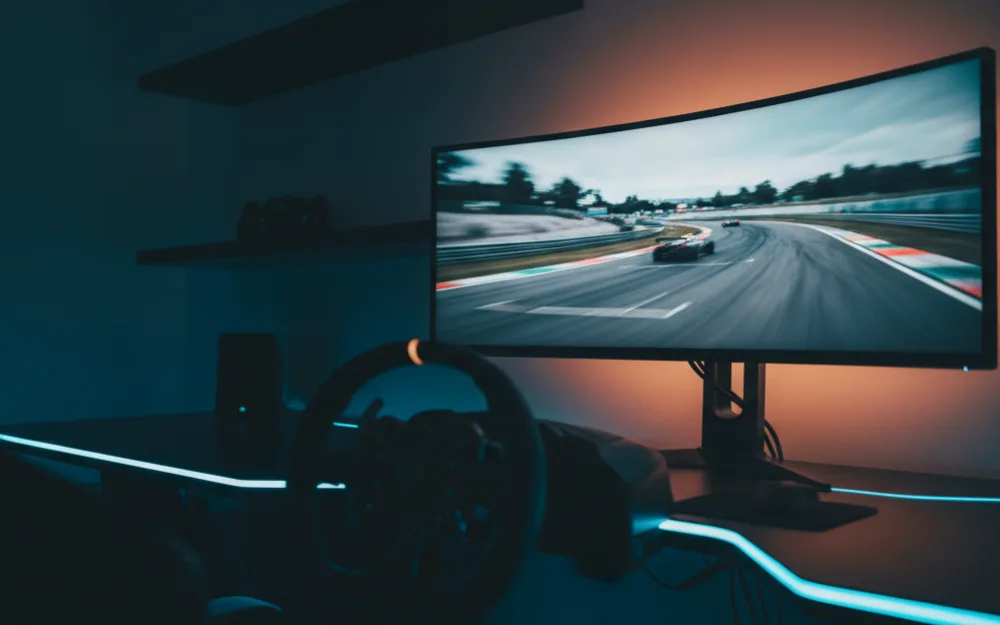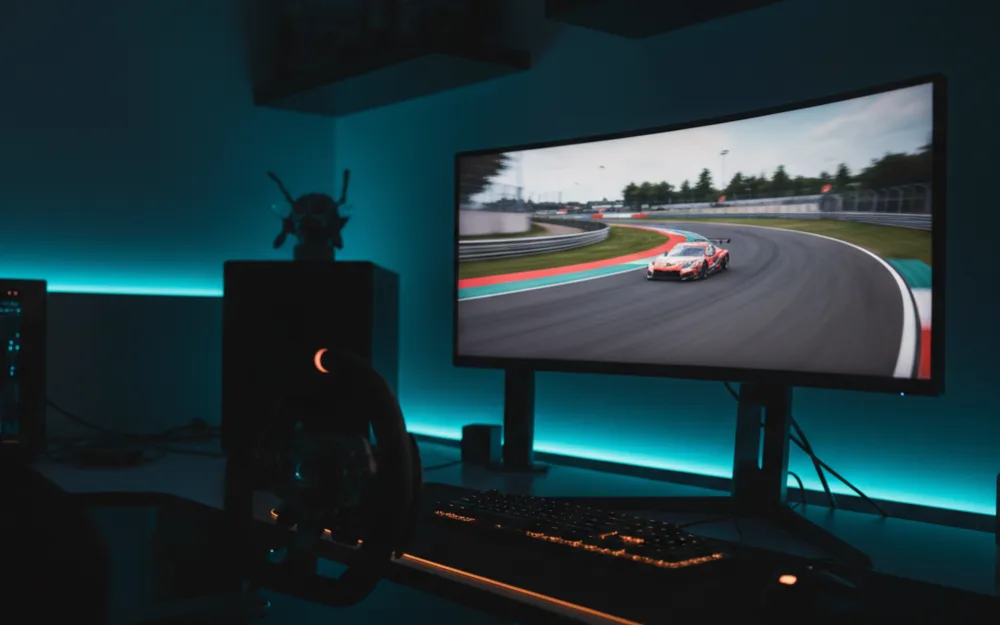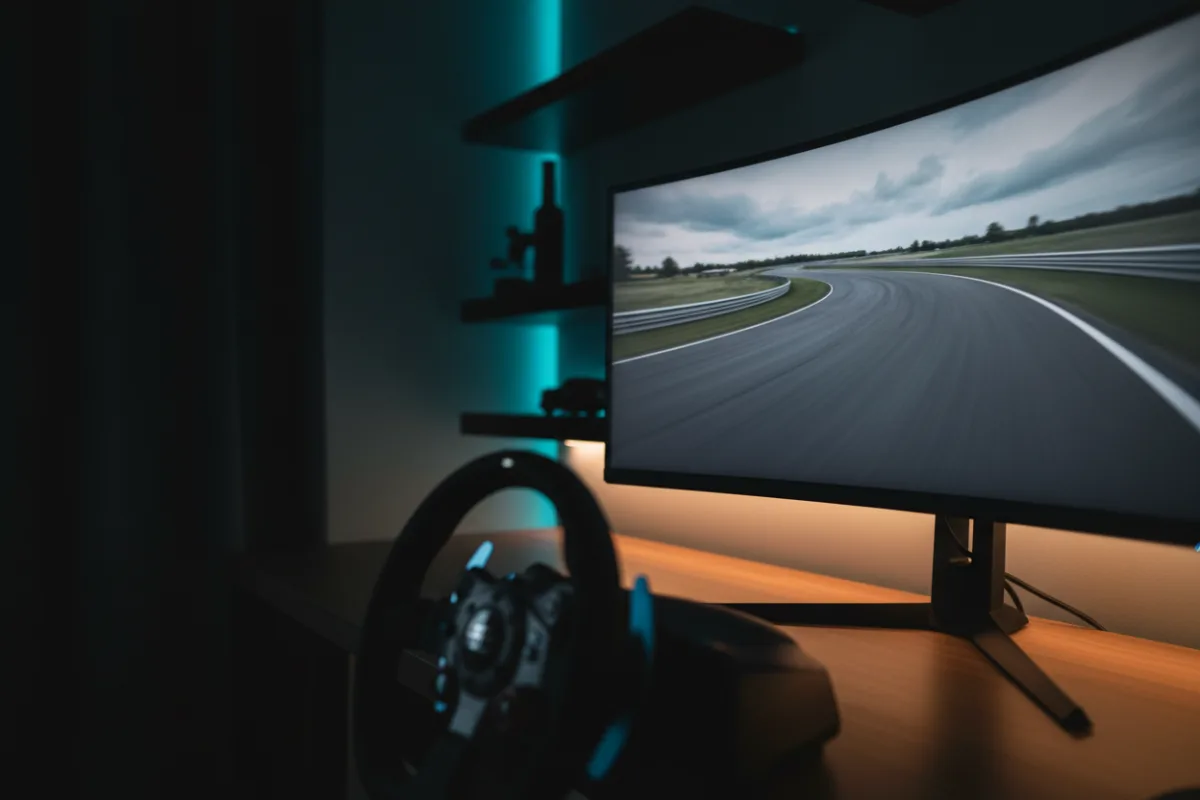

The ASUS TUF Gaming VG27AQ3A is a 27 inch, 1440p, 180Hz Fast IPS panel that sits in the sweet spot most sim racers land on once they move past their first budget screen. It gives you sharper detail than a 1080p monitor, a high refresh rate, and both FreeSync Premium and G-Sync compatibility, all at a size and price that make it a realistic choice for a triple screen wrap later. Whether it fits you comes down to what you value: the crisper image and wide color of an IPS panel, or the deeper blacks a VA screen delivers.
This review looks at how the VG27AQ3A behaves for racing, where it holds up, and where a different panel type would serve you better. We compared manufacturer specifications with recurring owner feedback, and you can read how we review. If terms like refresh rate and adaptive sync are new to you, start with Getting Started.

At a glance
| Spec | ASUS TUF Gaming VG27AQ3A |
|---|---|
| Screen size | 27 inches, 16:9 |
| Resolution | QHD 2560 x 1440 |
| Panel | Fast IPS, matte, 1000:1 contrast |
| Refresh rate | 180 Hz |
| Response time | 1 ms (per ASUS) |
| Color and HDR | 130% sRGB, HDR-10 |
| Adaptive sync | FreeSync Premium, G-Sync compatible |
| Inputs and mount | 2x HDMI, DisplayPort, 100 x 100 VESA |
Why 1440p Fast IPS is the common upgrade
Before we judge the picture, it helps to know why this specification set is where so many racers settle. A 1440p resolution on a 27 inch panel is noticeably sharper than 1080p at the same size, so distant apex markers and track text stay clean, and it still runs at high frame rates on a capable mid range card. The Fast IPS panel adds wide viewing angles and a 130% sRGB color range, which is why owners describe the image as vivid and even across the screen. The trade off against a VA panel is contrast. At 1000:1, blacks are lighter than a VA screen’s, so night races and dark cockpits show less depth. The question is not whether IPS matches VA for deep blacks. It does not. The question is whether the sharper, more color accurate image and fast motion suit the way you race, and for most drivers it does.
Verdict by use case
For sim racing the VG27AQ3A rates well. The 180Hz refresh and 1ms rating keep fast motion clean, and having both FreeSync Premium and G-Sync compatibility means it ties the refresh to your frame rate whether you run an AMD or NVIDIA card. The Fast IPS panel gives the wide viewing angles that matter if you later angle three of these screens around a rig, since the image stays consistent when you look toward the side panels. For general desktop and creative work the 130% sRGB coverage is a real bonus, and reviewers who compare panels point to IPS color as the reason to pick this class over VA. Where it shows its limits is dark scene depth: the 1000:1 contrast means shadow detail and black levels trail a VA or OLED screen.
Motion, HDR, and sync
ASUS pairs this panel with its ELMB Sync mode, which is designed to run motion clarity and variable refresh at the same time, and the practical result owners report is clean motion once the refresh and sync are configured. The HDR-10 support adds some headroom for bright highlights, though at this tier it is a modest effect rather than a transformative one, so treat it as a bonus rather than a reason to buy. Reaching the full 180Hz depends on the connection, so a DisplayPort cable from a capable card is what unlocks the rated refresh. The two HDMI inputs are handy for a console or a second device alongside the main PC link.
Triples, build, and setup
This panel is a sensible triple screen candidate, and the reasons are practical. The Fast IPS viewing angles keep the side screens looking correct when they are angled toward you, the frameless design keeps the bezels between panels thin, and the 100 x 100 VESA mount lets you drop all three onto a triple monitor stand. Running three 1440p panels at 180Hz asks a lot of a graphics card, so plan the GPU before you plan the wrap, but as a single screen now that scales into triples later, it is a logical building block. On its own stand it handles tilt, and a VESA arm gives you the full height and distance control a driving position benefits from.
A few practical details round out the package. ASUS ships a DisplayPort cable, an L shaped screwdriver, and the power adapter in the box, and the panel includes built in speakers for menus and comms, though a headset still serves racing better. The matte screen finish is a deliberate choice for a bright room, since it scatters reflections more than a glossy panel, which suits a rig near a window better than a glossy budget screen would. For most racers the deciding factor stays the same: this is the panel that gives you a real jump in sharpness over 1080p while keeping the high refresh and wide color that make it comfortable for both racing and everyday work, which is why it is the tier so many drivers settle on for the long term.
Who should buy it, and who should skip it
| Buy the VG27AQ3A if | Skip it if |
|---|---|
| You want sharper 1440p detail with high refresh | You want the deep blacks of a VA or OLED panel |
| You may build a triple screen wrap and value IPS angles | Your card struggles to hold high frame rates at 1440p |
| You want wide color for both racing and creative work | You mainly race at night and prioritize shadow depth |
How it scores
The WSR Score reflects verified buyer ratings gathered and normalized on a consistent scale, not an editorial rubric. You can read what goes into it on How We Review. On that basis the VG27AQ3A rates well, which matches its standing as a widely recommended 1440p panel for sim racing.
Alternatives worth a look
If your budget is tighter, our ASUS TUF Gaming VG277Q1A review covers the cheaper 1080p panel in the same line. If a single wide panel appeals more than triples, the best ultrawide monitors for sim racing roundup lays out that route. To understand how screen size and distance shape your sightlines, read our wiki on field of view (FOV) and the guide on how to set FOV for sim racing. For the full picture across every tier, our best monitors for sim racing guide is the place to begin, and you can browse more screens in the Displays and Immersion category.