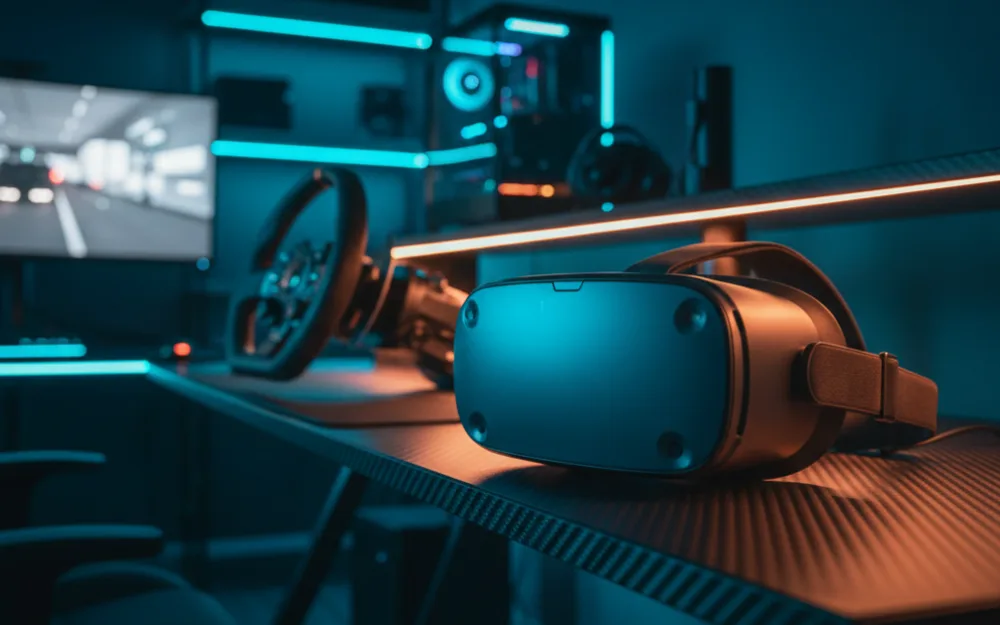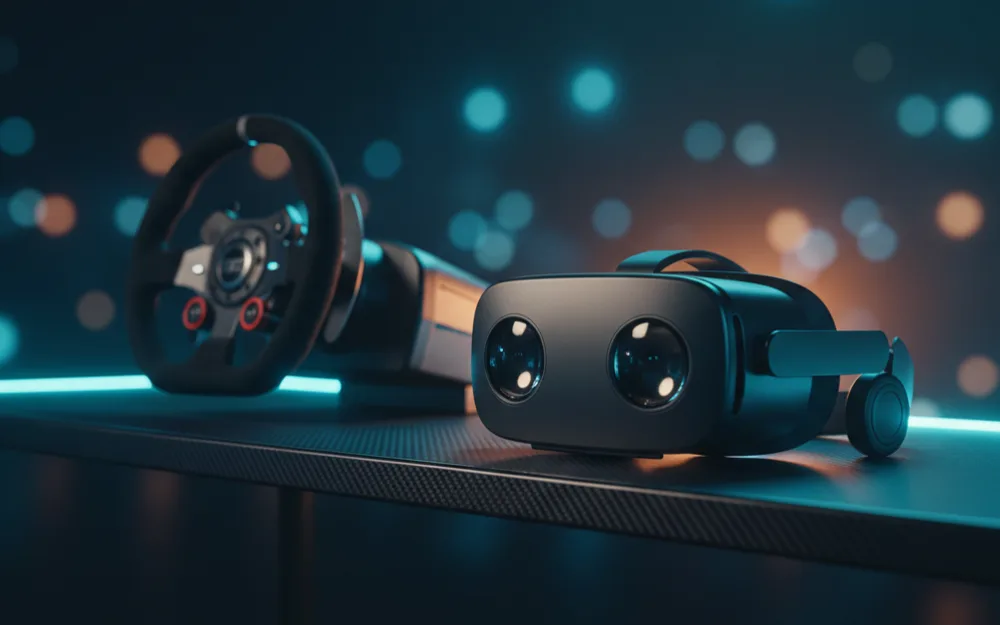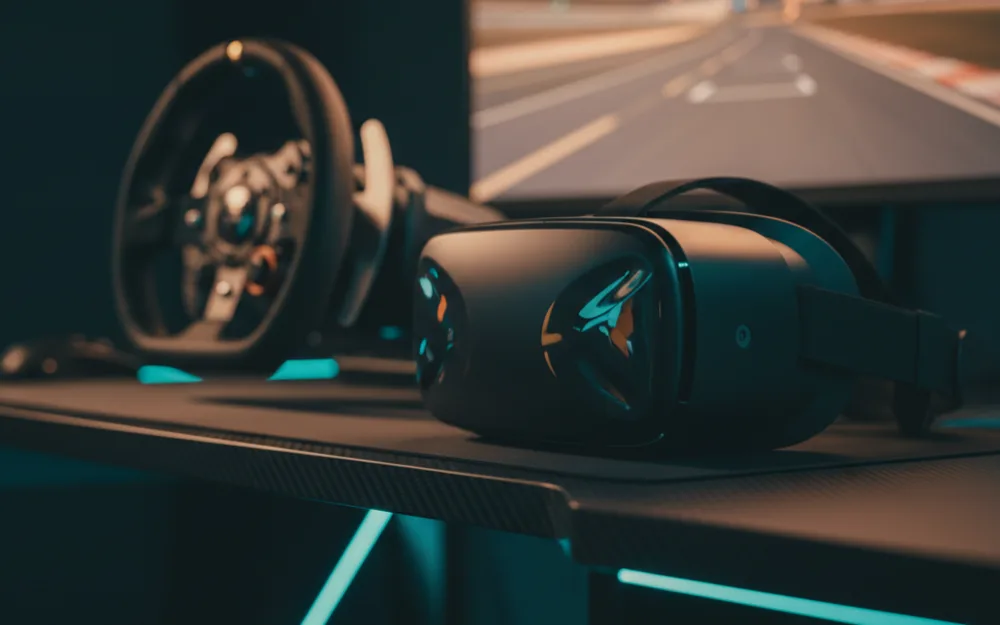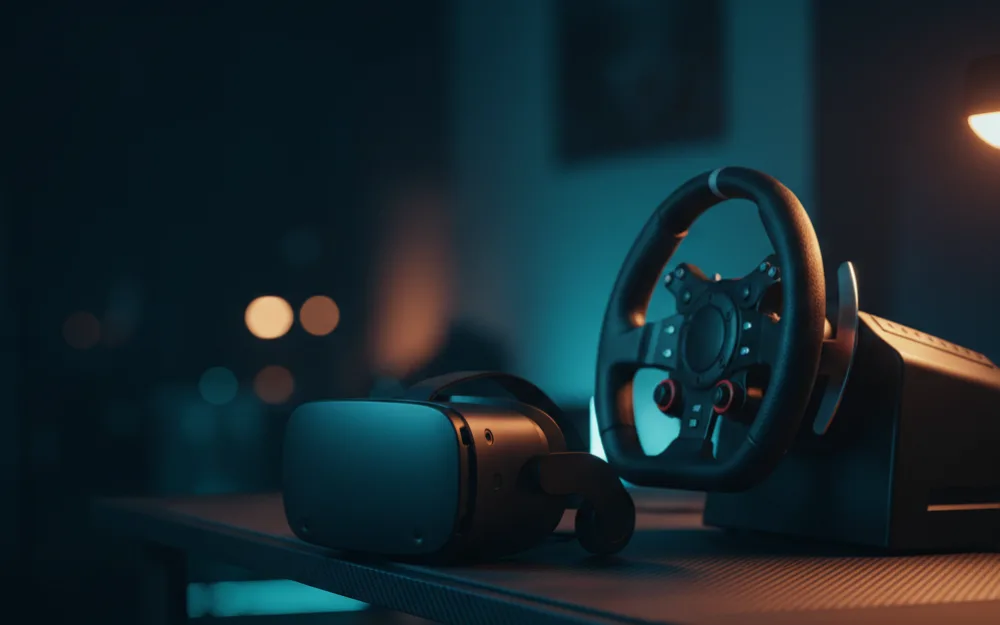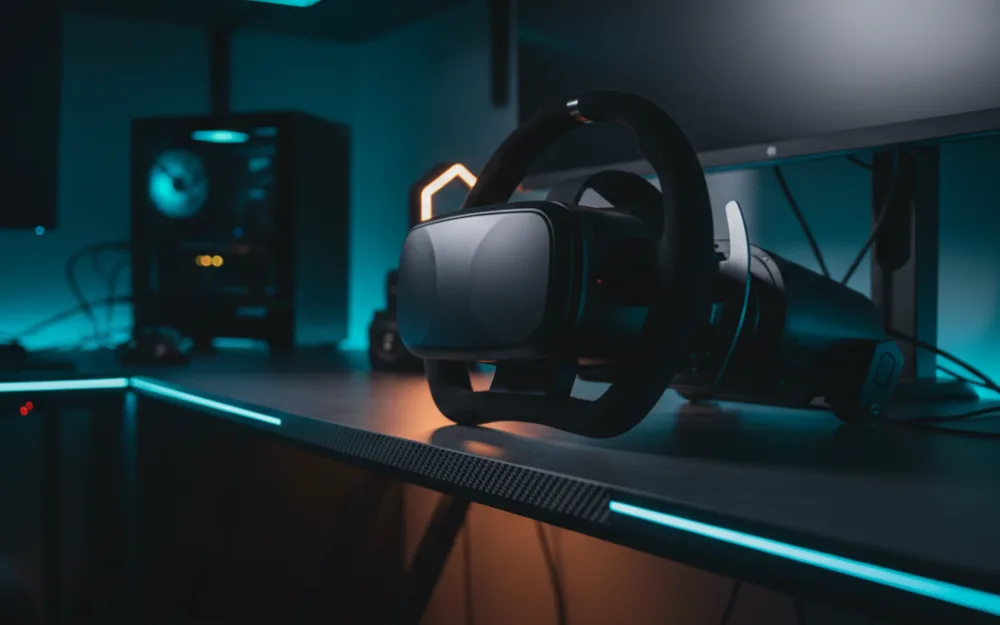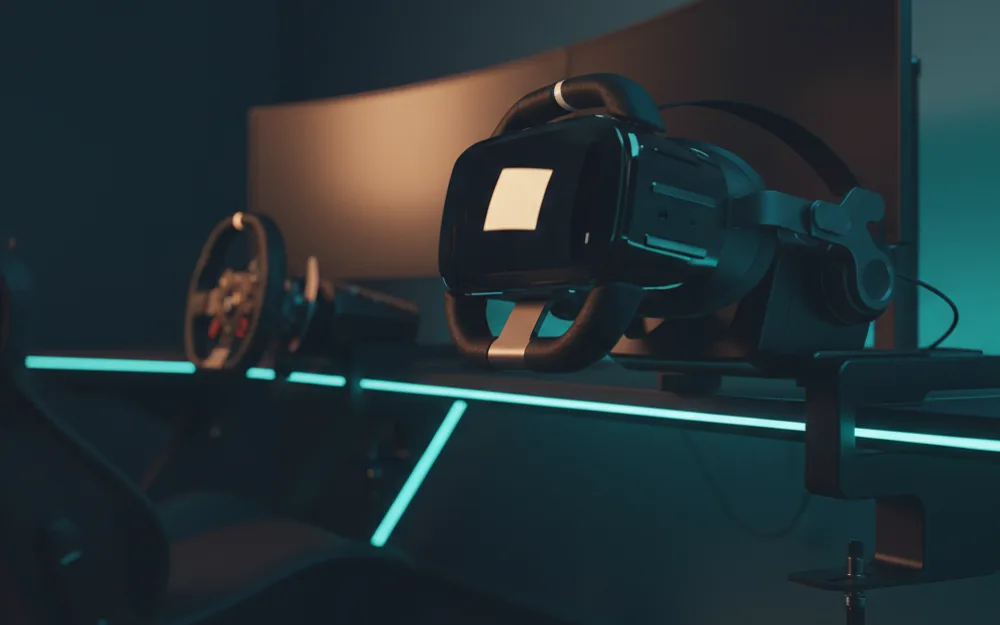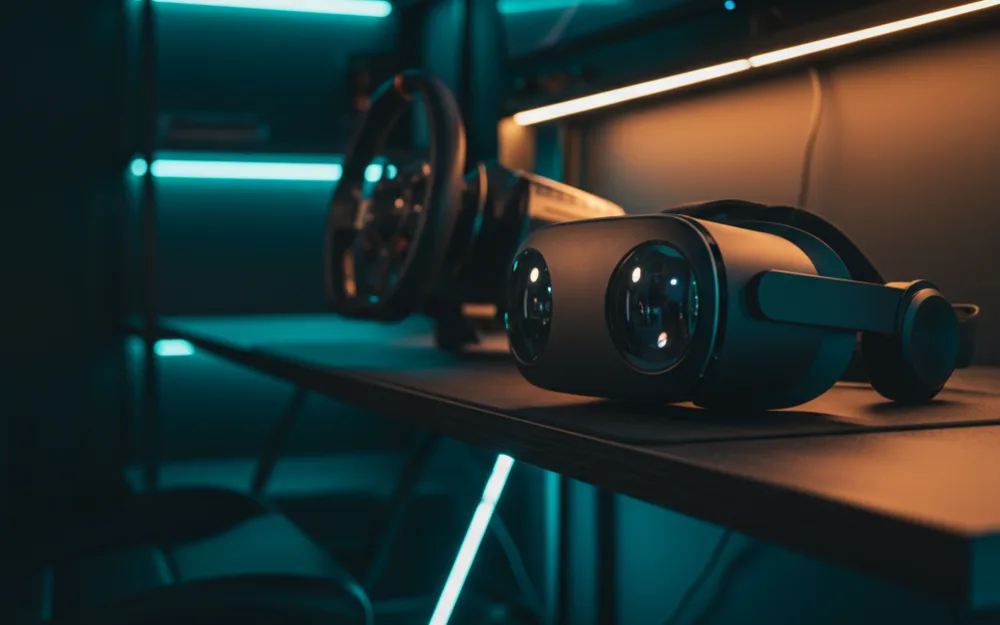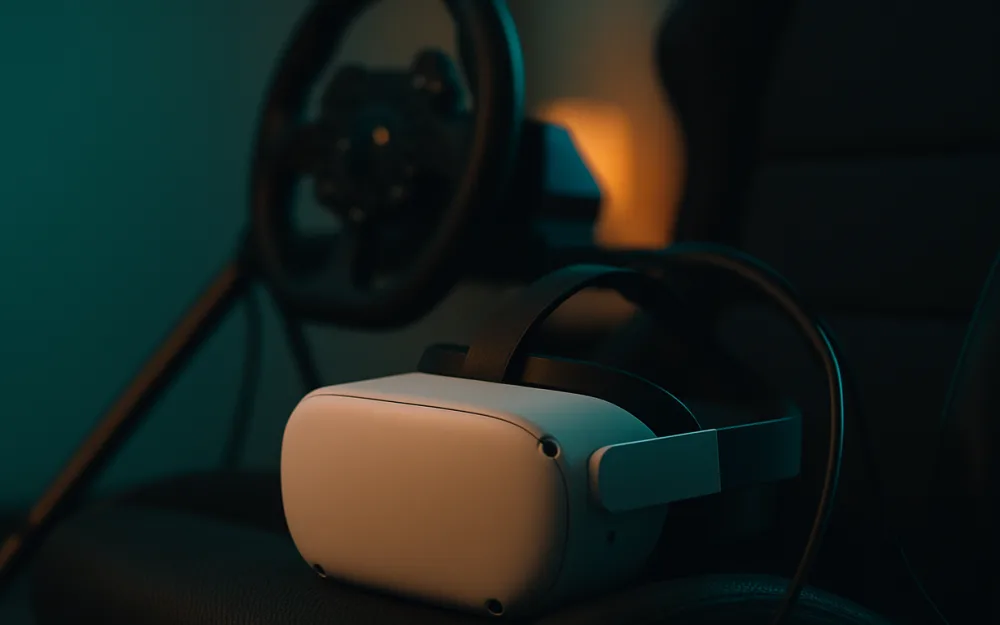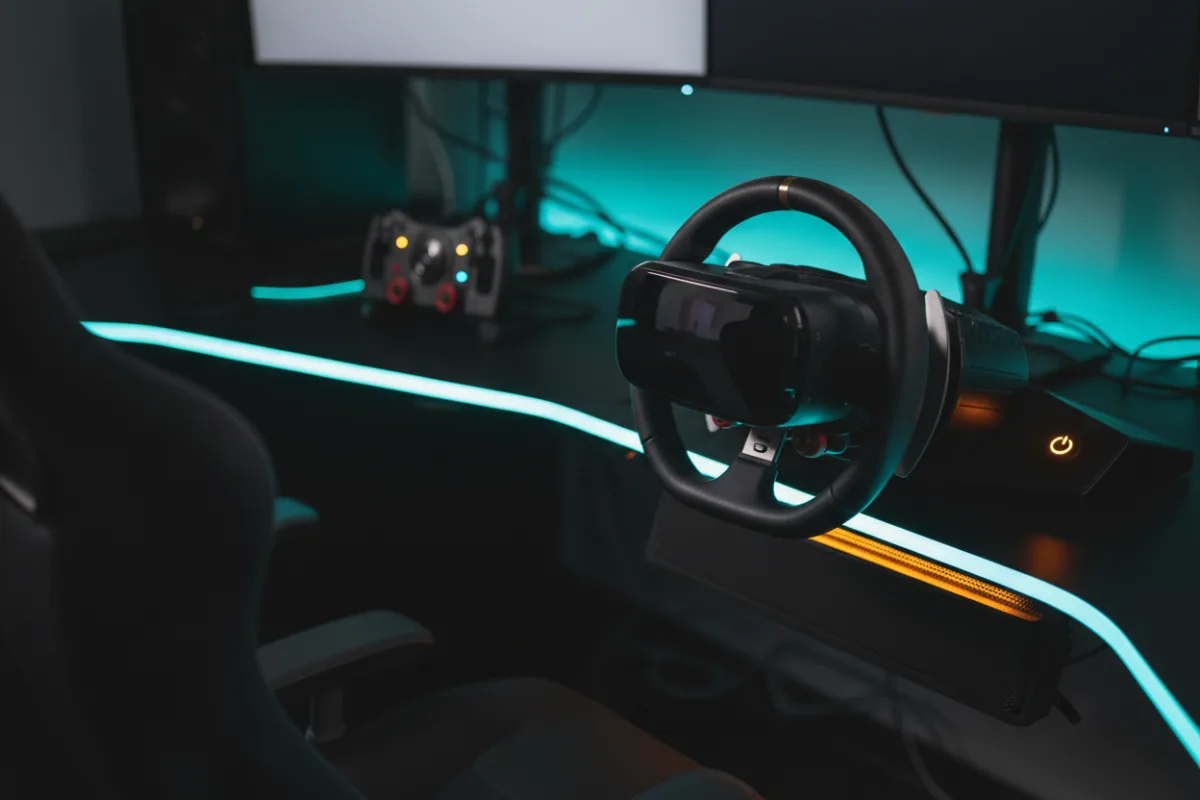

VR puts you inside the cockpit with real depth perception, which helps with judging braking points and placing a car, and you do not need a costly headset to get there. At this budget the field narrows to a few genuinely capable options, each with a clear strength and an honest trade off. This roundup gathers the headsets that suit sim racing at that budget and maps each to the racer it fits, from a standalone all rounder to a PlayStation first option.
We compared manufacturer specifications with measurements reported by independent review outlets and recurring owner feedback, and you can read how we picked. If VR terms are new, start with Getting Started.


How we picked
For sim racing at this budget, we weighed three things: how the headset connects to your rig, its clarity for reading distant detail, and what else you need to run it. A standalone headset that also tethers to a PC is the most flexible path, while a console headset is simpler but tied to one machine. We also kept frame timing front of mind, because on any of these headsets a stable frame rate matters more to comfort over a long stint than the peak specification on the box.
Compare the picks
| Headset | Type | Resolution | Field of view |
|---|---|---|---|
| Meta Quest 3S | Standalone, with PC link | 1832 x 1920 per eye | About 96 degrees horizontal |
| Meta Quest 3 | Standalone, with PC link | 4K+ Infinite Display (Meta) | About 110 degrees |
| PlayStation VR2 | PlayStation 5 tethered | 2000 x 2040 per eye | About 110 degrees |
Meta Quest 3S: best value all rounder
The Quest 3S is the value pick for a first VR racing headset. It runs the same Snapdragon XR2 Gen 2 chip as the Quest 3, plays standalone titles wire free, and tethers to a gaming PC for sims through a Link cable or Air Link. Its panel resolves 1832 x 1920 per eye with a horizontal field of view around 96 degrees, narrower than the Quest 3, and Meta rates its battery at about 2.5 hours for untethered use. Owners describe it as the sensible entry into VR racing, with the caveat that it uses a lower cost lens and panel than the Quest 3, so cockpit clarity is a step behind its pricier sibling.
Meta Quest 3: the clarity step up
If your budget reaches the top of this band, the Quest 3 improves the picture where it counts. Its pancake lenses and higher resolution panel, which Meta rates at nearly 30 percent more resolution than the Quest 2, give cleaner edge clarity and better distant detail, which helps with reading braking boards. It keeps all the flexibility of the 3S, standalone play plus a PC link for sims. Reviewers who compare the two consistently point to the Quest 3 as the sharper cockpit view, so it is the pick when clarity matters more than saving at the entry.
PlayStation VR2: best for PS5 owners
If you race on a PlayStation 5, the PlayStation VR2 is the natural fit. It tethers to the console and brings VR to Gran Turismo 7, with a panel resolving 2000 x 2040 per eye, 4K HDR presentation, a field of view around 110 degrees, and eye tracking. The trade off is that it is built around the PS5, so it is not the pick for a PC first racer. For a PlayStation owner who wants in headset racing without buying a gaming PC, it is the most direct route to VR on track.
Standalone or console: match the headset to your rig
The most useful decision here is not which headset scores highest, it is which one matches the machine you race on. The Quest headsets suit a PC racer, and their standalone side is a bonus for casual play, but sim racing clarity still depends on the graphics card feeding them over the link. The PlayStation VR2 suits a console racer who wants simplicity and does not want a PC in the loop. Decide the platform first, and the right headset follows from it.
What you need to run each one
The headset price is only part of the cost, because each option needs a machine behind it. The Quest headsets run casual titles on their own, but for sim racing they lean on a gaming PC over a Link cable or Air Link, and the graphics card is what decides whether the picture holds a stable frame rate. A wired link gives the steadiest delivery, while Air Link depends on a strong, ideally dedicated Wi Fi connection. The PlayStation VR2 needs a PS5 and nothing more, which is the simpler path if you already own the console. Factor the platform into the decision, since a headset paired with an underpowered PC or a congested network will not show its best, no matter how capable the panel is.
Comfort and the long stint
VR comfort is a real specification for sim racing, where sessions run long. Weight and balance decide how a headset feels after an hour, and owners of the Quest headsets frequently add an aftermarket strap with a rear counterweight to spread the load, which is a common and worthwhile follow up purchase. Frame timing is the other half of comfort: a steady frame rate keeps a long stint settled, while unstable frame delivery is what leads to discomfort, which is why the machine feeding the headset matters as much as the headset. If you know you will race in long blocks, budget a little for a better strap and prioritize a stable frame rate over chasing the last increment of visual detail.
Clarity versus comfort at this budget
At this budget you are making one core trade repeatedly: a little more clarity or a little more flexibility and comfort. The Quest 3 leads on cockpit sharpness, the Quest 3S leads on value and keeps the same flexibility, and the PlayStation VR2 leads on simplicity for a console owner. None of them matches a dedicated high resolution PC headset for raw detail, and that is the honest ceiling of the budget. What all three deliver is genuine depth perception in the cockpit, which is the thing a flat screen cannot give at any price. Pick the one whose trade matches how and where you race, and the clarity gap to costlier headsets matters less than it looks on paper.
Who should skip a headset at this budget
A budget headset is not for every racer. If you want the sharpest possible cockpit clarity for iRacing or flight, a dedicated high resolution PC headset outresolves everything in this band, at a much higher outlay and GPU demand. If headset fatigue over long sessions concerns you, a super ultrawide or triple screen setup is more comfortable for extended stints. And if you have neither a capable PC nor a PS5, the cost of the platform to run the headset can outweigh the headset itself. Buy here when flexible, affordable VR on an existing rig is the goal.
Making sense of the resolution numbers
VR headsets quote resolution per eye, which is different from the single number a monitor uses, and knowing that helps you compare fairly. A figure like 2000 x 2040 per eye means each eye gets its own panel or panel area at that pixel count, so the headset is rendering roughly twice the pixels of one of those numbers on its own. That is a large part of why VR asks so much from a graphics card. Higher per eye resolution reduces the screen door effect, the faint grid you can perceive on lower resolution panels, and sharpens distant detail like braking boards. Within this budget the differences between the picks are modest, and the panel is only one factor alongside lenses and the machine driving it. Use the per eye number as one signal, not the whole story, and weigh it against comfort and the platform you will run the headset on.
Related reading
For the detail behind the top standalone pick, read our Meta Quest 3 review, and for the step up to a dedicated PC headset, see our Pimax Crystal Light review and the Meta Quest 3 vs Pimax Crystal Light comparison. A headset needs a capable machine, so match it with the best gaming PCs for sim racing under $1500. Browse more immersion options in the Displays and Immersion category, and add a wheel from our best sim racing wheels guide.