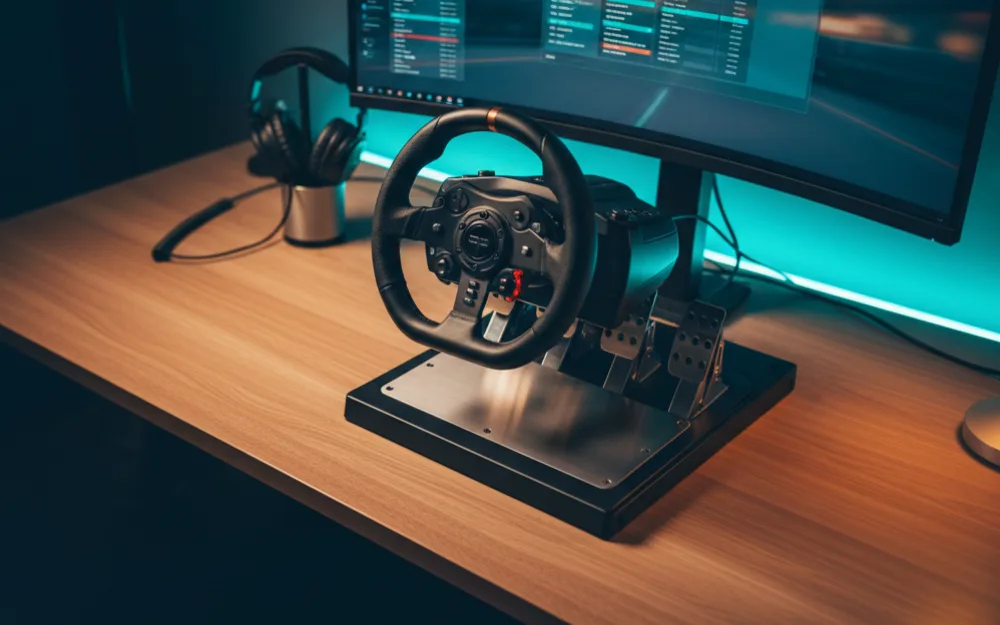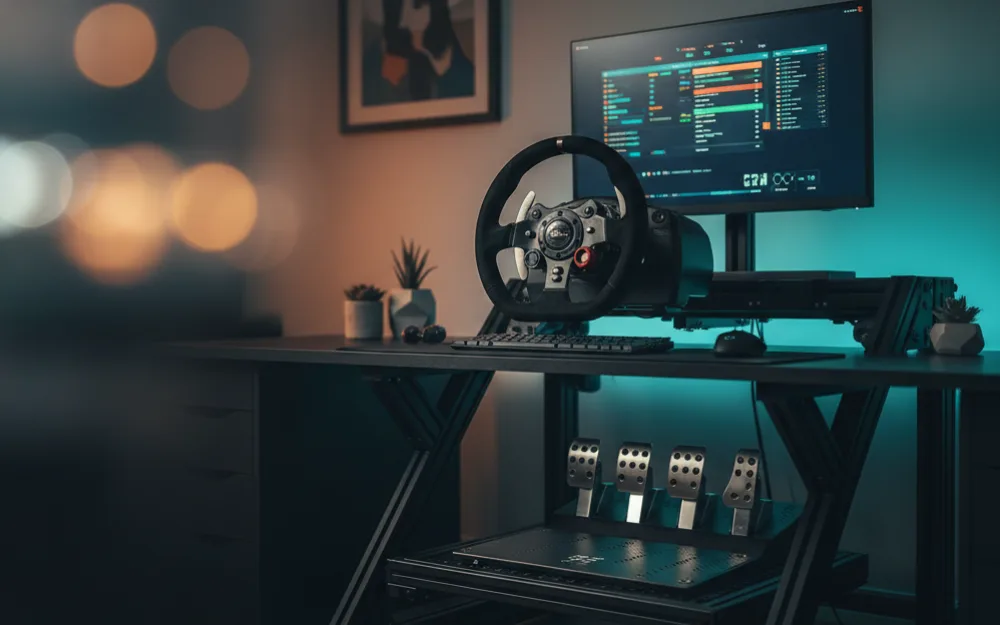

This guide gets a bass shaker mounted to your rig and firing the right effects, so you feel gear changes, curbs, and wheelspin through the seat instead of only hearing them. By the end you will know how to choose a shaker, power it correctly, bolt it to the frame in the right spot, and drive it from software. Before you buy anything, answer two questions: do you want a light rumble that adds atmosphere, or detailed feedback you can drive by, and how much room does your cockpit have for hardware under the seat. Your honest answers point you to the right unit and the right number of them.
These steps follow how tactile transducers and their amplifiers are designed to be wired, cross referenced with the routine experienced rig builders recommend, and you can read how we review. If you are still deciding whether tactile hardware is worth it, start with rumble versus haptic feedback, then browse Haptics for the wider picture.
The rule that decides everything: a shaker is not a speaker
A bass shaker, also called a tactile transducer, is a motor that vibrates whatever it is bolted to rather than moving air like a speaker. That one difference sets the whole install. A shaker cannot run from a headphone jack or a normal speaker output on its own without the right signal level, and most units need a dedicated amplifier sized to drive them. Get the shaker and the amp matched first, because an underpowered amp gives you a weak, muddy rumble no amount of software tuning will rescue, while the wrong signal path gives you nothing at all. Choose the pair together, then move on to mounting.
Choose your tier: one shaker or several
Match the hardware to how deep you want to go. At the entry tier, a single shaker bolted under the seat and driven by a small mono amplifier gives you a clear, satisfying rumble that follows engine and road effects, and it is the sensible place to start. At the mid tier, two shakers, one under the seat and one on the pedal deck, let you separate effects so braking and traction losses feel distinct from engine vibration. At the high tier, four or more units placed around the seat and pedals, driven by a multi channel amplifier and mapped to individual effects, build a detailed body of feedback. Start at the tier that matches your budget and space, and remember you can always add a second unit later once the first is wired and working.
What you need before you start
| Item | Why it matters |
|---|---|
| One or more bass shakers rated for the power you plan to give them | The transducer is what turns the signal into vibration you can feel |
| An amplifier matched to the shaker’s power and impedance | Shakers need their own amp; the wrong match gives weak or distorted feedback |
| A signal source from your PC, such as a spare line or USB audio output | Software sends effects to the amp through this signal path |
| Speaker wire, bolts, and the tools to reach your cockpit frame | A shaker must be bolted firmly to solid frame, not resting loose |
| SimHub or similar software on a Windows PC | This is what maps game telemetry to specific vibration effects |
Step 1: pick the mounting point on your frame
Bolt the shaker to the most solid part of the rig you can reach. A shaker transfers vibration into whatever it touches, so mounting it to a rigid seat bracket or a main frame rail spreads the feeling through the whole cockpit, while mounting it to a thin panel or a loose bracket buzzes and rattles instead. For a single unit, the underside of the seat pan or the seat mount is the usual choice, since that puts the feedback where your body meets the rig. If you are running two, keep one at the seat and place the second on the pedal deck so brake and traction effects reach your feet. Solid contact is the goal, so avoid mounting anything to a surface that already flexes.
Step 2: bolt it down with firm, direct contact
Fix the shaker so its mounting face sits flat and tight against the frame. Most units have threaded holes or a mounting foot; use the hardware that matches and tighten until the unit cannot move, since any gap or looseness turns clean vibration into a rattle. Keep the shaker clear of cables, wiring looms, and anything that could buzz against it once it starts moving. If your cockpit is aluminum profile, a shaker can bolt into the channel with the right nut, and if it is a steel tube frame, use the mounting bracket the maker supplies rather than improvising.
Step 3: wire the amplifier safely
Connect the shaker to the amplifier’s speaker outputs with proper speaker wire, matching positive and negative on both ends. Feed the amplifier its input signal from your PC, then connect the amplifier to mains power last, with everything else already wired. Keep the amp somewhere ventilated and off the moving parts of the rig, since amplifiers get warm and need airflow. Do not run an amp with its outputs shorted or left bare, and never work on the wiring with the amp powered on. If any of the mains wiring is beyond your comfort, have a qualified person handle it rather than guessing, because this part of the setup carries the real electrical risk.
Step 4: set the amp gain low, then bring it up
Power on with the amplifier gain turned most of the way down, then raise it gradually. Start low, play a strong effect, and increase the gain until you feel a firm, clean rumble, then ease back one step before it starts to distort or buzz. This is the same method that works for wheel force: find the point where the effect peaks, then back off slightly so you keep detail without overdriving the hardware. Setting the gain too high from the start risks a harsh, rattling feel and puts needless strain on the shaker.
Step 5: map effects in SimHub
Open SimHub, select the shaker output as a device, and assign effects to it from the game telemetry. Begin with the core effects most people want first: engine RPM, gear shifts, wheelspin, and road surface, and leave the rest off until the basics feel right. Turn on one effect at a time and adjust its strength before adding the next, so you can tell what each one contributes rather than piling everything on at once. If you run two shakers, route braking and traction effects to the pedal unit and engine effects to the seat unit so each location has a clear job. Save the profile once it feels balanced, and treat the effect strengths as a starting point you refine over a few sessions.
When something does not feel right
| Symptom | Most likely cause and fix |
|---|---|
| No vibration at all | Check the amp has power, the input signal is selected in software, and the speaker wire is seated at both ends |
| Weak or muddy rumble | Amp gain too low, or the amp is underpowered for the shaker; raise the gain, then confirm the amp matches the unit |
| Rattling or buzzing | The shaker is loose or bolted to a thin panel; tighten it and move it to solid frame |
| Effects feel muddled together | Too many effects on at once; turn most off and reintroduce them one at a time |
| Distortion at strong effects | Gain set too high; back it off until the peak is firm but clean |
| Vibration lags the action | High audio buffering or latency; lower the buffer in your audio settings and in SimHub |
A note on safety and volume
Tactile hardware is safe when it is wired and mounted properly, but treat the two real risks with respect. The first is electrical: amplifiers run on mains power, so keep wiring tidy, keep the amp ventilated, and hand off any mains work you are unsure about. The second is intensity: strong, sustained vibration through a seat is more than most people expect, so build up the strength gradually rather than running it at maximum, and keep it moderate if children use the rig. A shaker should add feedback you enjoy over a long stint, not something you have to brace against.
Who benefits most, and who can skip it
| Add a bass shaker if | Hold off if |
|---|---|
| You want to feel curbs, traction loss, and shifts through the seat | Your rig is a folding stand you pack away after each session |
| You have a rigid cockpit with room to mount hardware | You have no solid frame to bolt a shaker to |
| You are comfortable with basic wiring or can get help | You are not ready to handle amplifier and mains wiring |
| You want immersion that direct drive alone does not cover | You would rather put the budget toward the wheel or pedals first |
Your next step
Match a shaker to an amplifier, bolt it to solid frame under the seat, wire the amp safely, then set the gain low and map a few core effects in SimHub before adding more. To weigh tactile against the rumble built into some gear, read rumble versus haptic feedback, and for a look at a specific unit many rig builders start with, see our Dayton Audio BST-1 review. For more on adding feel to a rig, browse Haptics.