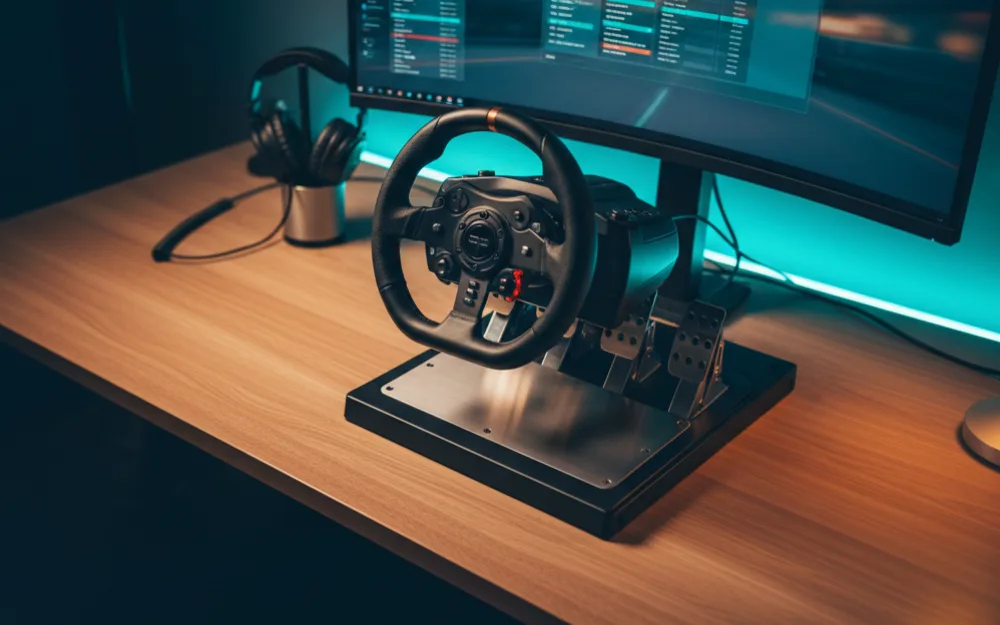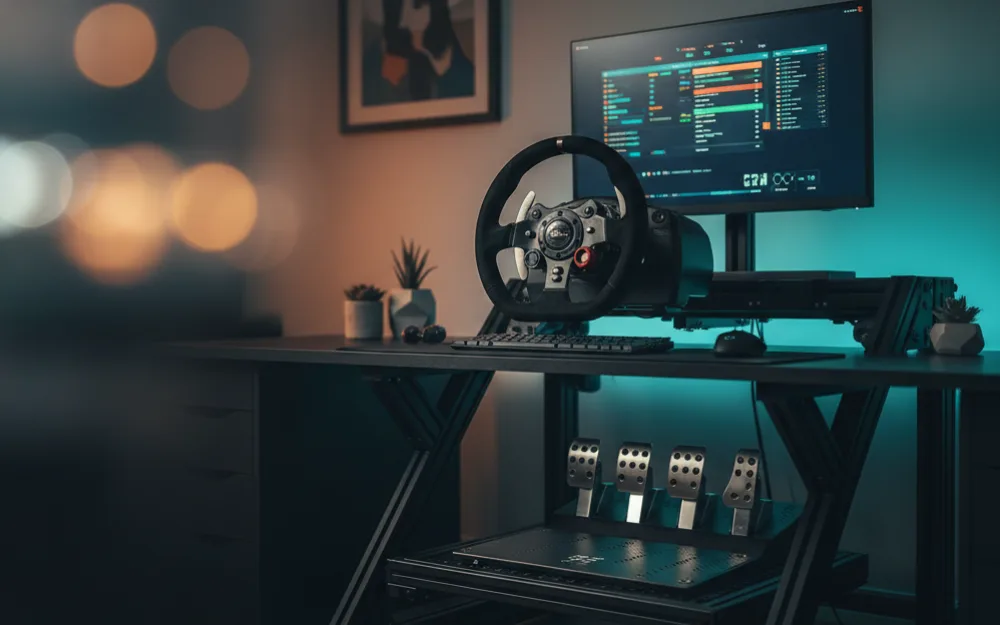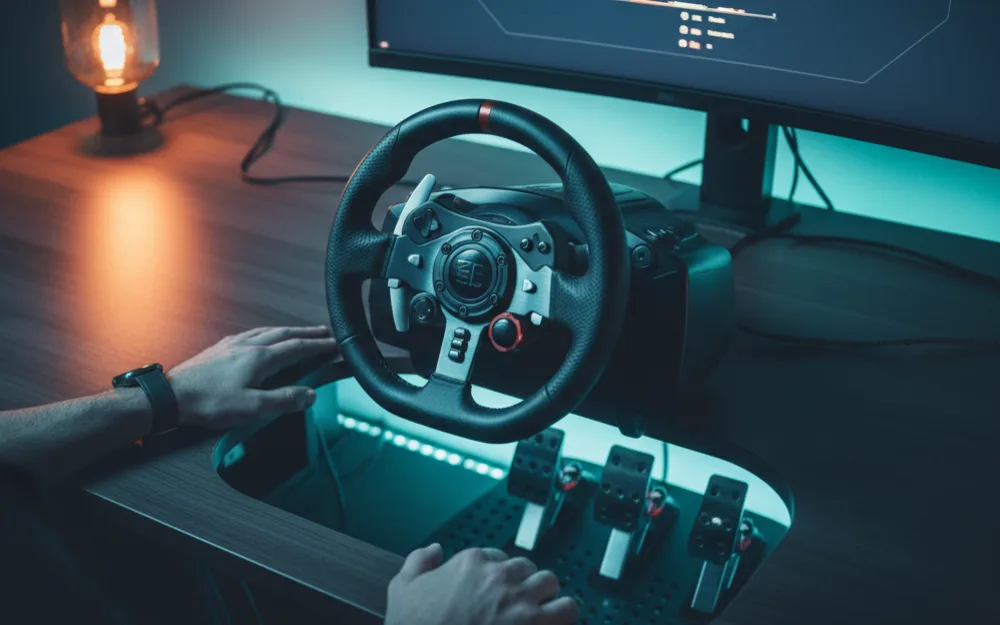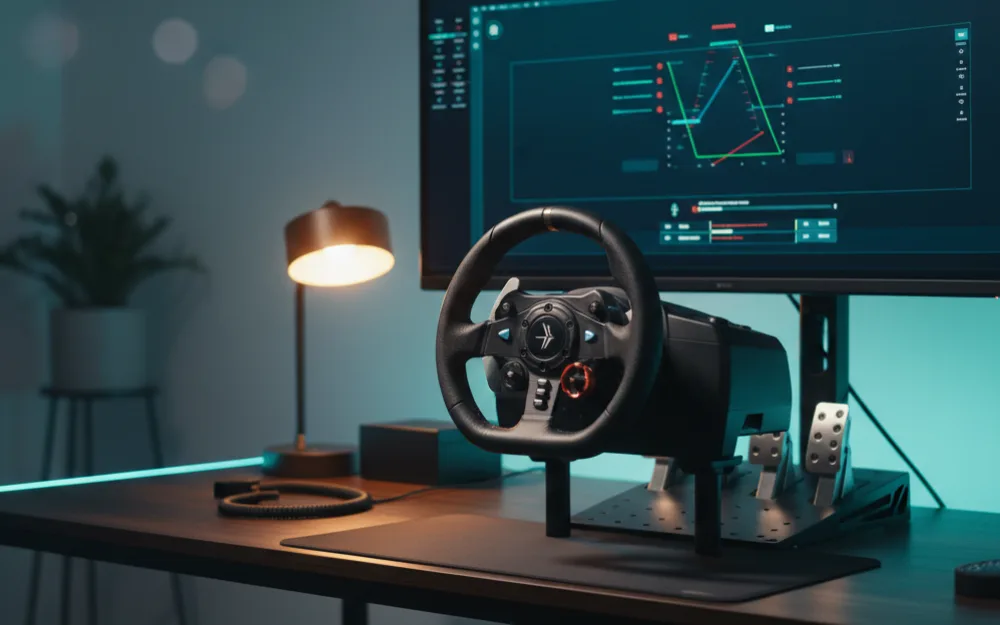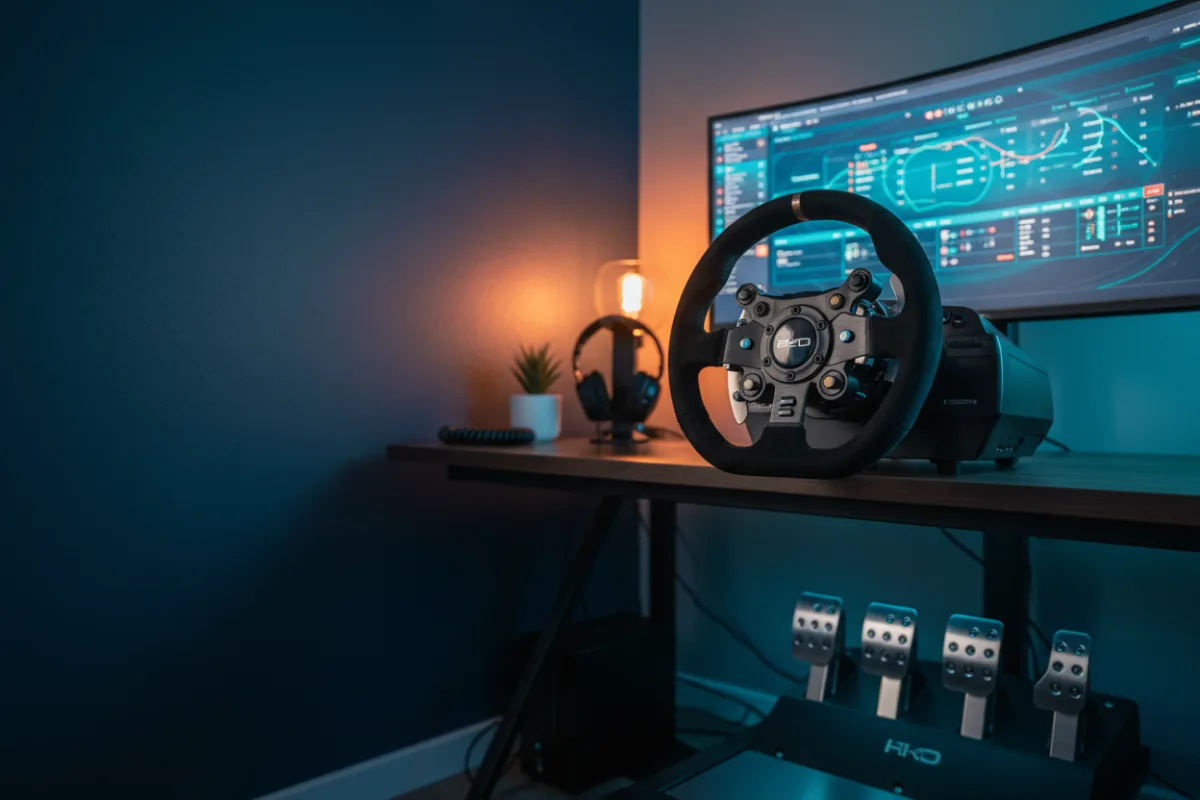

By the end of this guide you will have a clean force feedback baseline for the Thrustmaster T300 in Gran Turismo 7, tuned around what a belt driven wheel does well. GT7 is a PlayStation exclusive, so this whole setup happens on console: plug the T300 in, let the game recognize it, and work through its own controller menu rather than any PC software. The belt drive gives the T300 a smooth, quiet feel that gear driven starter wheels cannot match, and getting the most out of it is mostly about not fighting that smoothness with settings that were built for a different kind of wheel.
We built this baseline by comparing Thrustmaster’s own guidance with how experienced GT7 wheel racers set the game up, and you can read how we review. Treat every value below as a common starting point to tune to your own taste, not a universal answer, and browse more of our setup and settings guides once you have this one dialed in.
What these settings aim for
The T300’s belt driven motor has a real ceiling on how much force it can produce compared with a direct drive base, so the goal is different here: pull out as much genuine road detail as the motor can deliver without asking it to reproduce forces it physically cannot, which shows up as the wheel bogging down or losing detail at full lock rather than clean weight. Set strength so the wheel’s peak effort lines up with a GT3 car’s heaviest braking zone, and accept that the T300 will always feel lighter overall than a direct drive setup. That is the hardware, not a setting you have done wrong.
Get the T300 ready before you open GT7
Run a firmware update through Thrustmaster’s PC utility if one is available, then connect the T300 to your console and let it complete its startup calibration sweep with the wheel free to turn. Check the wheel’s rotation setting against your wheel’s manual and set it close to the game’s expected range rather than leaving it at a mismatched default, since GT7 assumes a specific lock to lock angle and a mismatch makes the car feel vague on center or twitchy near full lock. Before you drive, press each pedal of the included set through its full stroke and confirm the brake and throttle inputs register from zero to full.
Set force feedback in the controller menu
Inside GT7’s controller settings, find the force feedback section and start with Force Feedback Max Torque at a moderate level rather than the maximum. Drive a few laps in a car that loads the wheel hard, a GT3 or a heavier road car works well, and raise Max Torque a step at a time. Watch and feel for the point where the wheel stops adding more weight under the hardest braking or through the fastest corner on track, which is the T300 running out of clean headroom, and back the setting off one step from there. Leave Force Feedback Sensitivity at a moderate value to start, since it changes how sharply the wheel reacts to small changes and is worth exploring only after you know how the base setting behaves.
| Setting | A common starting point | What it does |
|---|---|---|
| Wheel rotation | Matched to the game’s expected range | Keeps steering response accurate on center and near lock |
| Force Feedback Max Torque | Raise until it stops adding weight, then back off one step | Master force level; the setting most worth your time |
| Force Feedback Sensitivity | Moderate, left alone to start | Shapes how sharply the wheel reacts to small changes; adjust only after Max Torque is set |
| Pedal input check | Run once after connecting the wheel | Confirms brake and throttle register full travel |
How to tune from here
Change one setting at a time and judge it over a full lap. If the wheel feels weak everywhere but never bogs down under the heaviest load, a small Max Torque increase is safe. If it goes soft or loses detail right when the car is working hardest, back Max Torque off a step rather than continuing to chase more weight the motor cannot deliver. This keeps the T300 honest about what a belt driven wheel can do, which is a more useful goal than trying to make it feel like a direct drive base.
Common mistakes
The most common mistake is maxing out Max Torque to chase more weight, which produces a wheel that bogs down and loses detail right where you need it most, in the hardest braking zones. A second is skipping the rotation check and leaving a mismatched default, which makes the steering feel imprecise no matter how the force feedback is set. A third is checking pedal inputs once and never revisiting them after months of use, when travel and feel can drift slightly as the set breaks in.
Your next step
Drive a few laps in a heavy GT3 car, set Max Torque using the method above, and confirm your rotation matches the game before you change anything else. If you are deciding between the T300 and other wheels in this class, our Thrustmaster T300 RS GT review and best racing wheel for Gran Turismo 7 guide cover the field, and wheel hub vs wheel is worth a read if the terminology is new. Browse more in belt and gear driven wheels.