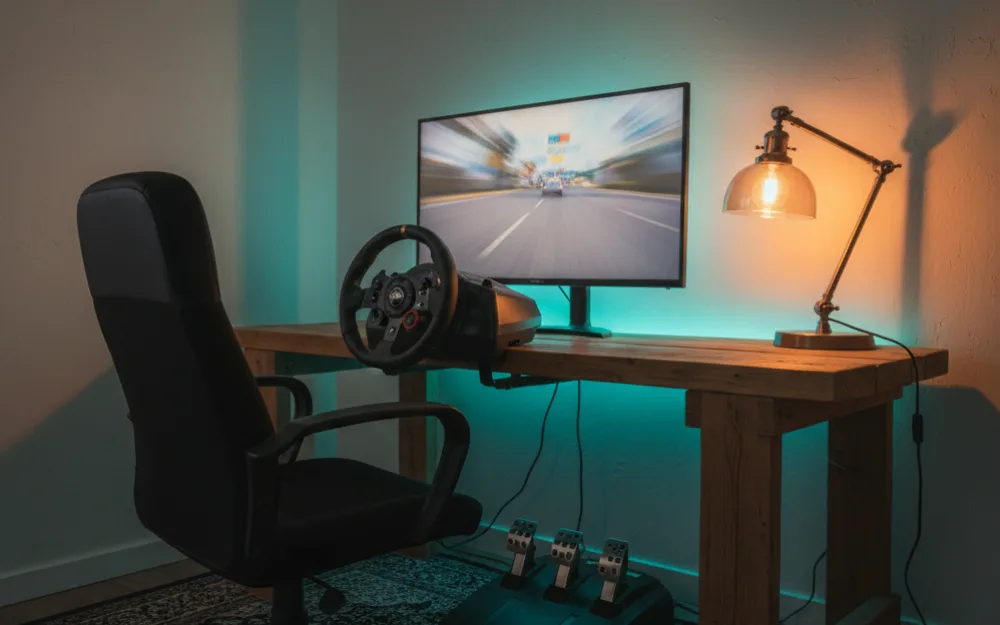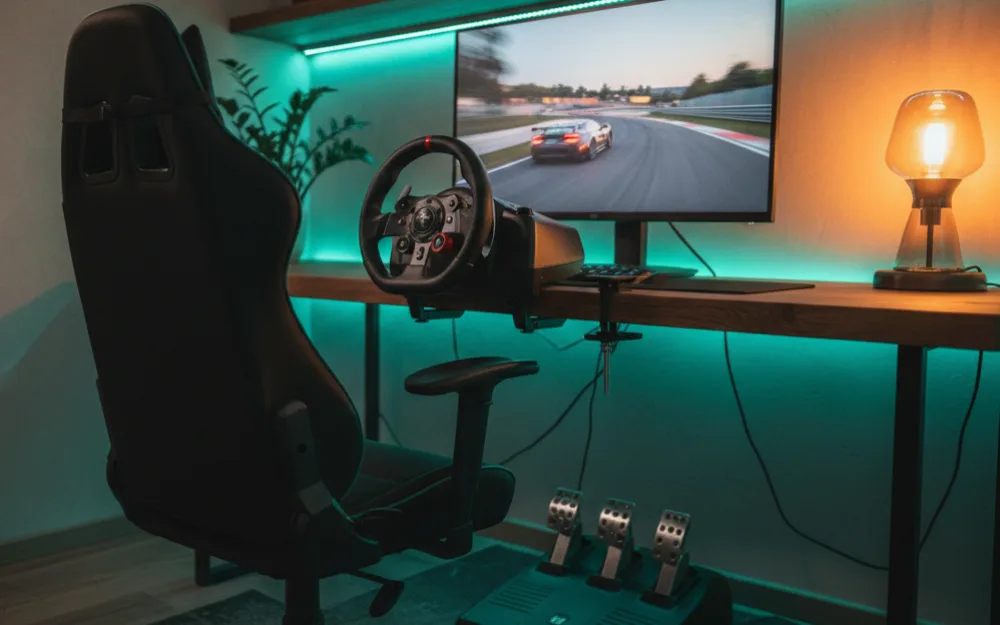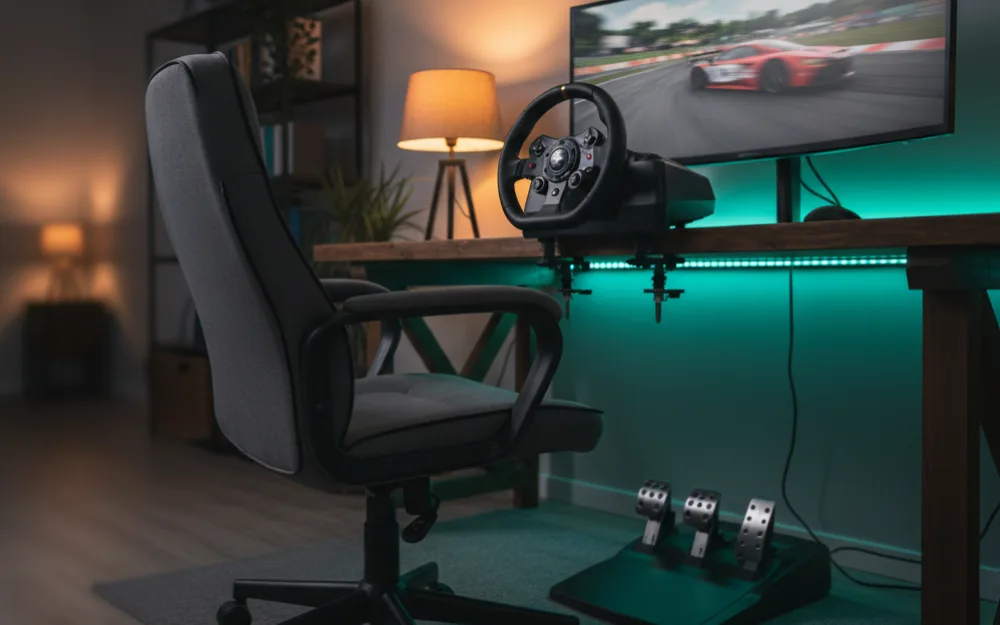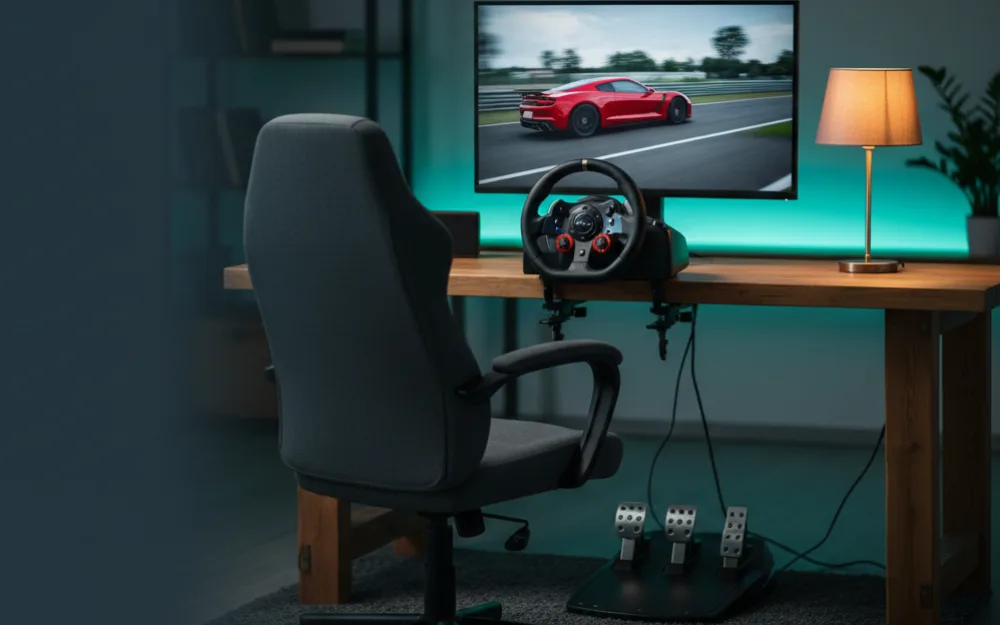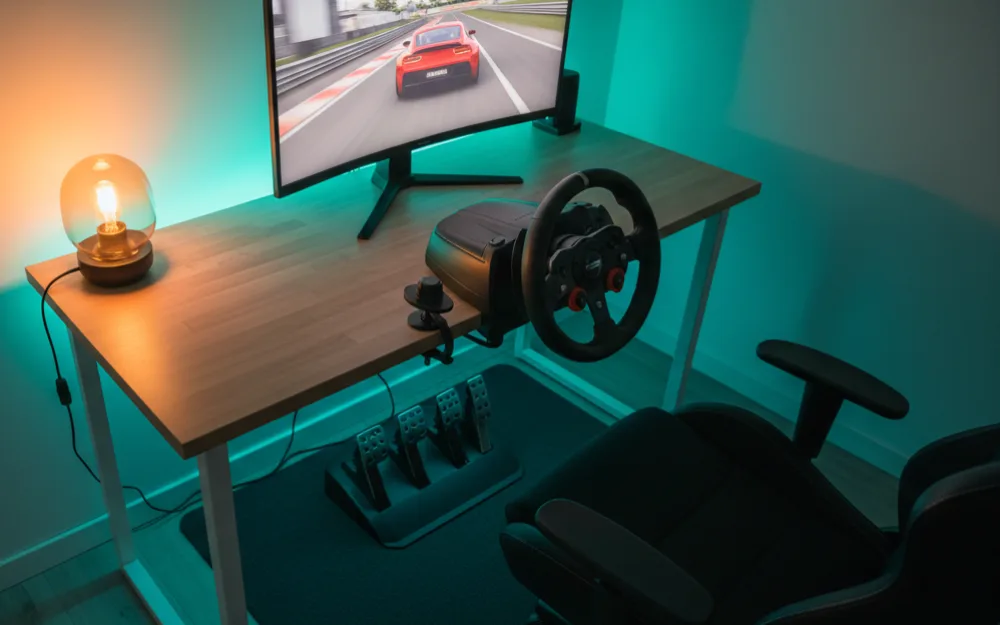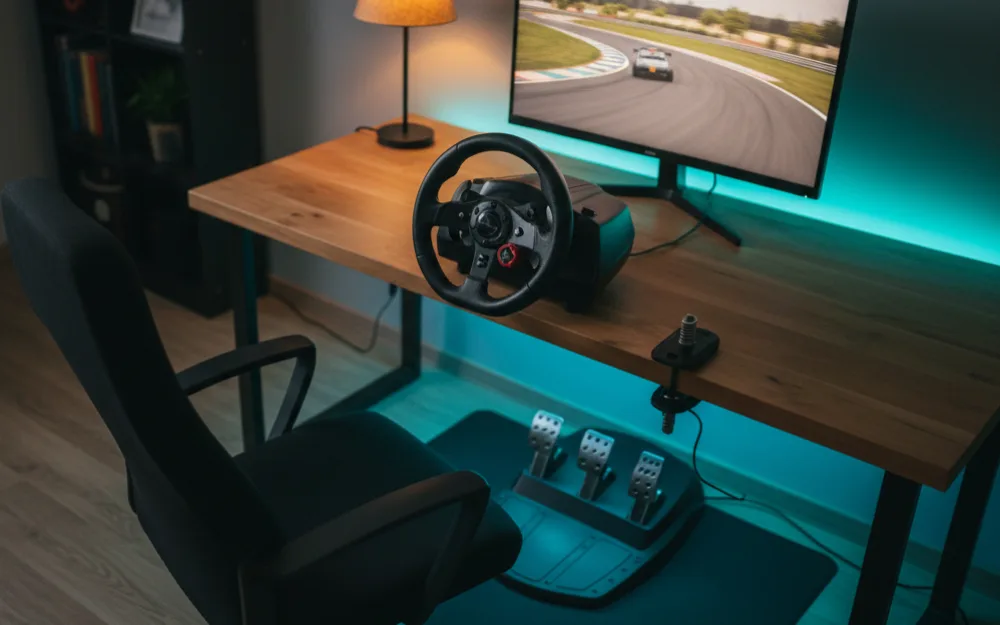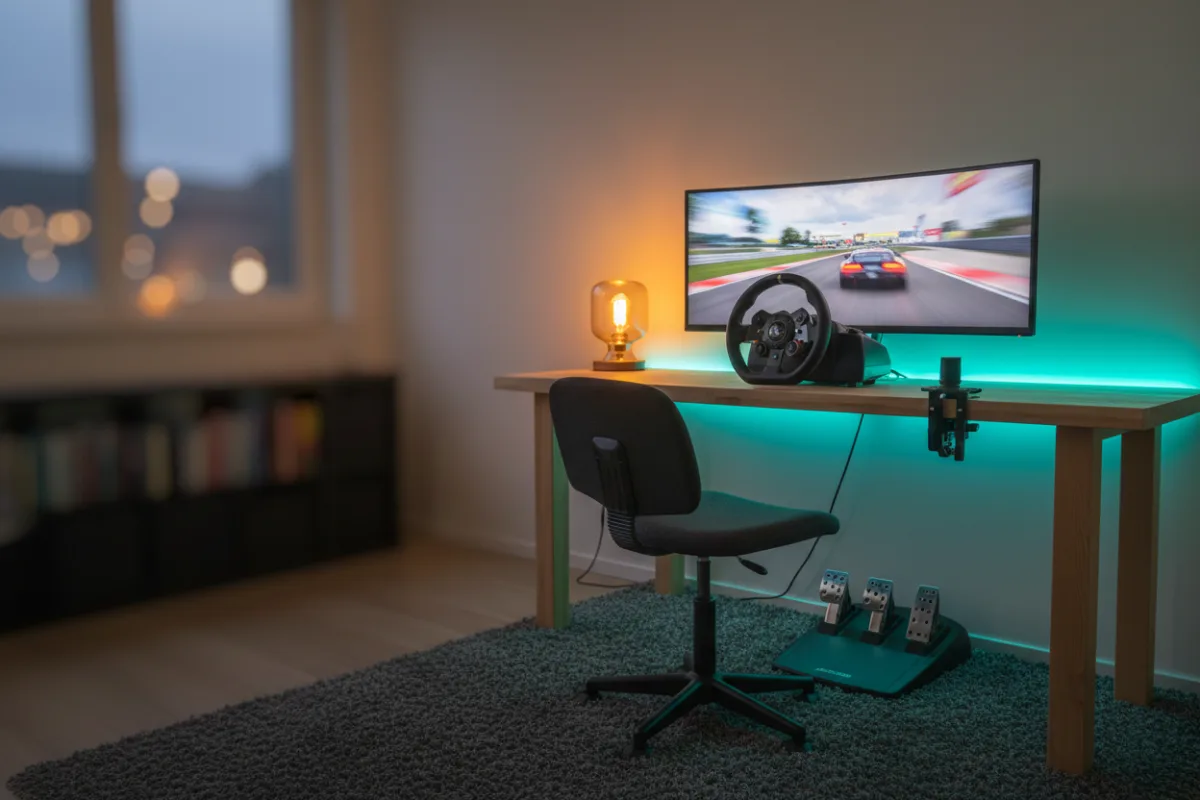

This guide walks you through a complete direct drive sim racing setup for under $3000, the tier where the rig stops being a compromise and starts feeling like the real thing. At this budget the temptation is to chase the highest torque number you can afford, but that is the wrong instinct. Put the money into a load cell brake and a rigid frame first, because those are what separate a fast, repeatable driver from a hopeful one. Before you spend a dollar, answer three questions honestly: are you chasing lap time or immersion, do you have space for a permanent cockpit, and how much of this do you plan to upgrade later. Your answers decide where the extra money goes.
These recommendations come from comparing this budget against the parts experienced racers recommend at this level, and you can read how we review. If you are new to building a rig, start with Getting Started. If this budget is a stretch, the tier below in our sim racing setup under $1500 guide still builds a genuine direct drive rig, and this build is the natural next step up from it.
What this budget unlocks
Under $3000 is where every part of the rig reaches a level that owners rarely feel a need to replace. You move from an entry direct drive base to a stronger mid tier one, from a bundled brake to a proper load cell, and from a single ultrawide to triple screens or a QD-OLED panel. The important shift is not raw power. It is that nothing in the chain holds the rest back. A mid strength direct drive base already produces more force than most drivers use, so the gains at this tier come from braking precision and a frame that stays still under load. Spend here in that order and the rig feels complete rather than top heavy.
A coherent build under $3000
The build below leads with a mid tier direct drive base, pairs it with a load cell pedal set, mounts everything on a stiff aluminum profile cockpit, and finishes with a display that matches how you like to race. Every piece is chosen to work with the others rather than to win a spec sheet alone. Treat the wheel bases and pedal sets in the list as the two decisions that define the rig, then build the frame and screen around your choice.



The wheel base: mid tier direct drive
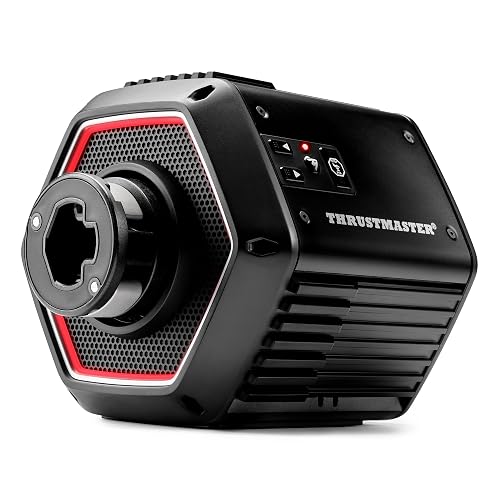
Lead the build with a mid tier direct drive base, since this is the part that sets the ceiling on how the front tires talk to your hands. The MOZA R9 V3 delivers 9 Nm of torque from an aviation grade aluminum alloy housing with a 21-bit magnetic encoder, which gives you clean, detailed force feedback with room to grow into. If you want a little more headroom, the Thrustmaster T818 produces 10 Nm of constant torque with no saturation, meaning the effects the game sends arrive without being flattened when the forces stack up. Both sit in the range where reviewers who race them describe the feel as more than most drivers ever fully use, so choose on ecosystem and rim options rather than the torque figure alone. Because direct drive produces real force, start at a lower strength and build up as you get comfortable, and grip the wheel firmly with both hands during the startup calibration sweep. To weigh other bases at this level, read the best direct drive wheels, and if you are unsure how much torque you actually need, how much torque do you need is worth a read first.
The pedals: a load cell brake is non negotiable here
If you take one thing from this guide, make it this: at this budget the load cell brake matters more than the last few newton meters of wheel torque. A load cell measures how hard you press rather than how far the pedal moves, which is far closer to a real car and makes consistent braking much easier to learn. The Fanatec CSL Elite Pedals V2 use a dual stage load cell that reads up to 90 kg of foot force, with Hall effect sensors on the clutch and throttle and swappable elastomer springs in 65, 75, and 85 Shore hardness so you can dial in the firmness you want. The Logitech G PRO Racing Pedals take a similar route with a 100 kg load cell brake, swappable springs and elastomers, and a fully modular design that lets you slide or remove a pedal to set your spacing. Either one teaches your right foot to brake by pressure, which is where most of your lap time hides. Compare the field in the best load cell pedals, and if the concept is new, load cell vs potentiometer pedals explains why owners upgrade.
The cockpit: a rigid aluminum profile frame
A mid tier direct drive base deserves a frame that will not twist under it, and this is the part builders most often underspend. An aluminum profile cockpit uses thick extruded rails that hold the wheel and pedals solidly, absorb the load a strong base puts through the mounts, and give you a consistent driving position lap after lap. Rigidity is the whole point: a frame that flexes under a strong wheel blurs the very detail you paid the base to deliver, and it wastes the precision of a load cell brake when the pedal deck moves under your foot. Aluminum profile also lets you bolt on a shifter, a handbrake, or a button box later without rethinking the rig. Compare frames in the best aluminum profile cockpit guide, and if you drive classic or touring cars, plan a spot for an H pattern shifter while you are at it.
The screen: triples or a QD-OLED panel
This is where the build forks based on what you want from it. Triple screens wrap your peripheral vision around the car, which helps enormously with placing the front wheels through a corner and judging apexes, and a triple monitor mount is what makes that clean and stable. A stand like the VIVO triple pneumatic mount holds three screens up to 32 inches and 17.6 lbs each on pneumatic side arms, with tilt, swivel, and rotation to line up the angles, and the HUANUO triple monitor stand covers the same size range with a choice of C-clamp or grommet mounting. The other path is a single QD-OLED panel, which trades the wraparound view for deeper contrast and a sharper, more vivid picture that many drivers prefer for immersion. Neither is wrong. Choose triples if track awareness is your priority and a QD-OLED if picture quality is. See the best QD-OLED monitor for sim racing and, when you have the screens, how to set up triple monitors and how to set your field of view so the image matches real world distances.
How the budget breaks down
Rather than assign dollars to each part, think in proportions, since prices move and sales change the math. The rough shape that keeps this build balanced looks like this.
| Part | Share of the budget | Why it earns its place |
|---|---|---|
| Wheel base and rim | The largest single slice | Sets the ceiling on force feedback detail and quality |
| Load cell pedals | A large slice, close behind the base | Brake by pressure, where most repeatable lap time is found |
| Aluminum profile cockpit | A solid middle slice | No flex under a strong base, and room to add hardware later |
| Display and mount | A flexible slice, sized to your goal | Triples for track awareness, or a QD-OLED for picture quality |
Where to spend more, and where to save
This build splits the money sensibly, but your racing may tilt it. If lap time and feel matter most, hold the base at 9 or 10 Nm and put the difference into the best load cell pedals you can fit, because braking consistency returns more than extra torque. If immersion is what you are after, keep the pedals at one strong load cell set and spend the difference on triples or a QD-OLED. If you drive classic cars, touring cars, or trucks, budget for an H pattern shifter, and if rally or drifting appeals, a handbrake earns its place, but skip both if you mostly race modern GT and formula cars with paddles. Match the extras to what you actually drive rather than collecting hardware you rarely touch.
Common mistakes at this budget
The classic error at this tier is pouring the budget into the strongest base and bolting it to a frame that flexes, which loses the detail you paid for and unsettles the pedals under braking. Balance the base and the cockpit instead. The second mistake is keeping the bundled pedals to afford a bigger base, when the load cell brake is the single upgrade owners say changed their driving most. The third is buying triples before checking that your PC can drive three screens smoothly, which leaves you with a beautiful display and a stuttering picture. Confirm the frame and the PC are ready before you reach for the screens.
Who should stop at a lower tier
Not everyone needs this build, and there is no shame in stopping lower. A casual racer who plays a few evenings a week and is happy braking by feel does not need a load cell brake yet, and the money is better kept in the bank until the bundled pedals genuinely hold you back. If you mostly play on a console, confirm each part is officially supported on your platform before committing, since some direct drive gear is PC first. And if you are still learning car control, the sim racing setup under $1500 tier will not hold you back for a long time. The table below sorts out who this build fits.
| This build is right if | Stay at a lower tier if |
|---|---|
| You want lasting force feedback and a load cell brake that will not need replacing soon | You race casually and are still comfortable braking by pedal travel |
| You have room for a permanent aluminum profile cockpit | Space is tight and a foldable rig is a must |
| You want triples or a QD-OLED and a PC that can drive them | Your current PC cannot yet run three screens smoothly |
| You race often enough that braking precision changes your results | You are new to sim racing and still learning the basics of car control |
Your next step
Choose your wheel base and load cell pedals first, mount them on a rigid aluminum profile cockpit, then add the display that matches how you race. When you are ready to go further, our sim racing setup under $5000 guide covers the strongest bases, premium pedals, and a dedicated PC, and new builders can find the fundamentals under Getting Started.