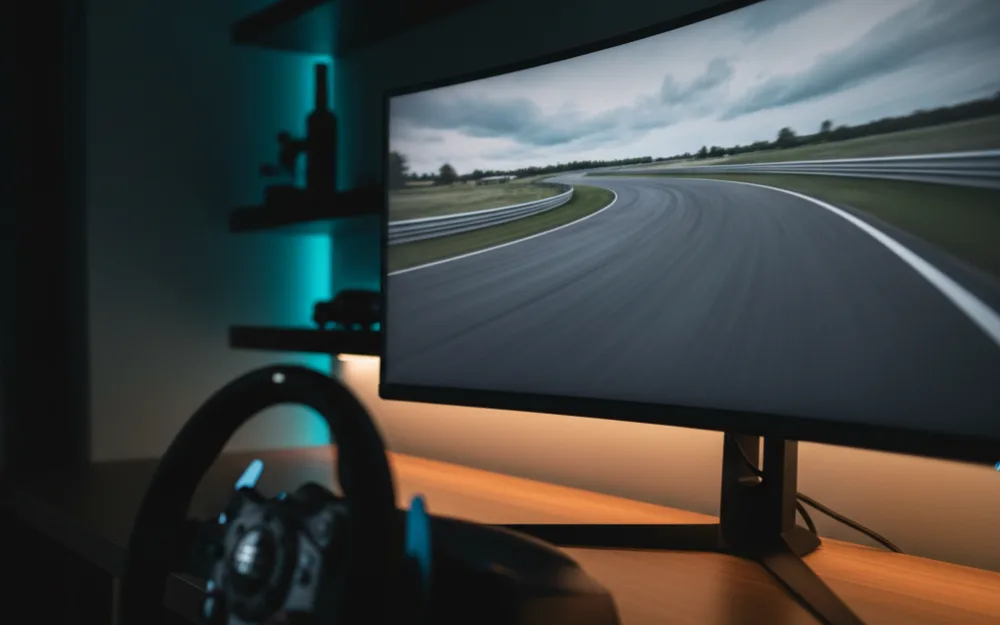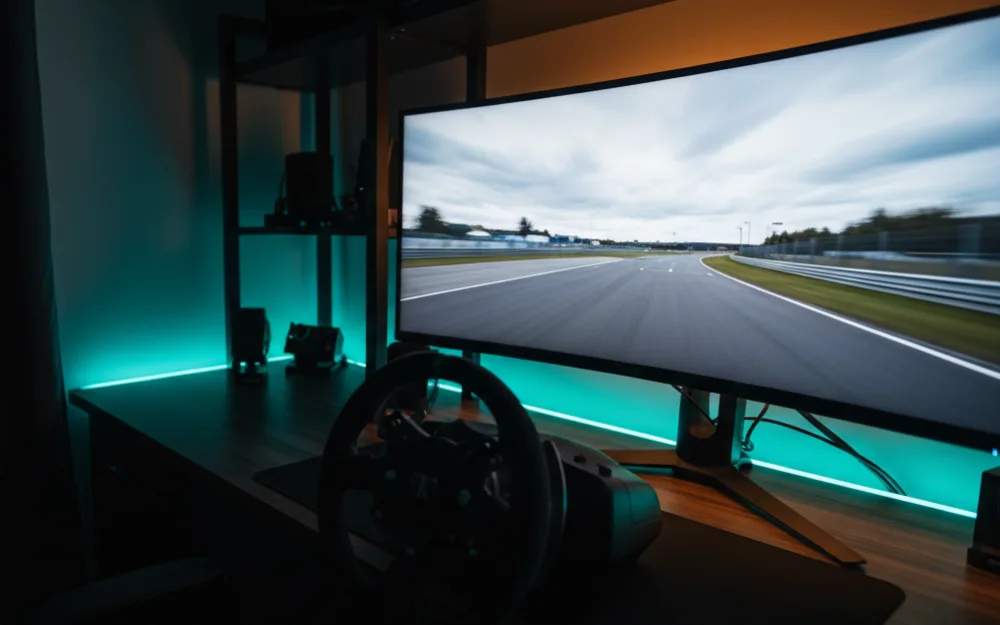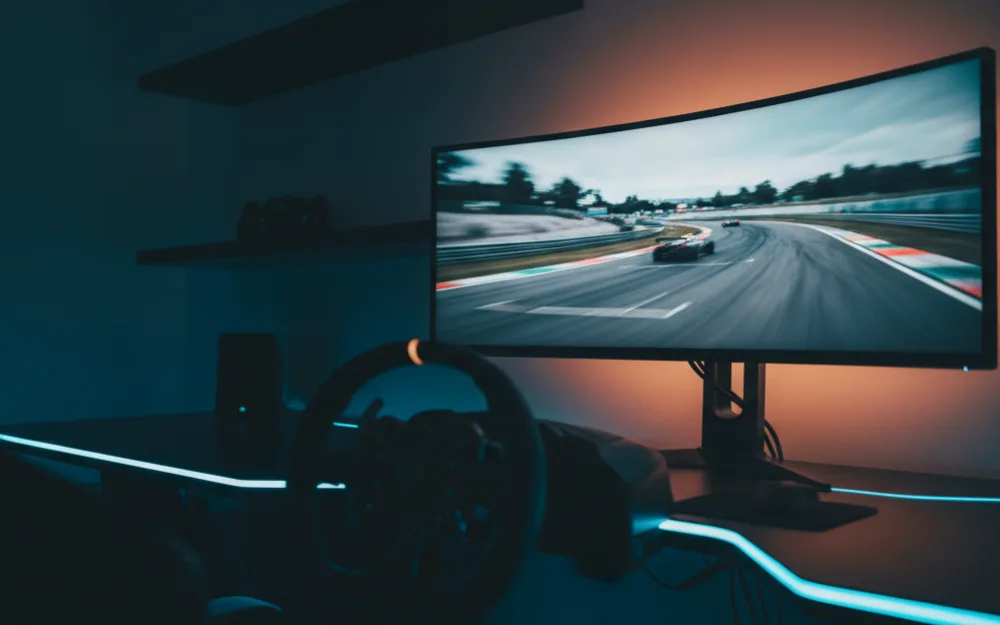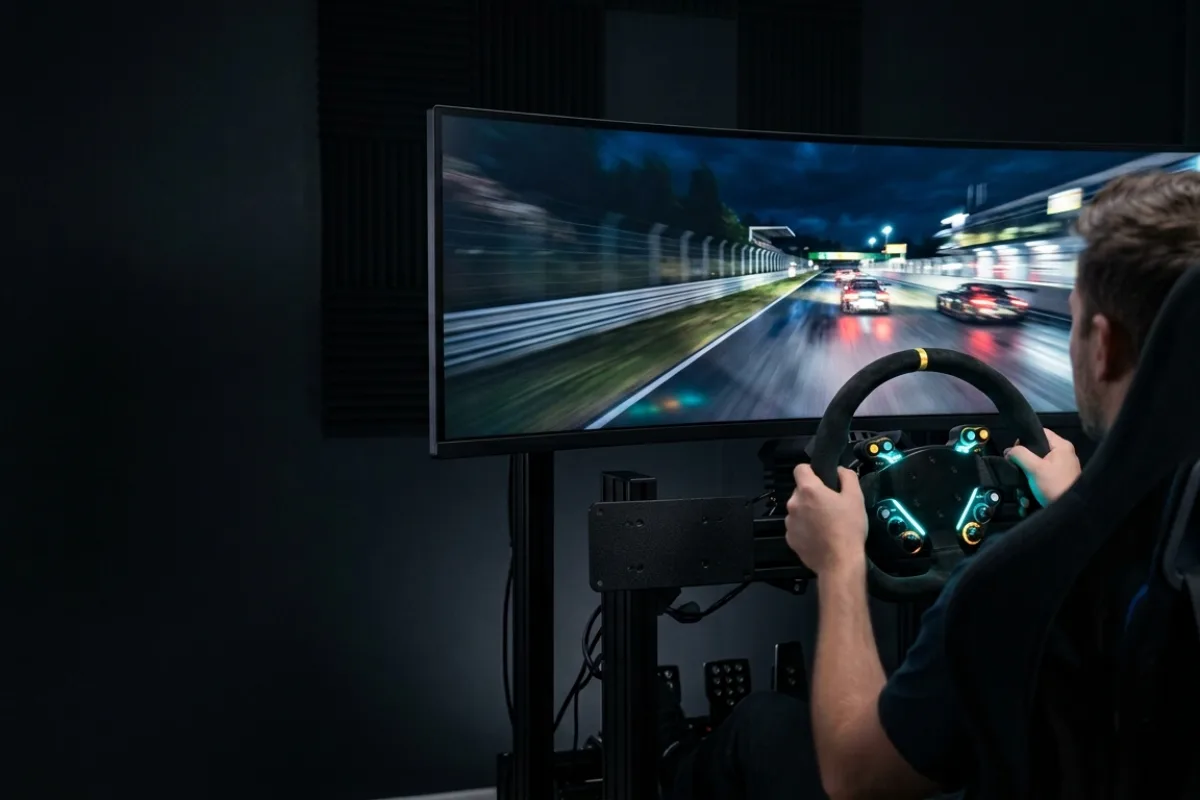

The short answer: for most PC sim racers a 34 inch QD-OLED ultrawide such as the Alienware AW3425DW or MSI MAG 341CQP is the sweet spot, because it fills your peripheral vision, runs above 170 Hz, and does not need a top tier graphics card. If you want the widest single screen, the Samsung Odyssey OLED G9 (G91SD) is a 49 inch 32:9 QD-OLED that replaces two monitors, and the Samsung Odyssey G9 (G91F) is the VA panel way to get that width for less. The LG 45GX950A is the resolution flagship at 5K2K. On a budget, the LG 34G600A delivers the ultrawide shape without OLED. And if triples are the goal, the Next Level Racing Round Tube Triple Stand is the frame to hang them on.
Sim racing rewards width and refresh rate more than raw resolution: the wider the screen, the more of the corner you see, and the higher the refresh, the smoother the car moves. This guide compares nine monitors and one triple stand sold new in the US on panel type, size and aspect, refresh rate, response time, curvature, connectivity, and warranty, using the method on our How We Review page. One caution before spending: PlayStation 5 and Xbox Series X|S output 16:9 only, so ultrawide monitors are a PC feature.





Comparison at a Glance
| Monitor | Size and aspect | Panel | Resolution | Refresh | Response (listing) | Curve | Warranty (listing) |
|---|---|---|---|---|---|---|---|
| Alienware AW3425DW | 34.2 inch, 21:9 | QD-OLED | 3440 x 1440 | 240 Hz | 0.03 ms | 1800R | 3 years |
| MSI MAG 341CQP QD-OLED | 34 inch, 21:9 | QD-OLED | 3440 x 1440 | 175 Hz | 0.03 ms | Curved (1800R) | 2 years |
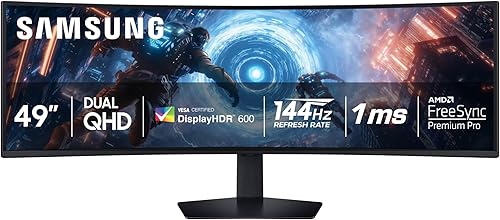
| Samsung Odyssey OLED G9 (G91SD) | 49 inch, 32:9 | QD-OLED | 5120 x 1440 | 144 Hz | 0.03 ms | 1800R | 3 years |
| Samsung Odyssey G9 (G91F) | 49 inch, 32:9 | VA (DisplayHDR 600) | 5120 x 1440 | 144 Hz | 1 ms | 1000R | 1 year |
| Samsung Odyssey OLED G9 (G93SC) | 49 inch, 32:9 | QD-OLED | 5120 x 1440 | 240 Hz | 0.03 ms | 1800R | 3 years |
| LG UltraGear 45GX900A | 45 inch, 21:9 | OLED | 3440 x 1440 | 240 Hz | 0.03 ms | 800R | 2 years |
| LG UltraGear 45GX950A | 45 inch, 21:9 | OLED | 5120 x 2160 (dual mode 330 Hz at lower resolution) | 165 Hz | 0.03 ms | 800R | 2 years |
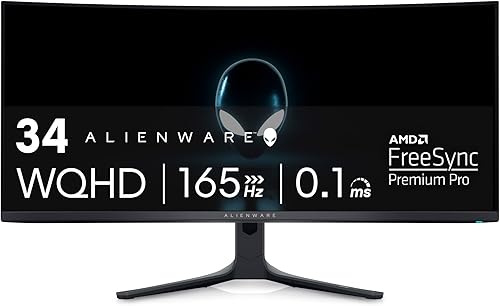
| Alienware AW3423DWF | 34 inch, 21:9 | QD-OLED | 3440 x 1440 | 165 Hz (DisplayPort) | 0.1 ms | 1800R | 3 years, burn-in covered |
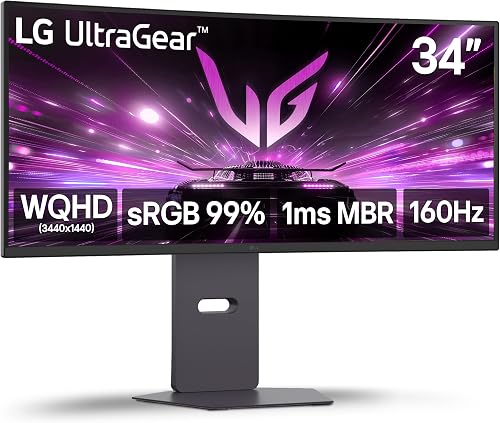
| LG UltraGear 34G600A | 34 inch, 21:9 | Non-OLED (HDR10) | 3440 x 1440 | 160 Hz | 5 ms (1 ms MBR) | 1800R | 1 year |
| Next Level Racing Round Tube Triple Stand | Holds 3 monitors up to 43 inch | Stand | VESA 75×75 to 800×400 | Not applicable | Not applicable | Adjustable | Not stated |
Specifications are from the product listings. The LG 34G600A listing does not name its panel technology; it is not OLED and is scored accordingly.
How We Picked
We limited the field to curved ultrawide and super ultrawide monitors that make sense for a wheel setup, plus one triple stand. Each was assessed on panel type and contrast, refresh rate and response time, curvature and size relative to a typical rig, connectivity (DisplayPort 2.1, HDMI 2.1, USB-C), warranty and burn-in coverage, and owner feedback on brightness limiters and firmware. We did not include 16:9 monitors; they are covered in the Monitors and Mounts category as it grows.
Each product’s WSR Score comes from verified buyer feedback, normalized to our 10-point scale. See how we review for details.
Alienware AW3425DW
The AW3425DW is a 34.2 inch QD-OLED at 3440 x 1440, 240 Hz, 0.03 ms, 1800R, with DisplayHDR True Black 400, 99.3 percent DCI-P3, G-Sync Compatible and FreeSync Premium Pro, and a three year warranty. For sim racing it combines the refresh rate of a competitive display with OLED contrast, and its 21:9 shape is well matched to a single wheel base and rig.
- Pro: 240 Hz QD-OLED with a three year warranty
- Pro: 3440 x 1440 is achievable at high frame rates on mid-range GPUs
- Con: 34 inches can feel small on a cockpit set far back
- Con: no HDMI 2.1 48 Gbps console mode mentioned on the listing
PC racers who want the best balance of speed, contrast, and GPU load.
You sit far from the screen or want a 49 inch field of view.
MSI MAG 341CQP QD-OLED
MSI’s 34 inch QD-OLED runs 3440 x 1440 at 175 Hz with 0.03 ms response, True Black HDR 400, OLED Care 2.0 for burn-in mitigation, a KVM, USB-C, and an HDMI 2.1 console mode with full 48 Gbps bandwidth. Two year warranty.
- Pro: QD-OLED with USB-C, KVM, and full bandwidth HDMI 2.1 for a console on the side
- Pro: OLED Care features and a strong owner rating
- Con: 175 Hz versus 240 Hz on the Alienware
- Con: two year warranty
Racers who share the screen between a PC and a console and want connectivity.
Maximum refresh is the priority.
Samsung Odyssey OLED G9 (G91SD)
The G91SD is a 49 inch, 32:9 QD-OLED at 5120 x 1440 and 144 Hz with 0.03 ms response, 1800R curvature, 110 pixels per inch, and Samsung’s thermal modulation, logo detection, and screen saver features to reduce burn-in. Three year warranty. It is the width of two 27 inch monitors with none of the bezel.
- Pro: 32:9 QD-OLED with a three year warranty at a lower price than the 240 Hz model
- Pro: burn-in mitigation features listed explicitly
- Con: 144 Hz is the lowest OLED refresh here
- Con: 5120 x 1440 needs a strong GPU for high frame rates
Racers who want a single super ultrawide OLED and can live with 144 Hz.
You run a mid-range GPU; a 34 inch panel will hold frame rate better.
Samsung Odyssey G9 (G91F)
The G91F is the 2025 VA version of the 49 inch Odyssey: 5120 x 1440 at 144 Hz with 1 ms response, DisplayHDR 600, a tighter 1000R curve, FreeSync Premium Pro, and a one year warranty. It gives the same field of view as the OLED G9 with no burn-in concern and a lower price, at the cost of OLED contrast.
- Pro: 32:9 width and 1000R curve without OLED burn-in worries
- Pro: DisplayHDR 600 brightness
- Con: VA contrast and response are a step behind QD-OLED
- Con: one year warranty
Racers who want the 49 inch wraparound and prefer to avoid OLED.
Night racing and contrast matter to you; OLED is a different experience.
Samsung Odyssey OLED G9 (G93SC)
The G93SC is the 240 Hz version of the 49 inch QD-OLED: 5120 x 1440, 0.03 ms, 1800R, DisplayHDR True Black 400, G-Sync compatibility, HDMI 2.1 and DisplayPort, a USB hub, and a three year warranty.
- Pro: 240 Hz on a 32:9 QD-OLED with HDMI 2.1
- Pro: three year warranty and a large owner base
- Con: the most expensive single monitor here
- Con: 5120 x 1440 at 240 Hz demands a high end GPU
Racers with a top tier GPU who want the widest and fastest single screen.
Your GPU will not push it; the G91SD at 144 Hz is the same panel shape for less.
LG UltraGear 45GX900A
LG’s 45 inch OLED runs 3440 x 1440 at 240 Hz with 0.03 ms response, a steep 800R curve, up to 1,300 nits peak brightness at small window sizes, 98.5 percent DCI-P3, DisplayPort, HDMI 2.1, and USB-C, with a two year warranty. LG notes it offers more screen area than a 49 inch 32:9 panel.
- Pro: 45 inch OLED at 240 Hz with the tightest curve on this list
- Pro: 3440 x 1440 keeps GPU load reasonable
- Con: pixel density is lower than the 34 inch panels at the same resolution
- Con: 800R can look odd for desktop work
Cockpit setups where the screen sits farther back and a wrap around curve helps.
You sit close at a desk and want sharp text.
LG UltraGear 45GX950A
The 45GX950A is the 5K2K version: 5120 x 2160 OLED at 165 Hz, with a dual mode that drops to a lower resolution at 330 Hz, DisplayPort 2.1, HDMI 2.1, USB-C at 90 W, 125 pixels per inch, and a two year warranty. It is the sharpest ultrawide here and needs the most GPU.
- Pro: 5K2K sharpness and DisplayPort 2.1
- Pro: dual mode gives a 330 Hz option for racing
- Con: 5120 x 2160 at high frame rates is a top tier GPU requirement
- Con: the highest price on the list
Racers who also work on the screen and have the GPU to feed it.
Racing is the only use; the 45GX900A gives the same size at 240 Hz for less.
Alienware AW3423DWF
The AW3423DWF is the earlier 34 inch QD-OLED: 3440 x 1440 at 165 Hz over DisplayPort (100 Hz over HDMI), 0.1 ms, 1800R, 99.3 percent DCI-P3, FreeSync Premium Pro, and a three year warranty that explicitly covers OLED burn-in. It is often discounted against the newer AW3425DW.
- Pro: QD-OLED with burn-in covered for three years
- Pro: frequently the cheapest QD-OLED ultrawide
- Con: 165 Hz and HDMI limited to 100 Hz
- Con: superseded by the 240 Hz model
Value hunters who want QD-OLED with burn-in coverage.
The AW3425DW is close in price.
LG UltraGear 34G600A
The 34G600A is the budget ultrawide: 3440 x 1440 at 160 Hz, 1800R, HDR10, 99 percent sRGB, FreeSync Premium, built in speakers, and a tilt, height, and swivel stand, with a one year warranty. The listing does not state the panel type, and it is not OLED.
- Pro: the ultrawide shape and 160 Hz at the lowest price here
- Pro: no burn-in concern
- Con: 5 ms response and no true HDR
- Con: one year warranty
First ultrawide buyers on a budget.
You can stretch to a QD-OLED; the difference in night and rain conditions is large.
Next Level Racing Round Tube Freestanding Triple Monitor Stand
For triples, the round tube stand holds three monitors up to 43 inches on VESA patterns from 75 x 75 to 800 x 400, in a steel freestanding frame that integrates with Next Level Racing cockpits. Listed weight is 34.8 pounds.
- Pro: supports large triples and a wide VESA range
- Pro: freestanding, so it works with any rig
- Con: no warranty on the listing and a small review base
- Con: three monitors and a stand cost more than any single screen here
Racers committed to triples for the full 180 degree view.
Space is limited; a 45 or 49 inch curved panel is the practical alternative.
Buying Guide
Field of view and size
Set the in-game field of view to match the real angle the screen covers from your eyes; a wider screen closer to you lets you use a realistic FOV without tunnel vision. A 34 inch panel suits a desk, 45 and 49 inch panels suit a cockpit with the screen on a stand, and triples are for the full wraparound.
OLED and burn-in
Racing HUDs are static, which is the burn-in scenario. Every OLED here lists mitigation features, and Alienware’s warranty covers burn-in explicitly. If that worries you, the VA G91F and the LG 34G600A are the non-OLED options.
Refresh rate and your GPU
A 240 Hz monitor only helps if the PC delivers the frames. At 3440 x 1440 a mid-range card can reach high frame rates in most sims; at 5120 x 1440 or 5K2K, plan on a high end card. Our Gaming PCs category covers what to buy.
Consoles
PlayStation 5 and Xbox Series consoles output 16:9, so an ultrawide shows black bars or stretches the image. Console racers should buy a 16:9 display and spend the difference on the wheel.
Who Should Not Buy
Console only racers should skip this list entirely. VR users should compare against our VR headset guide before buying a large panel. And if your GPU is more than a few years old, a 34 inch panel is the ceiling that still runs smoothly.
Frequently Asked Questions
Is ultrawide or triple monitors better for sim racing?
Triples give the widest view and correct perspective on the side screens, but cost more and take more space and GPU. A 49 inch 32:9 panel is the practical single screen compromise.
Is OLED safe for sim racing HUDs?
Modern QD-OLED panels list pixel shift, logo detection, and screen savers, and Alienware covers burn-in under warranty. Vary your HUD position and brightness and the risk is small.
Does Gran Turismo 7 support ultrawide?
No. PS5 outputs 16:9. Ultrawide support is a PC feature in titles such as iRacing, Assetto Corsa Competizione, and Automobilista 2.
What refresh rate do I need?
144 Hz is a comfortable floor; 240 Hz is noticeably smoother if your PC sustains it. Response time matters less on OLED because every OLED here is rated at 0.1 ms or faster.
Sources
- Samsung product listings for the Odyssey G9 G91F, Odyssey OLED G9 G91SD, and Odyssey OLED G9 G93SC
- LG product listings for the UltraGear 45GX900A, 45GX950A, and 34G600A
- Alienware product listings for the AW3425DW and AW3423DWF
- MSI and Next Level Racing product listings for the MAG 341CQP and Round Tube Triple Monitor Stand
- September 2026: first published with nine monitors and one triple stand.