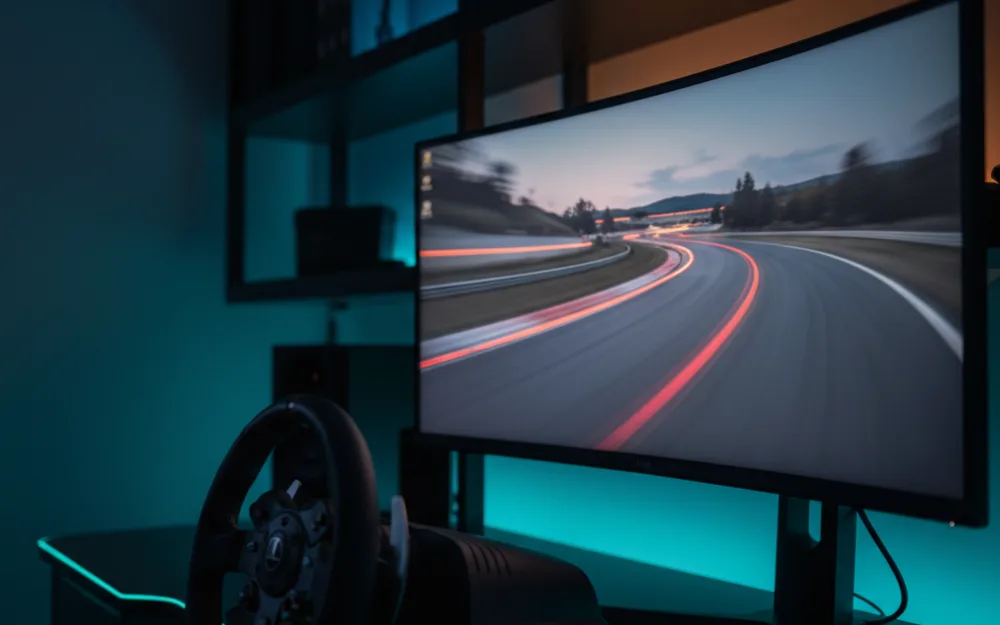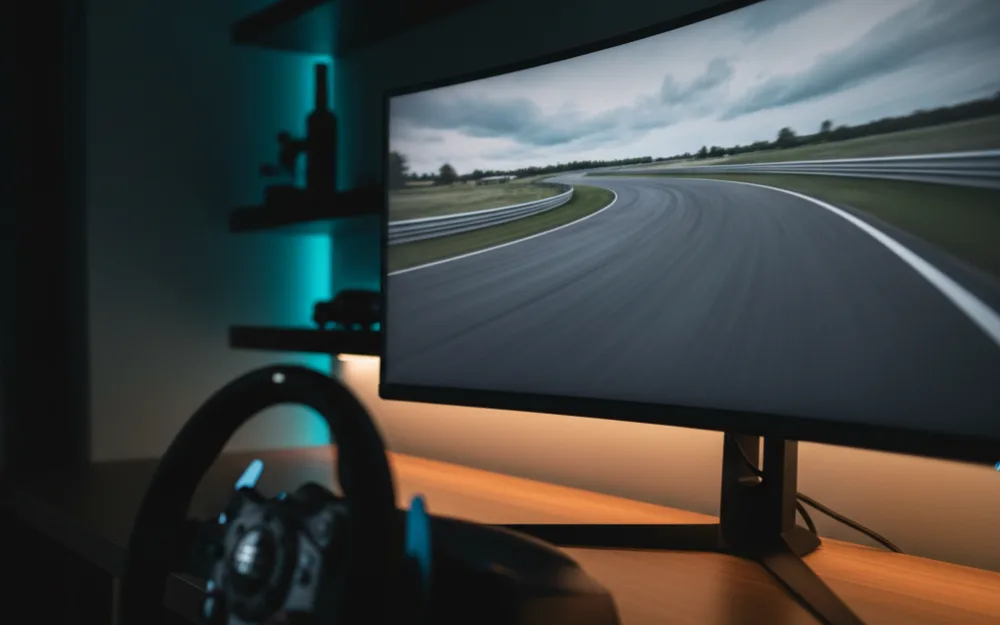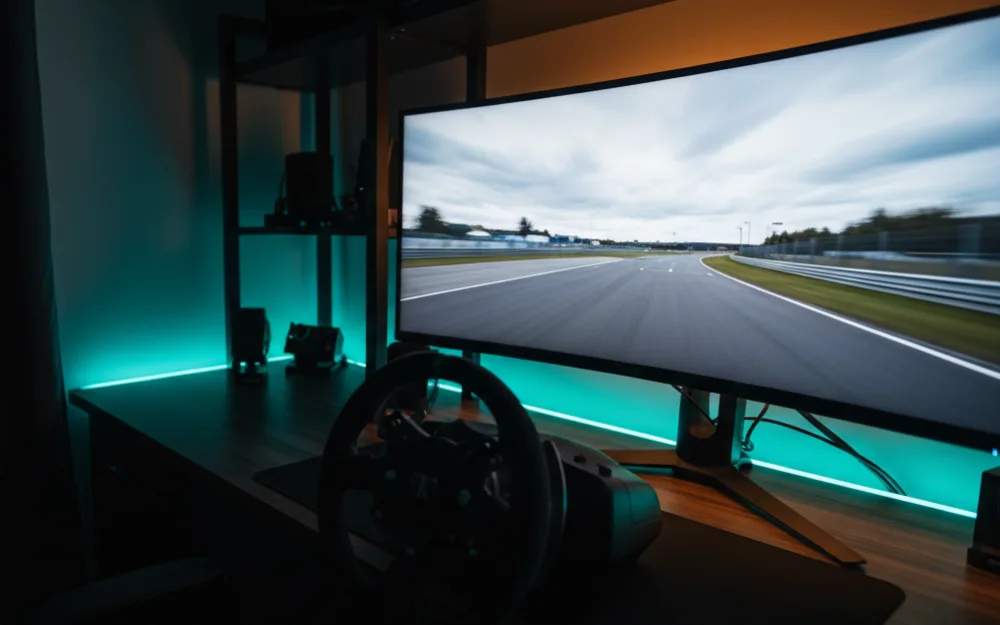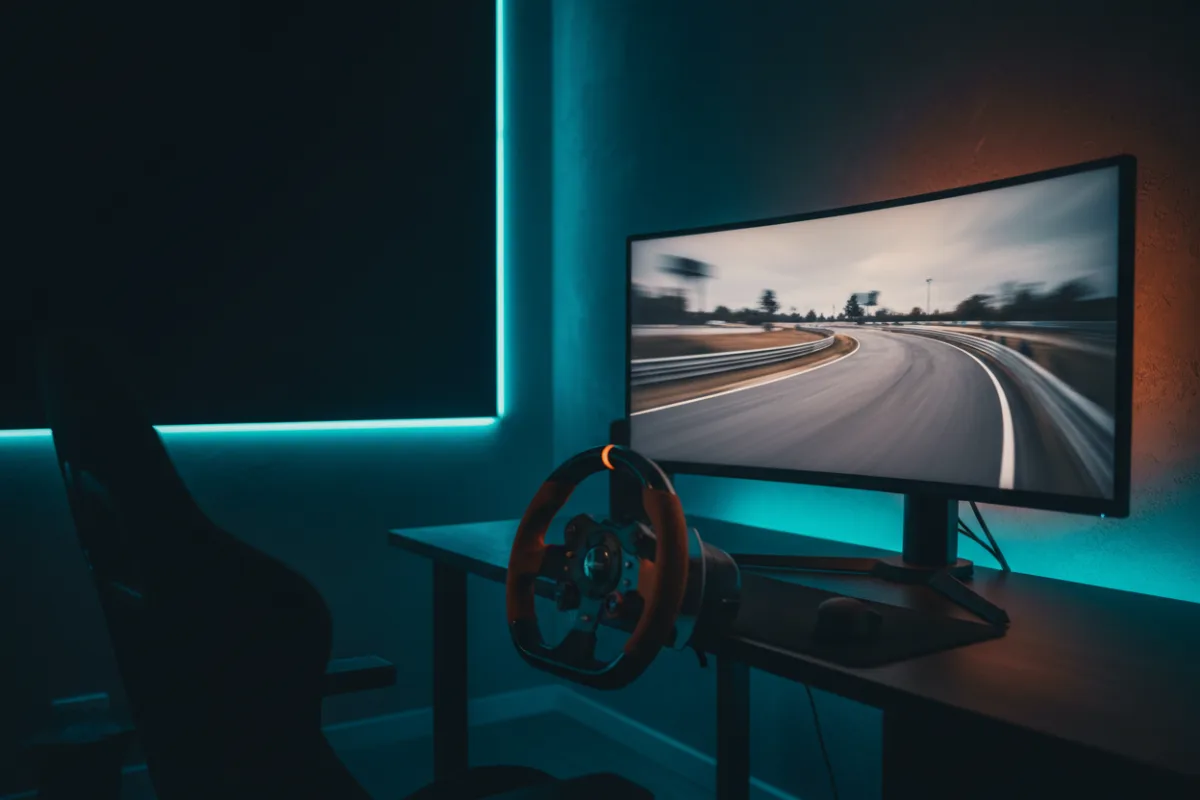

The Samsung Odyssey G9 is a 49 inch, 32:9 super ultrawide, which in plain terms is roughly two 27 inch QHD monitors fused into one curved panel. For a single screen sim rig it is the closest thing to a triple screen wrap without the bezels, and the question that decides whether it fits you is simple: do you want one continuous canvas, or do you specifically need three angled displays. This review takes the current VA model as the anchor and notes where the OLED siblings change the math.
We compared manufacturer specifications with measurements reported by independent review outlets and recurring owner feedback, and you can read how we review. If terms like refresh rate and response time are new, start with Getting Started.
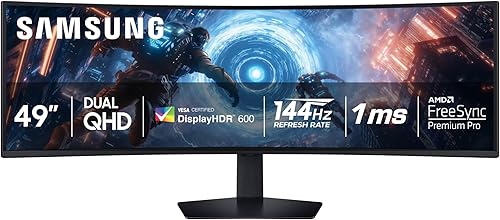
At a glance
| Spec | Odyssey G9 (G91F) |
|---|---|
| Size and ratio | 49 inch, 32:9 super ultrawide |
| Resolution | DQHD 5120 x 1440 |
| Panel | VA, 1000R curve |
| Refresh rate | 144 Hz |
| Response time | 1 ms (per Samsung) |
| HDR | VESA DisplayHDR 600, FreeSync Premium Pro |
What a 32:9 panel does for sim racing
Before we judge the panel, it helps to know what the shape buys you. A 32:9 ratio at a 1000R curve fills your horizontal field of view, so peripheral cars and apex markers sit where your eyes expect them without turning your head. That wide view is the reason racers pick this class over a flat 16:9 screen. The trade off is that the extra pixels ask more of your graphics card, since 5120 x 1440 sits between 1440p and 4K in raw workload. Judge the resolution by the GPU you own, because a card that runs a single 1440p screen at high frame rates will work harder here.
Verdict by use case
For sim racing the G9 rates well: the 144 Hz refresh and 1 ms rated response keep fast motion clean, and the wrap around curve gives real spatial awareness on track. The caveat is a VA one. Reviewers who compare panels note that VA delivers deep blacks and strong contrast but can show smearing in dark transitions, so night races reveal the panel type more than bright daytime circuits. For general desktop and productivity, the width is a genuine bonus for side by side windows. For competitive shooters, some owners prefer a smaller flat panel, but that is not the job this screen is built for.
Brightness, HDR, and the OLED question
The VA G9 carries VESA DisplayHDR 600, which gives it more headroom for bright highlights than entry HDR panels, and owners describe punchy daylight scenes. Samsung also sells OLED versions of the same 49 inch shape, one at 144 Hz and one at 240 Hz. Those trade some peak brightness for the near instant response and true blacks that OLED brings, at a higher outlay. If deep shadow detail and the fastest pixel response matter most to you, the OLED route is the one to weigh, and our OLED roundup covers exactly that decision.
Desk, stand, and setup
A 49 inch panel is large and deep, so owners consistently flag desk space as the first practical hurdle. The included ergonomic stand handles height and tilt, but a sturdy desk or a monitor mount rated for the weight makes the curve sit where you want it relative to the wheel. Plan the mounting before you buy, because the payoff of a super ultrawide only lands when the screen sits at the right distance and height for a driving position.
Connections and frame sync
Driving 5120 x 1440 at 144 Hz asks for the right connection, so plan the input as carefully as the graphics card. Use the input Samsung’s spec sheet lists for the full rated refresh at this resolution, fed from a capable card, and confirm your outputs before you buy. The G9 carries FreeSync Premium Pro, which ties the refresh to your frame rate to remove tearing and smooth the small dips a busy race start can bring. On a panel this wide, where the card is already working hard, that sync does real work for the feel of racing, so treat it as a core feature. Owners running compatible graphics cards report clean, tear free motion once the connection and sync are set up correctly.
Who should buy it, and who should skip it
| Buy the Odyssey G9 if | Skip it if |
|---|---|
| You want a wide single panel wrap without triple screen bezels | You specifically need three angled screens for a full surround |
| You have a GPU that can drive 5120 x 1440 at high frame rates | Your graphics card struggles above 1440p |
| You value strong contrast and daylight HDR from a VA panel | You want OLED blacks and the fastest pixel response |
How it scores
The WSR Score shown above reflects verified buyer ratings gathered and normalized on a consistent scale, not an editorial rubric. You can read what goes into it on How We Review. On that basis the G9 rates well, which fits its long run as the default single screen wrap for sim rigs.
Immersion against a flat panel
The reason to choose a panel this large is immersion, and it helps to be clear about what that buys. Against a single flat 16:9 monitor, the G9’s 32:9 width and 1000R curve put far more of the track and its edges into your peripheral vision, which helps with spatial awareness and placing a car without turning your head. That is a genuine on track benefit: real spatial awareness, beyond a bigger picture. The cost is the practical one covered above: more demand on your graphics card and more desk. For racers who want that surround feel from a single screen and have the rig to drive it, the immersion is the payoff, and it is what keeps the super ultrawide format popular despite the size.
Alternatives worth a look
If you would rather have OLED blacks and faster response at this width, our best OLED monitors for sim racing roundup covers the 49 inch OLED G9 and its rivals. If a 34 inch 21:9 panel suits your desk better, start with the best ultrawide monitors for sim racing. You can browse more screens in the Displays and Immersion category, and if VR is also on your list, our Meta Quest 3 review weighs a headset against a panel.