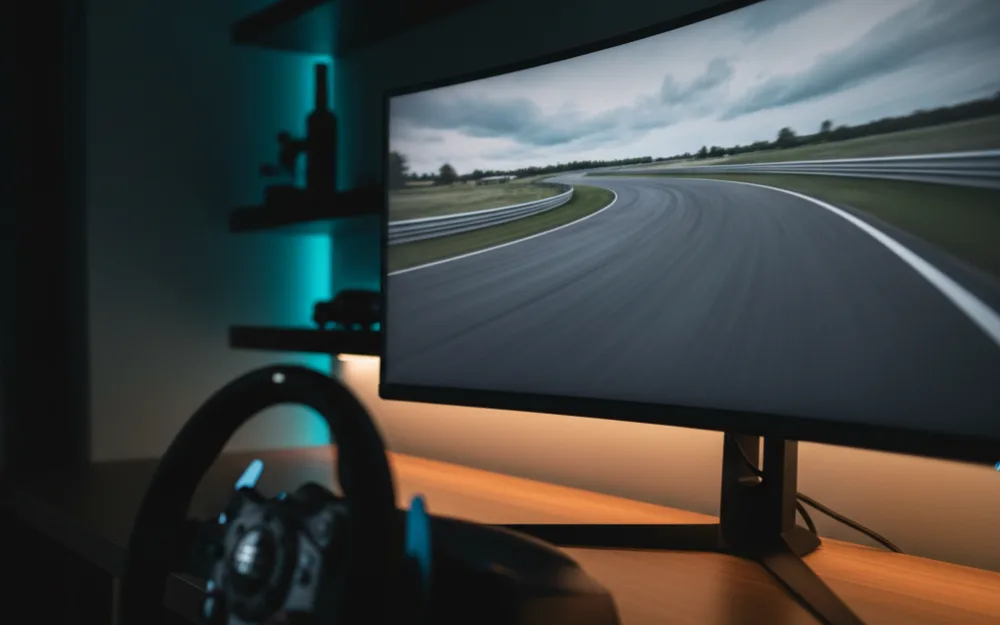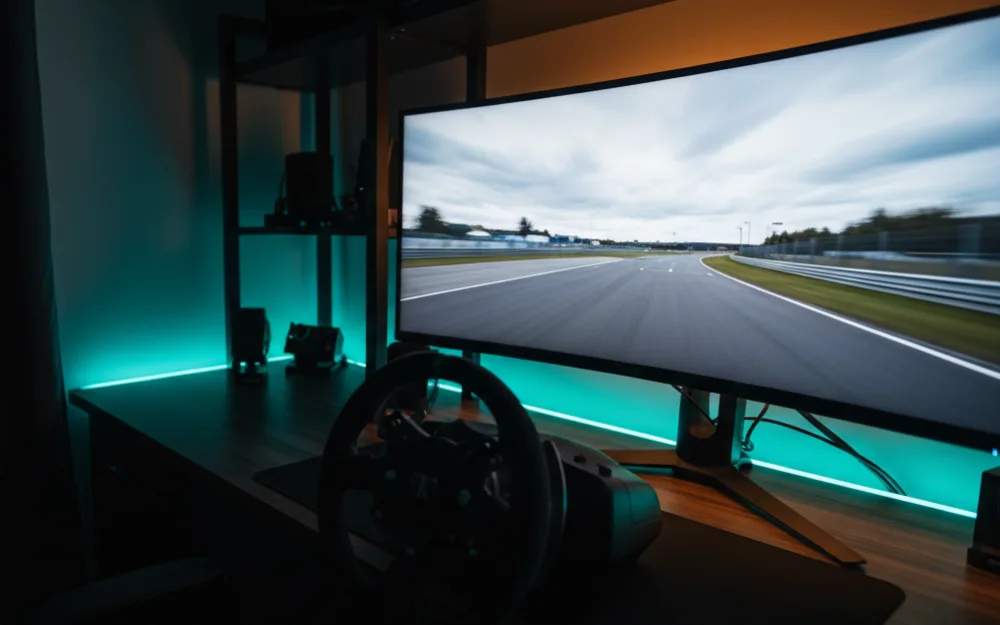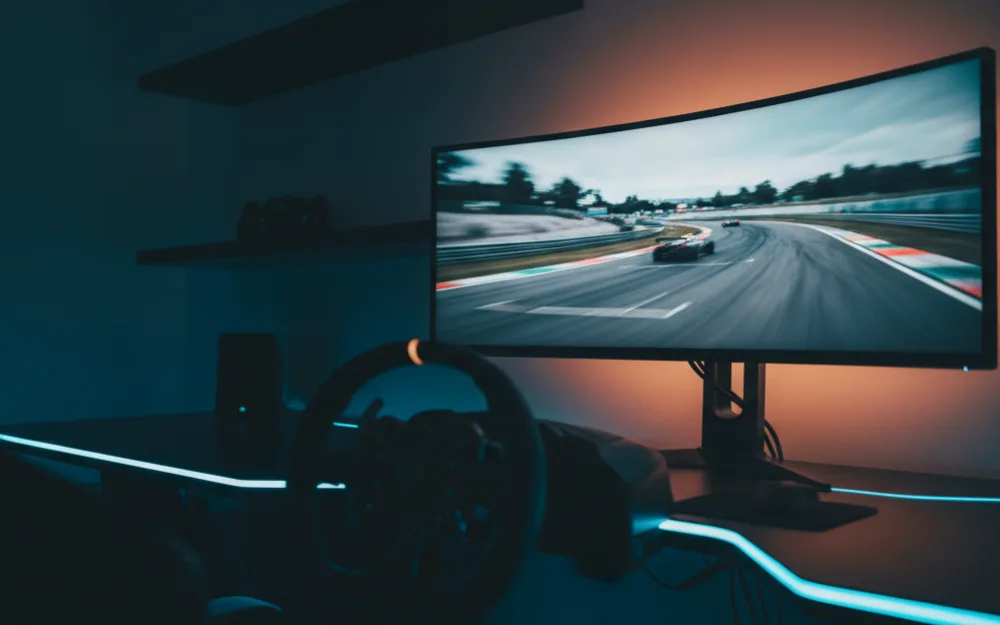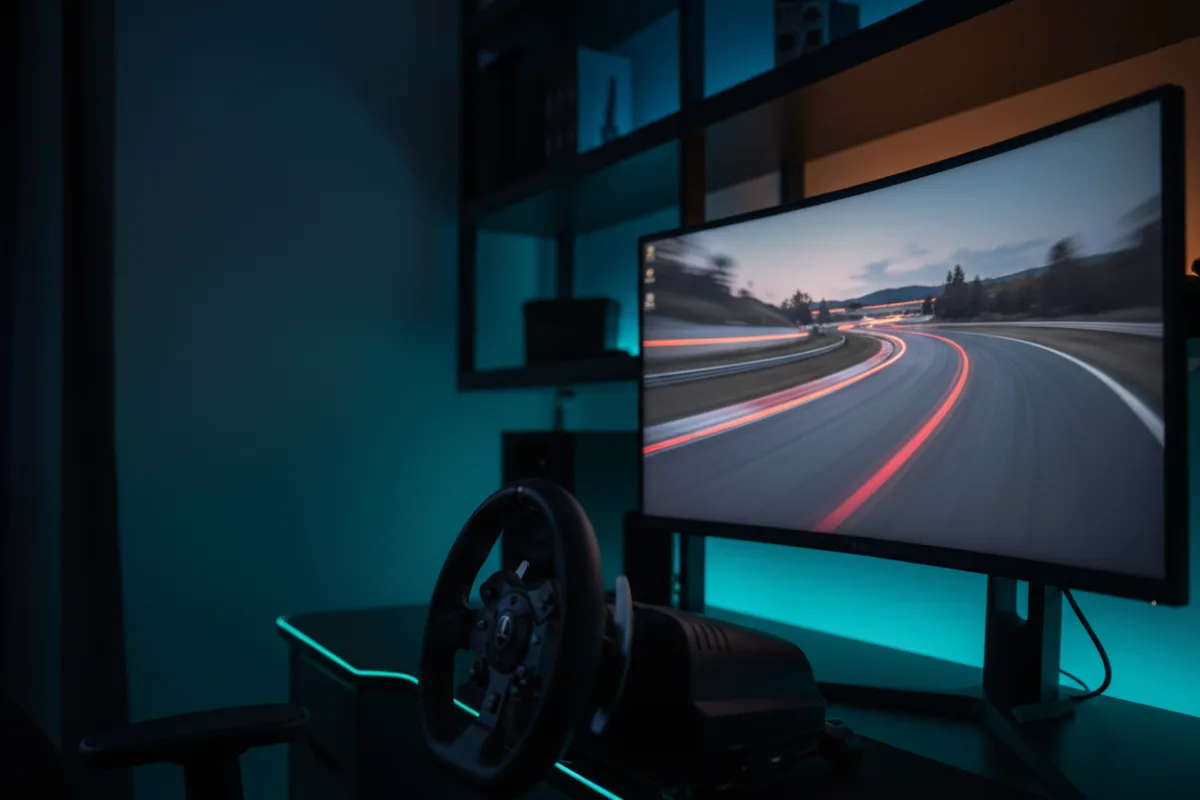

The Acer Nitro KG271U is a 27 inch, 1440p, 180Hz IPS monitor aimed at racers who want the jump from 1080p to QHD without paying for an OLED or a premium name. It pairs a sharp 2560 x 1440 panel with a 0.5 ms gray to gray response rating, wide 178 degree viewing angles, and FreeSync adaptive sync, which is a sensible feature set for a first serious sim racing display. Whether it fits you comes down to what you weigh most heavily: the crisp, color rich image of an IPS panel at an accessible price, or the deeper blacks and higher brightness a step up screen would give you.
This review looks at how the KG271U behaves for racing, where the specification is generous, and where it makes the compromises you would expect at this tier. We compared Acer’s listed specifications with recurring owner feedback, and you can read how we review. If refresh rate, response time, and adaptive sync are new terms, start with the Getting Started category.
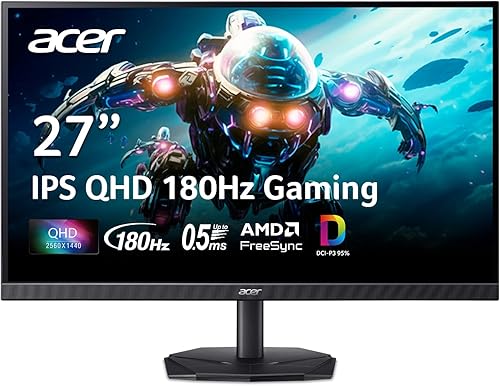
At a glance
| Spec | Acer Nitro KG271U |
|---|---|
| Screen size | 27 inches, 16:9 |
| Resolution | QHD 2560 x 1440 |
| Panel | IPS, matte, 1000:1 contrast |
| Refresh rate | 180 Hz |
| Response time | 0.5 ms gray to gray (per Acer) |
| Brightness | 250 cd/m² |
| Color and HDR | DCI-P3 95%, HDR10 support |
| Adaptive sync | AMD FreeSync |
| Inputs | 2x HDMI, DisplayPort |
| Extras | Zero frame design, built in speakers, tilt stand, 3 year warranty |
Why 1440p IPS is the sensible first upgrade
A 1440p resolution on a 27 inch panel is noticeably sharper than 1080p at the same size, so distant apex markers, braking boards, and pit boards stay clean rather than turning into a soft cluster of pixels. That extra clarity is the main reason racers move up to this class, and 1440p still runs at high frame rates on a capable mid range graphics card, which keeps the KG271U realistic for the systems most people own. The IPS panel adds wide 178 degree viewing angles and a 95% DCI-P3 color range, which is why owners describe the image as vivid and consistent across the screen. The trade off against a VA panel is contrast. At a rated 1000:1, blacks look lighter than a VA screen’s, so night races and dark cockpit interiors show less depth. The honest framing is not whether IPS matches VA for deep blacks, because it does not, but whether the sharper and more even image suits the way you race. For most drivers stepping up from a budget 1080p screen, it does.
Verdict by use case
For sim racing the KG271U holds up well for the money. The 180 Hz refresh and 0.5 ms response rating keep fast motion clean, and FreeSync ties the refresh to your frame rate so tearing and stutter are held down when the frame rate moves around mid race. Acer lists FreeSync rather than a formal G-Sync certification, so drivers on an NVIDIA card will want to confirm adaptive sync behaves the way they expect with their setup, since the two often work together but the pairing is not guaranteed. For general desktop and creative work the 95% DCI-P3 coverage is a genuine bonus at this price, and reviewers who compare panels in this bracket point to IPS color and viewing angles as the reason to pick it over a cheaper TN screen. Where it shows its tier is brightness and dark scene depth: a rated 250 cd/m² is enough for a normally lit room but has less headroom to fight glare near a window, and the 1000:1 contrast trails a VA or OLED screen in shadow detail.
Motion, sync, and reaching 180 Hz
The 0.5 ms gray to gray figure is Acer’s rating for the quickest pixel transitions rather than a number you will see across every tone, which is normal for the class, and the practical result owners report is clean motion once the refresh and sync are configured. Reaching the full 180 Hz depends on the connection, so a DisplayPort cable from a capable card is what unlocks the rated refresh, and Acer includes a DisplayPort cable in the box. The two HDMI inputs are useful for a console or a second device alongside the main PC link, though a console will run at its own supported refresh rather than the panel’s ceiling. HDR10 is supported, but at this brightness level treat it as a compatibility feature rather than a reason to buy, since a 250 cd/m² panel cannot deliver the bright highlights that make HDR transformative.
Build, stand, and triples
The zero frame design keeps the visible border thin, which matters if you ever line up three of these panels for a wraparound view, and the IPS viewing angles help the side screens stay accurate when they are angled toward you. The stand is where the budget shows: it offers tilt only, with no height or swivel adjustment, so a driving position that wants the screen higher or closer is better served by a VESA arm or a monitor stand. Acer lists the panel as VESA mountable, so moving it to an arm or stand is straightforward. Running three 1440p panels at 180 Hz asks a lot of a graphics card, so plan the GPU before you plan the wrap, but as a single screen now that could grow into triples later, the KG271U is a logical and inexpensive building block. Acer backs it with a 3 year parts and labor warranty, which is longer than several competing budget panels offer and worth weighing against a screen with a shorter term.
Who should buy it, and who should skip it
| Buy the KG271U if | Skip it if |
|---|---|
| You want a sharp 1440p IPS panel at a value price | You want the deep blacks of a VA or OLED screen |
| You value wide color and IPS viewing angles for racing and desktop work | You race mostly at night and prioritize shadow depth and brightness |
| You want a long 3 year warranty on a first sim racing monitor | You need a height and swivel stand rather than tilt only |
How it scores
The WSR Score reflects verified buyer ratings gathered and normalized on a consistent scale, not an editorial rubric. You can read what goes into it on How We Review. On that basis the KG271U rates well, which matches its standing as a widely recommended value pick among 1440p sim racing panels.
Alternatives worth a look
If you can stretch a little, our ASUS TUF VG27AQ3A review covers a 1440p Fast IPS panel that adds G-Sync compatibility, and our SANSUI 27 inch WQHD review looks at another value 1440p screen with an even higher refresh ceiling. For the full field at this price, our best monitor for sim racing under $300 roundup lays out the options, and the best monitors for sim racing guide covers every tier above it. To understand how screen size and seating distance shape your sightlines, read our wiki on field of view (FOV), then browse more screens in the Displays and Immersion category.