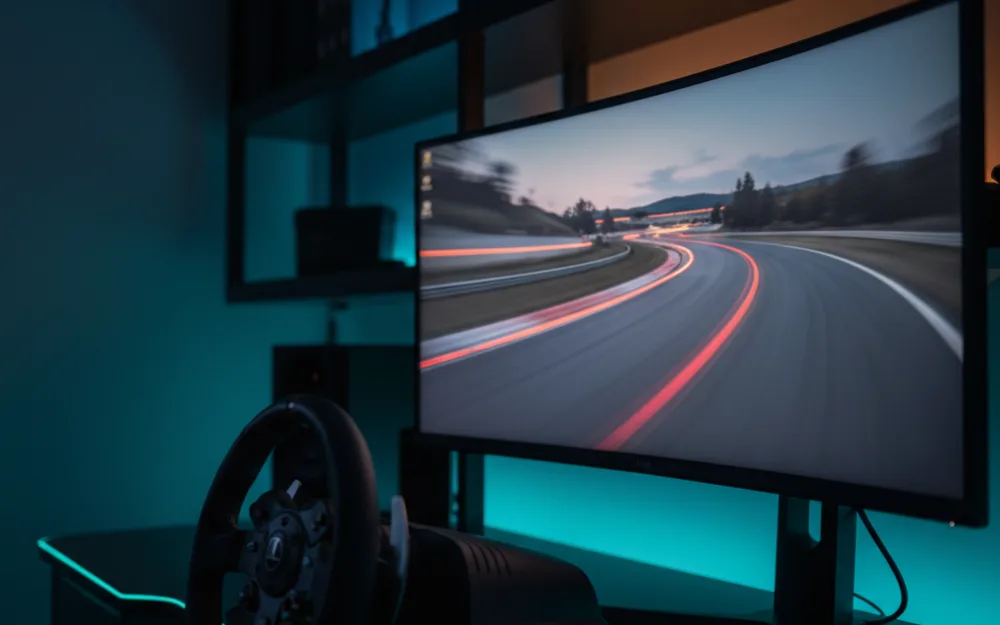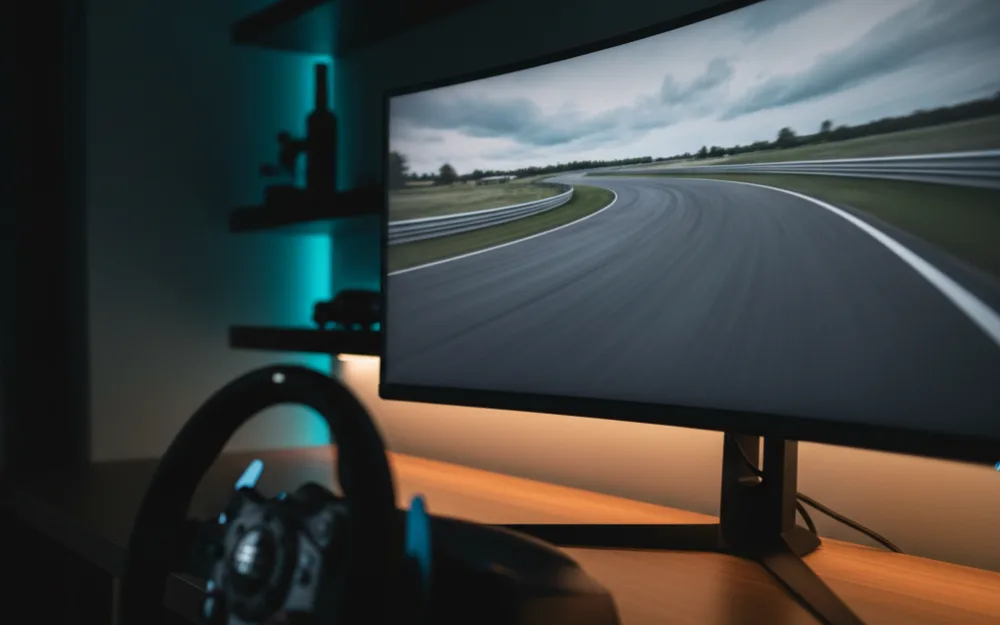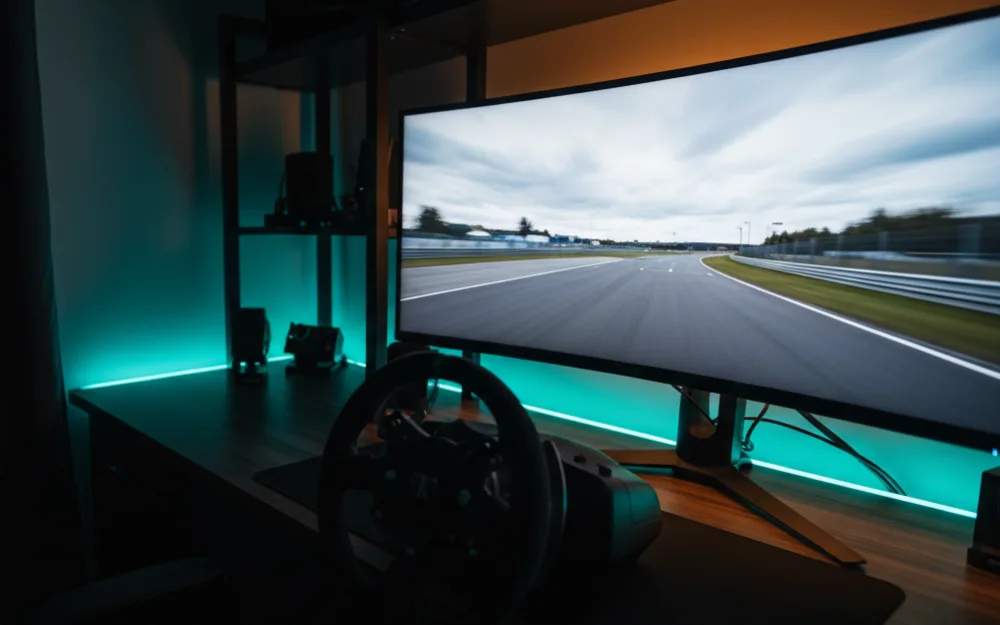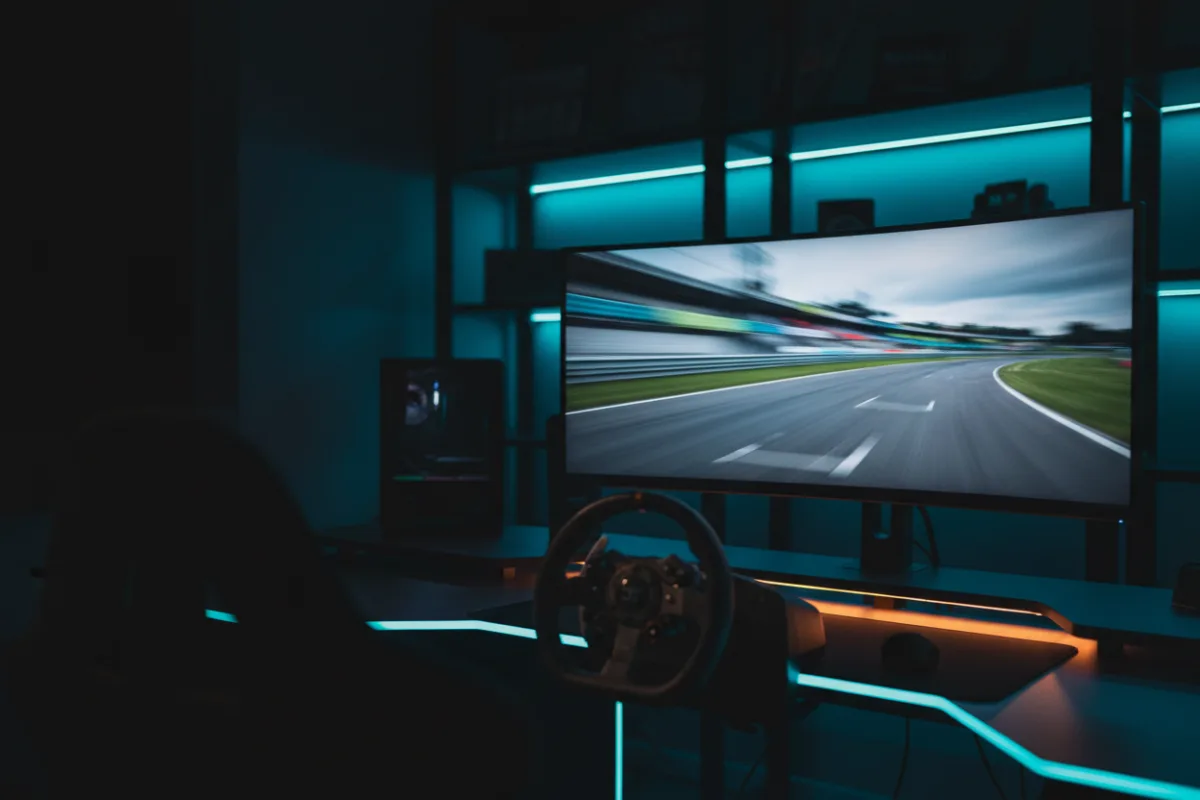

An ultrawide monitor is the simplest way to widen your field of view on track without the bezels and setup of a triple screen. The extra horizontal space puts more of the corner in front of you, which helps with car placement and spotting traffic. This roundup gathers ultrawide panels that suit sim racing, sorted by the job each one does best, from a value 34 inch screen to a 49 inch super ultrawide wrap.
We compared manufacturer specifications with measurements reported by independent review outlets and recurring owner feedback, and you can read how we picked. If display terms are new, start with Getting Started.



How we picked
For sim racing, response time and frame pacing matter more than peak brightness, so we prioritized panels with high refresh rates and fast pixel response. We weighed panel type honestly: VA gives strong contrast at a lower outlay, while QD-OLED and OLED bring near instant response and deeper blacks at a higher one. We also considered how demanding each resolution is on a graphics card, because a wide panel your GPU cannot drive at a steady frame rate is a downgrade, not an upgrade.
Compare the picks
| Monitor | Size and ratio | Resolution | Panel | Refresh |
|---|---|---|---|---|
| Alienware AW3425DW | 34 inch, 21:9 | 3440 x 1440 | QD-OLED | 240 Hz |
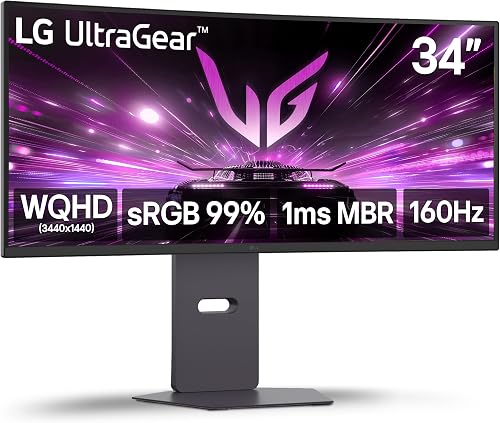
| LG 34G600A-B | 34 inch, 21:9 | 3440 x 1440 | VA | 160 Hz |
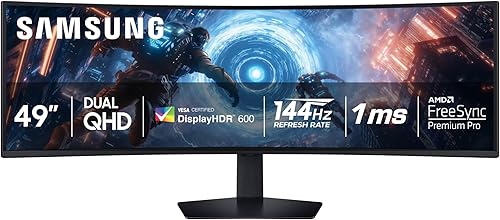
| Samsung Odyssey G9 | 49 inch, 32:9 | 5120 x 1440 | VA | 144 Hz |
| LG 45GX950A-B | 45 inch, 21:9 | 5120 x 2160 | OLED | 165 Hz |
| MSI MAG 341CQP | 34 inch, 21:9 | 3440 x 1440 | QD-OLED | 175 Hz |
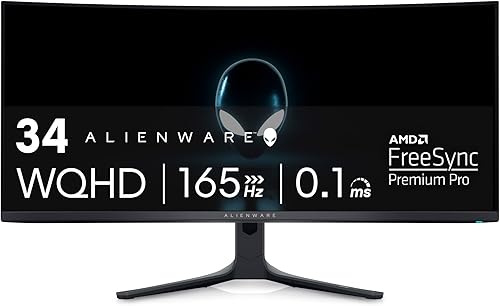
| Alienware AW3423DWF | 34 inch, 21:9 | 3440 x 1440 | QD-OLED | 165 Hz |
Alienware AW3425DW: best overall ultrawide for sim racing
The AW3425DW pairs a 34 inch QD-OLED panel with a 240 Hz refresh and a 0.03 ms rated response, which is the combination that keeps fast motion crisp and shadow detail intact. Reviewers who compare QD-OLED panels note the deep blacks and wide color the technology brings, and the 1800R curve wraps a single screen around your driving position without overwhelming a normal desk. The caveat is the one every OLED shares: it commands a premium, and bright room glare shows more on OLED than on a high brightness VA panel.
LG 34G600A-B: best value ultrawide
If you want the ultrawide field of view without the OLED outlay, the LG 34G600A-B is the practical pick. Its VA panel runs 3440 x 1440 at 160 Hz with a 1800R curve, and owners describe strong contrast and punchy daylight scenes. VA cannot match OLED for pixel response, so dark transitions can smear a little more, but for a racer who wants a wide, sharp, forgiving panel that a mid range GPU can drive, it hits the balance well.
Samsung Odyssey G9: best for maximum width
The 49 inch Odyssey G9 is the closest a single panel gets to a triple screen wrap. Its 32:9 ratio at a 1000R curve fills your peripheral vision, and the 144 Hz VA panel with DisplayHDR 600 handles fast racing cleanly. The trade offs are real: the 5120 x 1440 resolution asks more of your graphics card, and the sheer size needs desk depth and a sturdy mount. For drivers who want the widest possible single screen, nothing else here comes close.
LG 45GX950A-B: best big screen OLED
The 45 inch LG 45GX950A-B runs a 5K2K OLED panel at 5120 x 2160 and 165 Hz, which combines OLED response with a resolution high enough to keep text and distant detail sharp on a large screen. Owners describe it as immersive for both racing and desktop use, with the dual mode feature letting it switch behavior for different content. It is the most demanding pick on both your GPU and your budget, so it suits a strong rig rather than an entry one.
MSI MAG 341CQP and Alienware AW3423DWF: strong QD-OLED alternatives
Both of these 34 inch QD-OLED panels sit just behind the AW3425DW for sim racing. The MSI MAG 341CQP runs 175 Hz with a 0.03 ms rated response and a glossy finish that reviewers note gives vivid color but shows more reflection in a bright room. The Alienware AW3423DWF runs 165 Hz and remains a well regarded QD-OLED for its color coverage. Either is a sound choice if the overall pick is unavailable or if their refresh and finish suit your room better.
Curve, size, and viewing distance
The curve rating tells you how aggressively the panel wraps, and it interacts with how close you sit. A tighter number like 800R or 1000R bends more than a gentler 1800R, and the tighter curves suit a closer, single seat driving position where the edges fall into your peripheral vision. Sit too far back from a steep curve and the geometry can look odd, while a gentle curve on a large panel wants a bit more distance to feel natural. For a racing position with a wheel in front of you, the panel usually sits closer than a desktop screen, so a moderate to strong curve tends to reward that layout. Measure the depth of your desk before you commit, because a 34 inch or 49 inch panel needs room to sit at the right distance.
Connections and frame sync
The connection you use decides whether the panel reaches its rated refresh. To drive these resolutions at high refresh rates you want DisplayPort or a full bandwidth HDMI 2.1 input from a graphics card that supports it, and it is worth confirming your card has the right output before you buy. Adaptive sync matters just as much: FreeSync and the G-Sync compatible mode tie the panel’s refresh to your frame rate, which removes tearing and smooths the small frame rate dips that a busy race start can cause. On a wide panel where your card is already working hard, that sync is the difference between clean motion and visible stutter, so treat it as a core feature rather than a bonus.
Who should skip an ultrawide
An ultrawide is not for everyone. If you specifically need three angled screens for a true surround field of view, a triple 16:9 setup wraps further than any single panel. If your graphics card struggles above 1440p, a wide high resolution screen will cost you the frame rate that matters more than width. And if VR immersion is your real goal, a headset delivers depth that a flat panel cannot, at the cost of comfort and setup. Match the screen to your GPU and your priorities first.
Ultrawide versus triple screen
The honest comparison for a wide single panel is a triple screen setup, and each wins on a different measure. An ultrawide gives you one continuous image with no bezels breaking the view, a simpler mount, and a single cable to your graphics card, which is why many racers prefer it for a clean desk and easy setup. A triple screen wraps further, since the two angled side panels can sit closer to your peripheral vision than even a 32:9 curve, and it can match your in game field of view to the physical angle of the screens. The trade is complexity: three panels, three inputs, more desk and mounting hardware, and a heavier load on the graphics card. For most single seat rigs an ultrawide is the more practical route, while a triple screen suits racers chasing the widest possible surround and willing to manage the extra setup.
Related reading
For the OLED decision in detail, see our best OLED monitors for sim racing roundup, and for the full story on the widest panel here, read our Samsung Odyssey G9 review. If VR is on your shortlist instead, the best VR headsets for sim racing under $500 is a useful counterpoint. Browse more screens in the Displays and Immersion category, and pair your display with a wheel from our best sim racing wheels guide.