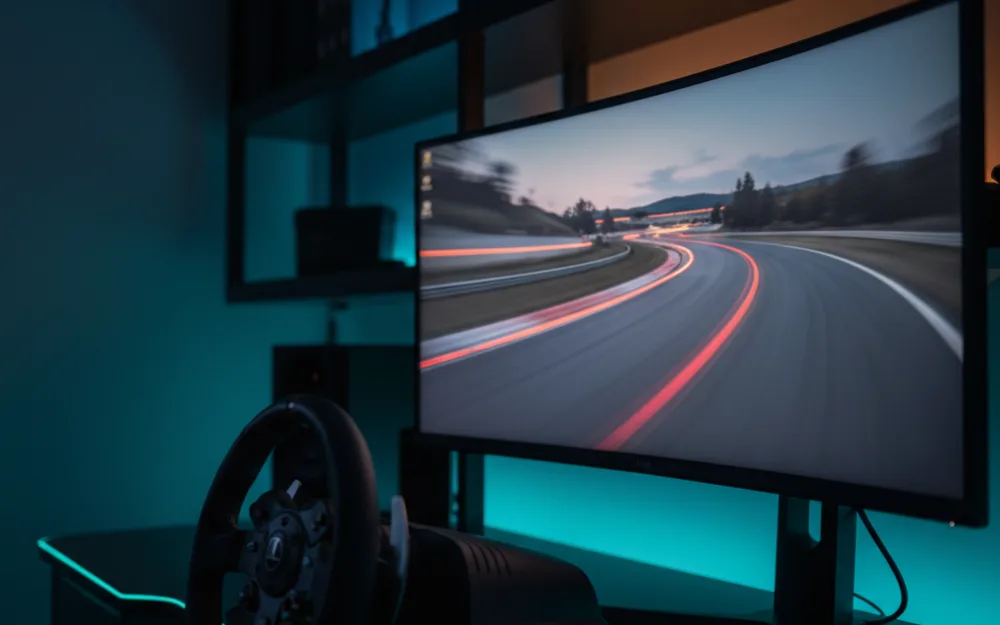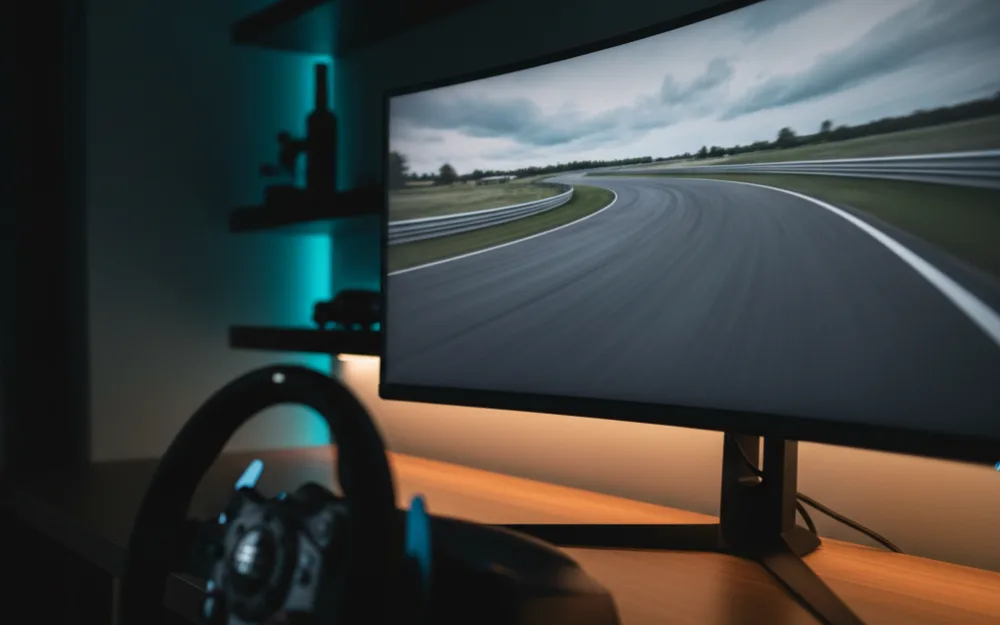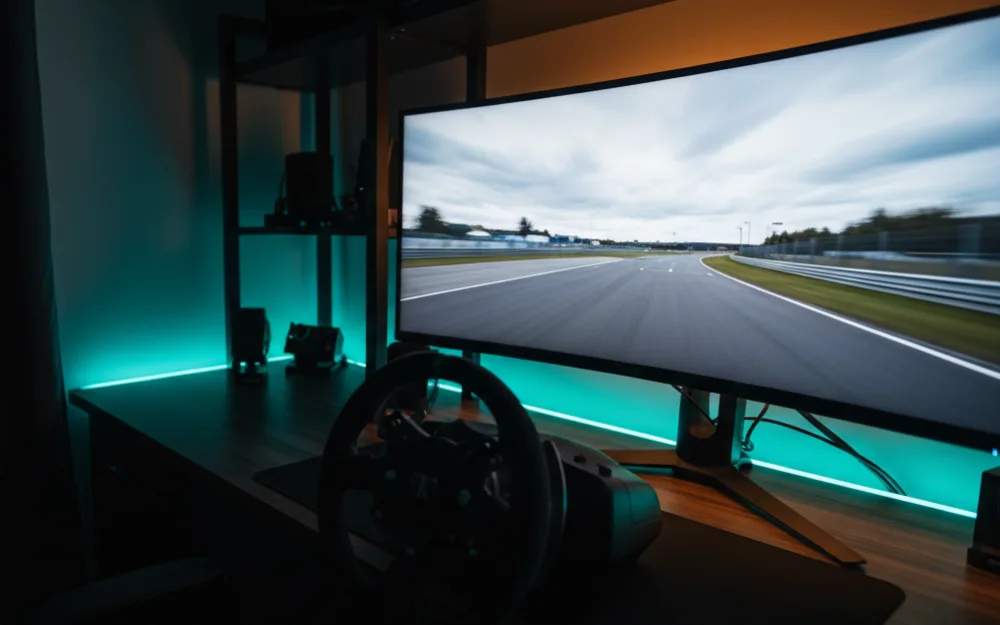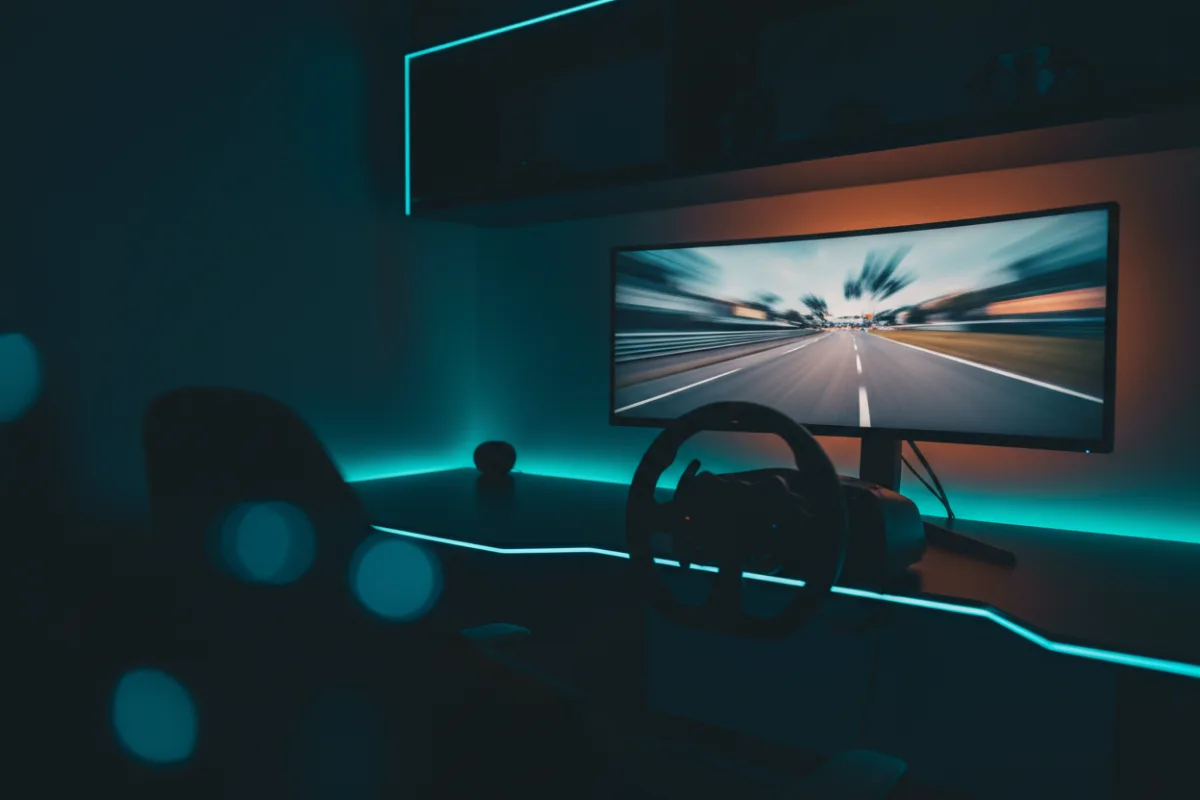

A capable sim racing monitor does not have to be expensive. At the entry budget the goal is not the widest or the brightest panel, it is a fast, sharp screen that shows motion cleanly and lets a modest graphics card hold a steady frame rate. This guide lays out what actually matters in an affordable racing monitor and how to weigh the trade offs, so you can shop by specification rather than by marketing.
We built this guide around the measurements that decide on track clarity, drawing on specifications and recurring owner feedback, and you can read how we review. If display terms are new to you, start with Getting Started.


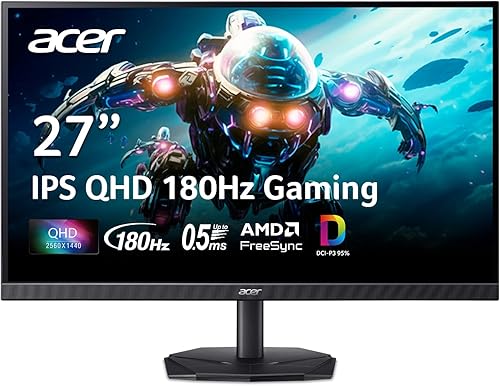
What matters most on a budget
At this tier, four numbers decide the experience. Refresh rate is how many frames per second the panel can show, and a 144 Hz or higher screen renders fast cornering far more clearly than a 60 Hz office monitor. Response time is how quickly a pixel changes color, and a lower figure means less smearing behind moving cars. Resolution sets sharpness against workload, and here the honest sweet spot is a 27 inch 1440p panel if your graphics card can drive it, or a 24 to 27 inch 1080p panel if it cannot. Adaptive sync, sold as FreeSync or G-Sync compatible, matches the panel to your frame rate to remove tearing. Get these four right and the badge on the bezel matters little.
Panel type: IPS versus VA
Two panel types dominate the affordable range, and each has a measured strength. IPS panels hold color and viewing angles well and tend to have quick response, which suits a racer who wants consistent color across a wide screen. VA panels deliver deeper blacks and stronger contrast, which helps night races and shadowed corners, at the cost of slightly slower dark transitions that can smear. Neither is wrong. Choose IPS for color consistency and viewing angle, choose VA for contrast in dark scenes, and weigh the specific panel’s reviewed response time over the type alone.
Size, resolution, and your graphics card
The most common budget mistake is buying more resolution than your graphics card can drive. A wide or high resolution panel that forces your frame rate below the refresh rate is a downgrade in the exact metric that matters for racing. Match the screen to the rig: a mid range card pairs well with 27 inch 1440p at 144 Hz, while an entry card is happier with 1080p, where it can push high, stable frame rates. A gentle curve is a nice extra for immersion but not a requirement, and it should never come at the cost of refresh or response.
Where the budget forces compromises
Being honest about the ceiling helps you shop well. At this budget you will not get the true blacks of OLED, the ultra wide 32:9 wrap of a super ultrawide, or the high peak brightness of a premium HDR panel. HDR support at the entry tier is often nominal rather than transformative, so treat it as a bonus, not a deciding feature. What you can reliably get is a sharp, fast, tear free 1080p or 1440p panel that teaches car control just as well as a costlier screen. The immersion extras come later.
Connections and sync to check
An affordable panel still needs the right inputs to reach its rated numbers. Confirm the monitor has a DisplayPort or a modern HDMI input capable of the refresh rate you are paying for, since some budget screens only hit their top refresh over one specific port. Adaptive sync is the feature that punches above its price here: FreeSync is common even on inexpensive panels, and it ties the refresh to your frame rate so tearing and small stutters disappear. On an entry graphics card that cannot always hold a locked frame rate, that sync does more for the feel of racing than any single specification on the box. Check that the sync standard your monitor uses matches your graphics card, because a mismatch leaves the feature unused.
Where to spend and where to save
A tight budget rewards clear priorities. Spend on refresh rate and a genuinely low reviewed response time, because those two decide how clean fast motion looks, which is the whole point for racing. Save on features that add cost without adding on track benefit at this tier: elaborate HDR that the panel cannot really deliver, built in speakers you will not use with a headset, and aggressive marketing curves on small screens. Resolution is the balancing act, since a sharper panel your graphics card cannot drive costs you the frame rate that matters more. When a choice comes down to a higher resolution or a higher refresh at this price, the higher refresh usually serves a racer better.
Setting up for a driving position
How you place the screen matters as much as which one you buy. For racing you generally sit closer than a normal desktop distance, so a single well placed panel at the right height, roughly with the horizon of the track near your eye line, gives a natural view without neck strain. If the included stand is limited, a basic monitor arm or a mount on your rig lets you get the height and distance right, and many budget panels support a standard VESA mount for exactly that. Getting the position right turns an affordable monitor into a genuinely good racing view, and it costs nothing beyond a little setup time.
Who should skip the budget tier
An entry monitor is not for everyone. If you are chasing the deepest immersion and have the graphics card for it, saving toward an ultrawide or an OLED panel will serve you longer than a budget screen you outgrow quickly. If your real goal is a surrounded field of view, a triple screen or a VR headset delivers what a single affordable panel cannot. And if you already own a fast 1440p screen, the upgrade money is better spent on a wheel, pedals, or a rig. Buy at this tier when clean, fast, affordable racing is the goal, not maximum immersion.
A simple buying checklist
| Priority | What to look for |
|---|---|
| Refresh rate | 144 Hz or higher |
| Response time | The lowest reviewed figure you can find, rather than the rated spec |
| Resolution | 27 inch 1440p if your GPU allows, otherwise 24 to 27 inch 1080p |
| Adaptive sync | FreeSync or G-Sync compatible |
| Panel type | IPS for color and angles, VA for contrast in dark scenes |
Screen size: 24 versus 27 inch
At the budget tier, screen size interacts with resolution and with how close you sit. A 24 inch panel at 1080p keeps pixels dense and sharp and is easy for an entry graphics card to drive at a high frame rate, which suits a tighter driving position. A 27 inch panel gives a larger, more immersive view and pairs naturally with 1440p, but a 27 inch 1080p screen spreads the same pixels over more area, so text and distant detail can look softer up close. The practical guidance is to match size to resolution: choose 24 inch if you are staying at 1080p and sitting close, or 27 inch if you can drive 1440p. A single larger panel at the right distance gives a better racing view than a bigger screen your graphics card cannot feed at speed.
Related reading
When you are ready to step up, our best ultrawide monitors for sim racing and best OLED monitors for sim racing roundups cover the immersion tier. If you would rather put the budget toward a headset, see the best VR headsets for sim racing under $500. Browse more screens in the Displays and Immersion category, and pair your display with a wheel from our best sim racing wheels guide.