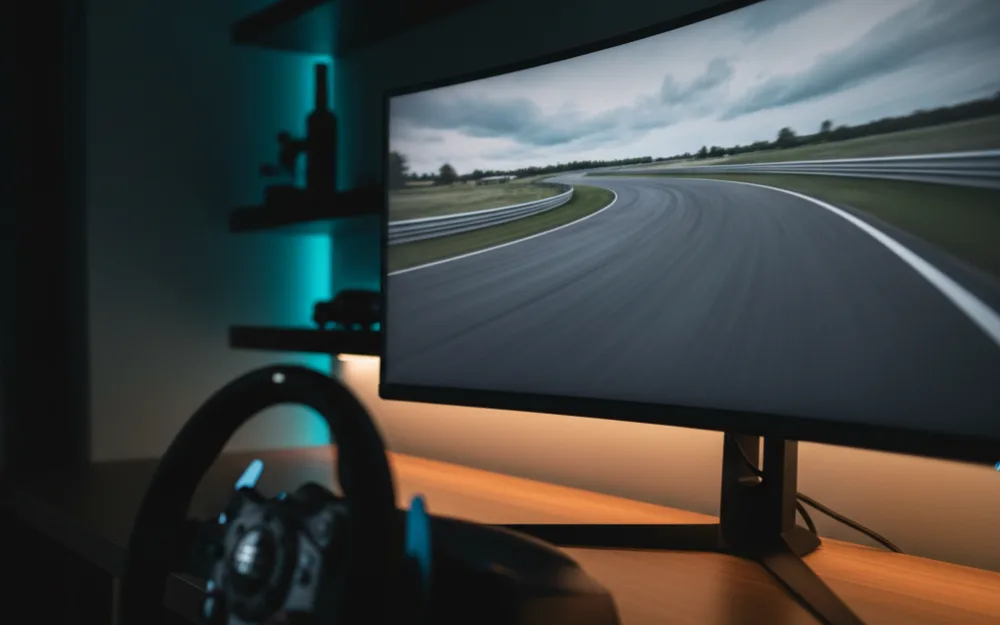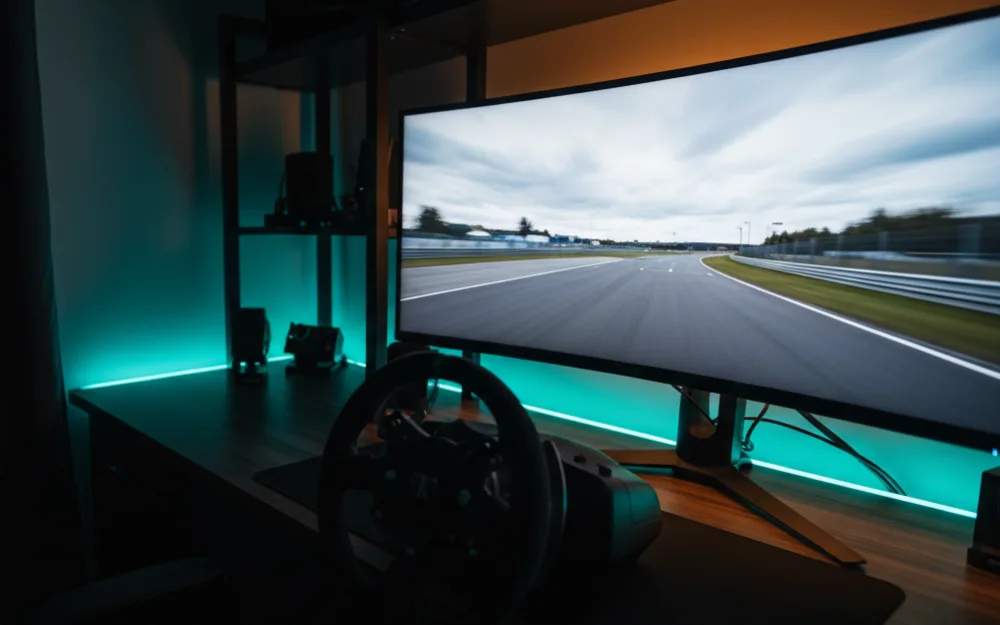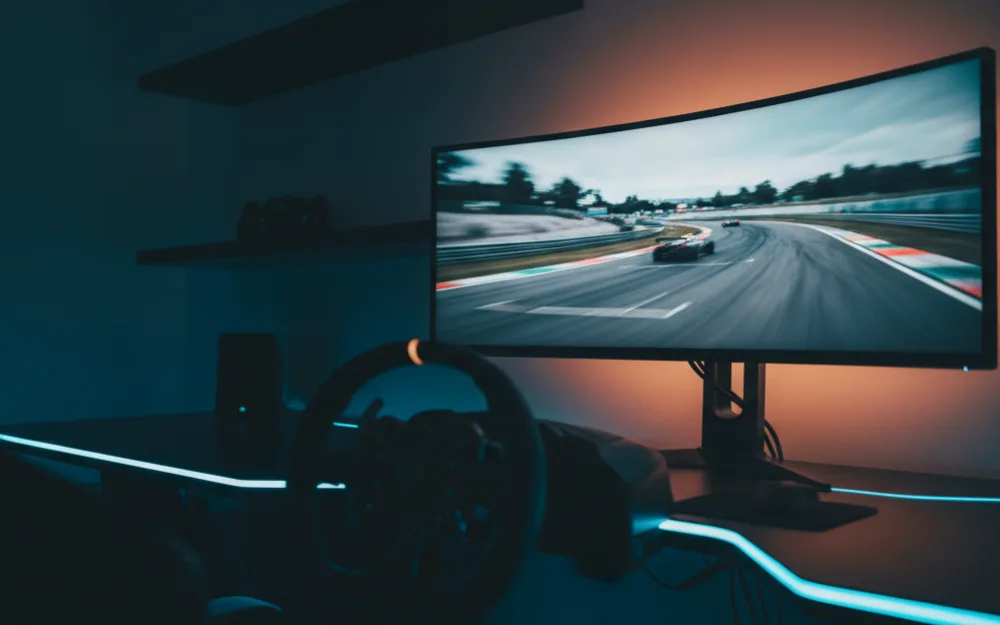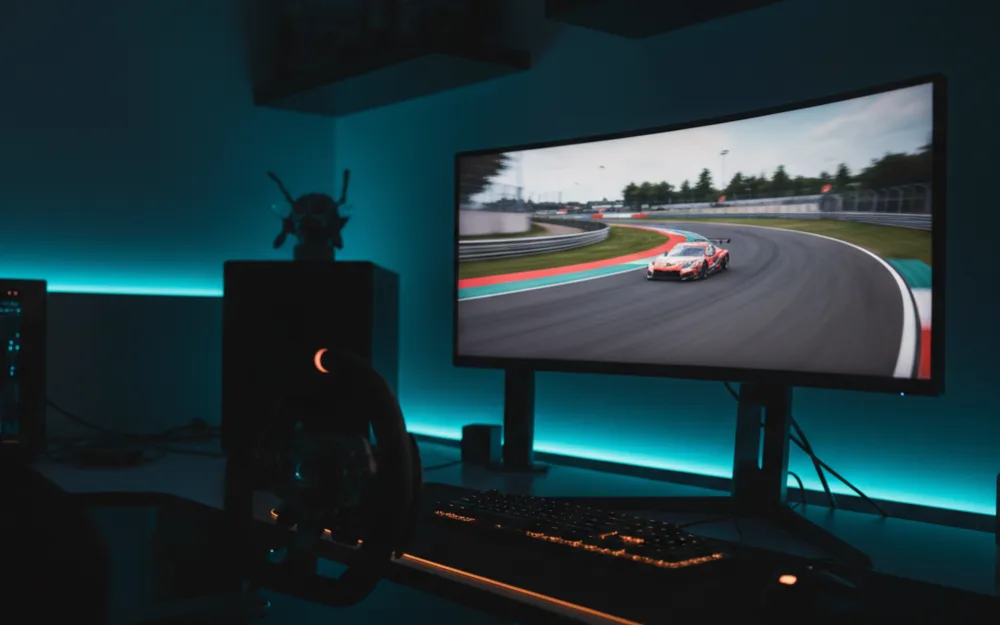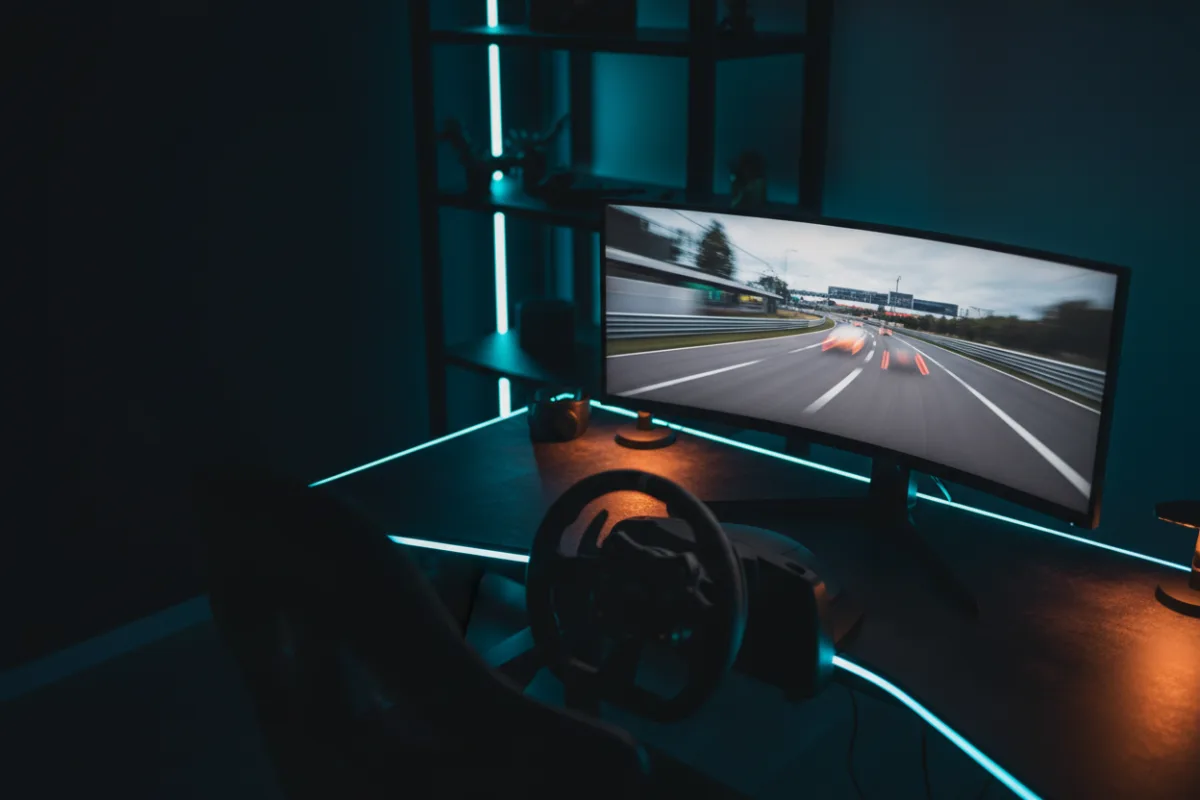

The Alienware AW3425DWM is a 34 inch, WQHD, 180Hz curved ultrawide that makes the 21:9 format affordable for sim racers who want a wider view without moving to a super ultrawide or triples. It gives you a 3440 x 1440 canvas, a 1500R curve, and fast motion at a size that fits a normal desk, which is exactly the pitch that draws racers to this class. Whether it fits you comes down to one question: do you want a single wide, curved screen that wraps the road a little further into your peripheral vision, or do you specifically need the deeper blacks of an OLED panel.
This review looks at how the AW3425DWM behaves for racing, where it holds up, and where an OLED ultrawide would serve you better. We compared manufacturer specifications with recurring owner feedback, and you can read how we review. If terms like refresh rate and adaptive sync are new to you, start with Getting Started.

At a glance
| Spec | Alienware AW3425DWM |
|---|---|
| Size and ratio | 34 inches, 21:9 ultrawide |
| Resolution | WQHD 3440 x 1440 |
| Panel and curve | Matte, 1500R, 3000:1 contrast |
| Refresh rate | 180 Hz |
| Response time | 1 ms gray to gray (per Alienware) |
| Color and HDR | DCI-P3 95%, VESA DisplayHDR 400 |
| Adaptive sync | FreeSync Premium, VESA Adaptive Sync |
| Connectivity | DisplayPort, HDMI, USB, console mode |
What a 34 inch ultrawide does for sim racing
Before we judge the panel, it helps to know what the shape buys you. A 21:9 ratio at a 1500R curve stretches the picture wider than a 16:9 screen, so more of the track and its edges sit in your peripheral vision, and the curve keeps the far sides at a more even distance from your eyes. That extra width is the reason racers pick an ultrawide over a standard monitor, because it helps you place a car and read an apex without turning your head. The trade off is the graphics load. At 3440 x 1440 the workload sits above a standard 1440p screen, so judge the resolution by the card you own, since a GPU that runs a single 1440p panel at high frame rates will work a little harder here.
Verdict by use case
For sim racing the AW3425DWM rates well. The 180Hz refresh and 1ms gray to gray rating keep fast motion clean, and the curved 21:9 shape gives real spatial awareness on track without the cost or desk footprint of a super ultrawide. The panel carries a 3000:1 contrast ratio and DCI-P3 95% color coverage, which owners describe as vivid and punchy in daylight scenes. The HDR side is where expectations need setting. VESA DisplayHDR 400 adds some highlight headroom, but it is an entry HDR tier rather than a true high dynamic range experience, so treat it as a bonus, not a headline feature. For general desktop work the width is a genuine advantage for side by side windows, and a dedicated console mode makes it flexible if you also race on a PlayStation or Xbox.
Motion, sync, and connections
Alienware pairs this panel with FreeSync Premium and VESA Adaptive Sync, and the practical result owners report is clean, tear free motion once the refresh and sync are set up correctly. The two HDMI 2.1 inputs and the DisplayPort 1.4 input can all reach the full 180Hz at this resolution, so the practical limit is the graphics card and a cable rated for the bandwidth. On a panel this wide, where the card is already working harder than on a 16:9 screen, that adaptive sync does real work smoothing the small dips a busy race start can bring. The USB ports and HDMI input add flexibility for peripherals and a console, so a single screen can serve a mixed PC and console setup.
Curve, stand, and setup
The 1500R curve is gentle enough to feel natural at a normal viewing distance, and it is the practical reason an ultrawide works where a wider super ultrawide might overwhelm a smaller desk. The monitor weighs about 20 pounds with its stand, which offers height and tilt adjustment, so you can set the screen at the right height relative to the wheel without immediately buying an arm. Even so, a monitor mount rated for the weight makes it easier to position the curve exactly where a driving position wants it. Plan the desk depth before you buy, because a 34 inch curved panel needs room to sit at the correct distance for the wrap to pay off.
The matte anti glare finish is a sensible match for a room you cannot fully darken, since it scatters reflections rather than mirroring a window behind you, and it pairs with a hardware based low blue light mode that owners find easier on the eyes over long endurance stints. Alienware also includes a VESA cover and the HDMI cable in the box, so the panel is ready to mount on an arm or drop onto a stand out of the packaging. The bigger point for a racer weighing this screen is where it sits in the ultrawide field: it brings the 21:9 curve and a high refresh rate to a price that suits a first ultrawide, and it does that by using an LCD panel rather than OLED. That is the trade you are accepting, and for many drivers moving up from a flat 16:9 screen, the extra width and curve matter more than chasing OLED blacks.
Who should buy it, and who should skip it
| Buy the AW3425DWM if | Skip it if |
|---|---|
| You want an affordable curved ultrawide for a normal desk | You want OLED blacks and the fastest pixel response |
| You have a card that can drive 3440 x 1440 at high frame rates | Your GPU struggles above a standard 1440p screen |
| You value width and a console mode for mixed play | You expect a true high dynamic range HDR experience |
How it scores
The WSR Score reflects verified buyer ratings gathered and normalized on a consistent scale, not an editorial rubric. You can read what goes into it on How We Review. On that basis the AW3425DWM rates well, which fits its standing as a value curved ultrawide that owners keep and recommend.
Alternatives worth a look
If you would rather have OLED blacks and faster response at a similar width, our Alienware AW3423DWF review covers the QD-OLED sibling. If you want a wider single panel wrap, the Samsung Odyssey G9 review looks at the 49 inch 32:9 route. To see where curved screens sit against flat panels, start with the best curved monitors for sim racing, and for the full ultrawide field, our best ultrawide monitors for sim racing roundup is the place to begin. For every tier of screen, see the best monitors for sim racing guide, or browse more options in the Displays and Immersion category.