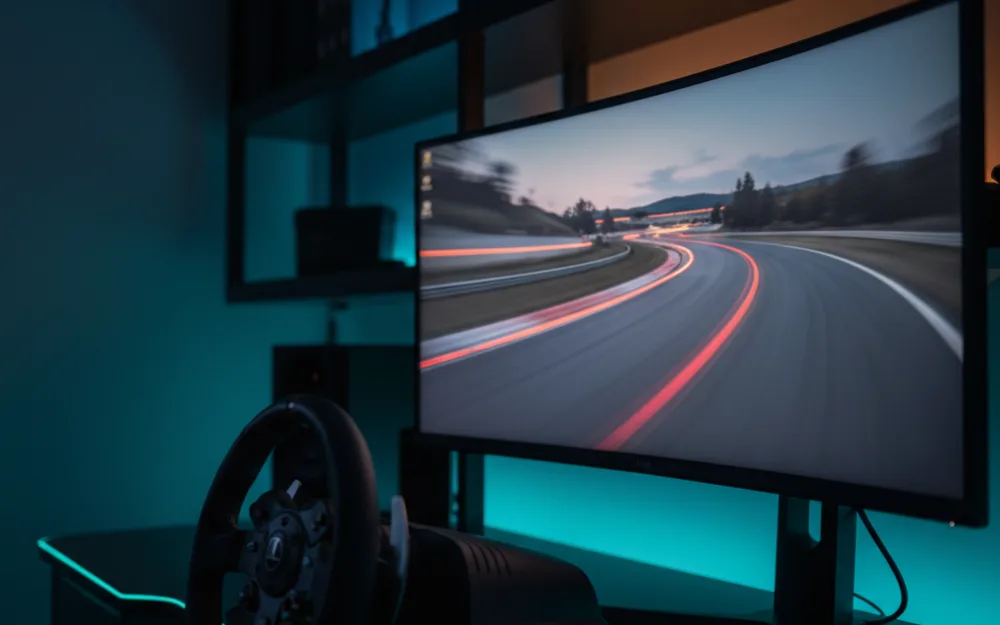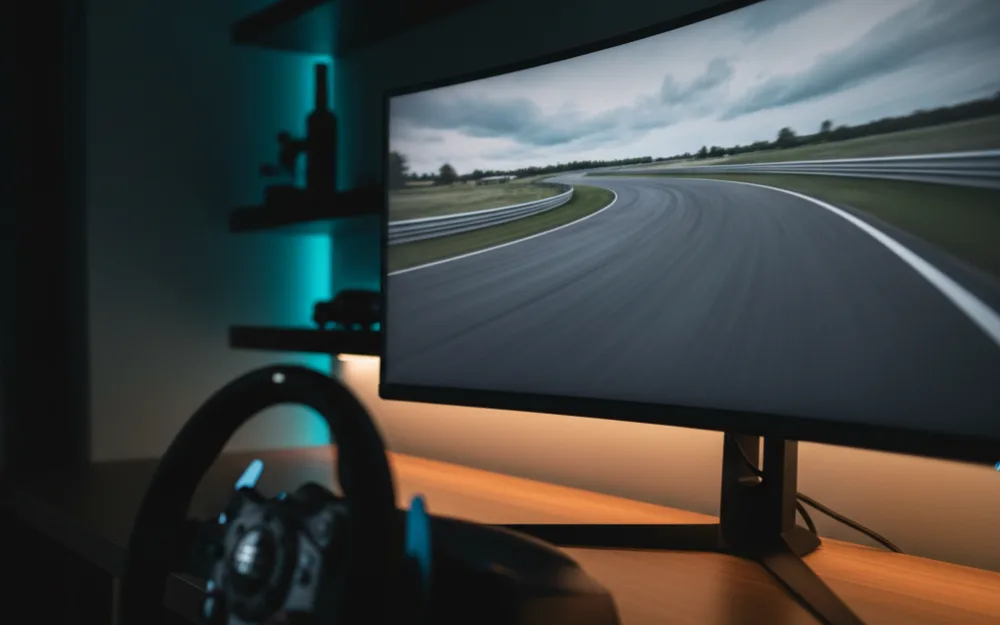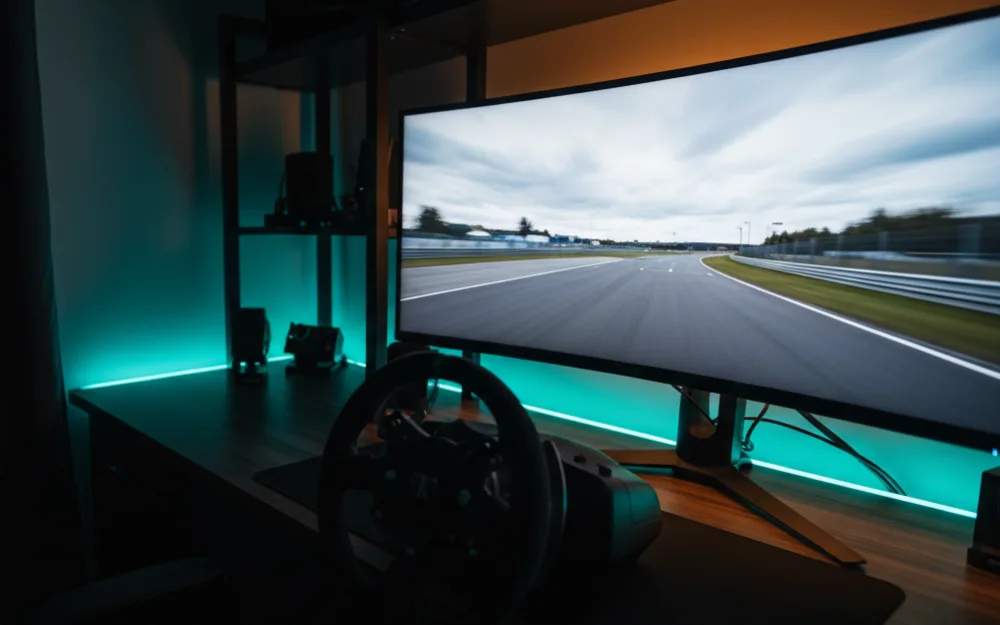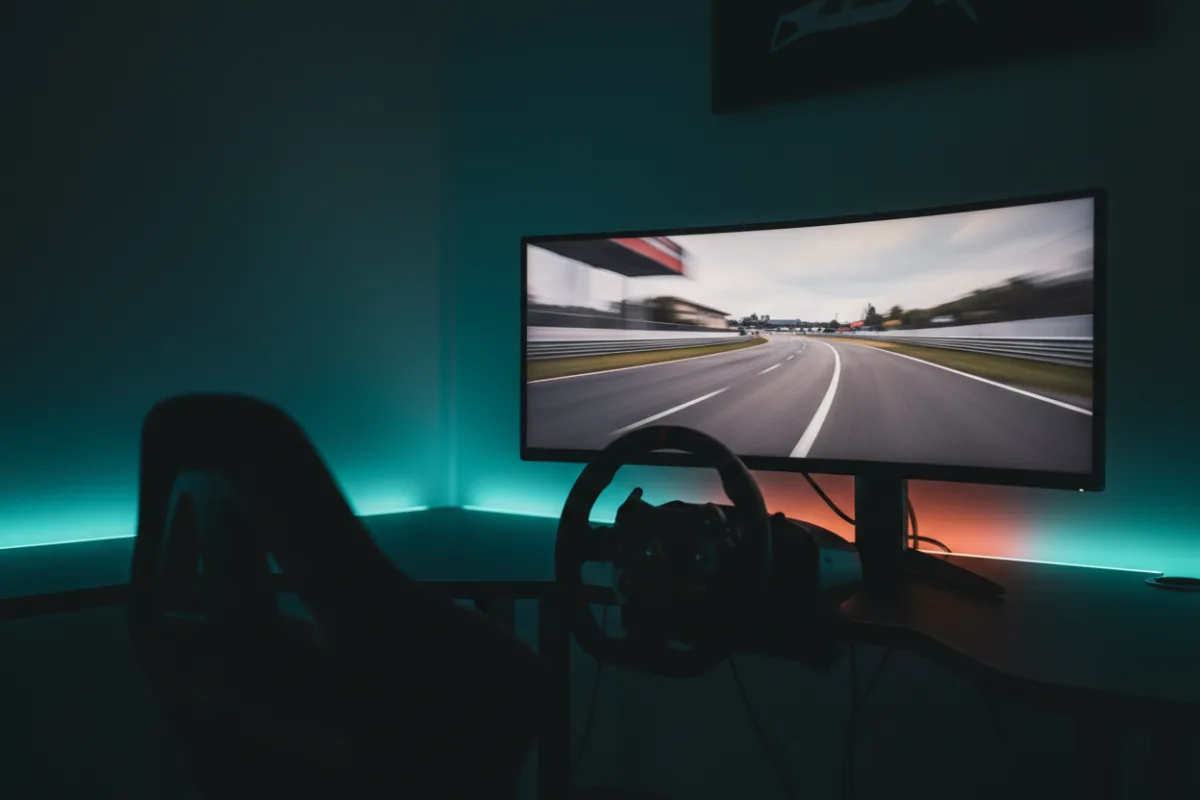

The Alienware AW3423DWF is a 34 inch, 21:9 curved monitor built on a QD-OLED panel, the format that pairs OLED contrast with a quantum dot color layer for a wider color range than standard OLED. At this size it is one of the more established ultrawide picks for a single screen sim rig, and the question worth asking before you buy is what you plan to plug into it, since this panel’s refresh rate is not the same number on every input.
We compared manufacturer specifications with measurements reported by independent review outlets and recurring owner feedback, and you can read how we review. If curve radius, response time, and adaptive sync are new terms, the Getting Started category covers the basics first.
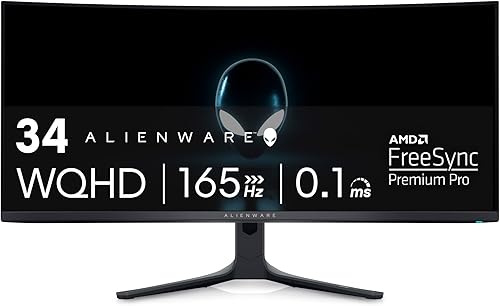
At a glance
| Spec | AW3423DWF |
|---|---|
| Size and ratio | 34 inch, 21:9 ultrawide |
| Resolution | WQHD 3440 x 1440 |
| Panel | QD-OLED, 1800R curve |
| Refresh rate | 165 Hz over DisplayPort, 100 Hz over HDMI |
| Response time | 0.1 ms GtG (per Dell) |
| HDR | VESA DisplayHDR True Black 400, AMD FreeSync Premium Pro |
What it is and the panel type
QD-OLED combines the self lit, per pixel dimming of OLED with a quantum dot layer that converts light into red and green more efficiently than a traditional white OLED subpixel structure, which is how Dell reaches a claimed 99.3 percent of the DCI-P3 color gamut on this panel. In practice that means the deep black levels typical of OLED alongside color that reviewers who evaluate QD-OLED panels describe as richer and more saturated than standard OLED at a similar price. The 1800R curve is gentler than some rival ultrawides in this class, which keeps the bend subtle rather than aggressive, a reasonable middle ground if you split time between racing and general desktop work on the same screen.
Motion clarity and refresh for racing
Dell rates response time at 0.1 ms GtG, slower on paper than the 0.03 ms figure some rival QD-OLED panels quote, though owners and reviewers who compare OLED classes generally find real world pixel response fast enough on any of them that the headline number rarely decides the experience on track. The number that matters more for a racing setup is refresh rate, and here the AW3423DWF splits by input: 165 Hz over DisplayPort, but only 100 Hz over HDMI. If your rig runs a PC through DisplayPort, you get the full refresh ceiling with AMD FreeSync Premium Pro smoothing any frame rate dips. If you are connecting through HDMI, plan around the lower cap rather than assuming the box number applies everywhere.
Size, curvature, and desk fit
At 34 inches, this is a noticeably lighter and more compact panel than the 45 and 49 inch options in this class, which makes it easier to fit on a standard desk without a dedicated mount. The height adjustable stand covers tilt, swivel, and height out of the box, and the 1800R curve sits comfortably at typical sim racing seating distance without the pronounced wraparound of a tighter curve radius. That makes it a practical pick for a shared desk setup where the monitor also handles browsing, streaming, or office work between racing sessions.
Connectivity and sync
The panel carries a single HDMI port alongside DisplayPort, plus a USB hub with four downstream USB 3.2 Gen 1 (5 Gbps) ports built into the monitor itself. For a sim rig, that hub is a genuine convenience: wheel bases, button boxes, and other USB peripherals can route through the monitor rather than crowding the ports on your PC case. AMD FreeSync Premium Pro and VESA AdaptiveSync certification both apply, which keeps motion tear free as frame rate varies mid race. Reviewers who evaluate this panel note that DisplayPort is the connection to use for a full featured racing setup, since it carries both the higher refresh ceiling and the adaptive sync range together.
Pros and cons
- QD-OLED color and contrast at a more compact, easier to desk mount 34 inch size
- Built in USB 5 Gbps hub gives a wheel base and peripherals a home on the monitor itself
- Three year warranty that explicitly covers OLED burn in, an uncommon commitment in this class
- Gentler 1800R curve suits mixed racing and general desktop use
- Refresh rate drops from 165 Hz to 100 Hz when connected over HDMI instead of DisplayPort
- Only one HDMI port, which limits simultaneous console and PC connections without switching cables
- DisplayHDR True Black 400 is the entry tier of VESA’s OLED focused True Black ladder, modest in peak brightness compared to higher rated panels
Who it is for
This suits a racer who wants QD-OLED picture quality in a size that fits a normal desk without a specialized mount, and who will connect primarily through DisplayPort to get the full 165 Hz ceiling. The built in USB hub also makes it a strong fit if your rig has a wheel base or pedals that need a nearby, uncluttered USB connection. The three year burn in warranty is worth weighing if OLED longevity has been a hesitation for you.
Who should skip it
Skip this monitor if your setup runs primarily over HDMI, since the 100 Hz cap on that input gives up a meaningful chunk of the refresh advantage that draws people to this panel. It is also not the pick if you want the widest possible field of view a 49 inch super ultrawide provides, since 34 inches at 21:9 is a narrower frame by comparison. Buyers who want the highest HDR brightness ceiling should look at panels certified above DisplayHDR True Black 400, and anyone connecting multiple HDMI sources at once will find the single HDMI port limiting.
How it scores
The WSR Score shown above reflects verified buyer ratings gathered and normalized on a consistent scale, not an editorial rubric. You can read what goes into it on How We Review.
Alternatives worth a look
For the full field of ultrawide picks including wider 32:9 options, see our best ultrawide monitors for sim racing roundup, or browse the complete field in best monitors for sim racing. If you are deciding how much horizontal coverage you actually need before choosing a curve or width, our guide to field of view (FOV) and the companion how to set FOV for sim racing cover the practical setup.