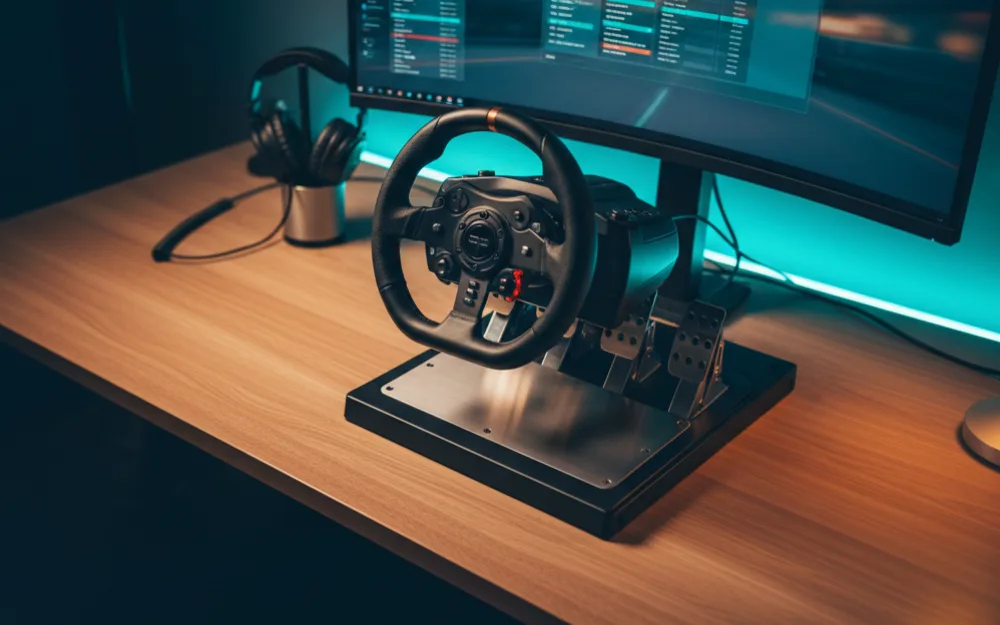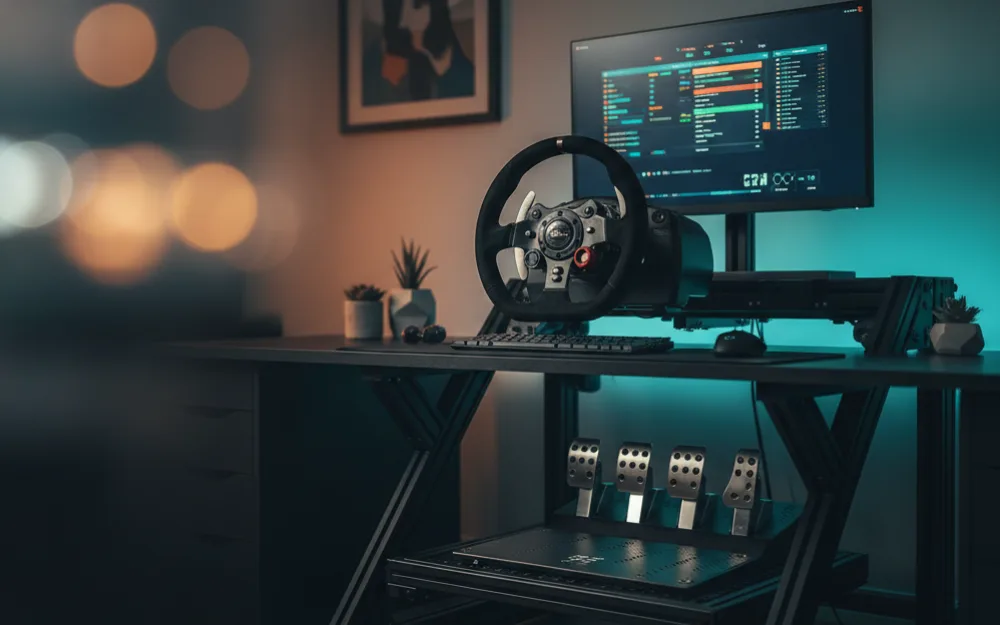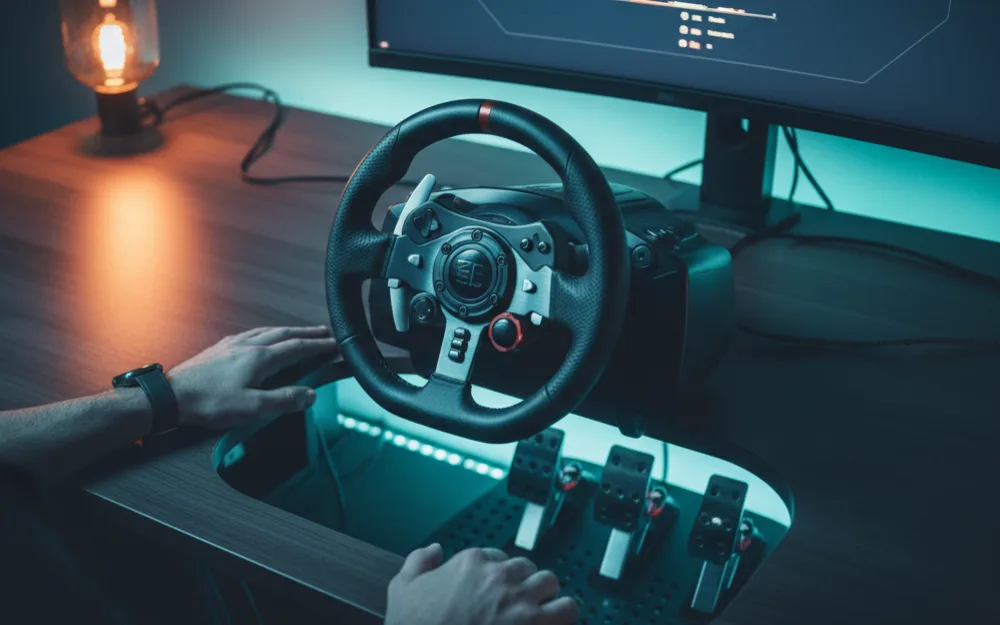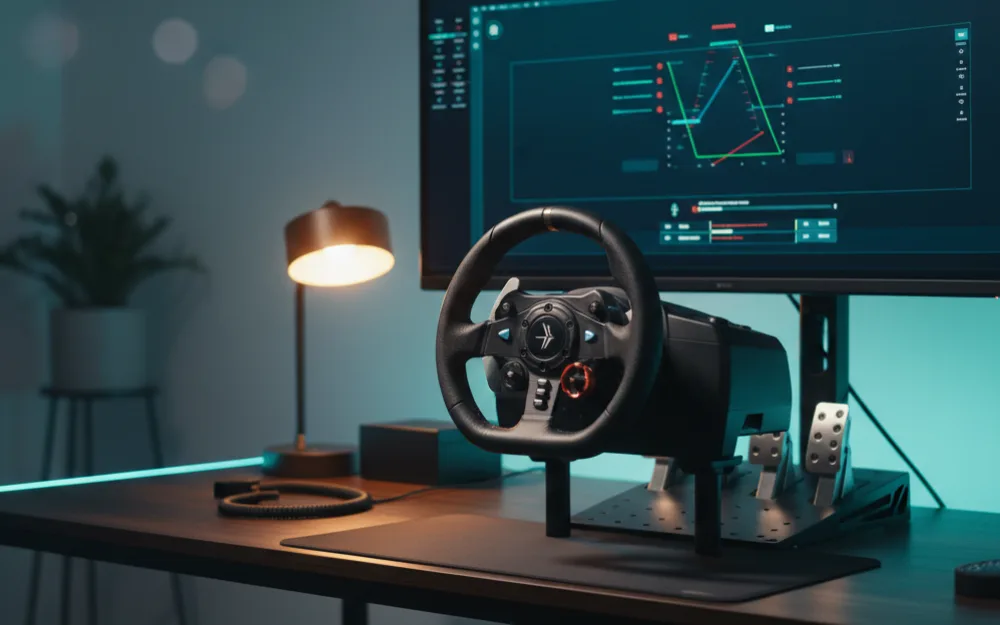

By the end of this guide you will have a clean, predictable force feedback profile for the Logitech G923 in Gran Turismo 7, plus a simple method to fine tune it for any car you drive. Before you touch a single slider, answer one question: do you want to feel more road detail, or do you want a heavier, more physical wheel? Those pull in slightly different directions, and knowing which you are chasing keeps you from spinning in circles.
We built these recommendations by comparing Logitech’s own guidance with the settings experienced GT7 drivers consistently return to, and you can read how we review. If you are brand new to wheels, start with Getting Started first, then come back here.
Set the wheel up before the game
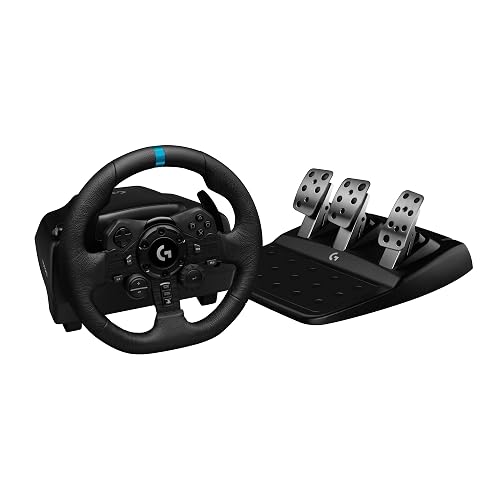
Start with the hardware, not the menus. Install Logitech G HUB on PC if you race there, and make sure the wheel completes its full calibration sweep when you plug it in. On PlayStation the G923 configures itself, so your job is simpler: bolt or clamp it down firmly so the base cannot rock. A wheel that shifts under load will feel vague no matter what numbers you enter later. If you have not mounted it yet, our guide on how to mount a racing wheel to a desk covers the steps.
The two sliders that matter in GT7
Gran Turismo 7 keeps wheel tuning refreshingly short. In Options, under Controllers, you get two controls that do almost all the work: Force Feedback Max Torque and Force Feedback Sensitivity. Understanding what each one changes is more useful than any single number, because the right value shifts from car to car.
Force Feedback Max Torque sets how strong the overall effect can get. Raise it and the wheel pushes back harder through corners; lower it and everything softens. The trap here is going too high. Push Max Torque to the ceiling and the strongest forces flatten out, a problem called clipping, where the signal has nowhere left to grow and fine detail disappears underneath it. A good baseline is to set Max Torque a little above the middle of the range, then adjust by feel using the method below. If you want the full explanation of what clipping is and why it hides detail, read force feedback clipping.
Force Feedback Sensitivity changes how sharp or smooth those forces feel. Higher values make small movements feel more immediate and busy; lower values calm the wheel down and can make it easier to catch a slide without the rim snapping around. Most drivers who want a natural, road going feel keep Sensitivity on the lower side. A common starting point is one or two, then raise it only if the wheel feels dead in your hands.
A baseline you can trust, then a method to improve it
Here is a sensible baseline to enter first. Treat it as a starting line, not a finish line.
| GT7 setting | A common starting point | What it does |
|---|---|---|
| Force Feedback Max Torque | Around 6 of 10 | Overall strength; raise for weight, lower to avoid clipping |
| Force Feedback Sensitivity | Around 1 to 2 of 10 | How sharp small forces feel; low is smoother and easier to control |
Now tune it properly. Pick one car and one corner you know well. Drive a few laps and pay attention to the heaviest moment, usually the apex of a fast corner where load peaks. If the wheel goes light or numb at that peak, you are clipping, so lower Max Torque one step and drive again. If instead the wheel feels weak everywhere and never loads up, raise Max Torque one step. Repeat until the heavy moments feel firm but still communicate detail. This method beats any fixed number, because it tunes to the car, the wheel, and your own hands.
Match the strength to the car
GT7 spans light road cars and heavy race machinery, and one setting rarely suits both. A vintage road car carries little self aligning force, so it can take a higher Max Torque before it clips. A modern race car with downforce loads the wheel far more, so the same setting may clip badly. The habit to build is simple: when you switch to a very different car, drive your reference corner again and nudge Max Torque up or down one step. It takes thirty seconds and it keeps every car feeling honest.
Make the most of TrueForce
The G923 adds TrueForce, which layers audio and engine cues into the wheel on top of the standard forces. GT7 supports it, and owners consistently describe it as adding texture: the engine note and road surface come through the rim rather than only the speakers. Leave it enabled. It does not replace your Max Torque tuning; it sits alongside it. If the extra vibration ever feels like too much on long stints, it is comfort, not correctness, so trust your own preference.
If something still feels wrong
| Symptom | Try this first |
|---|---|
| Wheel goes numb at the hardest part of a corner | Lower Max Torque one step; you are clipping |
| Wheel feels dead and light everywhere | Raise Max Torque; check the game sees the wheel, not a controller |
| Rim feels jittery or too busy on straights | Lower Sensitivity a step |
| No force at all after plugging in | Reseat the connection and let the wheel finish its calibration sweep |
Who this baseline suits, and who should change it
| Stick with this if | Change it if |
|---|---|
| You want a natural, road going feel with clear detail | You specifically want the heaviest possible wheel and accept some clipping |
| You race a mix of road and race cars in GT7 | You only ever drive one car and can tune it once |
| You are still learning and want a calm, controllable wheel | You find TrueForce vibration distracting and prefer it dialed back |
Your next step
Save your baseline, then spend one session doing nothing but the reference corner method above. That single habit will teach you more than copying anyone’s numbers. When you are ready to see where the G923 sits against other options for this game, our roundup of the best racing wheel for Gran Turismo 7 lays out the field, and the best sim racing wheels covers every tier. To go deeper on the ideas behind these sliders, read what is force feedback and degrees of rotation.