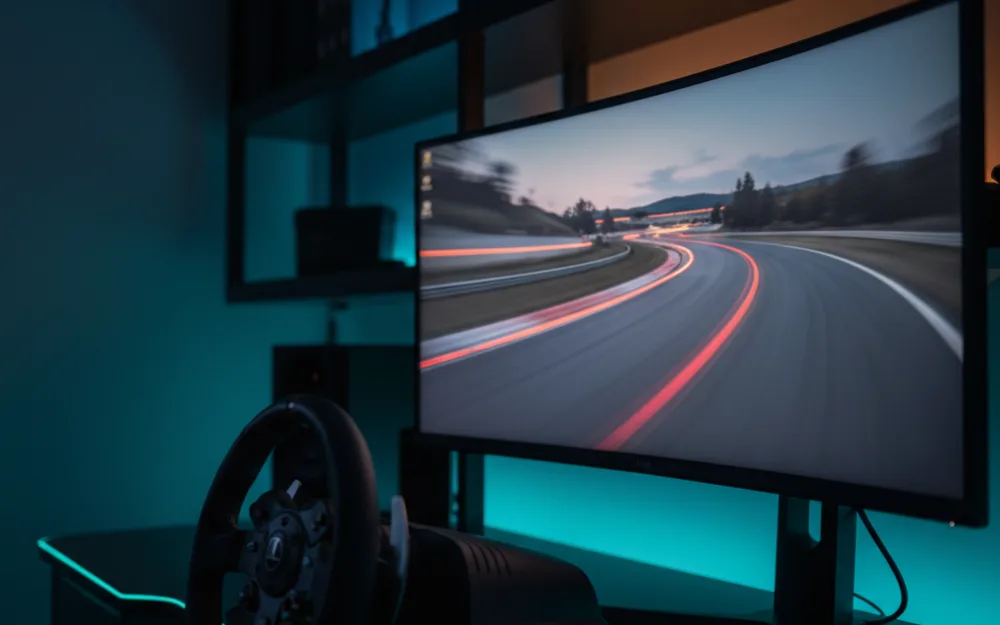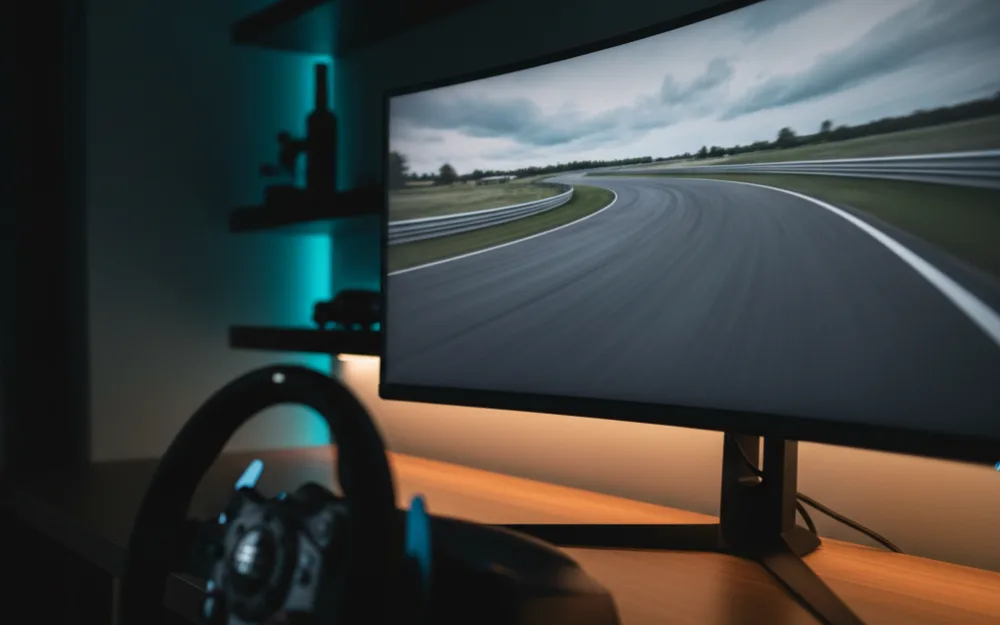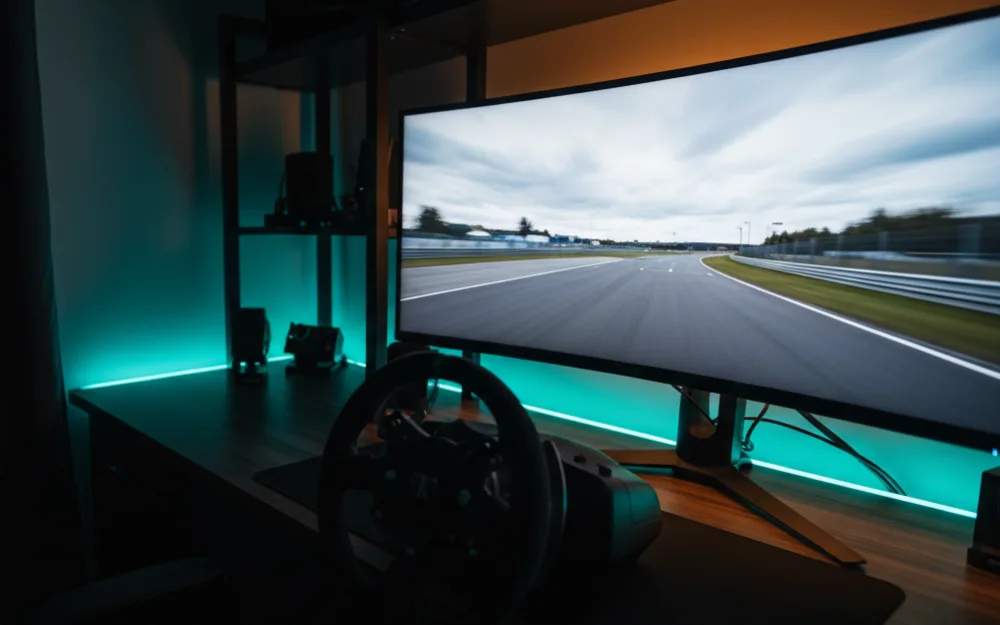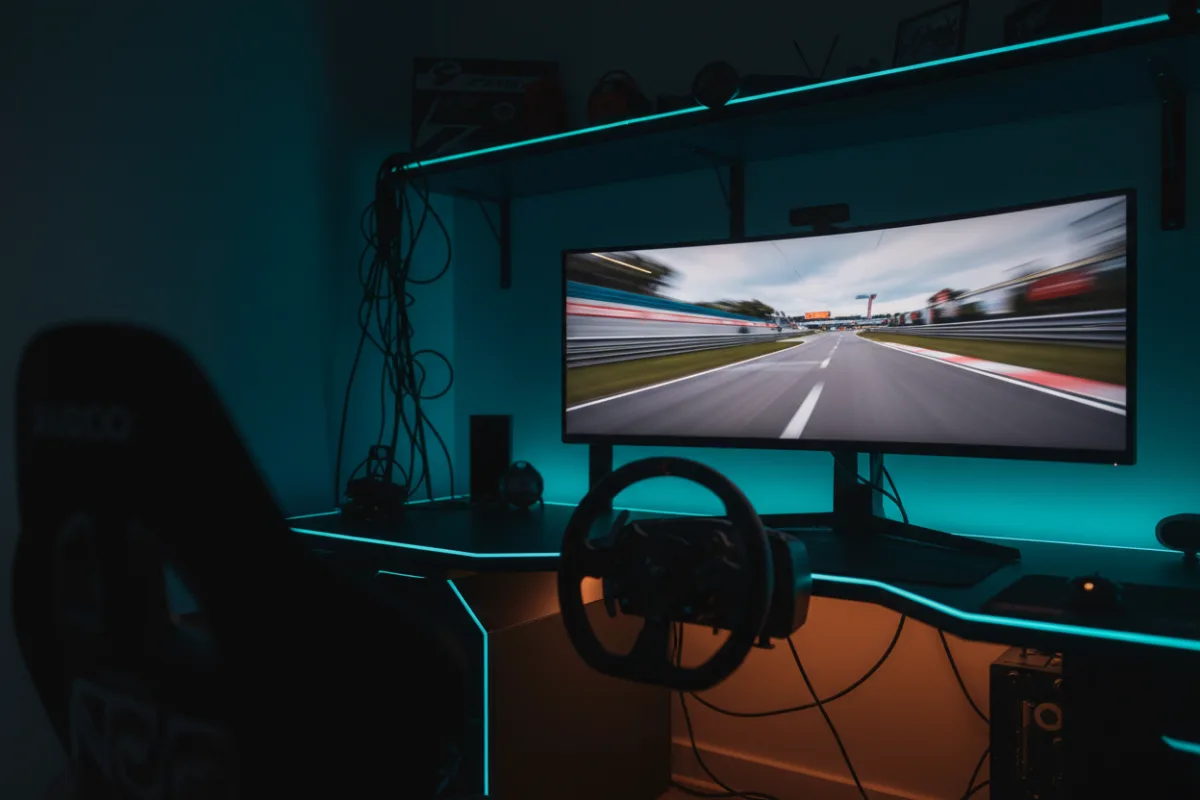

The MSI MAG 341CQP is a 34 inch, 21:9 curved monitor built on a QD-OLED panel, positioned as a value entry into that panel class rather than a flagship. For a single screen sim rig the pitch is straightforward: QD-OLED contrast and a fast refresh rate at a size that fits most desks, with a simpler feature set than pricier rivals in the same panel category.
We compared manufacturer specifications with measurements reported by independent review outlets and recurring owner feedback, and you can read how we review. If refresh rate, response time, and adaptive sync are unfamiliar terms, start with the Getting Started category.

At a glance
| Spec | MAG 341CQP QD-OLED |
|---|---|
| Size and ratio | 34 inch, 21:9 ultrawide |
| Resolution | UWQHD 3440 x 1440 |
| Panel | QD-OLED, curved |
| Refresh rate | 175 Hz |
| Response time | 0.03 ms GtG (per MSI) |
| HDR and sync | DisplayHDR True Black 400, AMD FreeSync Premium Pro |
What it is and the panel type
This is a 34 inch QD-OLED panel at UWQHD resolution, 3440 by 1440, the same panel format used across several ultrawide racing monitors in this size class but positioned by MSI at a more accessible point in that lineup. Contrast is rated at 1,500,000 to 1, and the self lit, per pixel dimming that comes with any QD-OLED panel gives it the deep black levels and sharp per pixel detail that separates OLED from a backlit LCD panel. MSI includes a KVM feature, which lets one keyboard, mouse, and monitor control multiple connected devices, a practical extra for a desk that switches between a racing PC and another machine.
Motion clarity and refresh for racing
A 175 Hz refresh rate and a 0.03 ms rated response time put this panel ahead of most non OLED ultrawides for raw motion numbers, and reviewers who evaluate QD-OLED panels generally find the near instant pixel response removes the ghosting that slower panels show around fast moving track edges. As with any high refresh panel at this resolution, the number on the box is a ceiling, not a guarantee: 3440 by 1440 is a real workload for a GPU, and sustaining frame rates near 175 depends on the graphics card behind it. Adaptive Sync support smooths the gap when frame rate falls short of that ceiling, which matters more in a busy race start than on an empty practice lap.
Size, curvature, and desk fit
At 34 inches, this is one of the more compact panels in the QD-OLED ultrawide class, which makes it easier to fit on a standard desk without a dedicated mount. The curved shape sits comfortably at typical sim racing seating distance, and the moderate size means less desk depth is needed compared with a 45 or 49 inch alternative. MSI’s OLED Care 2.0 feature set is aimed at reducing the risk of image sticking and burn in over time, worth knowing about if the panel will also run a static desktop between racing sessions.
Connectivity and sync
Inputs include two HDMI ports, DisplayPort, and USB-C, with MSI’s Console Mode delivering full HDMI 2.1 bandwidth at 48 Gbps for next gen console connections. Two HDMI ports is a genuine convenience over rivals that include only one, since it allows a console and a secondary source to stay connected without swapping cables. Adaptive Sync coverage handles tear free motion as frame rate varies, and the panel carries AMD FreeSync Premium Pro certification. The USB-C port supports DisplayPort Alt Mode, but its power delivery tops out at 15 watts, which is not enough to charge most laptops.
Pros and cons
- QD-OLED contrast and a 175 Hz refresh rate at a more accessible point in the panel class
- Two HDMI ports with full bandwidth Console Mode, more flexible than single HDMI rivals
- Compact 34 inch size eases desk and mount planning
- KVM support is a useful extra for a desk shared between a racing PC and another machine
- USB-C power delivery is limited to 15 watts, too little to charge most laptops over one cable
- 175 Hz still depends on a GPU capable of sustaining that frame rate at UWQHD resolution
Who it is for
This suits a racer who wants QD-OLED contrast and a fast refresh rate without paying flagship pricing. It is a solid fit for a compact desk, and the dual HDMI ports with full bandwidth Console Mode make it a reasonable choice for a setup that mixes PC racing with console play.
Who should skip it
Skip this panel if you want to charge a laptop over the USB-C link, since its 15 watt power delivery is too low for most laptops. It is also not the pick if you want the widest possible field of view a 49 inch 32:9 panel provides, since 34 inches at 21:9 covers less horizontal ground.
How it scores
The WSR Score shown above reflects verified buyer ratings gathered and normalized on a consistent scale, not an editorial rubric. You can read what goes into it on How We Review.
Alternatives worth a look
For the full field of ultrawide picks at this size and wider, see our best ultrawide monitors for sim racing roundup, or browse the complete field in best monitors for sim racing. If you are still deciding how much horizontal coverage suits your setup, our guide to field of view (FOV) and the companion how to set FOV for sim racing cover the practical setup.