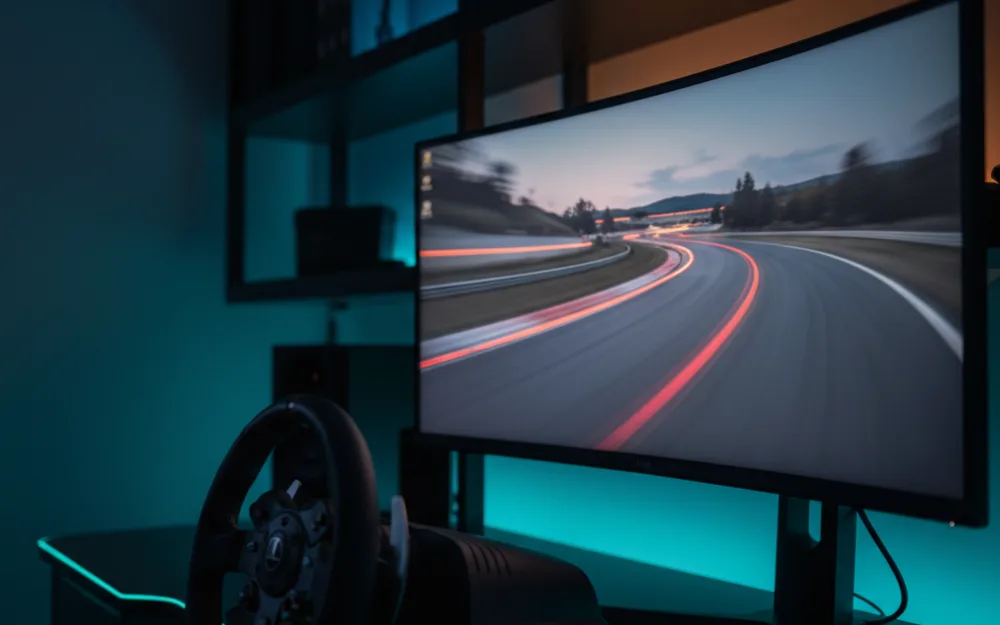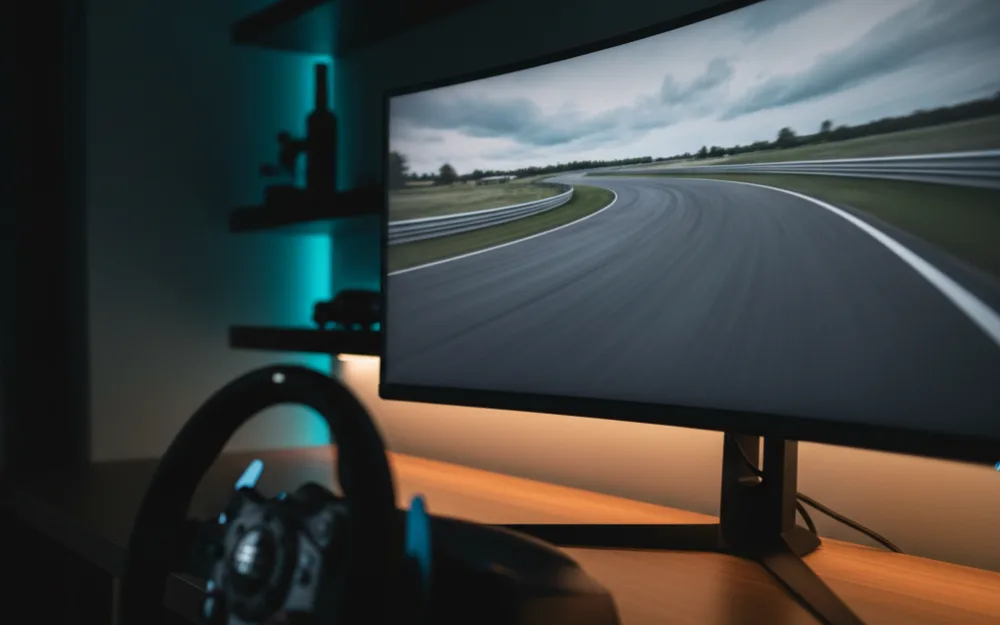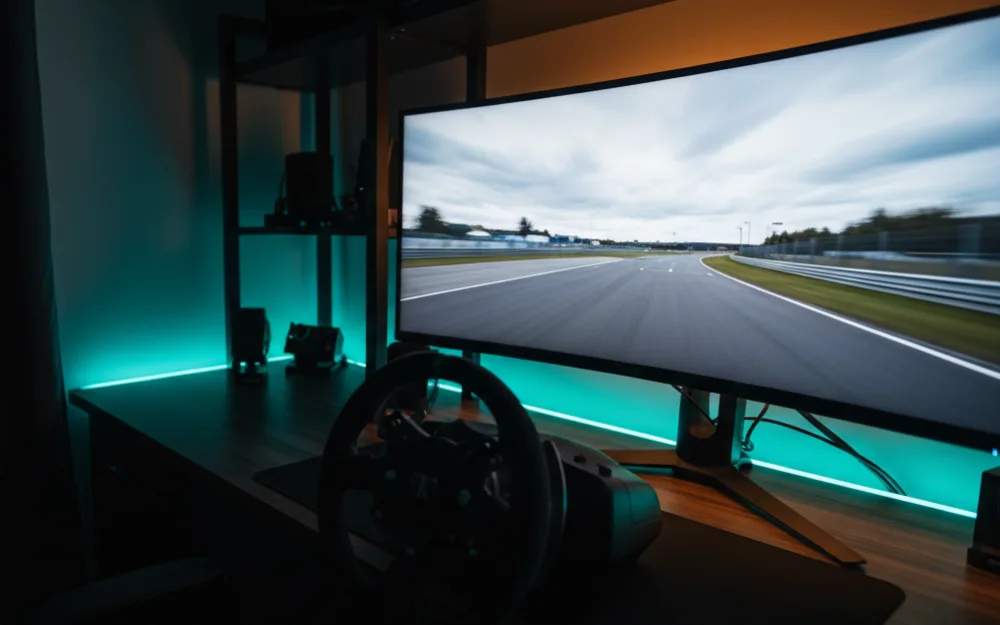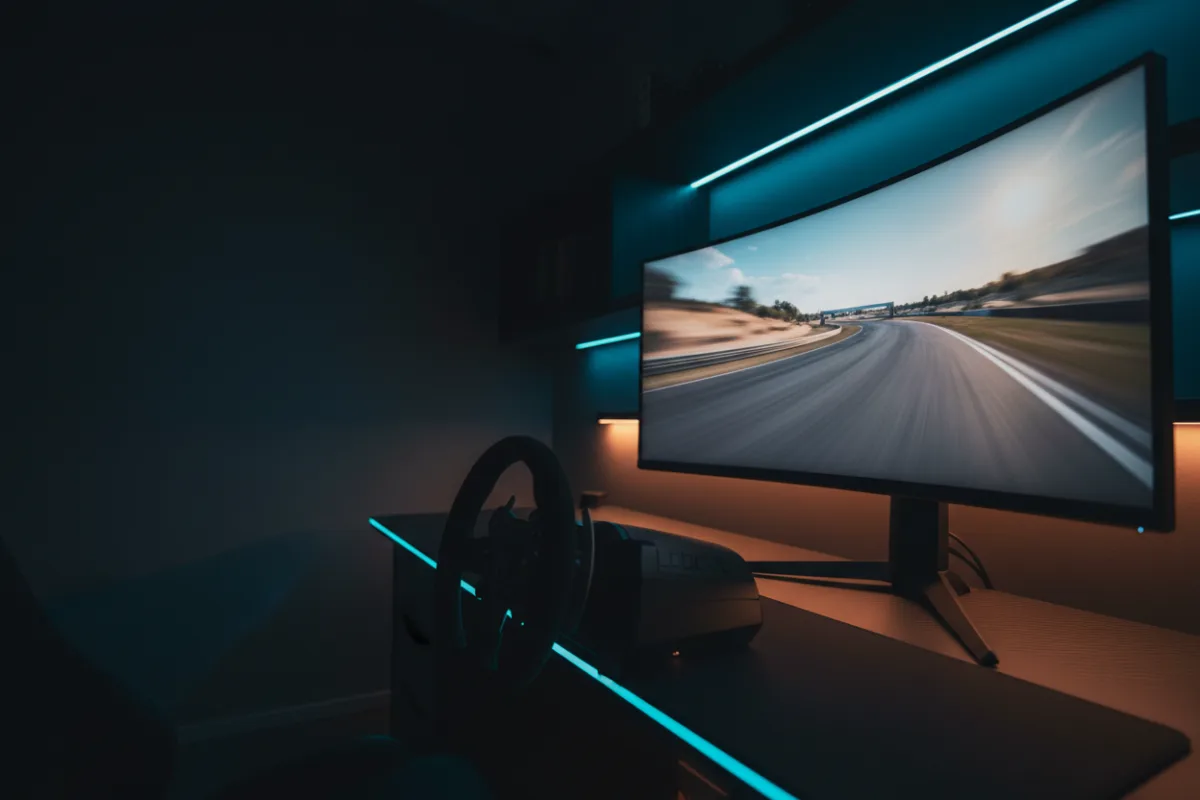

The Samsung Odyssey OLED G9, model G91SD, is the QD-OLED version of Samsung’s 49 inch, 32:9 super ultrawide, the same panoramic shape as the VA based G9 but built on a self lit OLED layer instead of an LCD backlight. For a single screen sim rig it offers the same 32:9 field of view as the 49 inch VA G9 paired with OLED contrast, and the trade off to weigh against the VA model is picture quality against panel type risk and desk footprint against either one.
We compared manufacturer specifications with measurements reported by independent review outlets and recurring owner feedback, and you can read how we review. If refresh rate, response time, and adaptive sync are unfamiliar terms, start with the Getting Started category.

At a glance
| Spec | Odyssey OLED G9 (G91SD) |
|---|---|
| Size and ratio | 49 inch, 32:9 super ultrawide |
| Resolution | Dual QHD 5120 x 1440 |
| Panel | QD-OLED, curved |
| Refresh rate | 144 Hz |
| Response time | 0.03 ms (per Samsung) |
| HDR and sync | VESA DisplayHDR support, FreeSync Premium Pro, G-Sync compatible |
What it is and the panel type
This is Samsung’s 32:9 super ultrawide shape carried over from the original VA based G9, now built on a QD-OLED panel with self lit, per pixel dimming and a quantum dot color layer. Samsung rates the contrast at 1,000,000 to 1, and reviewers who compare panel types describe QD-OLED at this class as producing noticeably deeper blacks and cleaner dark scene detail than the VA model it sits alongside in Samsung’s lineup. The resolution stays the same at 5120 by 1440, a Dual QHD frame roughly equal to two 27 inch QHD monitors placed side by side, so the width advantage of the 32:9 shape carries over unchanged from the VA version.
Motion clarity and refresh for racing
A 144 Hz refresh rate and a 0.03 ms rated response time are a strong combination for fast motion, and reviewers who evaluate QD-OLED panels consistently note that the near instant pixel response removes the smearing that VA panels can show in dark transitions, which matters most on night circuits and shadowed corners. The caveat sits with the resolution rather than the panel: 5120 by 1440 is a heavy load for a GPU, sitting between 1440p and 4K in total pixel count, so sustaining 144 Hz consistently depends on the graphics card behind it more than on the panel’s own ceiling. FreeSync Premium Pro and G-Sync compatibility both cover the gap when frame rate dips below that ceiling.
Size, curvature, and desk fit
At 49 inches wide and 28.4 pounds, this panel needs the same desk planning as any super ultrawide in this class: a sturdy surface or a mount rated for the weight, and enough depth for the curve to sit at the right distance from a driving position. The curved shape wraps peripheral vision toward the edges of the track without turning your head, which is the core appeal of this width, but it is worth measuring your desk before ordering rather than after. Samsung includes an ergonomic stand with height and tilt adjustment as a starting point.
Connectivity and sync
Inputs are DisplayPort 1.4, one full size HDMI 2.1 port, and a Micro HDMI 2.1 port, while the USB-C ports carry data only rather than video, so a second HDMI source needs a Micro HDMI cable or adapter. FreeSync Premium Pro and G-Sync compatible certification both apply, so the adaptive sync that keeps racing motion tear free works across AMD and Nvidia graphics cards alike. Samsung also builds in burn in mitigation on this panel: a thermal modulation system that adjusts brightness based on predicted surface temperature, automatic dimming of static elements like logos and taskbars, and a screen saver that activates after ten minutes of inactivity. None of those eliminate OLED burn in risk outright, but they are the kind of practical safeguards worth knowing about before you commit to an always on desktop alongside racing use.
Pros and cons
- QD-OLED contrast and near instant response layered onto the 49 inch, 32:9 G9 shape
- 144 Hz refresh with adaptive sync covering both AMD and Nvidia graphics cards
- Built in burn in mitigation: thermal modulation, static element dimming, and an idle screen saver
- Picture in picture support for monitoring a second source without a separate display
- Resolution is demanding enough that sustaining 144 Hz depends heavily on your GPU
- Only one full size HDMI port, so a second HDMI source needs the Micro HDMI input
- 49 inches and 28.4 pounds require real desk and mount planning before purchase
Who it is for
This suits a racer who already wants the 49 inch, 32:9 wraparound shape and is willing to pay the QD-OLED premium for deeper blacks and faster pixel response over the VA version. It is a strong fit if night racing and low light cockpit scenes are a regular part of your sessions, where OLED contrast shows up most. Anyone with a GPU that can sustain high frame rates at 5120 by 1440 gets the most out of the 144 Hz ceiling.
Who should skip it
Skip this panel if your graphics card cannot comfortably drive 5120 by 1440, since the OLED upgrade does little if frame rate cannot approach the refresh ceiling. It is also not the pick if you are budget conscious and mainly race in daylight scenes, where the VA version delivers similar practical results for less outlay. Buyers who want two full size HDMI inputs, or who are not ready for the desk footprint a 49 inch curved panel demands, should look at a smaller ultrawide instead.
How it scores
The WSR Score shown above reflects verified buyer ratings gathered and normalized on a consistent scale, not an editorial rubric. You can read what goes into it on How We Review.
Alternatives worth a look
If you want to weigh this OLED model against the original VA based G9 directly, our Samsung Odyssey G9 review covers that panel in full. For the complete field of wide format options, see best ultrawide monitors for sim racing and best monitors for sim racing. If you are still deciding how much horizontal coverage suits your setup, our guide to field of view (FOV) and the companion how to set FOV for sim racing walk through the practical setup.