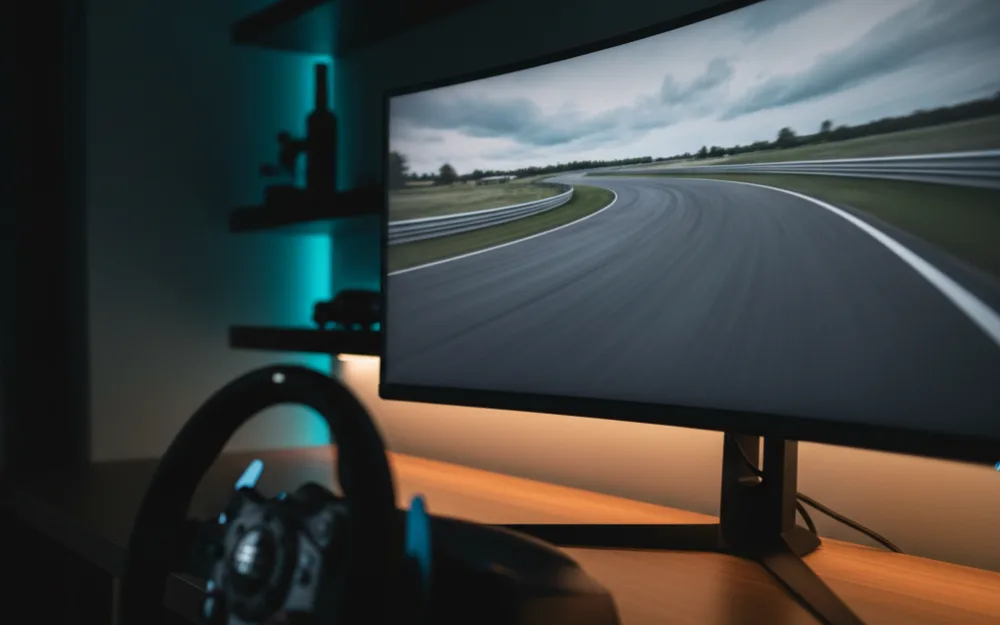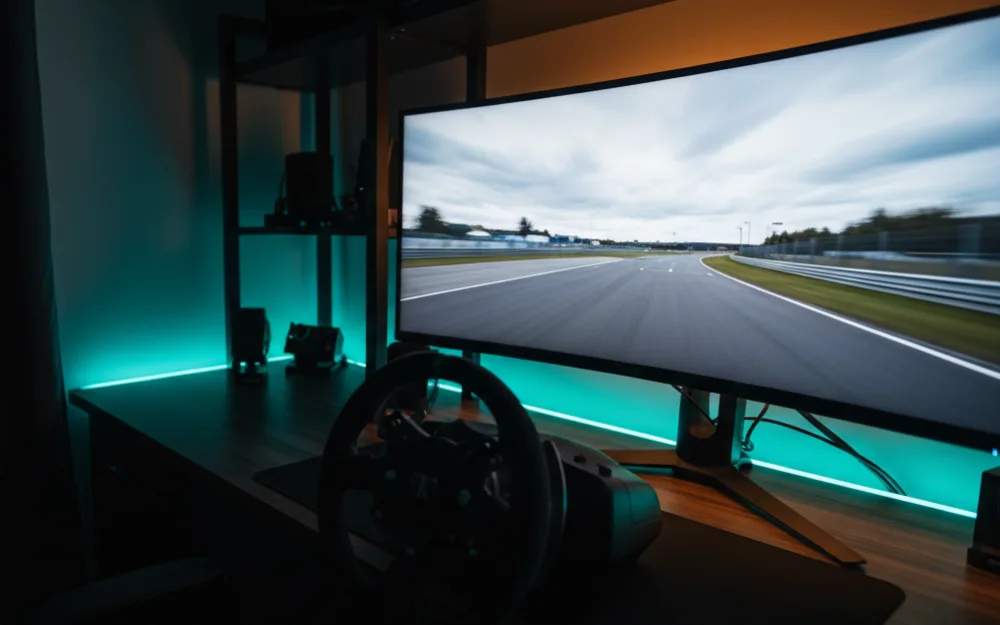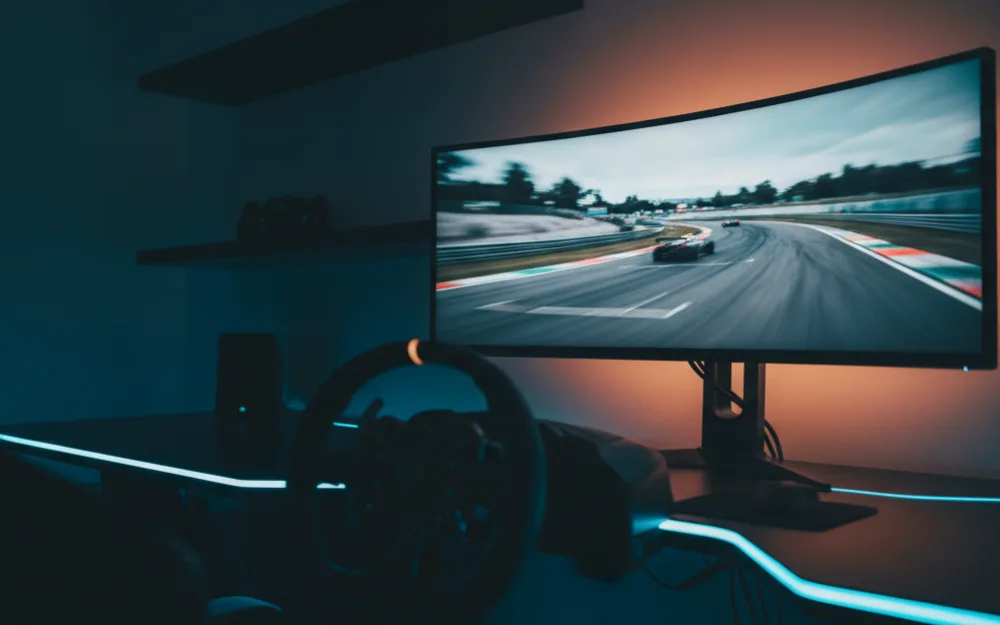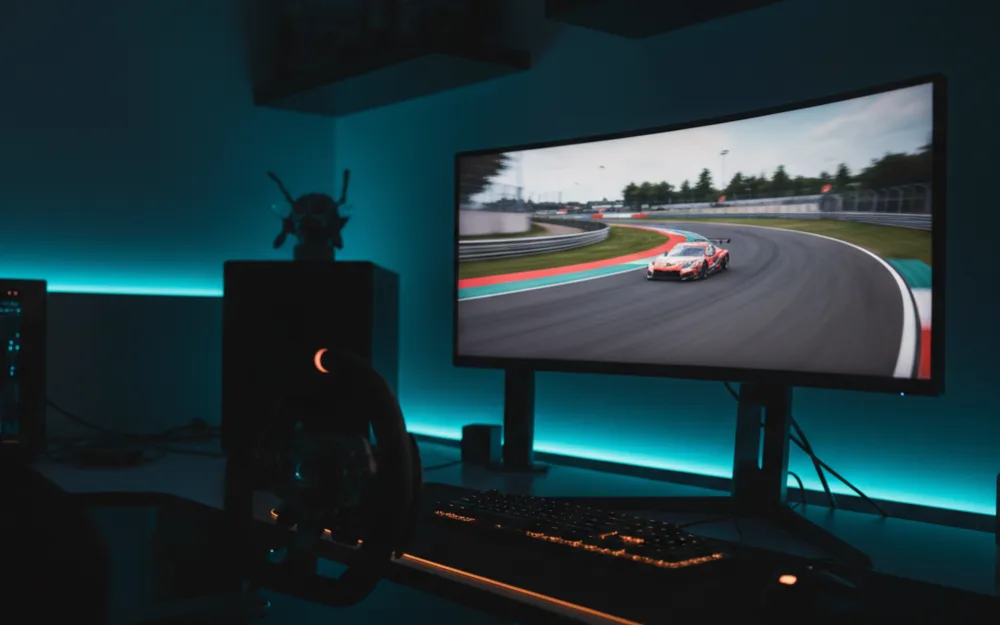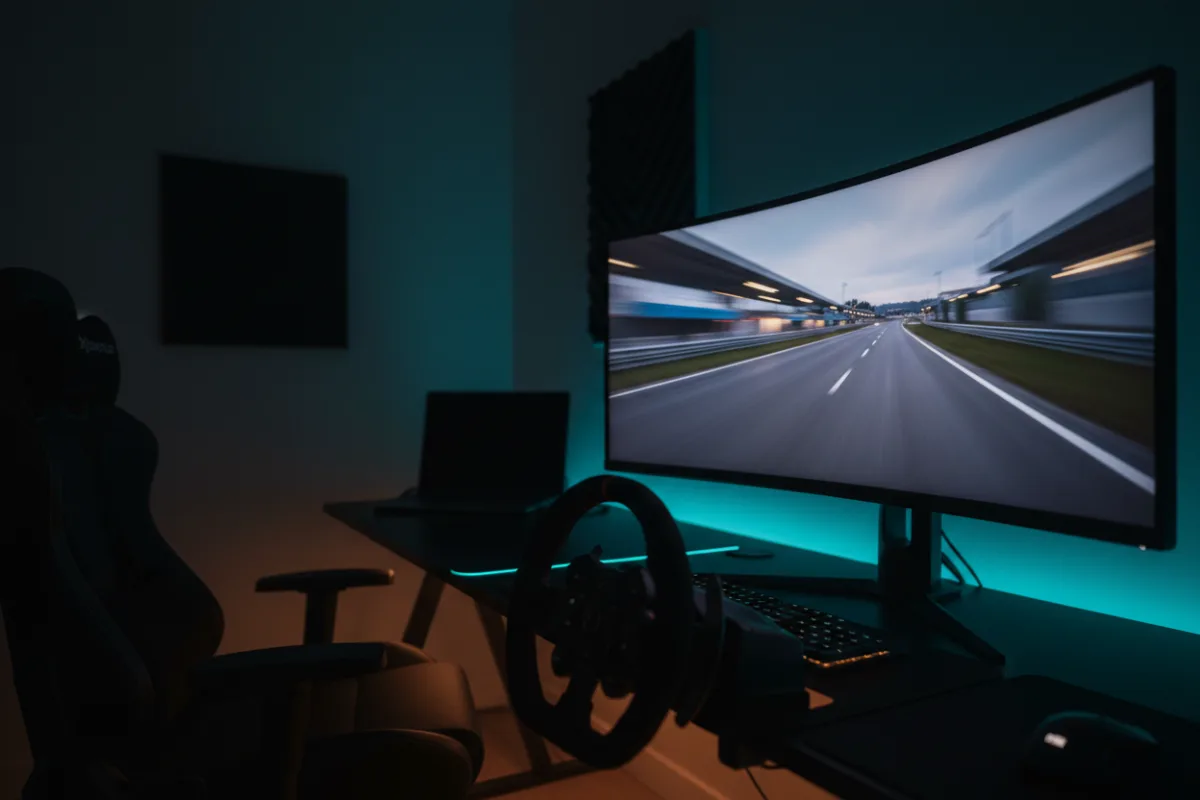

The LG 34WR55QK is a 34 inch, 21:9 curved ultrawide built on a VA panel and aimed squarely at value. For a single screen sim rig the pitch is width and comfort at an accessible price: a WQHD 3440 by 1440 frame with USB-C connectivity and an ergonomic stand, with the trade offs that come from a 100 Hz refresh rate and VA response speed rather than the faster panels that sit higher in this category.
We compared manufacturer specifications with measurements reported by independent review outlets and recurring owner feedback, and you can read how we review. If refresh rate, response time, and adaptive sync are unfamiliar terms, start with the Getting Started category.

At a glance
| Spec | LG 34WR55QK-B |
|---|---|
| Size and ratio | 34 inch, 21:9 ultrawide |
| Resolution | WQHD 3440 x 1440 |
| Panel | VA, curved, matte finish |
| Refresh rate | 100 Hz |
| Response time | 5 ms (per LG) |
| HDR and sync | HDR10, AMD FreeSync |
What it is and the panel type
This is a 34 inch VA panel at WQHD resolution, 3440 by 1440, in a curved 21:9 format. LG rates contrast at 3000 to 1, which is the range where a VA panel separates itself from a cheaper flat IPS alternative, and the matte screen finish cuts glare in a room with side windows or overhead lighting. HDR10 support and up to 99 percent sRGB coverage handle the color side, though HDR10 without local dimming zones listed in the specification is a baseline implementation rather than the deep, per pixel contrast a self lit OLED panel delivers. Reviewers who evaluate VA ultrawides in this class generally describe the color and contrast as solid for the money, with the panel type itself being the main limit rather than a flaw unique to this model.
Motion clarity and refresh for racing
The 100 Hz refresh rate is the number that defines where this monitor sits. It is a real step up from a 60 Hz office panel, and for many sim racers running a value single screen it is enough to make motion feel smooth. It also trails the 160 Hz and 240 Hz panels elsewhere in this size class, so if fast, competitive racing with the crispest motion is the priority, this is not the panel built for it. LG lists a 5 ms response time, and reviewers who evaluate VA panels consistently note that VA response trails OLED and fast IPS panels in dark to dark transitions, the scenario where smearing shows up most in shadowed corners and night circuits. AMD FreeSync keeps motion tear free as frame rate varies, which matters more in a busy race start than on an empty practice lap. The upside of a 100 Hz WQHD panel is that it asks far less of a graphics card than a 4K or high refresh alternative, so a modest rig can sustain frame rates near the ceiling.
Size, curvature, and desk fit
At 34 inches, 31.9 inches wide, and 15.2 pounds, this is one of the lighter panels in the ultrawide class, which makes it easy to place on a standard desk without a dedicated mount. The curve wraps peripheral vision toward the edges of the track at typical sim racing seating distance, and the three sided virtually borderless design keeps the frame unobtrusive. LG includes an ergonomic stand with tilt and height adjustment, so centering the panel on a driving position does not require separate mounting hardware, though there is no swivel listed if you need to angle the screen sideways.
Connectivity and extras
The connectivity is where this panel argues for itself beyond gaming. It carries two HDMI ports and DisplayPort, which covers a PC and a console connected at the same time, plus USB Type-C with up to 65 watts of power delivery. That USB-C link can drive the display and charge a laptop over a single cable, a genuinely useful feature for a desk that doubles as a work station between racing sessions. Picture-by-Picture support through LG’s OnScreen Control lets the panel show two input sources at once, and Reader Mode reduces blue light for longer non gaming stretches. These are practical extras that reflect the monitor’s positioning as a mixed use ultrawide rather than a dedicated racing display.
Pros and cons
- Wide 34 inch curved WQHD frame at an accessible point in the ultrawide class
- USB-C with 65 watt power delivery makes it a strong fit for a desk shared with a laptop
- Matte finish and 3000 to 1 contrast handle glare and dark scene detail well for a VA panel
- Two HDMI ports cover a PC and console connected together
- 100 Hz refresh rate trails the 160 Hz and 240 Hz panels elsewhere in this size
- 5 ms response time trails OLED and fast IPS panels in dark transition motion
- FreeSync sits at the base tier, and HDR10 without listed local dimming is a baseline implementation
- Stand offers tilt and height but no swivel
Who it is for
This suits a racer who wants the wraparound field of view of a 34 inch curved ultrawide at a value price and does not need the fastest possible motion. It is a strong fit for a mixed use desk, since the USB-C power delivery and Picture-by-Picture support serve productivity as well as racing, and the light weight and adjustable stand keep setup simple. For a first ultrawide on a modest graphics card, the lower refresh rate is also easier to drive at full frame rate.
Who should skip it
Skip this panel if competitive racing with the crispest motion is the goal, since the 100 Hz refresh rate and VA response speed trail the faster panels in this class. It is also not the pick if you want the deep blacks and near instant pixel response of a QD-OLED panel, or if Premium Pro certified adaptive sync for the smoothest low frame rate HDR handling is a priority. A racer chasing raw speed on a single screen should look at a higher refresh option instead.
How it scores
The WSR Score reflects verified buyer ratings gathered and normalized on a consistent scale, not an editorial rubric. You can read what goes into it on How We Review. On that basis the 34WR55QK rates well, which matches its standing as a value ultrawide owners keep and recommend for everyday use as much as racing.
Alternatives worth a look
If a faster refresh rate matters more than USB-C convenience, our LG 34G600A UltraGear review covers LG’s 160 Hz gaming focused sibling at the same size, and our MSI MAG 341CQP review steps up to a QD-OLED panel for deeper contrast. For the full field of wide format options, see best ultrawide monitors for sim racing and best monitors for sim racing, and browse more picks in the Displays and Immersion category. If you are still deciding how much horizontal coverage suits your setup, our guide to field of view (FOV) and the companion how to set FOV for sim racing walk through the practical setup.