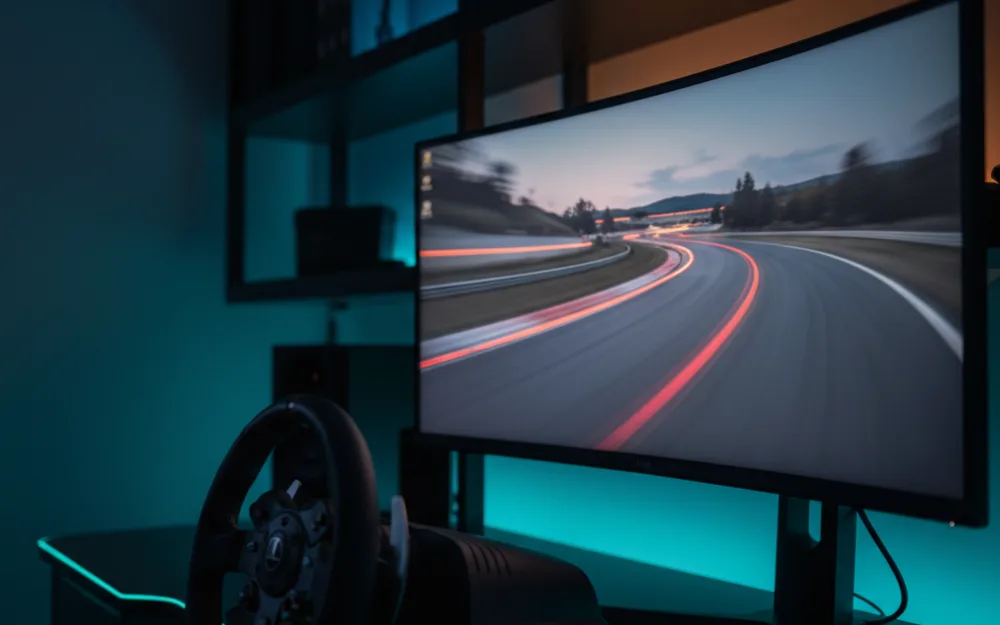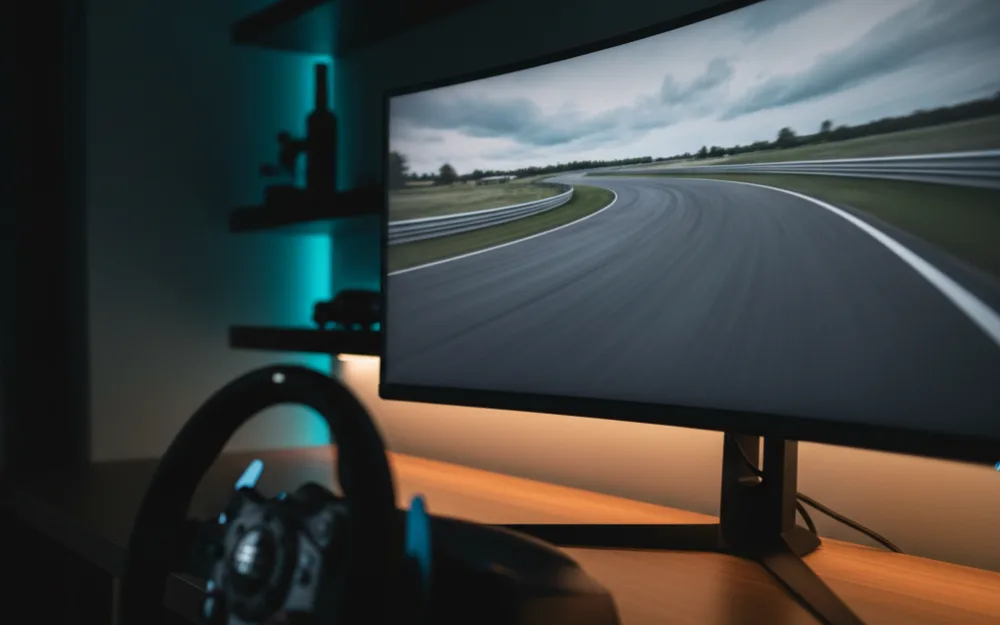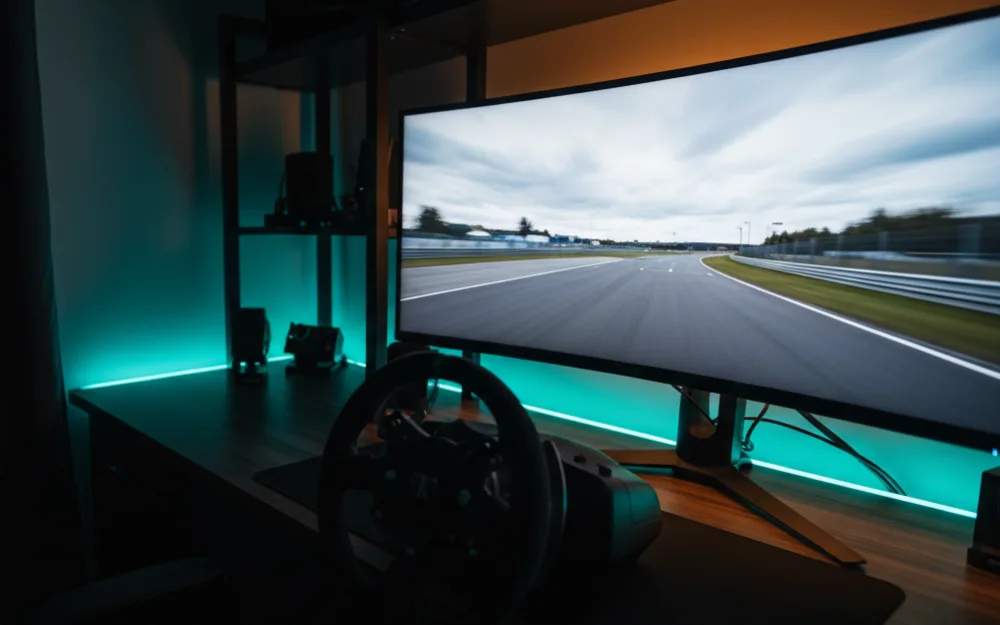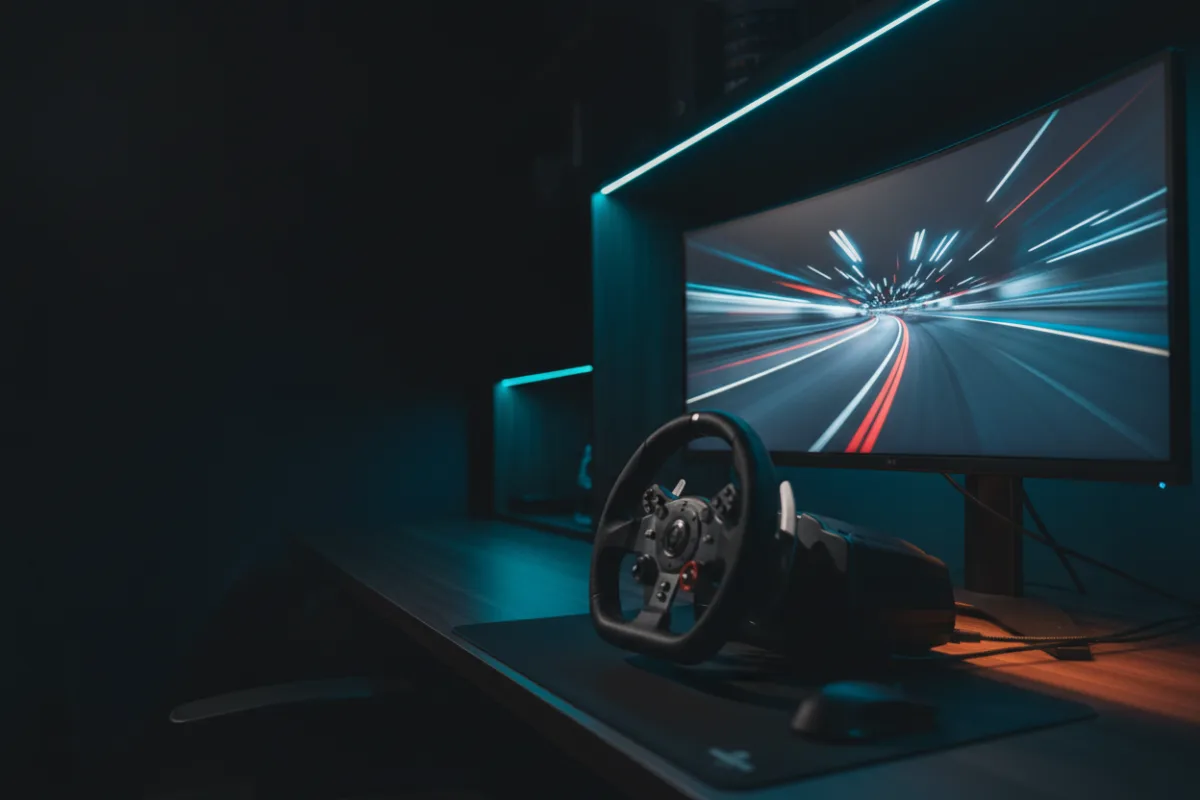

The LG 34 Ultragear (model 34G600A-B) is a 34 inch, 21:9 curved gaming monitor built on a VA panel rather than the OLED panels that dominate the upper end of this category. For a single screen sim rig the pitch is value: a wide, curved WQHD frame with a 160 Hz refresh rate and adaptive sync at a more accessible point in the ultrawide field, with the trade offs that come with VA response speed and a matte HDR10 panel instead of a self lit one.
We compared manufacturer specifications with measurements reported by independent review outlets and recurring owner feedback, and you can read how we review. If refresh rate, response time, and adaptive sync are unfamiliar terms, start with the Getting Started category.
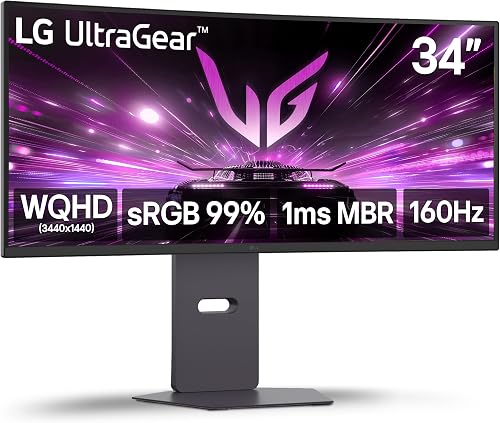
At a glance
| Spec | LG 34 Ultragear (34G600A-B) |
|---|---|
| Size and ratio | 34 inch, 21:9 ultrawide |
| Resolution | WQHD 3440 x 1440 |
| Panel | VA, curved 1800R |
| Refresh rate | 160 Hz |
| Response time | 5 ms (per LG) |
| HDR and sync | HDR10, AMD FreeSync Premium |
What it is and the panel type
This is a 34 inch VA panel at WQHD resolution, 3440 by 1440, wrapped into an 1800R curve. LG rates contrast at 4000 to 1, which is where a VA panel earns its keep against a cheaper flat IPS alternative, and the matte screen finish cuts glare in a room with side windows or overhead lighting. HDR10 support and up to 99 percent sRGB coverage round out the color side, though HDR10 without local dimming zones listed in the specification is a baseline implementation rather than the deep, per pixel contrast an OLED panel delivers. Reviewers who evaluate VA panels in this class generally describe the color and contrast as solid for the price, with the panel type itself being the main limit rather than a flaw unique to this model.
Motion clarity and refresh for racing
A 160 Hz refresh rate is a strong number for an ultrawide at this size, and LG lists a 5 ms response time alongside a separate 1 ms motion blur reduction mode that strobes the backlight rather than changing how fast pixels actually switch. That distinction matters: reviewers who evaluate VA panels consistently note that VA response times trail OLED and fast IPS panels in dark to dark transitions, the scenario where smearing shows up most in shadowed corners and night circuits. AMD FreeSync Premium keeps motion tear free as frame rate varies, and LG’s Dynamic Action Sync feature is built to trim input lag, while Black Stabilizer brightens shadow detail so cars hiding in dark corners stay visible. Together these features push a VA panel closer to what a faster panel type delivers by default, without eliminating the gap.
Size, curvature, and desk fit
At 34 inches, 31.9 inches wide, and 22 pounds, this is a manageable footprint for most desks without a dedicated mount. The 1800R curve is a moderate radius for the ultrawide class (some rivals, such as KTC’s 1500R panel, curve more tightly), and it wraps peripheral vision toward the edges of the track at typical sim racing seating distance. LG includes a stand with tilt, height, and swivel adjustment, so getting the panel centered on a driving position does not require separate mounting hardware.
Connectivity and extras
Inputs include two HDMI ports and DisplayPort, which covers a PC and a console connected at the same time. Built in stereo speakers with Waves MaxxAudio processing mean a driving position does not strictly need external speakers, though most sim racers running a wheel and pedal setup will still prefer a headset or dedicated speakers for positional audio. LG also includes a Crosshair overlay aimed at shooters, which has limited use for racing but costs nothing to have available. AMD FreeSync Premium is the adaptive sync standard here rather than the Premium Pro tier some rivals carry, a distinction that matters most at the low end of the frame rate range under HDR.
Pros and cons
- 160 Hz refresh rate and an 1800R curve at an accessible point in the ultrawide class
- 4000 to 1 contrast ratio and matte finish handle glare and dark scene detail well for a VA panel
- Dynamic Action Sync and Black Stabilizer add practical racing focused tuning
- Two HDMI ports cover a PC and console connected together
- 5 ms response time trails OLED and fast IPS panels in dark transition motion
- FreeSync Premium sits at the base tier rather than Premium Pro
- HDR10 without local dimming zones listed is a baseline implementation, not deep per pixel contrast
Who it is for
This suits a racer who wants the wraparound field of view of a 34 inch curved ultrawide and a genuinely high 160 Hz refresh rate without paying OLED pricing. It is a reasonable fit for a mixed use desk that also runs a console through one of the two HDMI ports, and the built in speakers and stand adjustability mean less has to be bought separately to get it set up.
Who should skip it
Skip this panel if near instant pixel response and the deepest blacks are the priority, since a VA panel here trails what QD-OLED delivers in dark to dark motion and contrast. It is also not the pick if you specifically want Premium Pro certified adaptive sync for the smoothest low frame rate HDR handling, or if a flat rather than curved panel better suits your desk and seating distance.
How it scores
The WSR Score shown above reflects verified buyer ratings gathered and normalized on a consistent scale, not an editorial rubric. You can read what goes into it on How We Review.
Alternatives worth a look
If near instant pixel response and deeper contrast are worth the extra cost to you, our MSI MAG 341CQP review covers a QD-OLED panel at a similar 34 inch size. For the full field of wide format options, see best ultrawide monitors for sim racing and best monitors for sim racing, and browse more picks in the Displays and Immersion category. If you are still deciding how much horizontal coverage suits your setup, our guide to field of view (FOV) and the companion how to set FOV for sim racing walk through the practical setup.