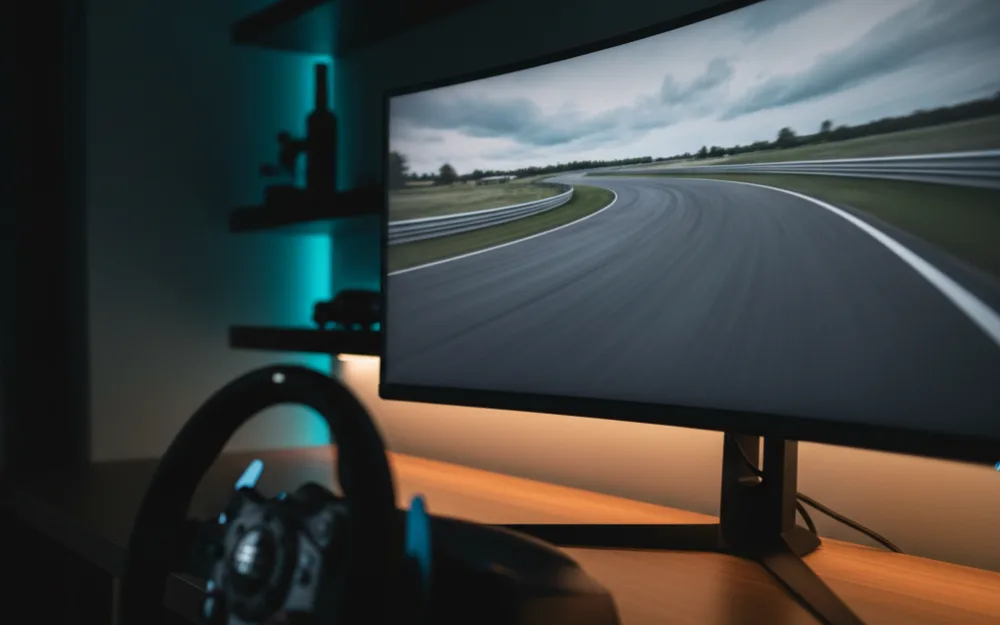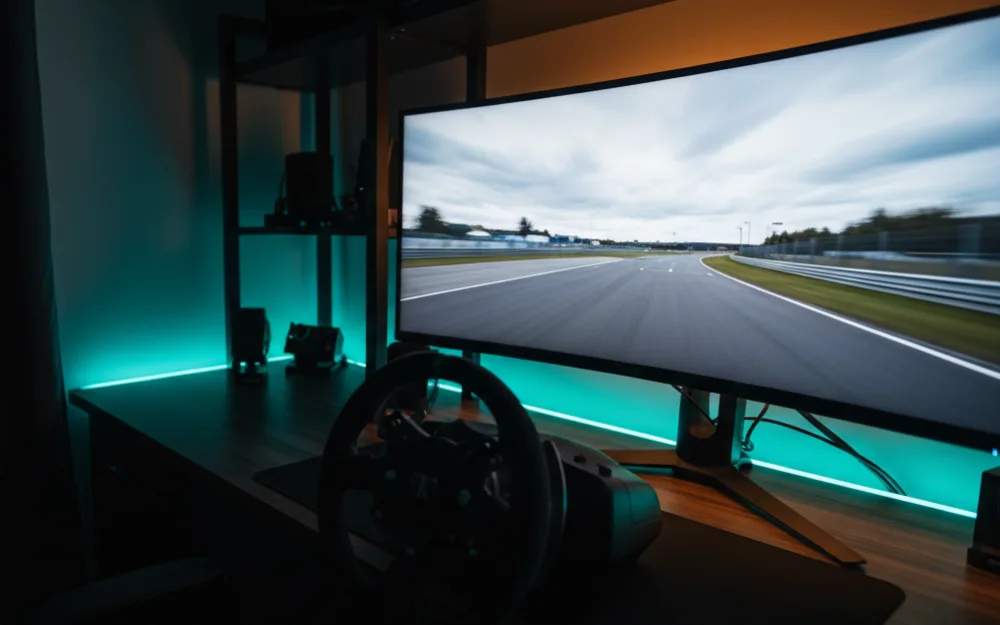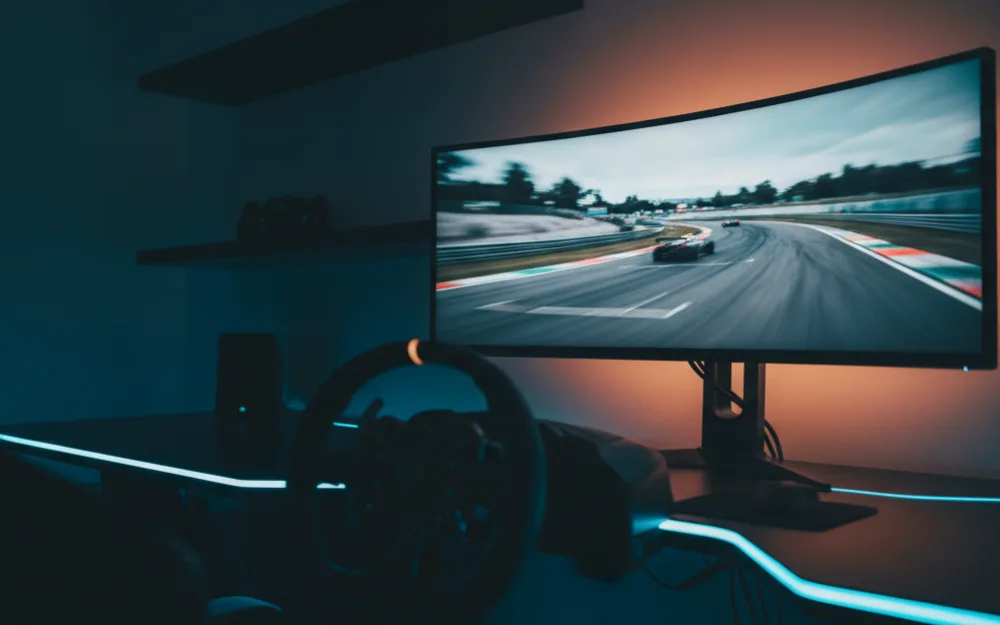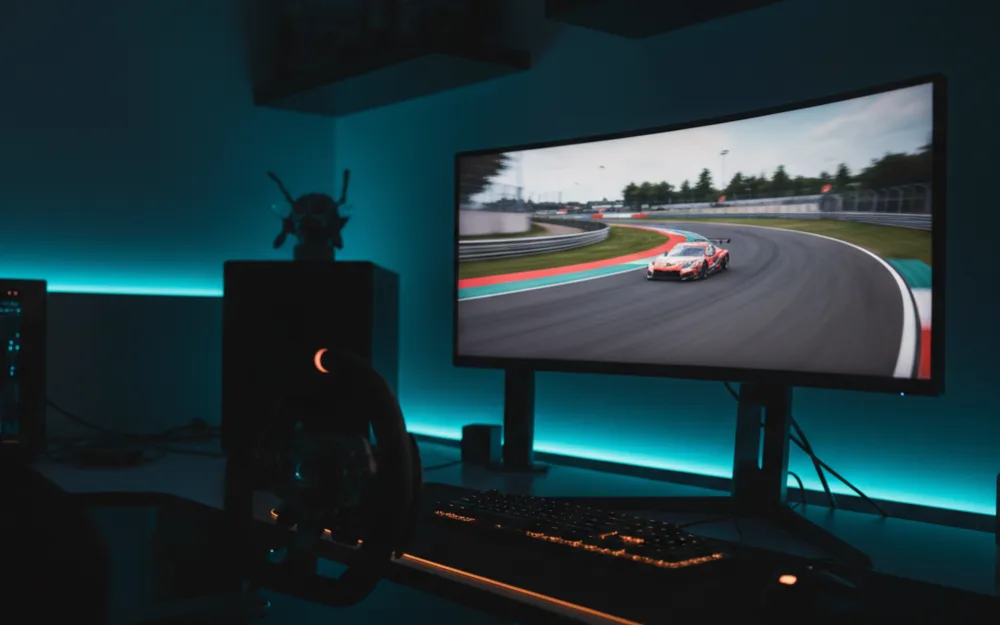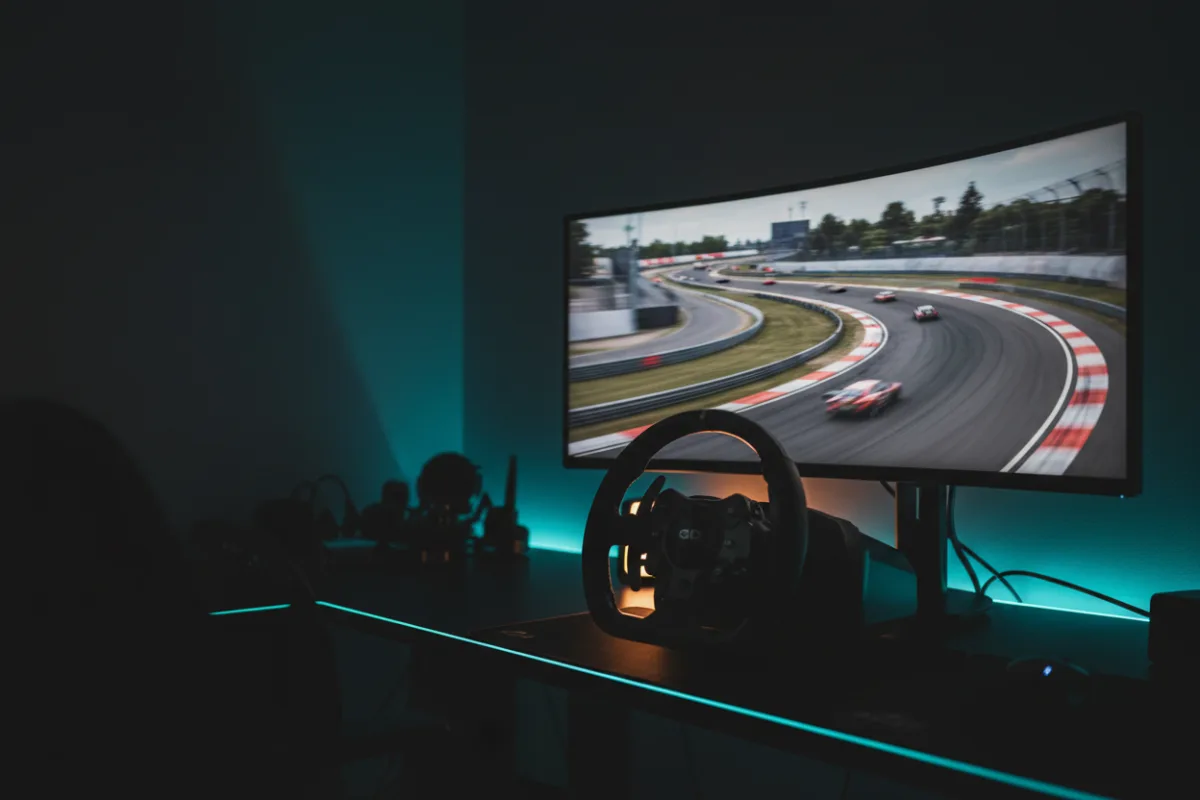

The MSI MPG 321CURX is a 32 inch, 16:9 QD-OLED monitor and the only 4K panel in this comparison group, pairing a 3840 by 2160 resolution with a 240 Hz refresh rate. For a single screen sim rig the pitch is pixel density and contrast at speed: the sharpest image in the batch and the deep blacks of a self lit panel, with the trade offs of a heavy GPU workload at 4K and a 16:9 format that wraps less horizontal ground than a 21:9 ultrawide.
We compared manufacturer specifications with measurements reported by independent review outlets and recurring owner feedback, and you can read how we review. If refresh rate, response time, and adaptive sync are unfamiliar terms, start with the Getting Started category.

At a glance
| Spec | MSI MPG 321CURX QD-OLED |
|---|---|
| Size and ratio | 32 inch, 16:9 |
| Resolution | 4K UHD 3840 x 2160 |
| Panel | Third generation QD-OLED, 1700R curve, glossy finish |
| Refresh rate | 240 Hz |
| Response time | 0.03 ms GtG (per MSI) |
| HDR and sync | DisplayHDR True Black 400, G-Sync Compatible |
What it is and the panel type
This is a 32 inch third generation QD-OLED panel at 4K UHD resolution, 3840 by 2160, in a 16:9 format. That combination is what sets it apart from the ultrawides around it: at 32 inches, 4K produces a noticeably higher pixel density than a 3440 by 1440 ultrawide, which sharpens fine detail like distant braking markers and dashboard text. Contrast is rated at 1,500,000 to 1, and the self lit, per pixel dimming that comes with any QD-OLED panel delivers the deep black levels and per pixel detail that separate OLED from a backlit LCD. MSI lists DisplayHDR True Black 400 certification and a Delta E of 2 or less for color accuracy, and the glossy screen finish gives QD-OLED its characteristic color pop, at the cost of more visible reflections in a bright room than a matte panel.
Motion clarity and refresh for racing
A 240 Hz refresh rate and a 0.03 ms rated response time put this panel among the fastest in this group for raw motion numbers, and reviewers who evaluate QD-OLED panels generally find the near instant pixel response removes the ghosting that slower panels show around fast moving track edges. The caveat here is heavier than on a 1440p panel: 4K at 240 Hz is a demanding workload, and sustaining frame rates near that ceiling in modern sim titles depends on a strong graphics card. On a mid range rig, this panel will often run well below 240 frames per second at native 4K, so the refresh headroom is real but only a top tier GPU will use all of it. G-Sync Compatible adaptive sync smooths the gap when frame rate falls short, which matters more in a busy race start than on an empty practice lap.
Size, curvature, and desk fit
At 32 inches with a 1700R curve and 27.1 pounds with the stand, this is a heavier panel than the lighter ultrawides in this class, so a sturdy desk or a VESA arm rated for the weight is worth planning for. The 16:9 shape is the key difference for a sim rig: it gives more vertical height than a 21:9 panel of similar width, which suits seeing more of the road and dashboard, but it wraps less peripheral vision than an ultrawide at the same seating distance. MSI’s OLED Care 2.0 feature set is aimed at reducing the risk of image sticking and burn in over time, worth knowing about if the panel will also run a static desktop between racing sessions, and the stand includes height adjustment.
Connectivity and sync
Inputs include two HDMI 2.1 ports at the full 48 Gbps bandwidth, DisplayPort 1.4a, and USB-C with 98 watts of power delivery, and those HDMI 2.1 ports carry 4K at up to 240 Hz, while MSI’s Console Mode adds HDMI VRR and HDMI CEC support for console connections. That USB-C link can drive the display and charge a laptop over one cable, and the KVM feature lets a single keyboard, mouse, and monitor control multiple connected devices, a practical extra for a desk shared between a racing PC and another machine. The adaptive sync certification here is G-Sync Compatible, which pairs well with an NVIDIA graphics card, the kind of pairing a 4K at 240 Hz panel will usually be sitting behind anyway.
Pros and cons
- Only 4K panel in this group, with the highest pixel density and sharpest fine detail
- QD-OLED contrast and near instant response with a 240 Hz refresh rate
- Two full bandwidth HDMI 2.1 ports plus USB-C with 98 watt power delivery and KVM
- Three year warranty and OLED Care 2.0 burn in mitigation
- 4K at 240 Hz is a demanding workload that only a top tier GPU will fully use
- 16:9 format wraps less peripheral vision than a 21:9 ultrawide for immersion
- Glossy finish shows more reflections than a matte panel in a bright room
- Heavier than the ultrawides in this class, so mounting needs planning
Who it is for
This suits a racer who values image sharpness and QD-OLED contrast and has the graphics card to drive 4K at a high frame rate. It is a strong fit for a setup that mixes sim racing with other games and creative work where 4K detail and color accuracy earn their keep, and the full bandwidth HDMI 2.1 ports make it a reasonable choice for a rig that also runs a current generation console at 4K.
Who should skip it
Skip this panel if the widest possible field of view for immersion is the goal, since a 21:9 or 32:9 ultrawide wraps more peripheral vision than a 16:9 screen at the same seating distance. It is also not the pick if your graphics card cannot sustain high frame rates at native 4K, since the 240 Hz ceiling would go mostly unused, or if you race in a bright room where the glossy finish would show distracting reflections. A racer on a tighter budget will also find the VA ultrawides in this class cover the basics for less.
How it scores
The WSR Score reflects verified buyer ratings gathered and normalized on a consistent scale, not an editorial rubric. You can read what goes into it on How We Review. On that basis the MPG 321CURX rates well among owners who have the hardware to match its 4K resolution.
Alternatives worth a look
If you would rather have the wraparound field of view of an ultrawide at the same QD-OLED contrast, our Alienware AW3425DW review and MSI MAG 341CQP review both cover 34 inch 21:9 panels. For the full field of self lit options, see best QD-OLED monitors for sim racing and best OLED monitors for sim racing, and browse more picks in the Displays and Immersion category. If you are still deciding how much horizontal coverage suits your setup, our guide to field of view (FOV) and the companion how to set FOV for sim racing walk through the practical setup.