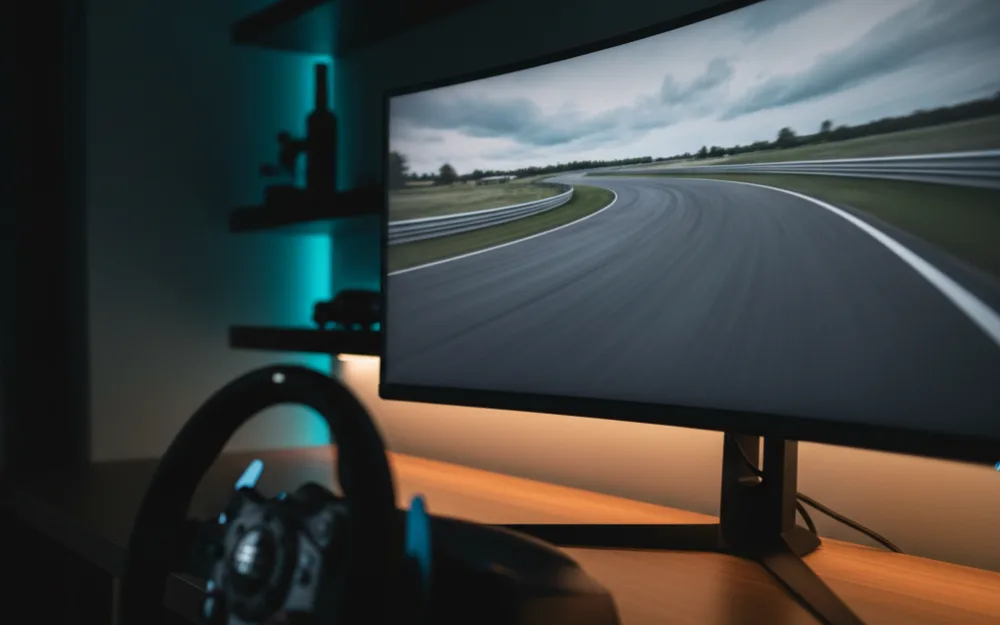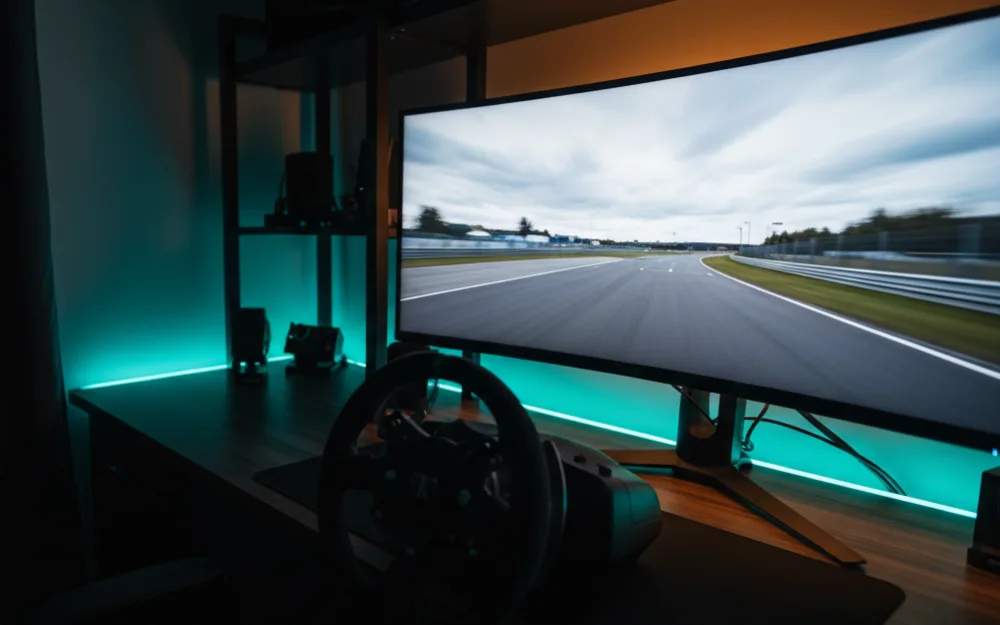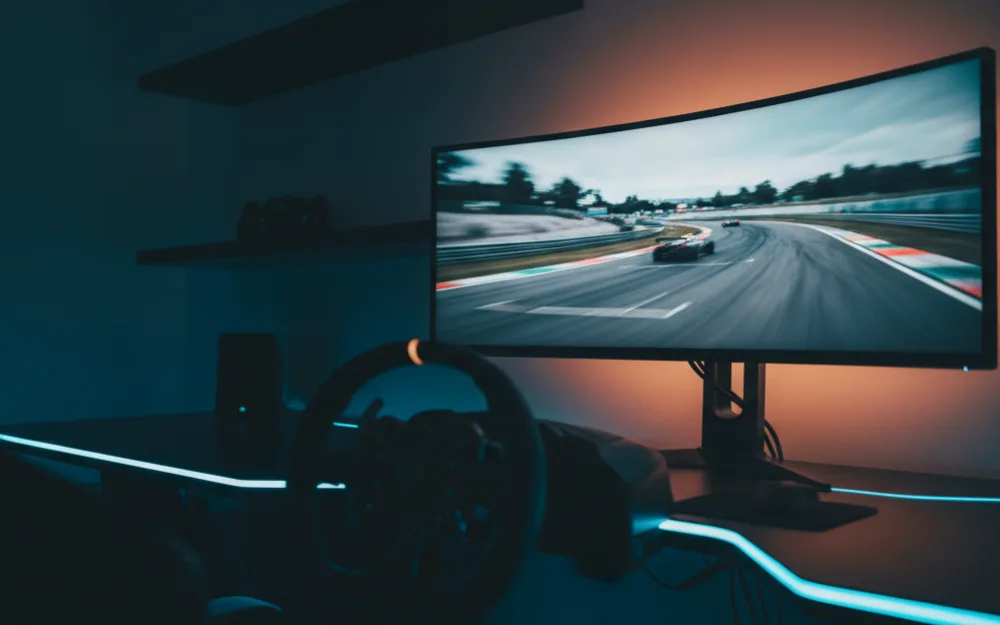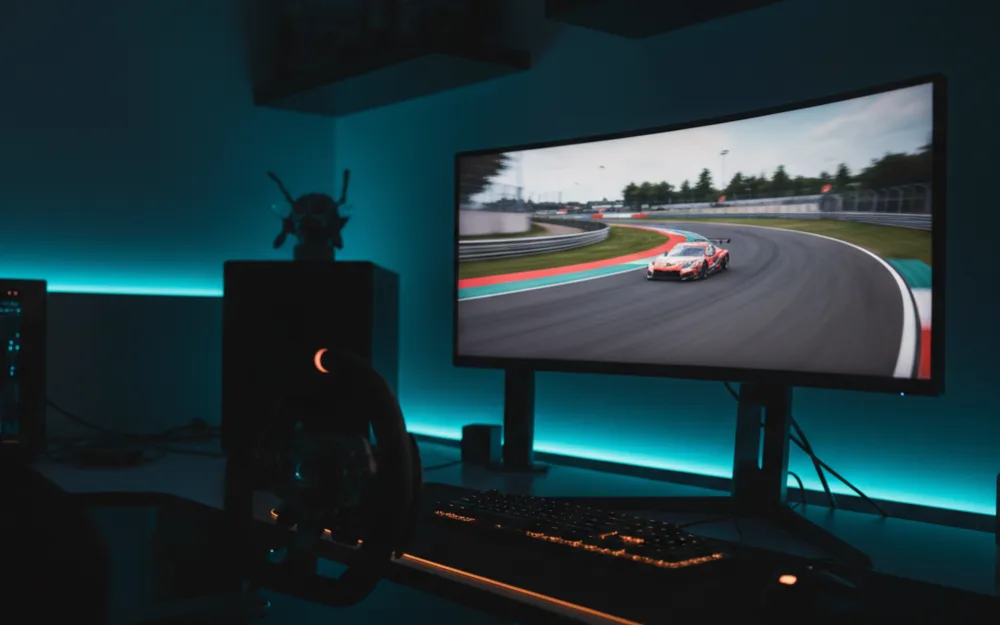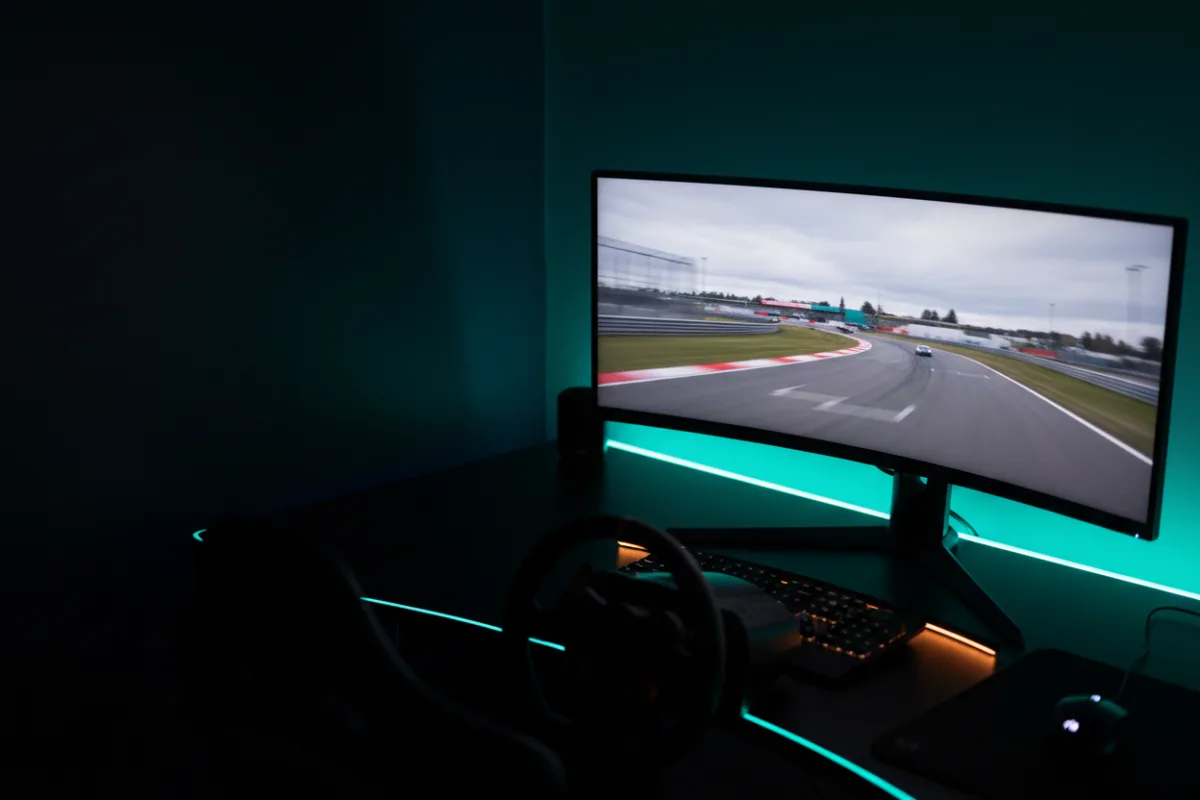

The Alienware AW3425DW is a 34 inch, 21:9 curved ultrawide built on a QD-OLED panel with a 240 Hz refresh rate. For a single screen sim rig the pitch is immersion at speed: the wraparound field of view of a curved 21:9 frame, the deep contrast of a self lit panel, and Premium Pro tier adaptive sync, positioned a step above the entry QD-OLED ultrawides and updated from the earlier AW3423DWF it succeeds.
We compared manufacturer specifications with measurements reported by independent review outlets and recurring owner feedback, and you can read how we review. If refresh rate, response time, and adaptive sync are unfamiliar terms, start with the Getting Started category.

At a glance
| Spec | Alienware AW3425DW |
|---|---|
| Size and ratio | 34.2 inch, 21:9 ultrawide |
| Resolution | WQHD 3440 x 1440 |
| Panel | QD-OLED, curved 1800R, glossy finish |
| Refresh rate | 240 Hz |
| Response time | 0.03 ms (per Alienware) |
| HDR and sync | DisplayHDR TrueBlack 400, FreeSync Premium Pro, G-Sync Compatible |
What it is and the panel type
This is a 34.2 inch QD-OLED panel at WQHD resolution, 3440 by 1440, wrapped into an 1800R curve. Contrast is rated at 1,500,000 to 1, and the self lit, per pixel dimming that comes with any QD-OLED panel delivers the deep black levels and per pixel detail that separate OLED from a backlit LCD. Alienware lists DCI-P3 coverage of 99.3 percent, a Delta E of 2 or less for color accuracy, and a peak HDR brightness of 1000 nits on a small highlight area (typical full screen SDR brightness is rated around 250 nits), which gives HDR highlights genuine punch against the panel’s deep blacks. The screen finish here is glossy rather than matte, which keeps color pop and black depth at their best but makes reflections more obvious in a room with side windows or overhead lighting, a meaningful difference for a driving position set up near a window.
Motion clarity and refresh for racing
A 240 Hz refresh rate and a 0.03 ms rated response time put this panel among the fastest ultrawides in this group, and reviewers who evaluate QD-OLED panels generally find the near instant pixel response removes the ghosting that slower VA panels show around fast moving track edges. At WQHD resolution rather than 4K, sustaining high frame rates asks less of a graphics card than a 4K panel does, so a wider range of rigs can push frame rates toward the 240 ceiling. The adaptive sync coverage is the standout here: this panel carries AMD FreeSync Premium Pro along with G-Sync Compatible and VESA AdaptiveSync, and the Premium Pro tier adds low framerate compensation and HDR requirements beyond the base FreeSync tier. In a busy race start with frame rate dipping, that broader coverage is where the difference shows.
Size, curvature, and desk fit
At 34.2 inches and about 18 lb (17.95 lb) with the stand, this is a manageable footprint for most desks, and the 1800R curve wraps peripheral vision toward the edges of the track at typical sim racing seating distance. That curvature is a good match for a driving position, where the goal is to fill the field of view without turning your head. Alienware includes a stand with tilt, height, and swivel adjustment, so getting the panel centered and squared to a driving position does not require separate mounting hardware.
Connectivity and sync
Inputs include two HDMI 2.1 ports, one DisplayPort 1.4, and a small USB hub with one USB-A and one USB-C downstream port for peripherals. Two HDMI ports is a real convenience over rivals that include only one, since it allows a console and a secondary source to stay connected without swapping cables. The triple adaptive sync support, FreeSync Premium Pro, G-Sync Compatible, and VESA AdaptiveSync, means the panel pairs cleanly with either an AMD or NVIDIA graphics card without giving up tear free motion. Alienware also backs the panel with a three year warranty, which is meaningful coverage for an OLED panel where buyers reasonably weigh long term burn in risk.
Pros and cons
- QD-OLED contrast and 1000 nit peak HDR in a curved 21:9 immersion format
- 240 Hz refresh with near instant response at a GPU friendly WQHD resolution
- FreeSync Premium Pro plus G-Sync Compatible covers both AMD and NVIDIA rigs
- Glossy finish shows reflections more readily in a bright room with windows or overhead lights
- Two HDMI ports and a three year warranty
- WQHD at 34 inches is a lower pixel density than a 4K panel for fine detail
- Curved 21:9 is less flexible than a flat panel for non racing desktop work
- Priced above the VA ultrawides in this class
Who it is for
This suits a racer who wants QD-OLED contrast and a curved ultrawide field of view with the broadest adaptive sync coverage, on a rig that does not need to drive 4K. It is a strong single screen choice for immersion focused sim racing, its glossy finish is at its best in a room where lighting can be controlled, and the Premium Pro certification pays off for anyone whose frame rate dips under HDR during heavy scenes.
Who should skip it
Skip this panel if the sharpest possible fine detail is the priority, since a 4K panel packs more pixels into a similar size than this WQHD ultrawide. It is also not the pick if you are working to a tighter budget, since the VA ultrawides in this class cover the basics for less, or if you want the extra vertical height of a 16:9 screen for mixed desktop work. Owners who already run the earlier AW3423DWF and are happy with it will also find the main gains here are the higher 240 Hz refresh rate and the two HDMI 2.1 ports, since the earlier model already carried FreeSync Premium Pro.
How it scores
The WSR Score reflects verified buyer ratings gathered and normalized on a consistent scale, not an editorial rubric. You can read what goes into it on How We Review. On that basis the AW3425DW rates well, which matches its standing as a premium ultrawide owners recommend for immersion focused racing.
Alternatives worth a look
If you are weighing the model it succeeds, our Alienware AW3423DWF review lays out what the earlier panel still offers, and our MSI MAG 341CQP review covers a more value focused 34 inch QD-OLED rival. For the full field of self lit ultrawides, see best OLED ultrawide monitors and best ultrawide monitors for sim racing, and browse more picks in the Displays and Immersion category. If you are still deciding how much horizontal coverage suits your setup, our guide to field of view (FOV) and the companion how to set FOV for sim racing walk through the practical setup.