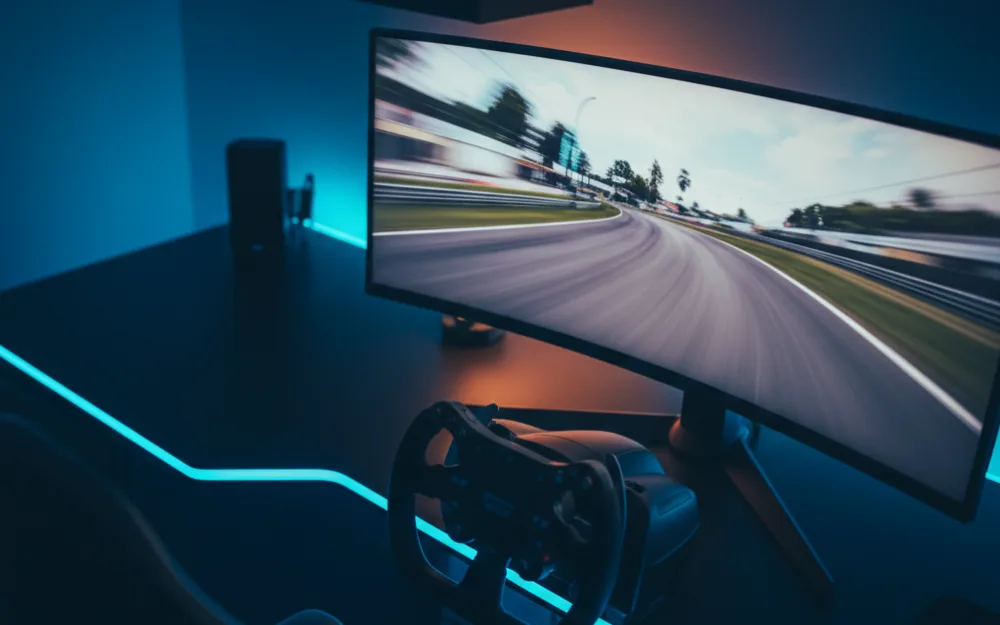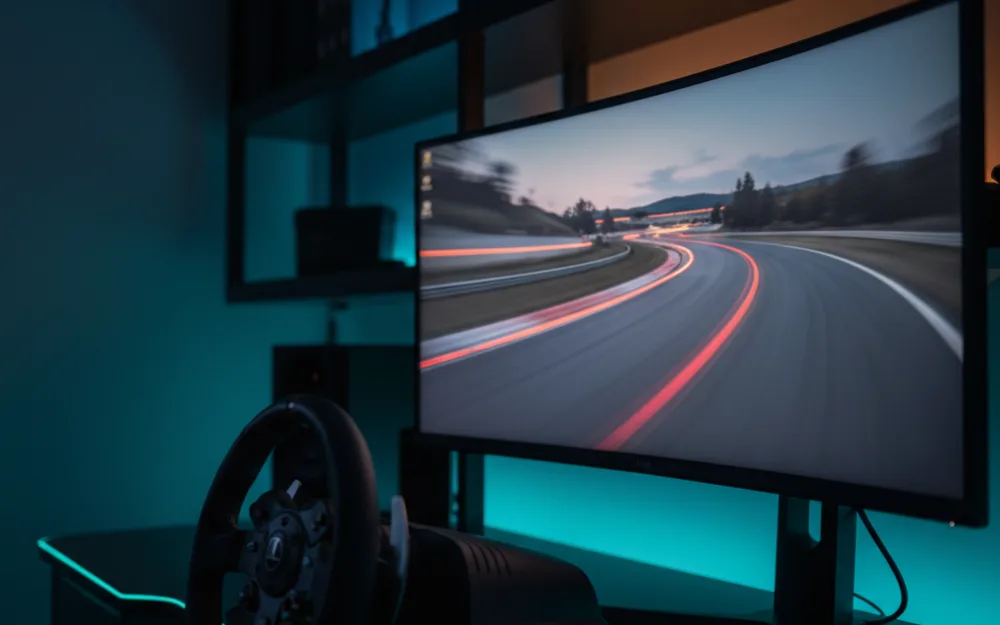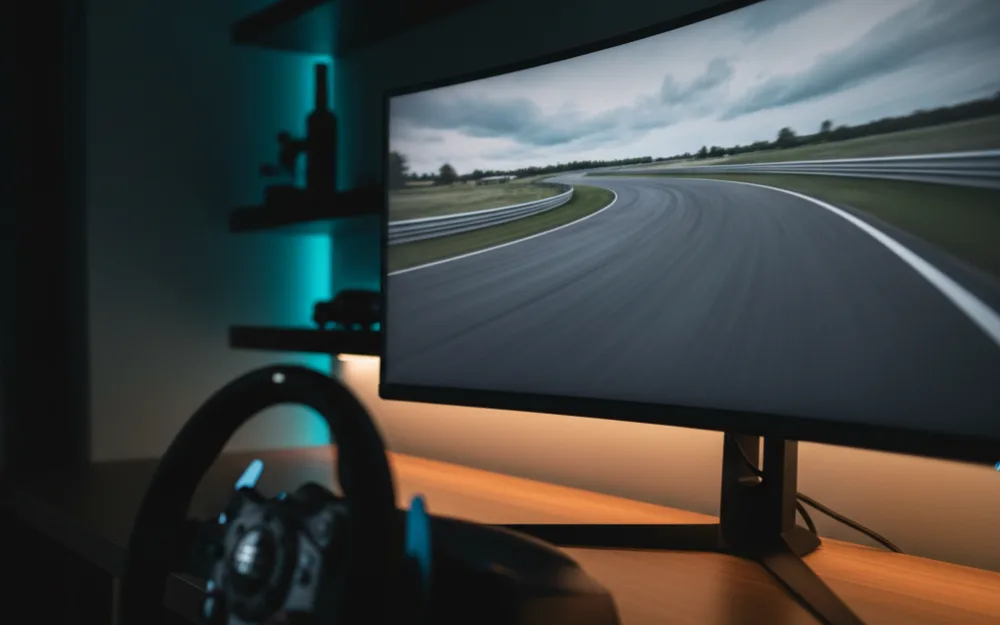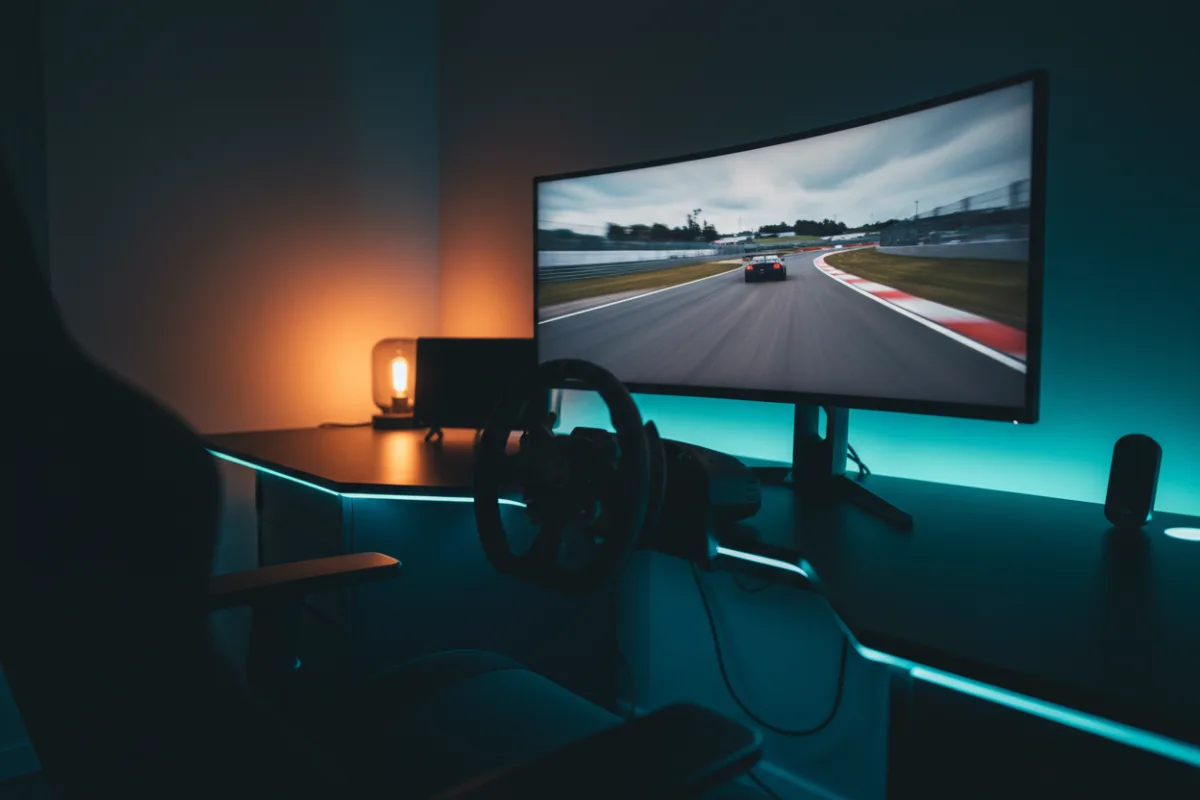

The KTC H34S5 is a 34 inch, 3440 x 1440 ultrawide with a 1500R curve, a 180Hz refresh rate, and an HVA panel rated at 4000:1 contrast. It is aimed at racers who want the wraparound field of view of an ultrawide, and the depth of a VA style panel, without moving up to an OLED or a triple screen build. The 21:9 shape fills more of your peripheral vision than a 16:9 screen, which is the single biggest reason drivers choose an ultrawide for sim racing. Whether it suits you comes down to what you value: a wide, high contrast image at an accessible price, or the faster pixel response and perfect blacks an OLED ultrawide would add for more money.
This review looks at how the H34S5 behaves for racing, where its specification is strong, and where it makes the compromises common to value ultrawides. We compared KTC’s listed specifications with recurring owner feedback, and you can read how we review. If terms like aspect ratio, curvature, and adaptive sync are unfamiliar, start with the Getting Started category.

At a glance
| Spec | KTC H34S5 |
|---|---|
| Screen size | 34 inches, 21:9 ultrawide |
| Resolution | UWQHD 3440 x 1440 |
| Panel and curve | HVA, matte, 1500R curve, 4000:1 contrast |
| Refresh rate | 180 Hz (over DisplayPort) |
| Response time | 1 ms MPRT (per KTC) |
| Brightness | 300 cd/m² |
| Color and HDR | 125% sRGB volume, HDR10 support |
| Adaptive sync | FreeSync and G-Sync compatible |
| Inputs | 2x HDMI, 2x DisplayPort, 1x USB |
| Stand and mount | Tilt, swivel, pivot, height, VESA 100 x 100 |
Why an ultrawide changes the racing view
The reason to put an ultrawide in a sim rig is field of view. A 21:9 panel at 3440 x 1440 extends the image into your peripheral vision, so you catch a car alongside you and hold a reference through a long corner without panning the camera. On the H34S5 the 1500R curve wraps the edges gently toward you, which keeps the far sides of the screen at a more even viewing distance and reduces the sense that the corners fall away. The trade off against a triple screen setup is that an ultrawide is one continuous panel with no bezels but a narrower total angle of view, so it sits between a single flat monitor and a full triple wrap. For a driver who wants more immersion than a 27 inch screen but does not want to source three panels and a stand, that middle ground is the appeal, and the 3440 x 1440 resolution keeps distant detail clean while staying easier to drive than a 4K panel.
Verdict by use case
For sim racing the H34S5 rates well for its class. The 180 Hz refresh keeps fast motion fluid, and KTC lists both FreeSync and G-Sync compatibility, so the refresh ties to your frame rate whether you run an AMD or NVIDIA card. The standout number is the 4000:1 contrast from the HVA panel, which is well above the roughly 1000:1 of a typical IPS screen, so night races, tunnels, and dark cockpits show deeper blacks and more shadow separation than an IPS ultrawide at this price. The caveat is response behavior: KTC quotes a 1 ms MPRT figure rather than a gray to gray number, and VA style panels can show smearing on the darkest transitions, which reviewers who compare VA screens note is the usual weak point against IPS and OLED. For general desktop and multitasking the 125% sRGB color volume and the picture in picture and picture by picture modes make it a capable work screen alongside racing.
Refresh, connections, and reaching 180 Hz
Getting the full 180 Hz depends on the input. KTC lists the two DisplayPort 1.4 connections as the ones that carry 3440 x 1440 at 180 Hz, while the two HDMI 2.0 ports reach the same resolution at a lower refresh, so a DisplayPort cable from a capable card is what unlocks the rated refresh, and KTC includes a DisplayPort cable in the box. That input split matters for a console owner, since a console connected over HDMI will run below the panel’s peak refresh. A single USB port is included alongside the video inputs. Reaching 3440 x 1440 at a high frame rate asks a solid mid range graphics card, less than a 4K panel demands but more than a standard 1440p 16:9 screen, so match the card to the resolution before you buy.
Stand, mount, and setup
The stand is more complete than most value monitors offer. KTC lists tilt from minus 5 to 20 degrees, swivel of plus or minus 20 degrees, a small pivot range, and up to 90 mm of height adjustment, which is a real advantage for a driving position where getting the screen at eye height and the right distance changes how usable the field of view is. The 100 x 100 VESA mount lets you move it to a monitor arm or a cockpit mount if you would rather free the desk. At a listed 16.8 pounds the panel is manageable for a single person to position. A matte finish scatters reflections, which suits a rig near a window better than a glossy screen, and KTC backs the monitor with a 3 year warranty, longer than several competing budget ultrawides. Owners should note there is no built in FOV help beyond the panel itself, so setting the in game field of view to match the curve and seating distance is worth doing to get the geometry right.
Who should buy it, and who should skip it
| Buy the H34S5 if | Skip it if |
|---|---|
| You want a wide 21:9 field of view at a value price | You want the instant response and perfect blacks of an OLED ultrawide |
| You value the deep contrast of a VA style panel for night racing | You are sensitive to dark scene smearing that VA panels can show |
| You want a full tilt, swivel, and height stand rather than tilt only | You would rather build a full triple screen wrap for the widest angle |
How it scores
The WSR Score reflects verified buyer ratings gathered and normalized on a consistent scale, not an editorial rubric. You can read what goes into it on How We Review. On that basis the H34S5 rates well, which matches its standing as a popular value choice among 34 inch curved ultrawides.
Alternatives worth a look
If you want a comparable 34 inch curved panel from a major brand, our LG 34WR55QK review and LG 34G600A review cover two close alternatives, and if your budget can reach an OLED our MSI MAG 341CQP review looks at the QD-OLED step up. For the full field, see our best ultrawide monitors for sim racing and best curved monitors for sim racing roundups, or start with the best monitors for sim racing guide. To dial in the geometry, read our wiki on field of view (FOV) and the guide on how to set FOV for sim racing, then browse more screens in the Displays and Immersion category.