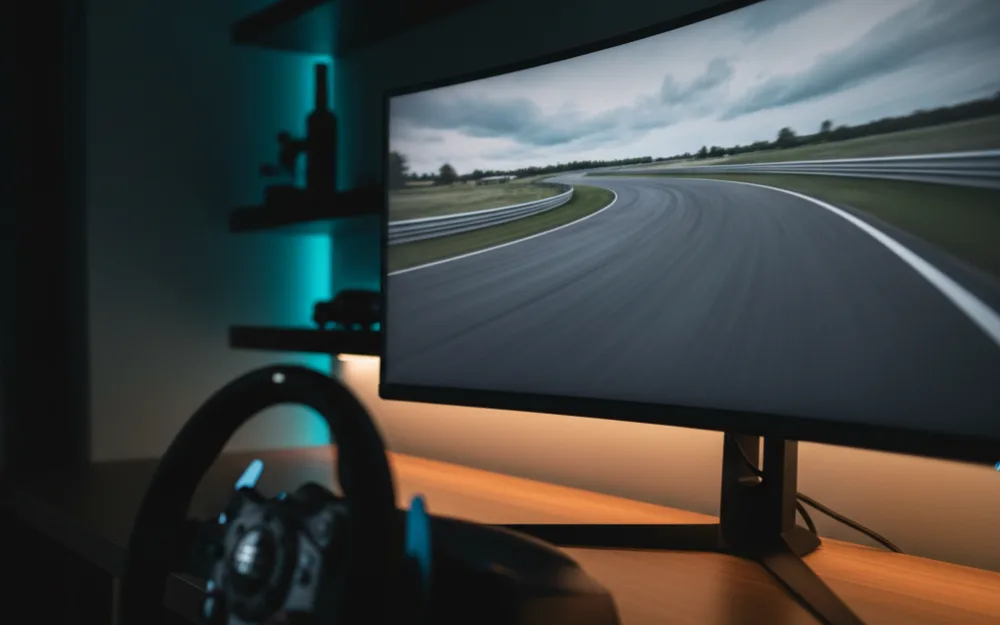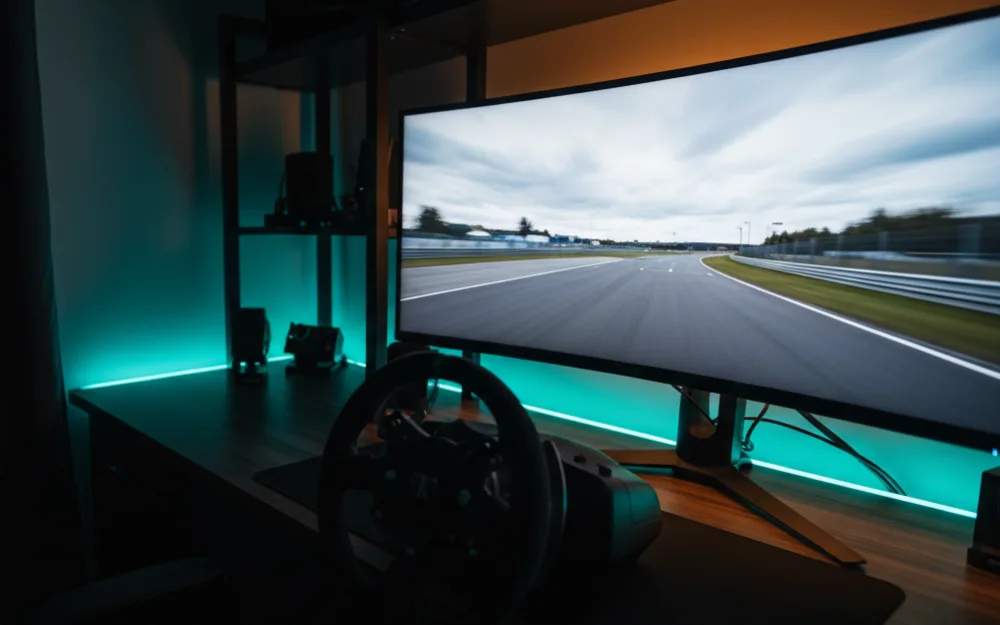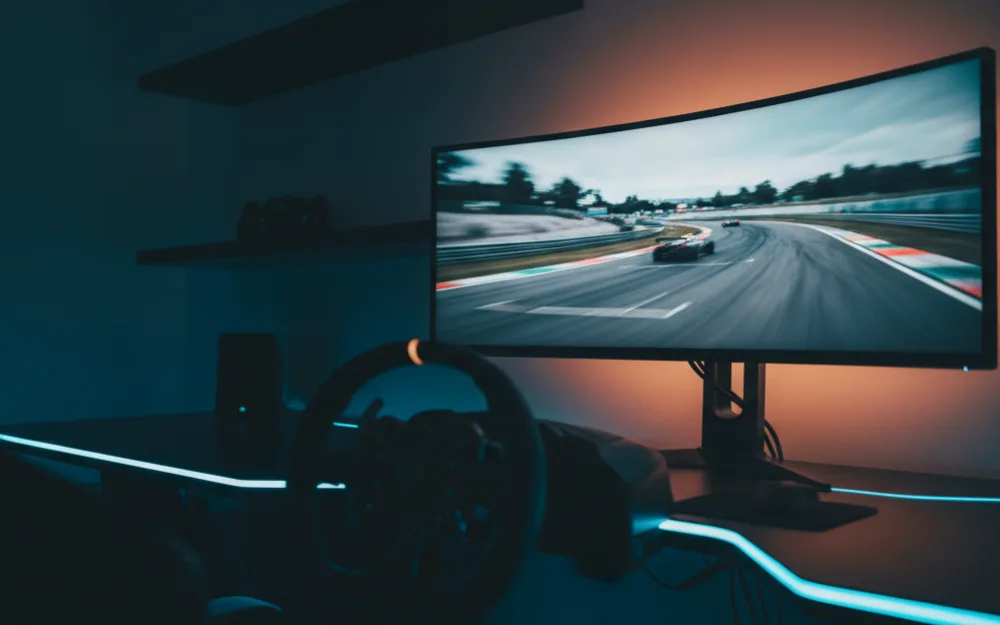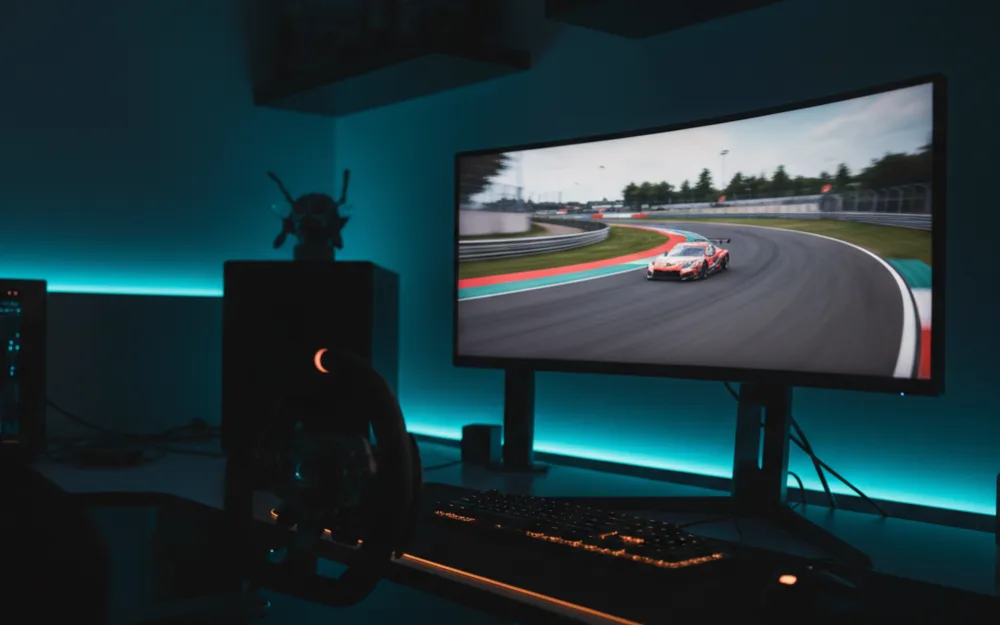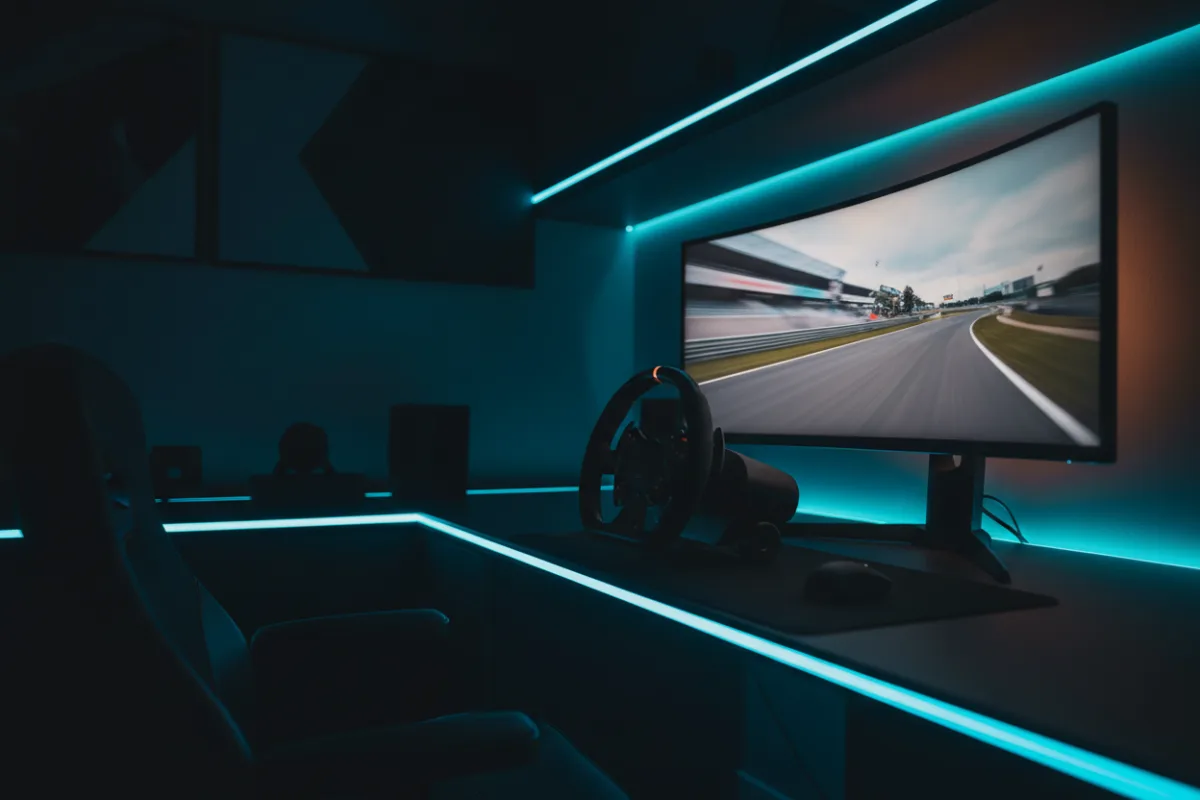

The Samsung Odyssey G9, model G93SC, is a 49 inch, 32:9 super ultrawide QD-OLED monitor with a 5120 x 1440 resolution, a 240Hz refresh rate, and a 1800R curve. It is the widest single screen most sim racers will consider, roughly two 27 inch QHD panels fused into one, and it targets the driver who wants a triple screen field of view without the bezels and alignment work of three separate monitors. Whether it fits comes down to two practical questions: does your desk and graphics card have room for a canvas this large, and do you want maximum horizontal sweep more than the higher pixel density of a smaller screen.
This review looks at how the G93SC behaves for racing, where its width and QD-OLED panel pay off, and where a narrower screen would serve you better. We compared Samsung specifications with measurements reported by review outlets and recurring owner feedback, and you can read how we review. If terms like super ultrawide, response time, and adaptive sync are new to you, start with Getting Started.

At a glance
| Spec | Samsung Odyssey G9 (G93SC) |
|---|---|
| Size and ratio | 49 inches, 32:9 super ultrawide |
| Resolution | DQHD 5120 x 1440 |
| Panel and curve | QD-OLED, anti-glare coating, 1800R curve |
| Contrast and HDR | 1,000,000:1, DisplayHDR True Black 400, HDR10+ |
| Refresh rate | 240 Hz |
| Response time | 0.03 ms GtG (per Samsung) |
| Adaptive sync | FreeSync Premium Pro, G-Sync compatible |
| Inputs and mount | HDMI 2.1, micro HDMI 2.1, DisplayPort 1.4, USB hub, VESA, tilt and height |
Why 32:9 is a triple screen alternative
Before judging the racing picture, it helps to understand what the 32:9 ratio buys and what it costs. At 5120 x 1440 the G93SC is as wide as two 27 inch QHD panels side by side, which is why owners treat it as a one piece stand in for a triple monitor wrap: the horizontal sweep fills your peripheral vision so mirrors and apex markers sit where a triple setup would put them, without the seams between panels or the software to align them. The 1800R curve bends that width around your seating position so the far edges stay readable. The trade against a true triple setup is vertical space and pixel density. A 32:9 panel is short for its width, so a formula cockpit or a tall dashboard fills less of the screen than it would across three angled monitors, and running 5120 x 1440 at 240Hz asks a great deal of a graphics card, so plan the GPU before the screen.
Verdict by use case
For sim racing the G93SC rates highly on immersion. The 240Hz refresh and 0.03ms QD-OLED response keep the wide image clean as the car sweeps through a corner, and owners who race on it consistently describe the peripheral coverage as the closest a single screen gets to triples. FreeSync Premium Pro and G-Sync compatibility hold the refresh to your frame rate on either card brand, which matters more here because a wide panel is harder to feed at a steady rate. For general desktop work the width is a productivity gift, and the Picture by Picture mode splits it into two native inputs when you want a second source. Where it shows its limits is any rig short on desk depth or GPU headroom, and racers who want vertical height in a formula car, where a taller screen or an angled triple wrap covers more of the cockpit.
Motion, HDR, and sync
The pairing that carries this panel is the 240Hz refresh with the 0.03ms response, because a self lit OLED pixel changes state almost instantly and does not smear across a fast pan the way a slower LCD pixel can, which is why reviewers rate QD-OLED motion clarity near the top of the class. HDR is a real benefit rather than a checkbox: the DisplayHDR True Black 400 rating and HDR10+ support lean on the panel’s perfect blacks, so bright highlights against a dark track gain punch, though peak brightness stays moderate as it does on any OLED. Feeding the full 240Hz across 5120 x 1440 depends on the connection and the card, and the HDMI 2.1 and DisplayPort inputs both carry the rated refresh with a capable GPU. The Auto Source Switch feature jumps to a newly powered device, which is handy when a console shares the desk.
Build, desk fit, and living with OLED
At roughly 27.8 pounds and 47 inches wide, the G93SC needs a genuinely deep, sturdy desk, so measure before you buy, since a curve this wide wants distance to sit right and a cramped desk pushes it too close. The stand offers tilt and height, and the VESA mount lets you move it to a monitor arm or a dedicated rig stand for a cleaner driving position. As a QD-OLED it carries the usual burn-in safeguards for the static HUDs a sim shows for hours, so the sensible habits apply: hide a persistent taskbar, vary static elements, and let the panel run its refresh cycle. Owners who follow those routines report trouble free use, and it is worth reading Samsung’s current warranty terms for how burn-in is handled before you buy. The anti-glare coating helps with reflections, but as with any OLED a bright room still asks you to control the light rather than lean on panel brightness.
Who should buy it, and who should skip it
| Buy the G93SC if | Skip it if |
|---|---|
| You want triple screen width from a single QD-OLED panel | Your desk lacks the depth and width for a 49 inch screen |
| You have the GPU to feed 5120 x 1440 at a high refresh | Your card cannot hold steady frame rates at this resolution |
| You value maximum horizontal immersion and deep blacks | You mainly race formula cars and want more vertical height |
How it scores
The WSR Score reflects verified buyer ratings gathered and normalized on a consistent scale, not an editorial rubric. You can read what goes into it on How We Review. On that basis the G93SC rates well, which fits its standing as a widely owned 49 inch QD-OLED super ultrawide, with desk fit and GPU demand the main reasons some buyers pause.
Alternatives worth a look
If you want the same 49 inch width with a different OLED panel generation, our Samsung Odyssey OLED G9 review and our Samsung Odyssey G9 review cover the siblings in this line. To see how it ranks against other super ultrawides, the best 49 inch ultrawide monitors for sim racing roundup lays out the field, and the best QD-OLED monitors for sim racing guide covers the panel type. To understand how width and distance shape your sightlines, read our wiki on field of view (FOV) and the guide on how to set FOV for sim racing. For the full picture across every tier, our best monitors for sim racing guide is the place to begin, and you can browse more screens in the Displays and Immersion category.